




6AG7102-0AA00-2AC0 Siemens SIMATIC Panel PC IL77 Touchscreen
| categories | Siemens HMI Touchscreen |
|---|---|
| Brand | SIEMENS |
| Model | 6AG7102-0AA00-2AC0 |
| Warranty | 365 Days |
| Product Line | Panel PC IL 77 |
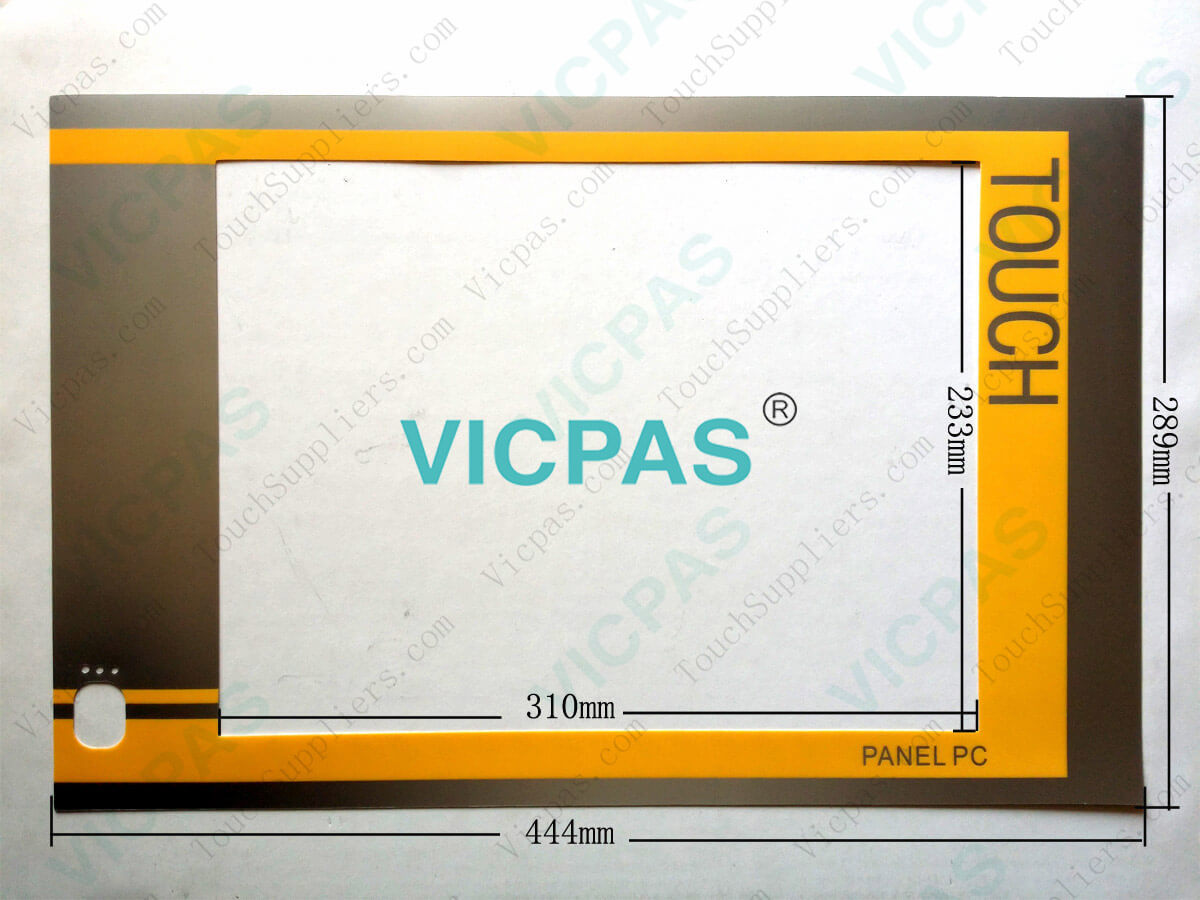
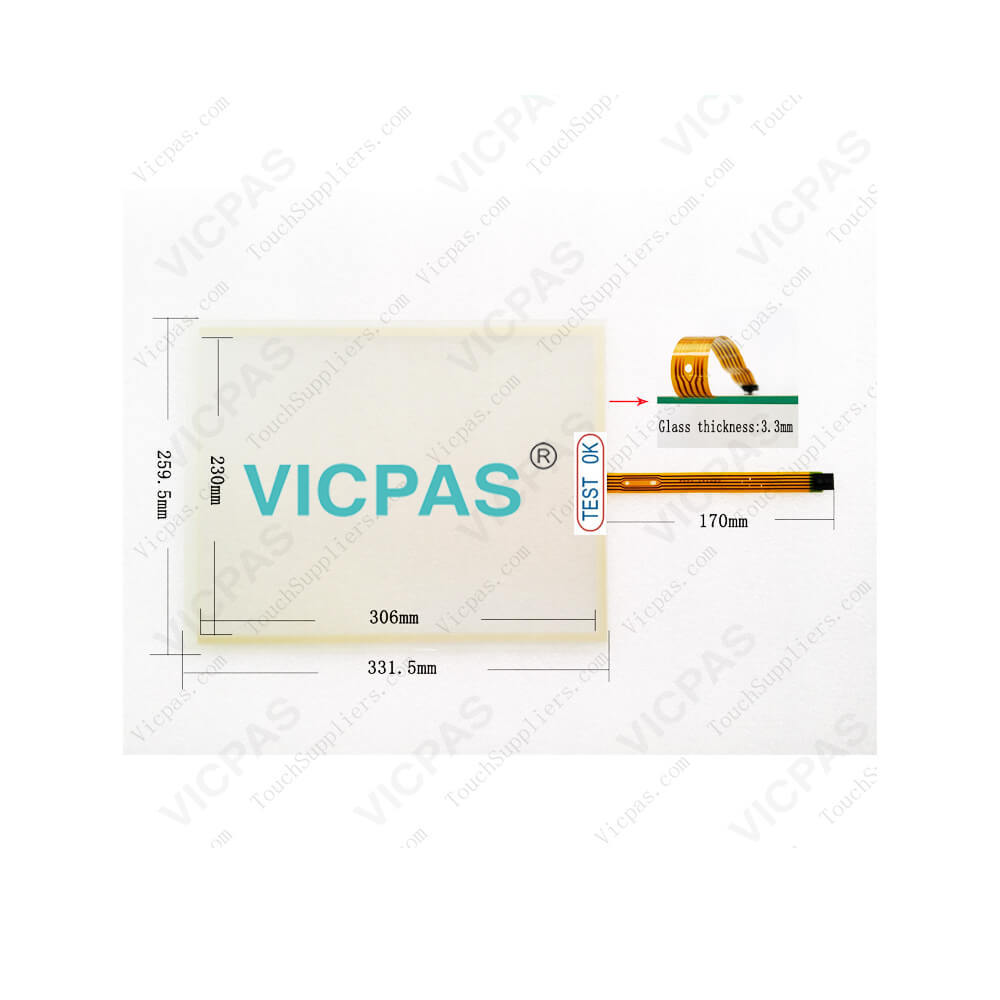
| Supply | SIMATIC Panel PC IL 77 Touch Screen and Overlay |
| FOB port | Guangzhou, Shenzhen, Hongkong |
| Terms of Payment | Western Union, MoneyGram, T/T, Paypal, PayPal, Credit Card |
| Update Time | 2026-01-30 20:40:37 |
Shipping
Specifications:
| Part Number : | 6AG7102-0AA00-2AC00 |
| Size: | 15.1" |
| Resolution: | 1024 x 768 |
| Warranty: | 365 Days |
| Product Line: | Siemens SIMATIC PANEL PC IL 77 |
| Processor: | Intel Pentium |
| RAM: | 256 MB or 512 MB |
| Operating system: | Windows 2000 |
| Power Supply: | 110 V / 230 V AC |
6AG7102-0AA00-2AC0 Siemens SIMATIC Panel PC IL77 Touchscreen PDF Download:
FAQ:
Question: What is the SIMATIC ProTool configuration software?
Answer: SIMATIC ProTool can be used to configure SIMATIC OperatorPanels from the Text Panel up to the Multi Panel. SIMATIC Pro-Tool/Lite is a low-cost subset of SIMATIC ProTool and as such islimited to configuring the text-based devices (text panels), thesmaller graphical devices (panels of the 170 series) and theMobile Panels 170 as well as the HMI part of SIMATIC C7.
Question: How to set up the SIMATIC PANEL PC 77 microsoft Windows operating system?
Answer: The setup wizard appears immediately following the startup of the device. The wizard isused to set the parameters of the operating system.1. Accept the Microsoft licensing agreement.2. Perform the regional settings of the operating system.3. Enter the company names and user names.4. If his PC name is already in use as you attempt to connect the device to a network: Entera new PC name for identification.The operating system will restart automatically.The system settings will be updated and the desktop will be set up. The setup of theoperating system is complete.
Question: What is the 6AG7102-0AA00-2AC0 Siemens SIMATIC PANEL PC IL 77 Basic HMI parts price?
Answer: Submit a fast quote, send Kernfix an email for best price.
Common misspellings:
6G7102-0AA00-2AC0
6A7102-0AA00-2AC0
6AG102-0AA00-2AC0
6AG702-0AA00-2AC0
6AG712-0AA00-2AC0

- Mobile Phone
- *Title
- *Content
 Fast Quote
 Fast Quote
 Worldwide Shipping
 12 Months Warranty
 Customize Service