




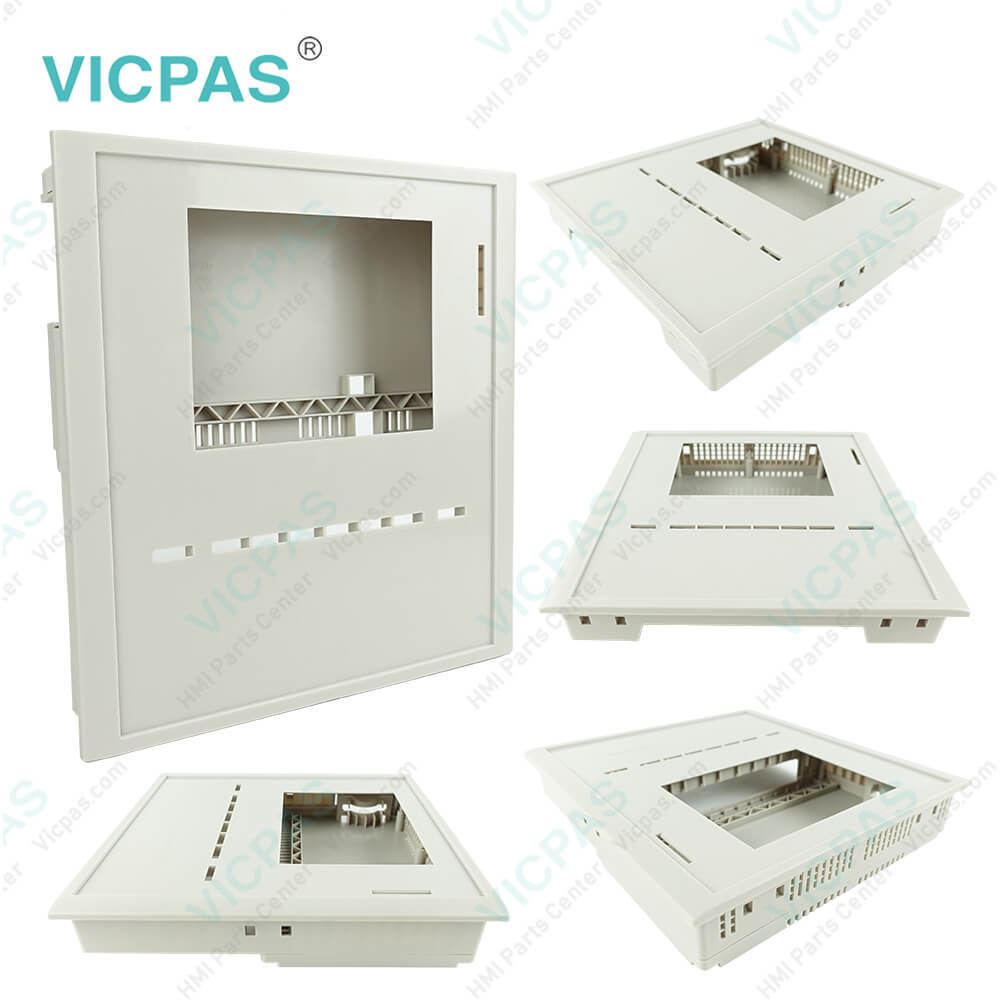
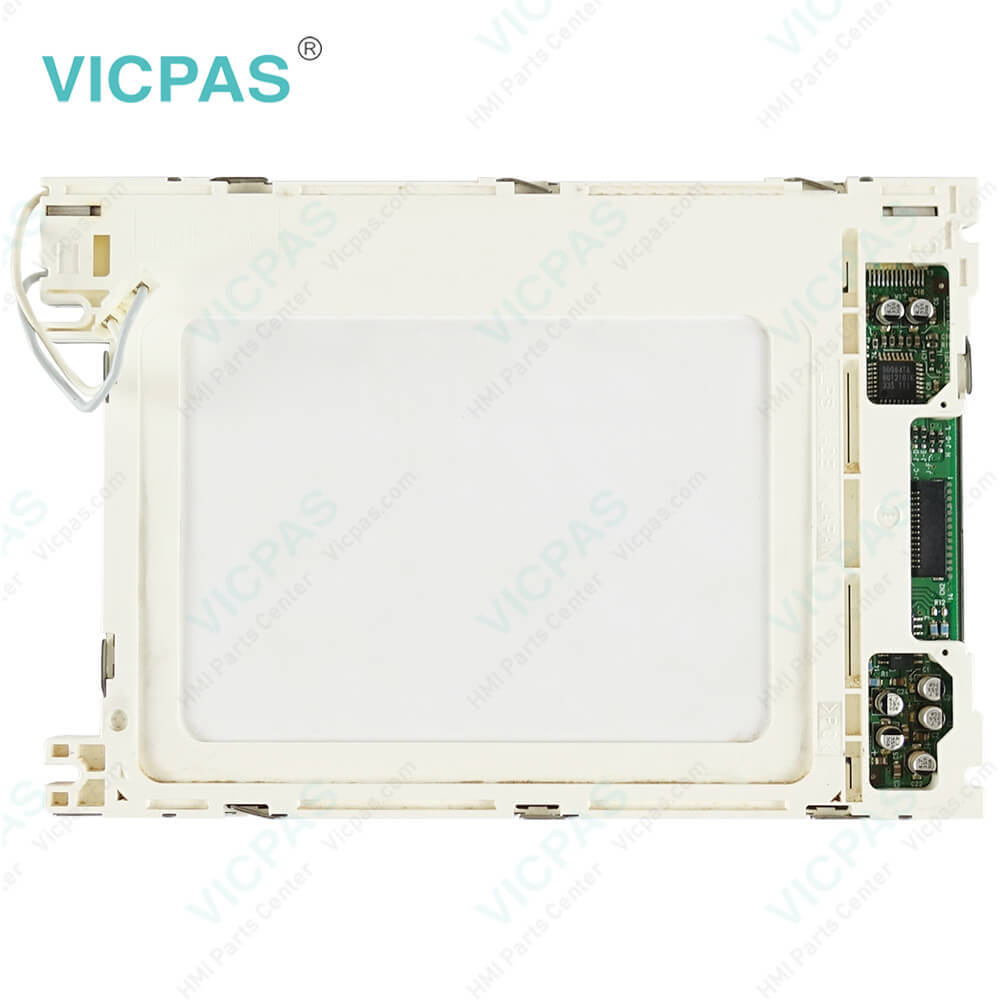
6AV6542-0BB15-0AX0 SIMATIC Panel OP 170B Keypad LCD Housing
| categories | Siemens Operator Panel Keypad |
|---|---|
| Brand | SIEMENS |
| Model | 6AV6542-0BB15-0AX0 |
| Warranty | 12 Months |
| Product Line | Siemens OP170B Operator Panel |
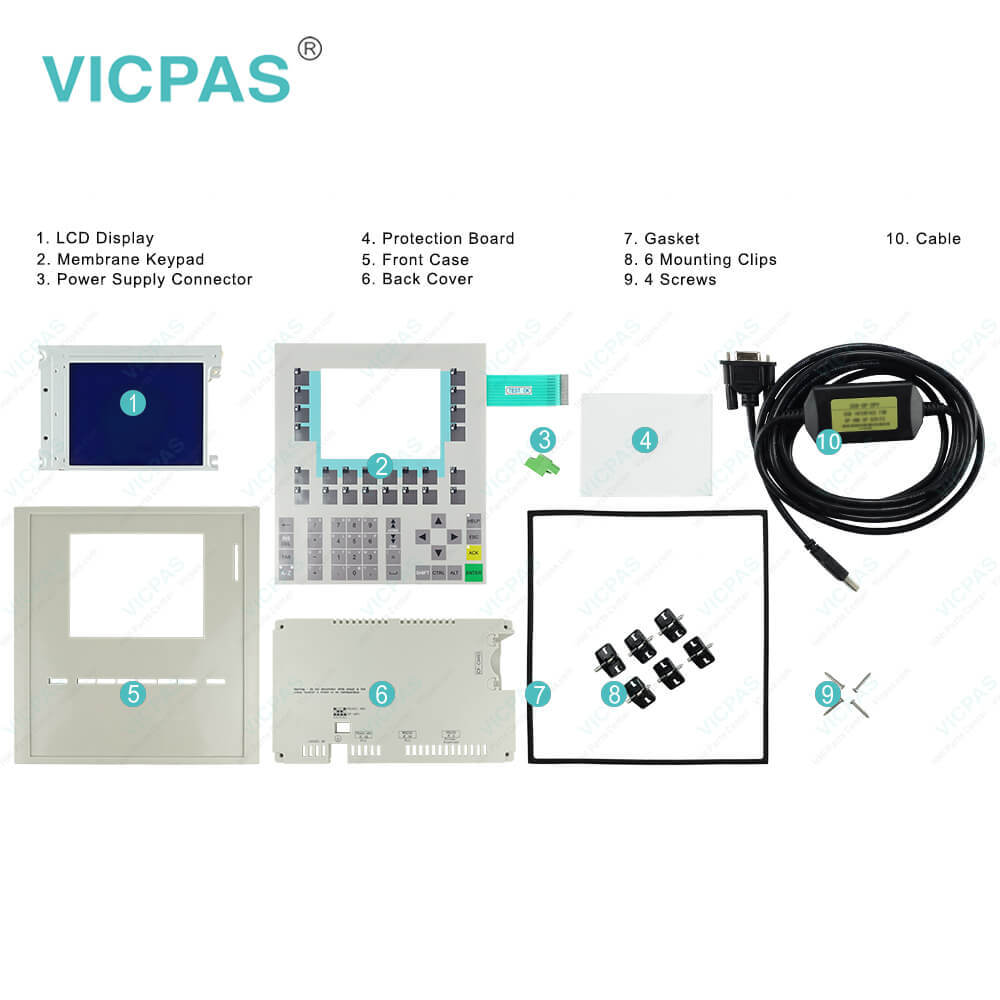
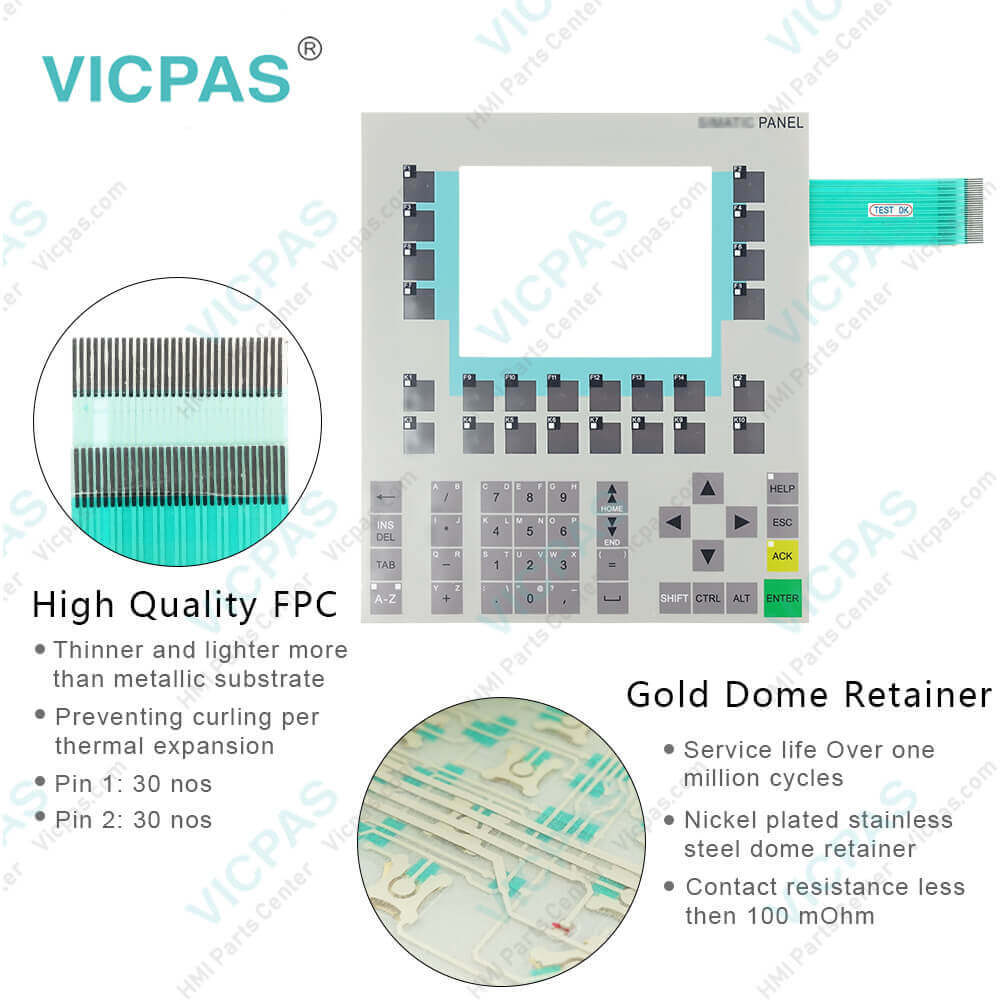
| Supply | SIMATIC HMI OP170B Membrane Keyboard and Display |
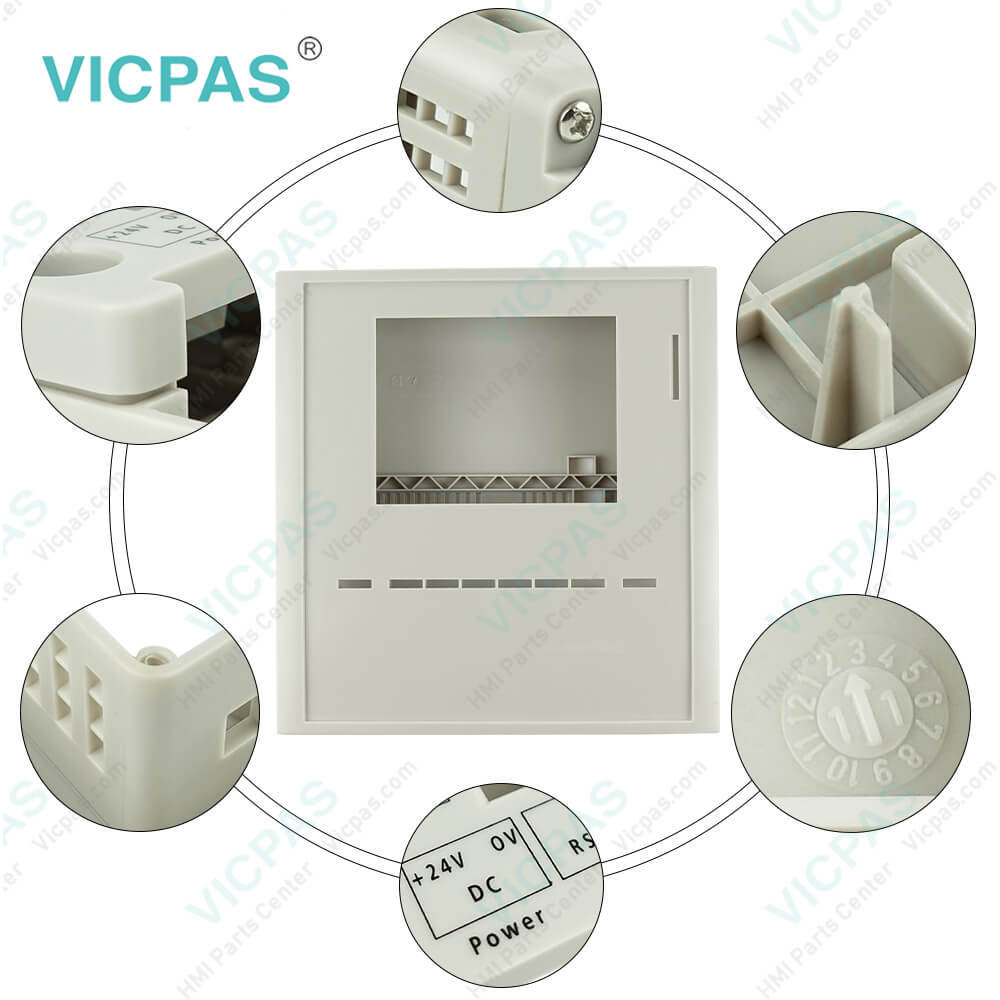
| Parts | supply Membrane keypad, LCD display, plastic case housing |
| FOB port | Guangzhou, Shenzhen, Hongkong |
| Terms of Payment | Western Union, MoneyGram, T/T, Paypal, PayPal, T/T ,Credit Card, Western Union |
| Update Time | 2026-01-30 20:47:01 |
Shipping
Specifications:
| Character size: | 5 mm |
| Number of Function Keys: | 36 |
| Part Number : | 6AV6542-0BB15-0AX0 |
| Product Line: | Siemens OP170 |
| Warranty: | 6-Months Warranty |
| Design as touch screen: | No |
| Design of display: | STN display |
| Number of digital outputs: | 16 |
| Number of system keys: | 32 |
| Membrane keyboard: | Yes |
6AV6542-0BB15-0AX0 SIMATIC Panel OP 170B Keypad LCD Housing PDF Download:
FAQ:
Question: What is the dimension of 6AV6542-0BB15-0AX0 Siemens OP170 membrane switch?
Answer: The memebrane Keypad of Siemens OP170B is 206.5mm wide and 235.5mm heigh.
Question: How to label the SIMATIC HMI OP170B softkey?
Answer: Label the function keys based according to the project. Use labeling strips for this. The labelling strips can be inserted before or after installation of the HMI device.
Question: What is the 6AV6542-0BB15-0AX0 Siemens OP170 mebrane switch and shell HMI parts price?
Answer: Submit a fast quote, send Kernfix an email for best price.
Question: How to Backup/Restore on OP170B HMI Panel memory card?
Answer: During a backup process, the operating system, application and data are copied from the internal Flash memory to an external storage medium.In the case of a restore process, the content of a Flash memory stored on an external storage medium is reloaded into the internal Flash memory. Prior to this, the operating unit’s internal Flash memory is completely cleared following confirmation.Backup 6AV6542-0BB15-0AX0 OP170B on CF cardProceed as follows to create a backup copy of the internal Flash memory:1. Deactivate the write protection on the memory card, if set.2. Insert the memory card in the slot 3. Call in the Windows CE Control Paneland, from there, select the Backup/Restore option depicted on the right.4. Start the Backup process by using the Backup button.5. Confirm the deletion of any existing backup files beforehand.6. When the data has been completely downloaded, the operating unit issues a message.7. Remove the memory card from the operating unit.8. Activate the write protection on the memory card, if available.9. Label the memory card, e.g. with the date and version of the configuration saved, and keep it in a safe place.Restore 6AV6542-0BB15-0AX0 OP170B rom CF cardProceed as follows to restore the content of the internal Flash memory:1. Activate the write protection on the memory card, if available.2. Insert the memory card in the slot.3. Call in the Windows Control Panel and select the Backup/Restore option.4. Start the restore process by clicking on the Restore button.5. Confirm that the internal Flash memory.6. After confirmation, the operating system is reloaded and the operating unit is automatically restarted. Finally, the remaining data is downloaded.7. When the data has been completely downloaded, the operating unit issues a message.8. Remove the memory card.9. Restart the operating unit.
Common misspellings:
6V6542-0BB15-0AX0
6AV6524-0BB15-0AX0
6AV6542-08815-0AX0
6AVV6542-0BB15-0AX0

- Mobile Phone
- *Title
- *Content
 Fast Quote
 Fast Quote
 Worldwide Shipping
 12 Months Warranty
 Customize Service