




John Deere GreenStar 2600 Monitor Touchscreen Repair
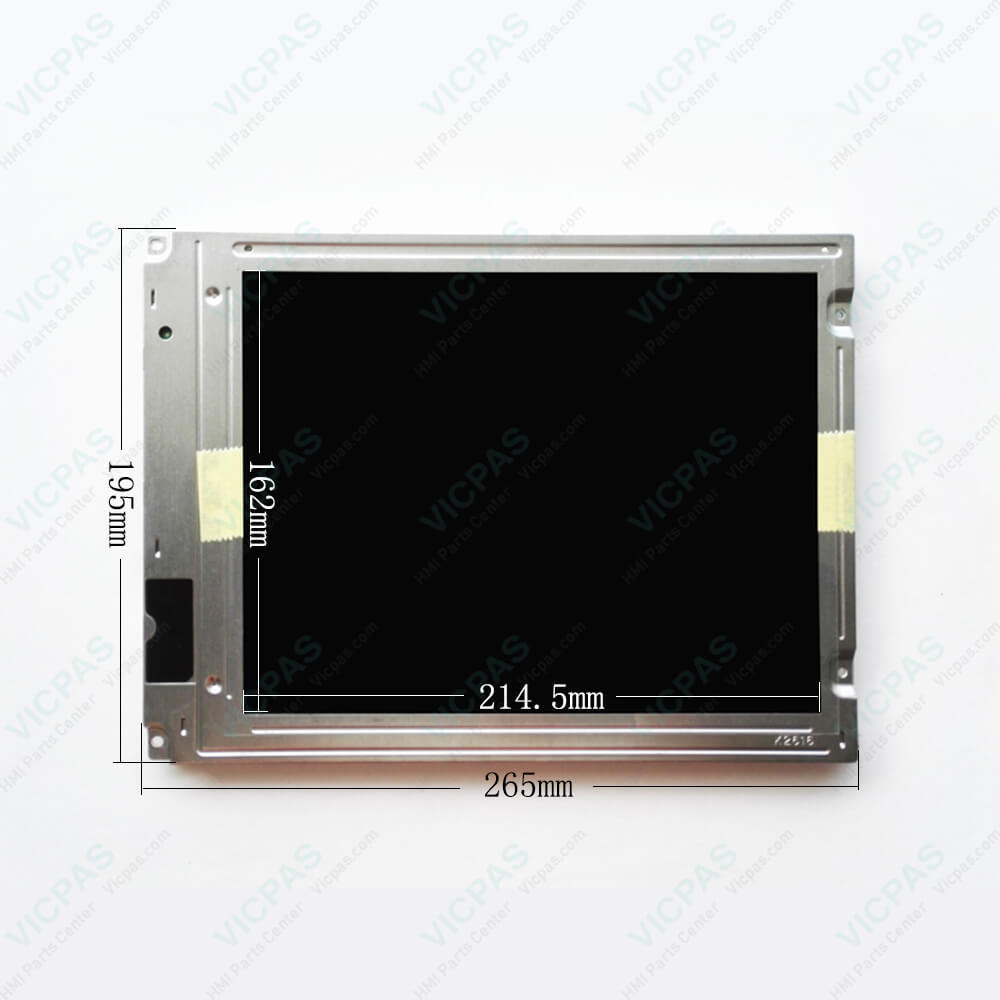
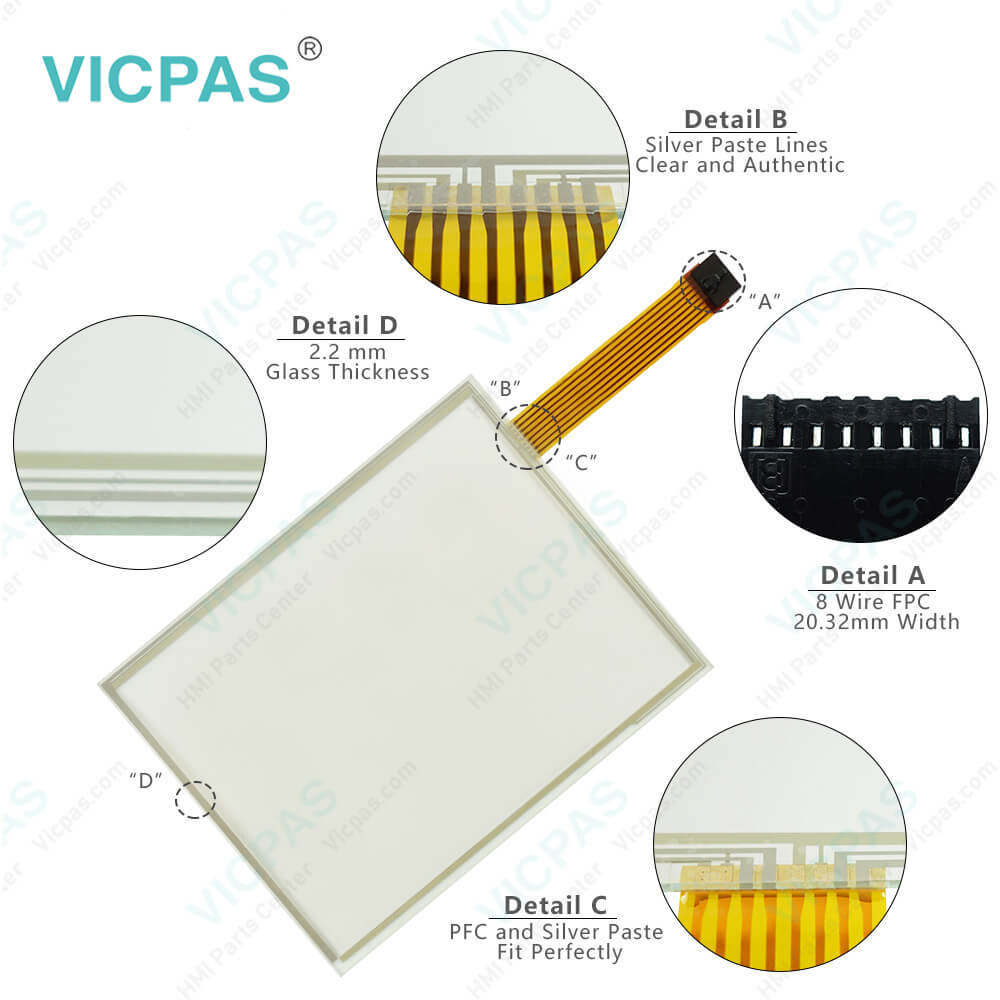
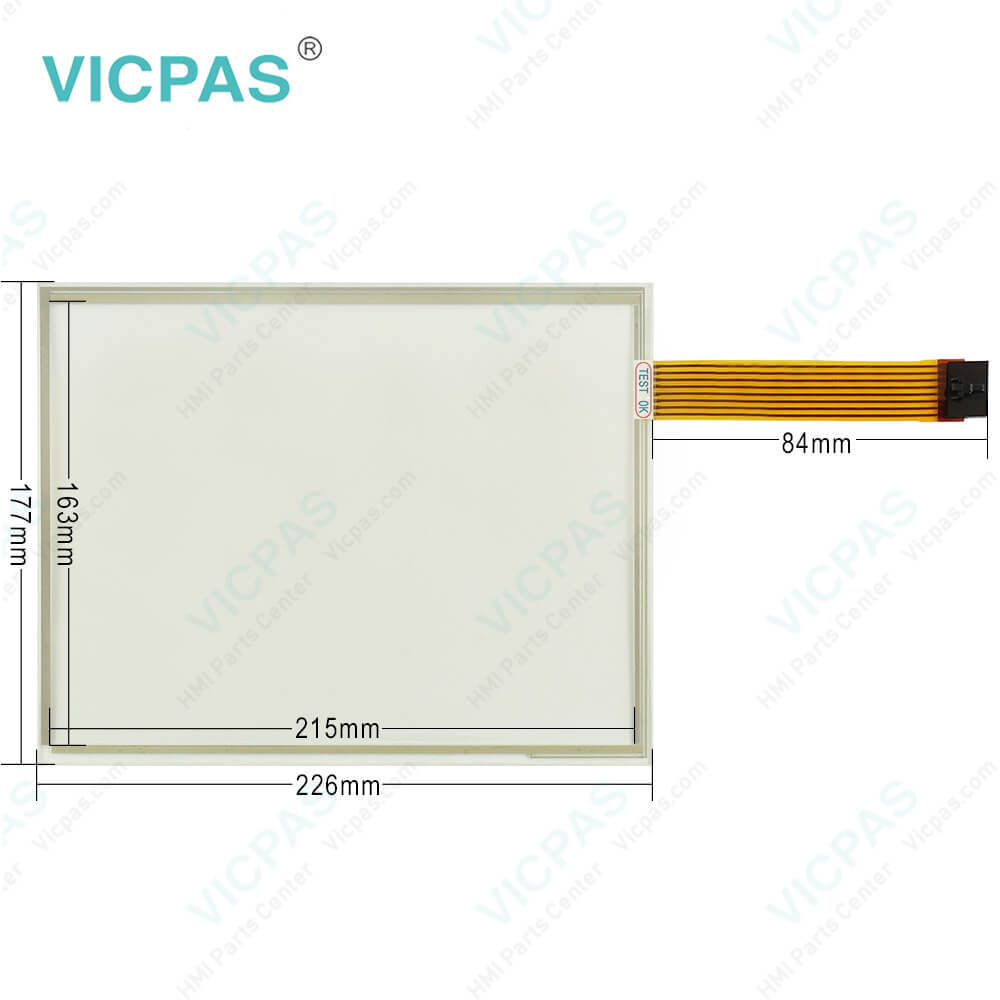
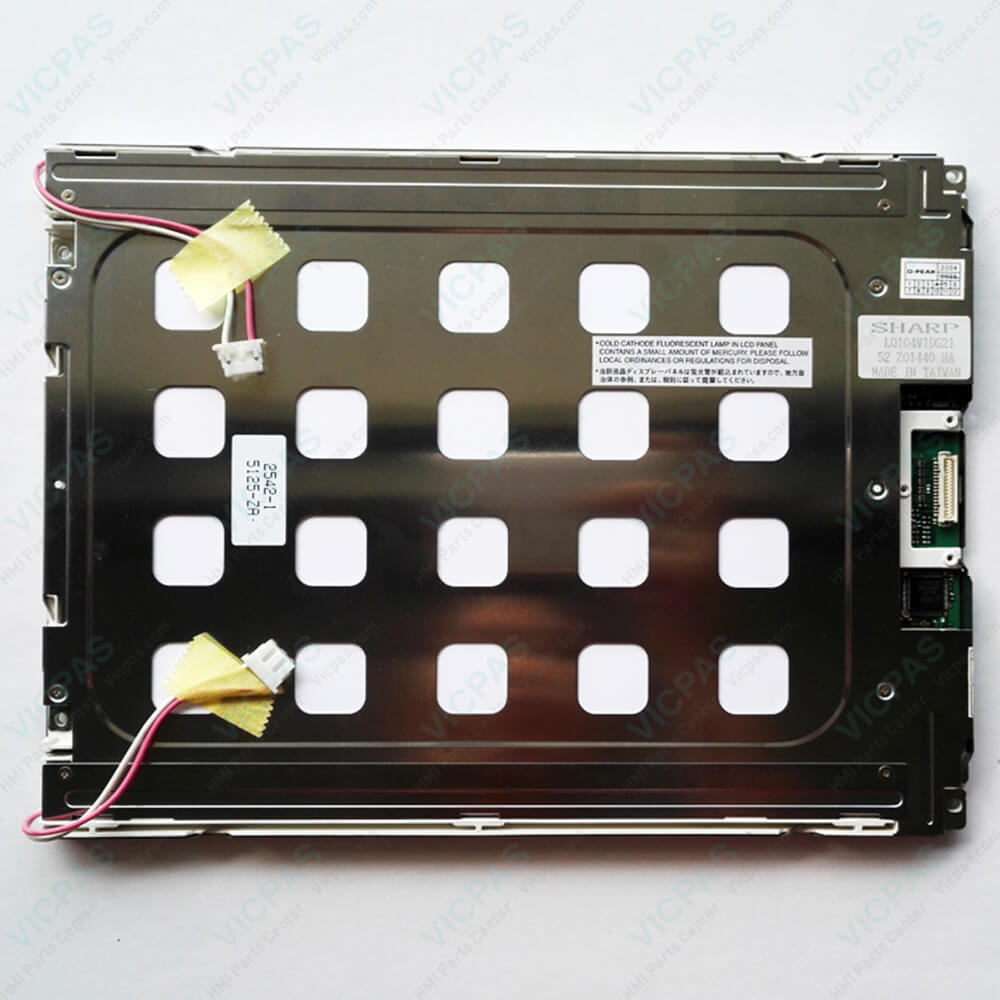
| categories | John Deere |
|---|---|
| Brand | JOHN DEERE |
| Model | John Deere GreenStar 2600 Monitor |
| Warranty | 365 Days |
| Product Line | GreenStar 2600 Monitor |
| Supply | GreenStar 2600 Monitor LCD Display |
| Parts | Touch Screen Panel LCD Display |
| Diagonal screen size | 10.4'' touchscreen |
| FOB port | Guangzhou, Shenzhen, Hongkong |
| Terms of Payment | Western Union, MoneyGram, T/T, Paypal, PayPal, Credit Card |
| Update Time | 2026-01-30 20:53:59 |
Shipping
Specifications:
| Part Number : | GreenStar 2600 Monitor |
| Product Line: | John Deere |
| Screen diagonal: | 10.4'' |
| Warranty: | 365 days Warranty |
| Input Power: | 24 VDC |
| Patient type: | Adult, paediatric |
| Inspiration time: | 0.2 to 10 s |
| Input Type: | Touchscreen |
| Power Consumption: | Typically approx. 125 W |
| Digital output: | RS 232 C interface |
Related BB Teach Pendant Part No.:
| John Deere GreenStar 2600 Monitor | Description | Inventory status |
| John Deere GS2 1800 Display | 7" TFT color touch screen, RS232 (9-pin) connectors, RJ 45 Ethernet connectors | In Stock |
| John Deere GreenStar 2100 Display | 10.4" TFT LCD color touch screen, via two RS 232 C interfaces | Available |
| John Deere GreenStar 2600 Monitor | 10.4” TFT color touch screen, RJ 45 Ethernet & 2 external RS232 (9-pin)connectors, | In Stock |
| John Deere 2630 monitor | Deere 2630 monitor Display Touch Screen Panel Keypad | In Stock |
| John Deere 4200 Display | 8.4 TFT color touch screen, via an RS 232 C interface | Available |
| GreenStar 4240 Universal Display | 8.4 TFT colour touch screen, Valve response time T0…90 ≤ 5 ms | In Stock |
| John Deere 4640 Universal Display | TFT colour touch screen, Digital output and input via an RS 232 C interface | Contact |
John Deere GreenStar 2600 Monitor Touchscreen Repair PDF Download:
FAQ:
Question: How to get started John Deere GreenStar 2600 Monitor
Answer: The GreenStar 2600 display is primarily used as an operator interface for guidance and documentation applications.The primary navigational point of the display is the touchscreen which allows the operator to input informationby touching the screen. The 2600 can also use the display control which allows use of input buttons andthumb wheel.GreenStar Basics SoftwareThe display comes standard with a basic software featureset:
Question: How to use Screen Protector in John Deere GreenStar 2600 Monitor Display?
Answer: The use of a screen protector is recommended to preventwear to the touchscreen surface. Screen protector kits,made specifically for GS2 displays, can be purchasedthrough your local John Deere dealer.Screen protector has been preinstalled on the touch panel of your display. Removing protector reduces thesunlight readability of the display. Please see instructions for replacement when necessary.
Question: What is the John Deere GreenStar 2600 Monitor touchscreen keypad price?
Answer: Submit a fast quote, send Kernfix an email for best price.

- Mobile Phone
- *Title
- *Content
 Fast Quote
 Fast Quote
 Worldwide Shipping
 12 Months Warranty
 Customize Service