




CASE IH Raven viper pro 4 Touch Screen Terminal Keypad
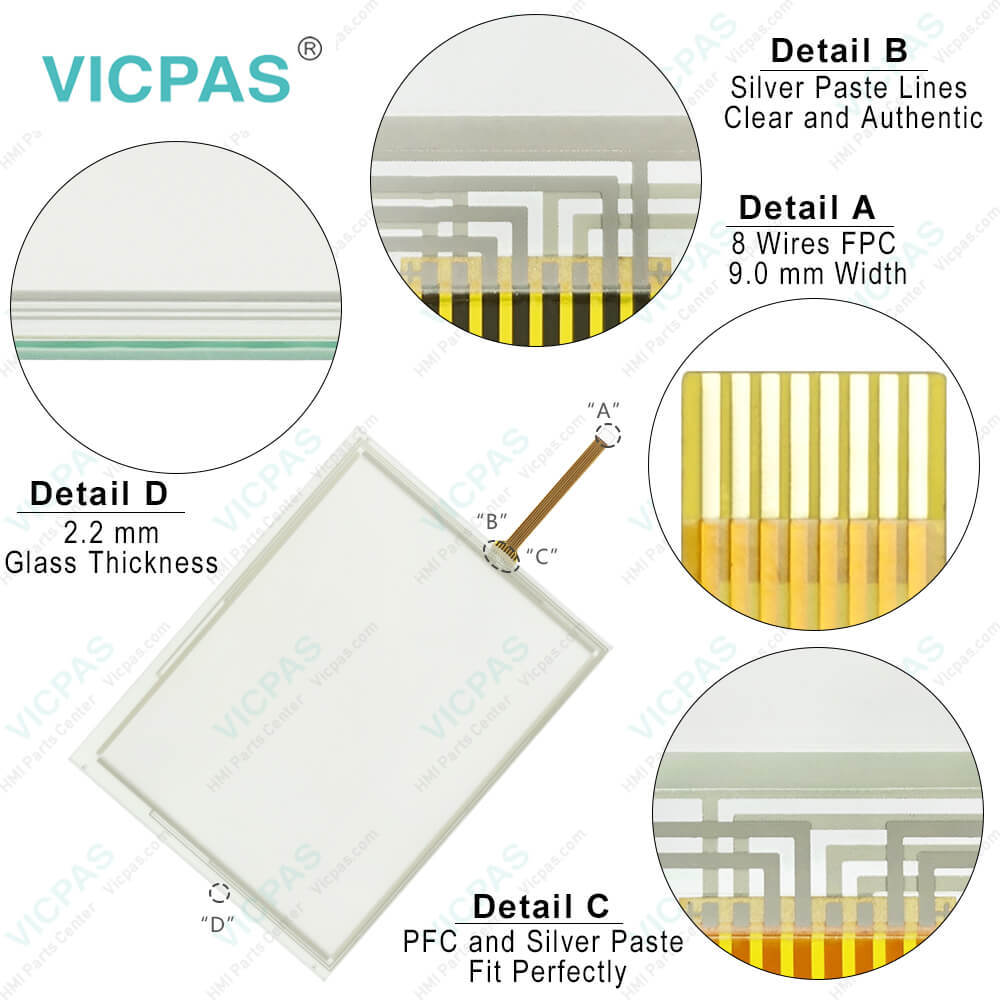
| categories | Raven Displays |
|---|---|
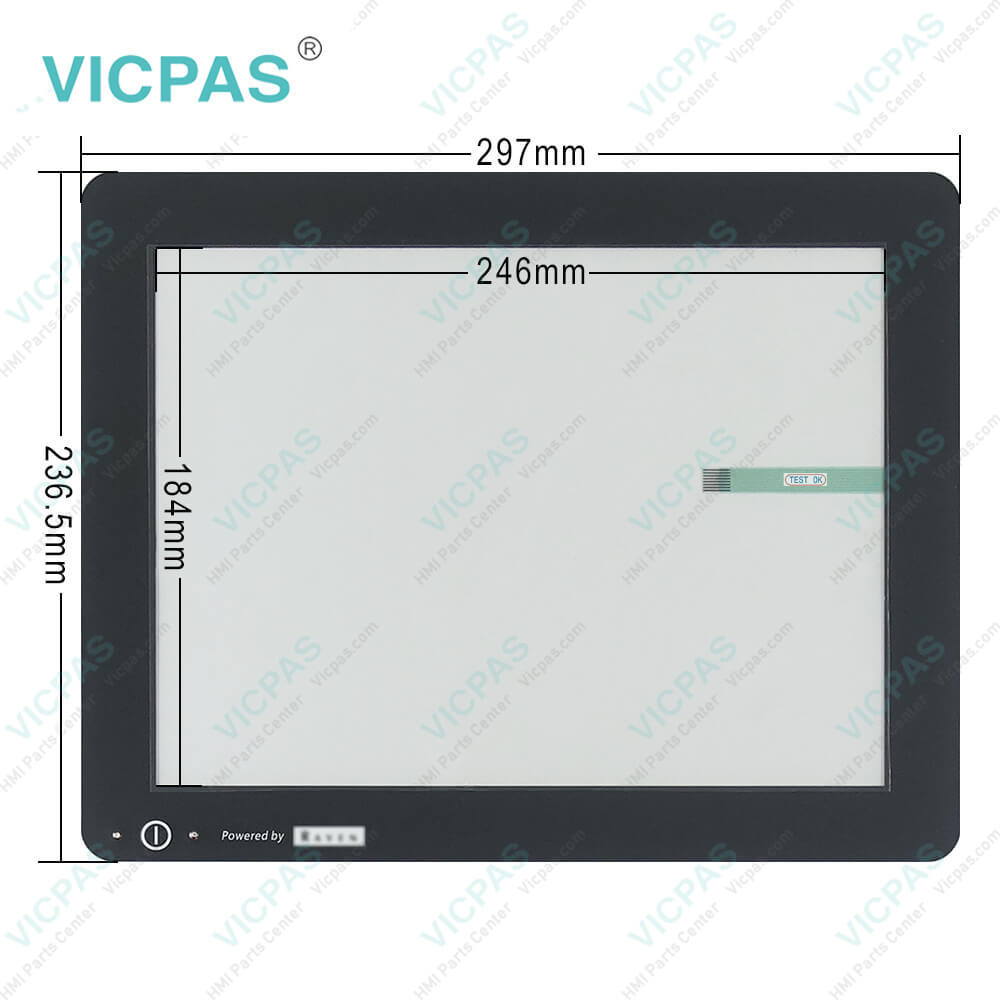
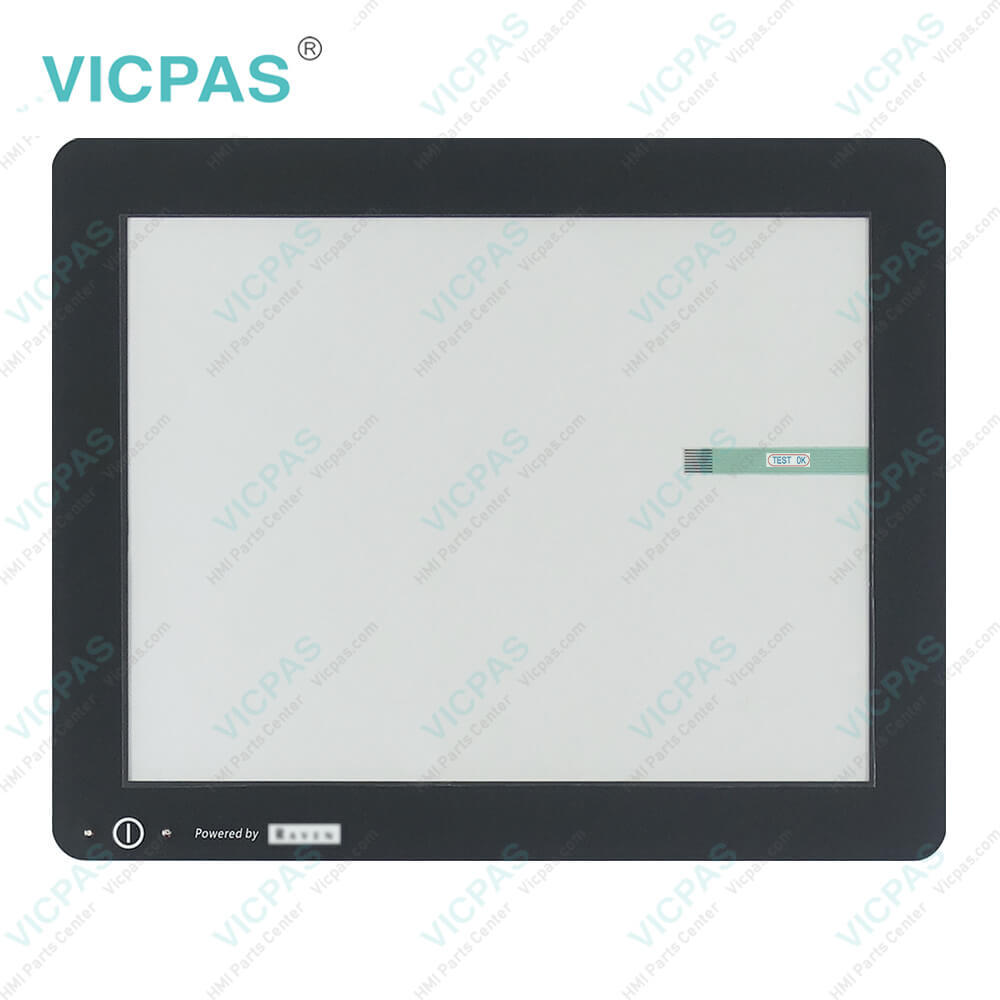
| Model | CASE IH Raven viper pro 4 |
| Warranty | 365 Days |
| Product Line | CASE IH series |
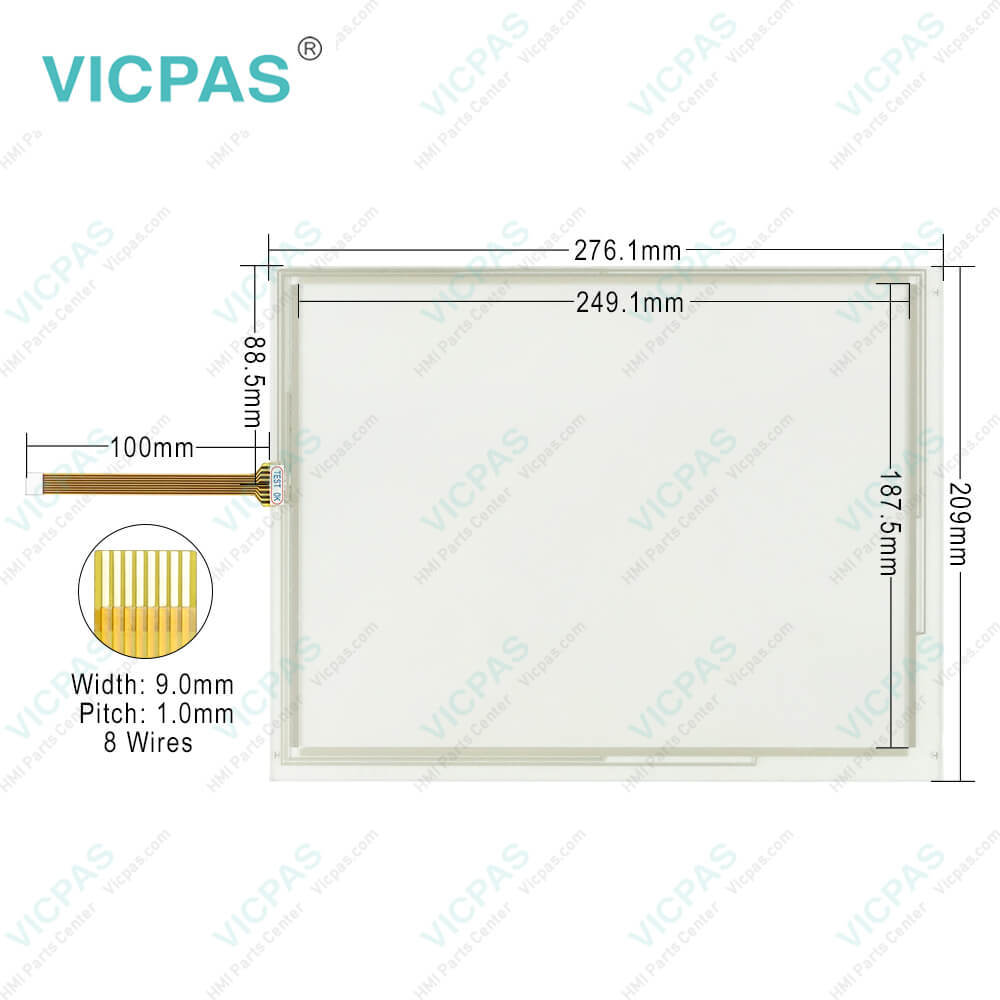
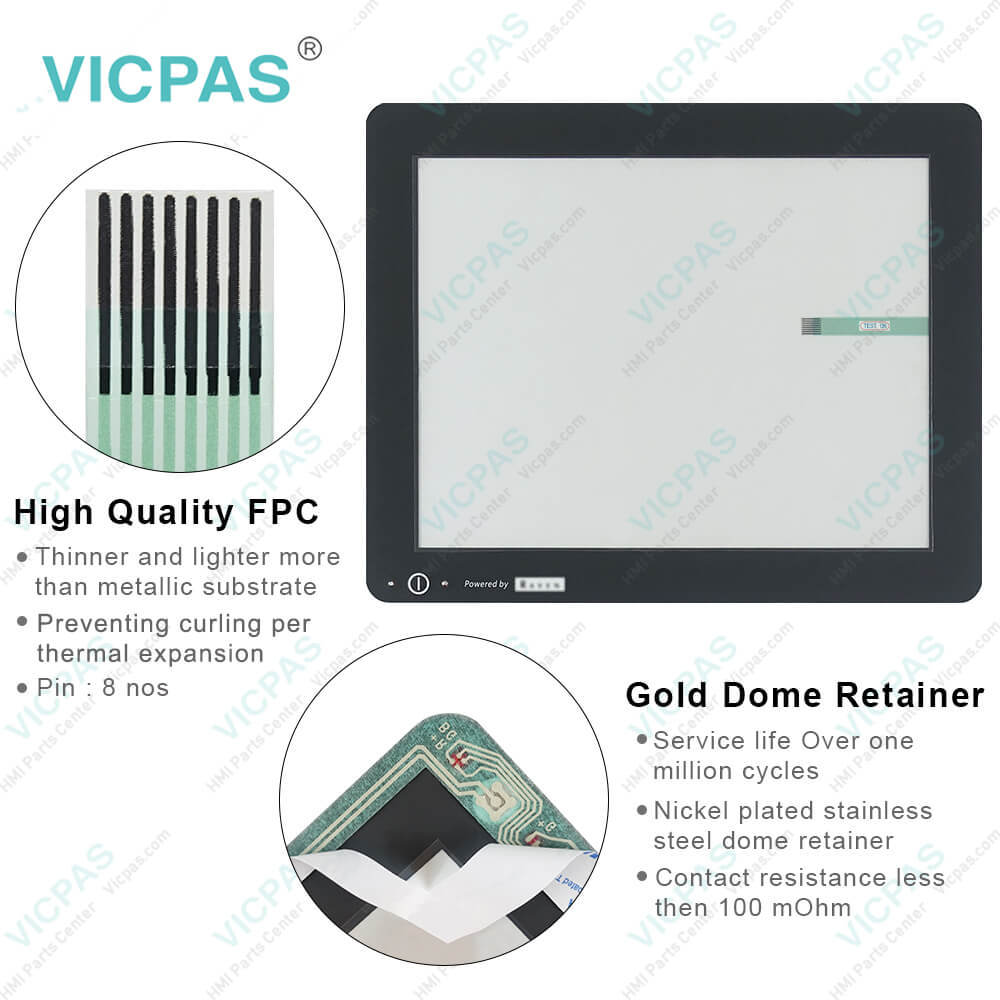
| Supply | Viper® 4+ Touch Screen Membrane Keyboard |
| FOB port | Guangzhou, Shenzhen, Hongkong |
| Terms of Payment | Western Union, MoneyGram, T/T, Paypal, PayPal, Credit Card |
| Update Time | 2026-01-30 21:03:20 |
Shipping
Specifications:
| Part Number : | viper 4+ |
| Display Screen: | High-resolution display screen |
| Warranty: | 365 Days |
| Product Line: | Case IH |
| Input Power: | +24 VDC +/-20% |
| Storage Temperature: | -20°C to 60°C |
| Touchscreen: | Responsive touchscreen |
| User Interface: | Intuitive and user-friendly interface |
FAQ:
Question: How do I calibrate the Raven Viper Pro 4 HMI for my specific equipment?
Answer: Calibration instructions can vary depending on the equipment and application. Typically, calibration involves configuring settings such as implement width, nozzle spacing, and application rates using the HMI interface.
Question: What maintenance tasks are required for the Raven Viper Pro 4 HMI?
Answer: Regular maintenance may include software updates, cleaning the touchscreen interface, and inspecting cables and connections for damage or wear.
Question: How do I calibrate the Raven Viper Pro 4 HMI for my specific equipment?
Answer: Calibration instructions can vary depending on the equipment and application. Typically, calibration involves configuring settings such as implement width, nozzle spacing, and application rates using the HMI interface.
Question: How do I troubleshoot common issues with the Raven Viper Pro 4 HMI?
Answer: Common troubleshooting steps may include restarting the system, checking for error messages or diagnostic codes, and verifying connections and settings.

- Mobile Phone
- *Title
- *Content
 Fast Quote
 Fast Quote
 Worldwide Shipping
 12 Months Warranty
 Customize Service