




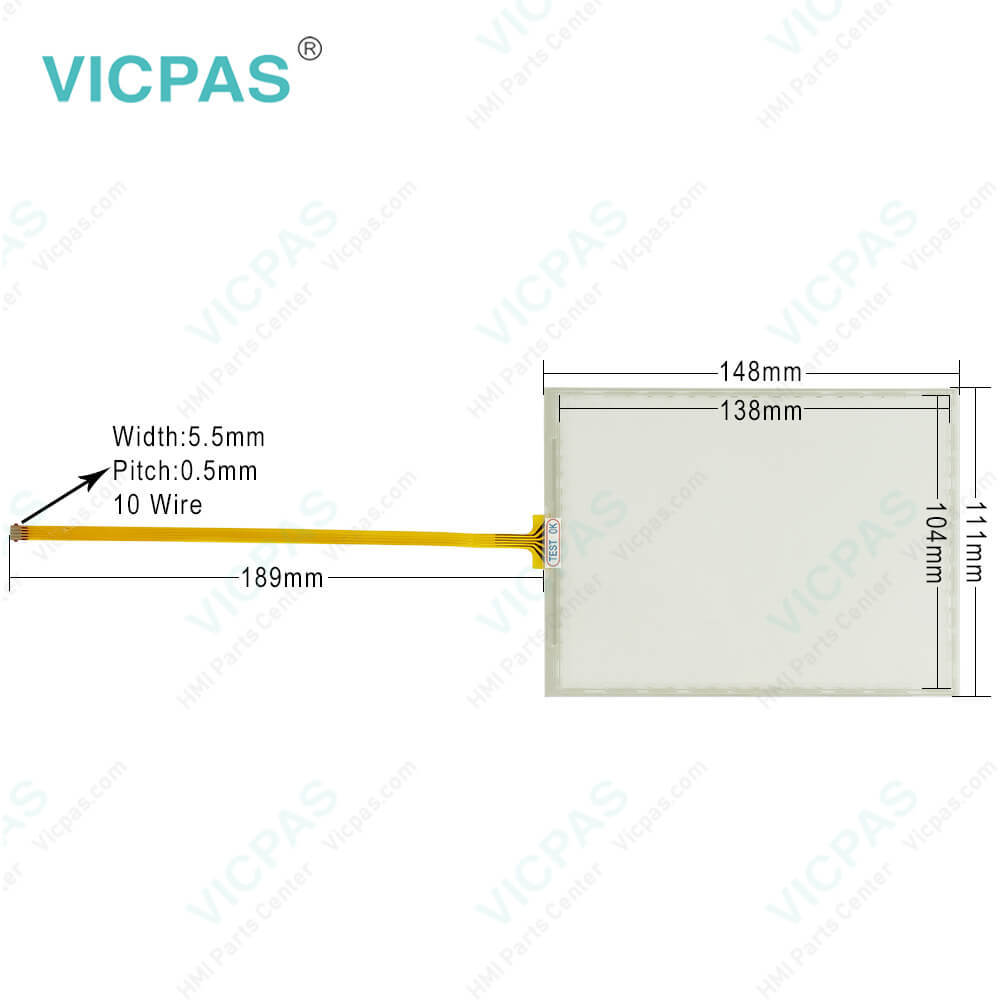
2711P-B7C22A9P-B Panelview Plus 7 Touch Screen Panel
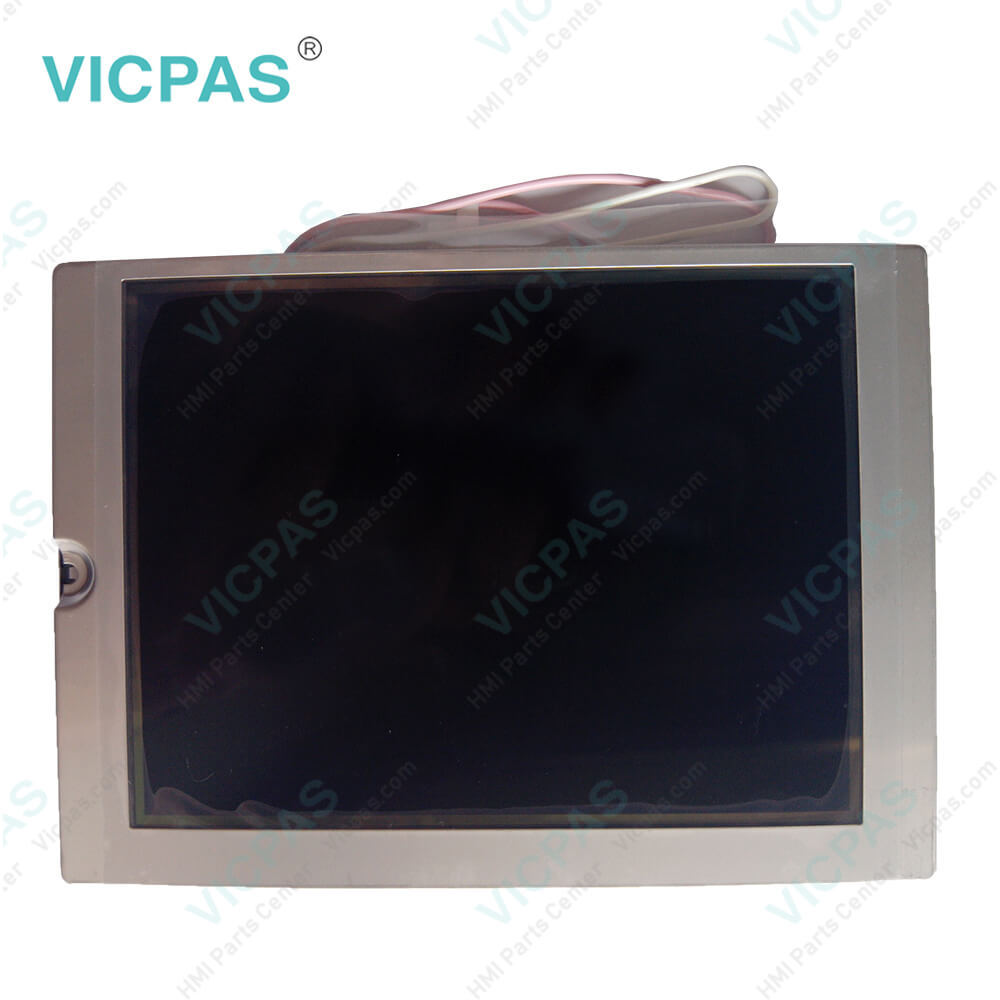
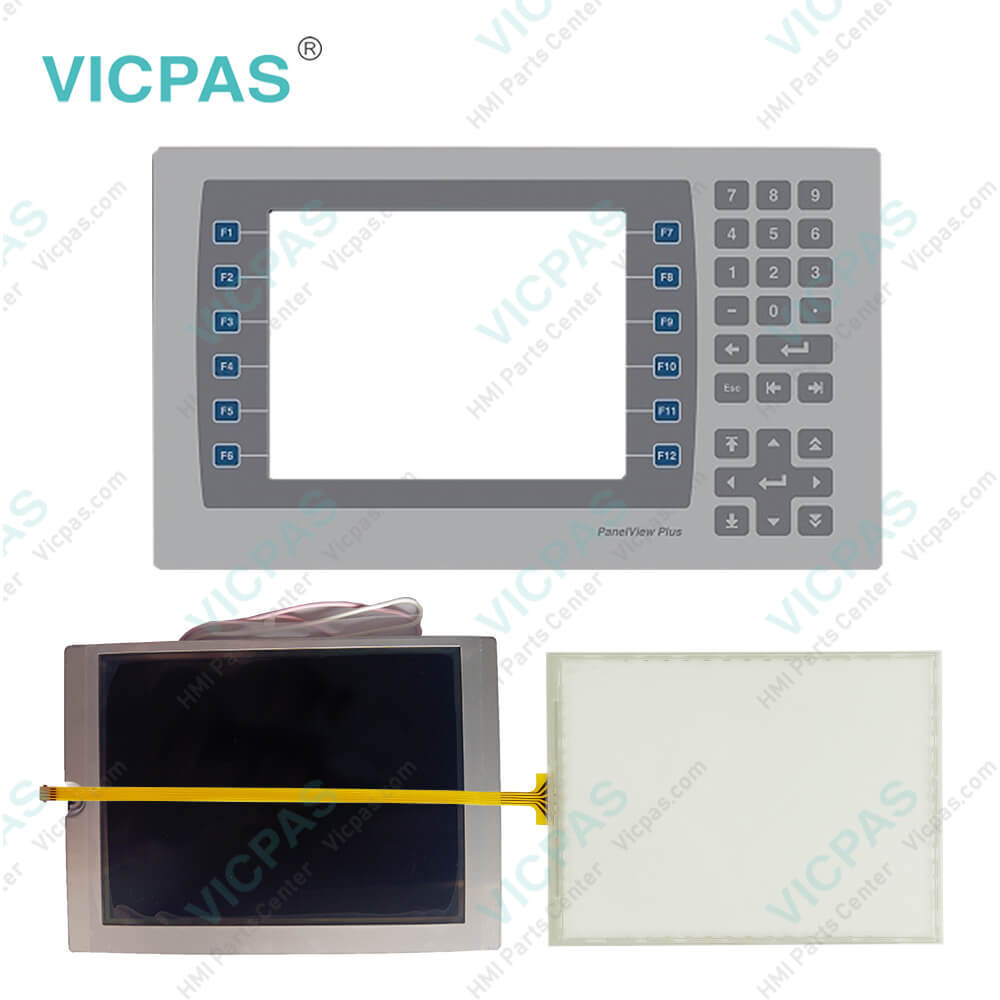
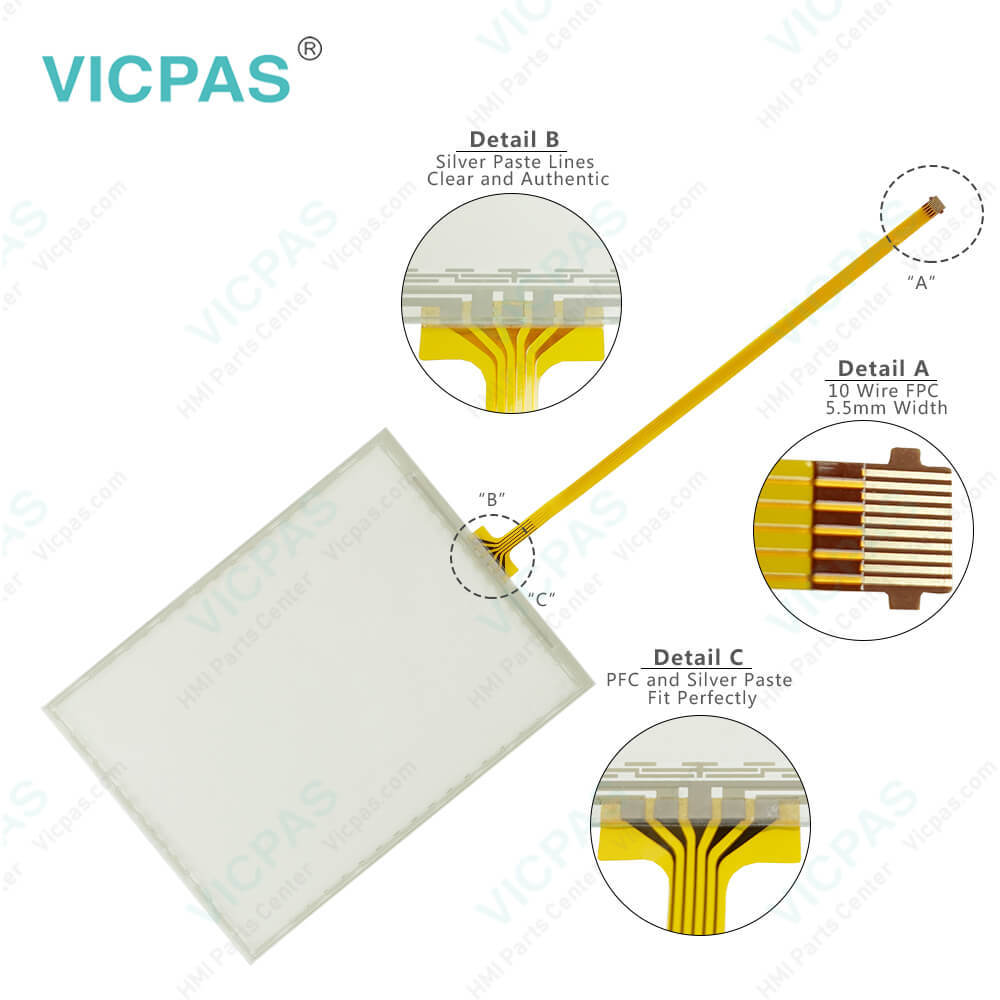
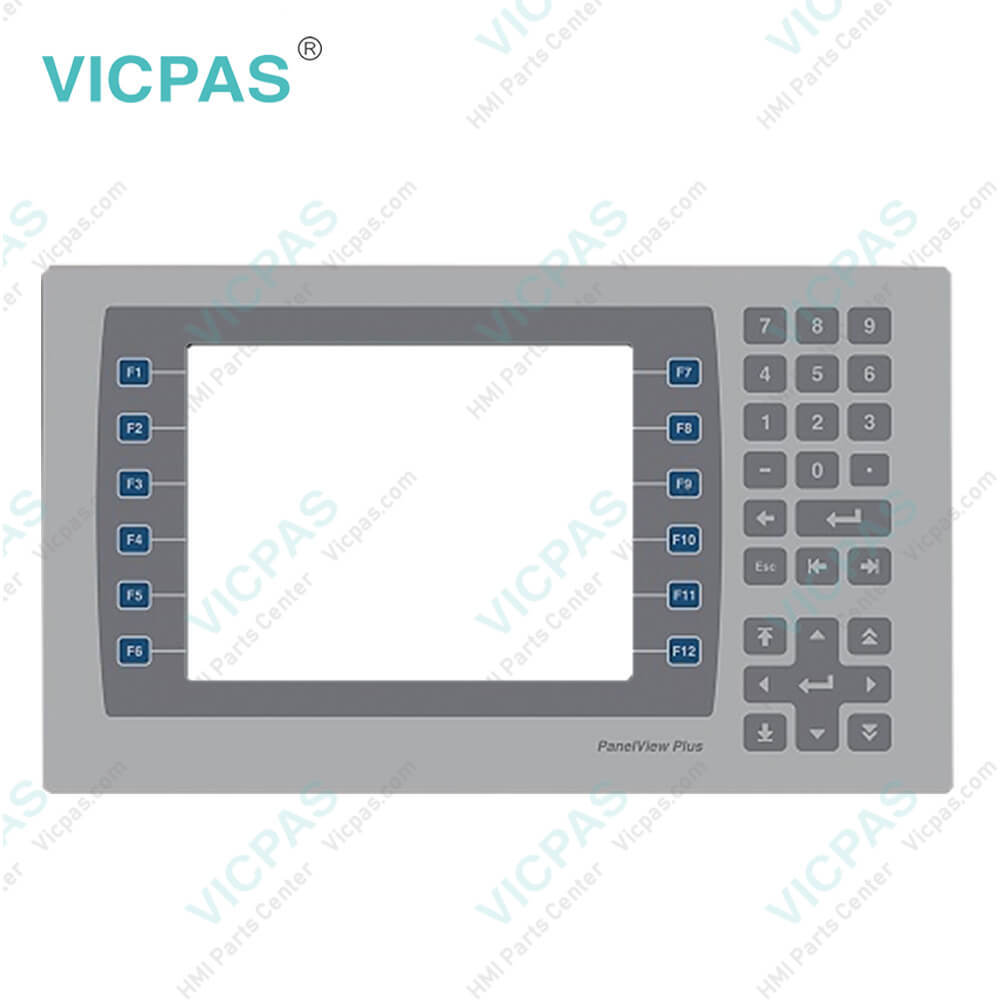
| categories | PanelView Plus 7 Performance Terminals |
|---|---|
| Model | 2711P-B7C22A9P-B |
| Warranty | 365 Days |
| Product Line | Panelview Plus 7 |
| Supply | Panelview Plus 7 HMI Keypad Keyboard |
| Parts | Touchscreen Panel Glass Membrane Keypad |
| Terms of Payment | Western Union, MoneyGram, T/T, Paypal, PayPal, Credit Card |
| Update Time | 2026-02-09 16:41:12 |
Shipping
Specifications:
| Part Number : | 2711P-B7C22A9P-B |
| Display Size: | 6.5 inches |
| Display Color: | Amber |
| Warranty: | 365 days Warranty |
| Product Line: | Panelview Plus 7 |
| Input Type: | Membrane Keypad |
| Mounting position: | vertical |
| Communication: | ControlNet |
| Software: | FactoryTalk |
2711P-B7C22A9P-B Panelview Plus 7 Touch Screen Panel PDF Download:
FAQ:
Question: How to change the PanelView Plus 7 Performance 2711P-B7C22A9P-B Popup for String Entry?
Answer: 1. Press Terminal Settings, then choose Input Devices>String Popup.2. To select the preferred method for character input, press Invoke pop-up character input instead of pop-up keyboard. 3. Press OK.
Question: How to define a new 2711P-B7C22A9P-B desktop password?
Answer: 1. Press Set Password. The Desktop Access Set Password dialog box opens.2. Press Set Password, enter an 8…20 character password, then press Enter.3. Press Set Challenge to enter a challenge question that you must correctly respond to when resetting the desktop password. 4. Press Set Response to enter a response to the challenge question, then press Enter. 5. Press OK. The Desktop Access Management Dialog shows that a password and challenge question are set. 6. Press OK to return to terminal settings.
Question: How to launch AB PanelView Plus 7 FactoryTalk View ME Station in Configuration mode on startup?
Answer: 1. Press Terminal Settings, then choose Startup Options. 2. To select Go to Configuration Mode, press On Startup. 3. To view or change optional settings, press Configuration Mode Options. 4. To specify whether you want to load the current application on startup, press Load Current Application. 5. To specify what configuration settings are used when the loaded application is run, press Replace RSLinx® Enterprise Communications: • To use the RSLinx communication settings in the terminal, select No. • To replace the terminal settings with the communication settings in the application, select Yes. Any changes to RSLinx device addresses or driver properties on the terminal are lost. 6. To return to the previous dialog box, press OK. 7. To return to terminal settings, press OK.
Question: What is the size of Allen Bradley 2711P-B7C22A9P-B Membrane Keypad Keyborad?
Answer: The PanelView Plus 7 2711P-B7C22A9P-B Touch Screen Panel is 6.5-inch.
Common misspellings:
2711PB7C22A9P-B2711P-B7C2A9P-B2711P-B7C22A9P-2711-PB7C22A9P-B2711P-B7C22A9-PB27211P-B7C22A9P-B27111P-B7C22A9P-B2711P-B7C22AA9P-B
- Mobile Phone
- *Title
- *Content
 Fast Quote
 Fast Quote
 Worldwide Shipping
 12 Months Warranty
 Customize Service