




2711P-T10C22D9PK Panelview Plus 7 Touch Screen Panel
| categories | PanelView Plus 7 Performance Terminals |
|---|---|
| Brand | ALLEN-BRADLEY |
| Model | 2711P-T10C22D9PK |
| Warranty | 365 Days |
| Product Line | Panelview Plus 7 |
| Supply | Panelview Plus 7 Terminals Touchscreen |
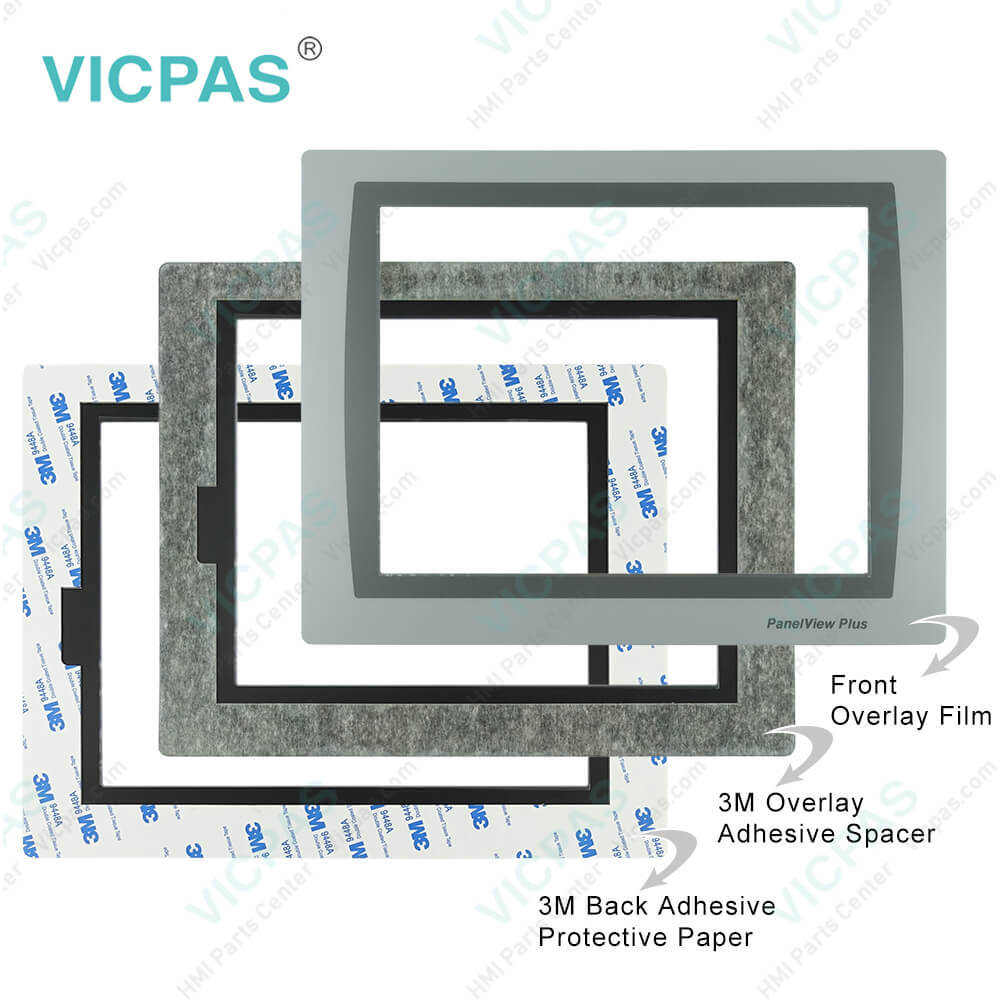
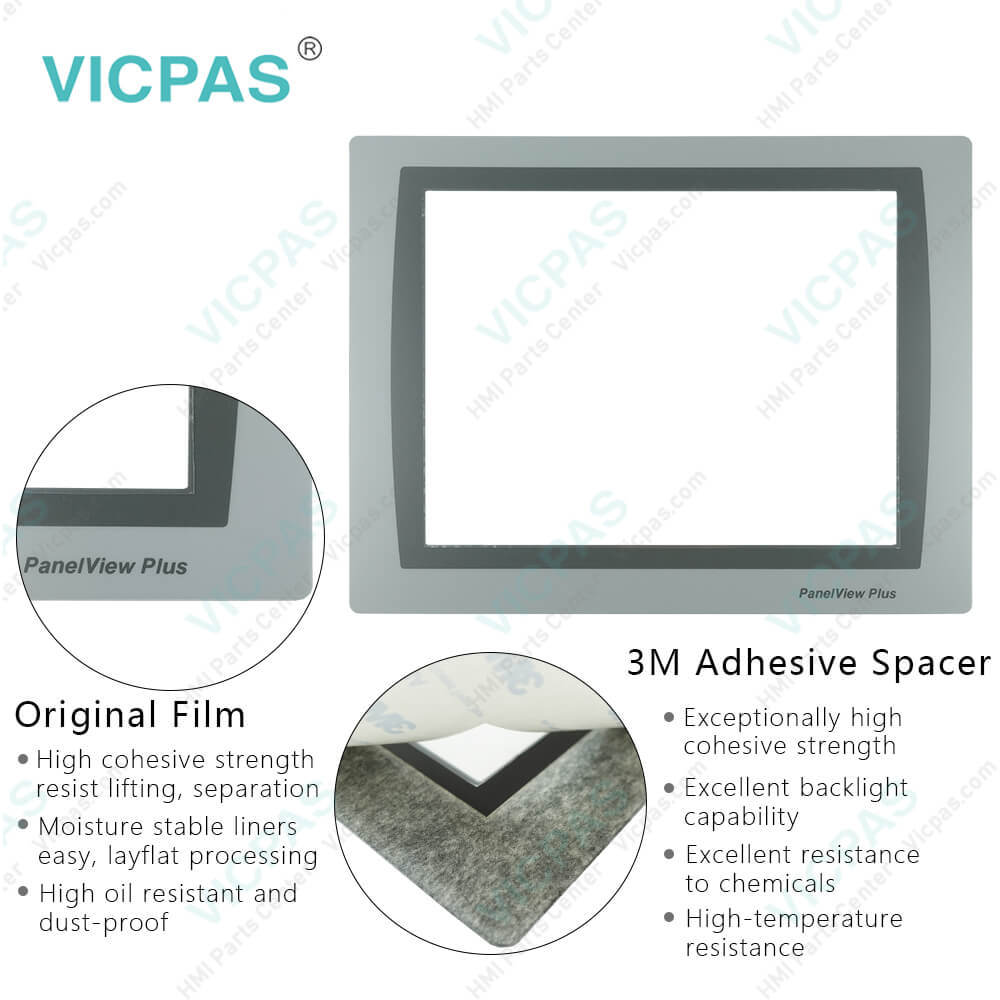
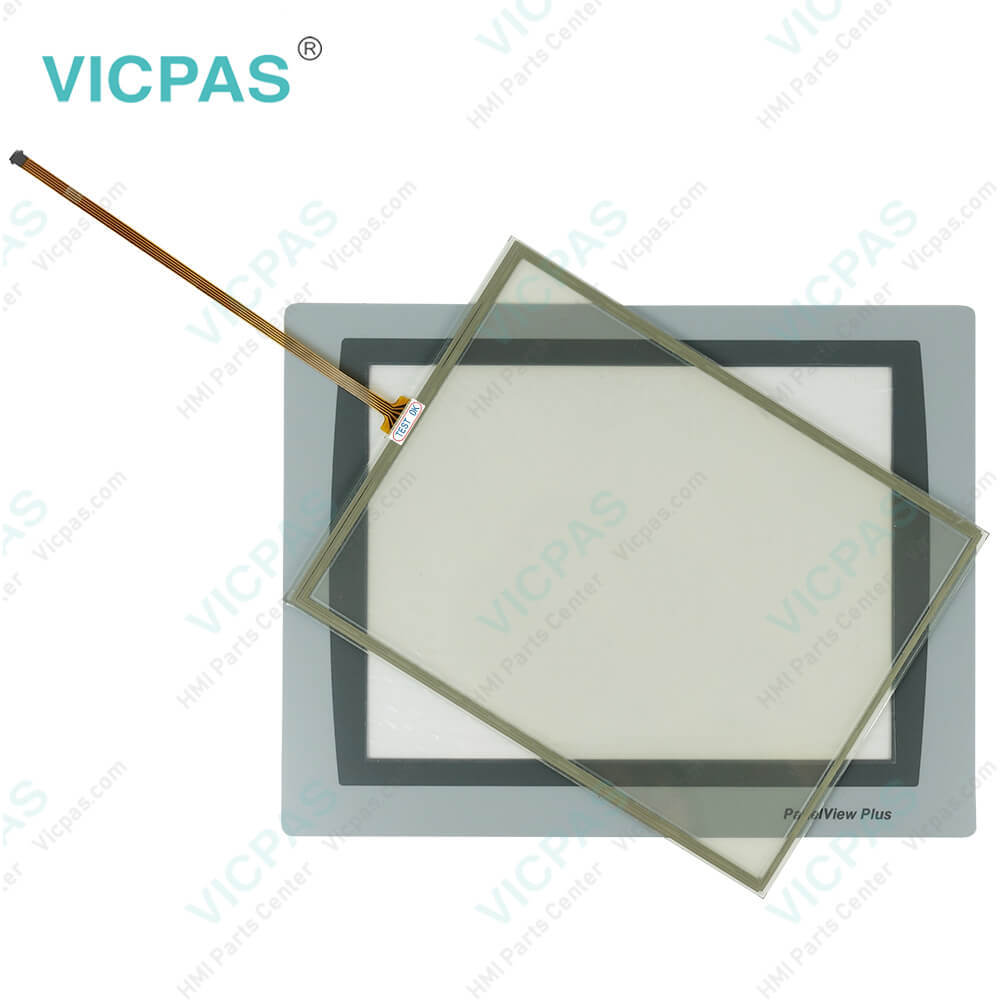
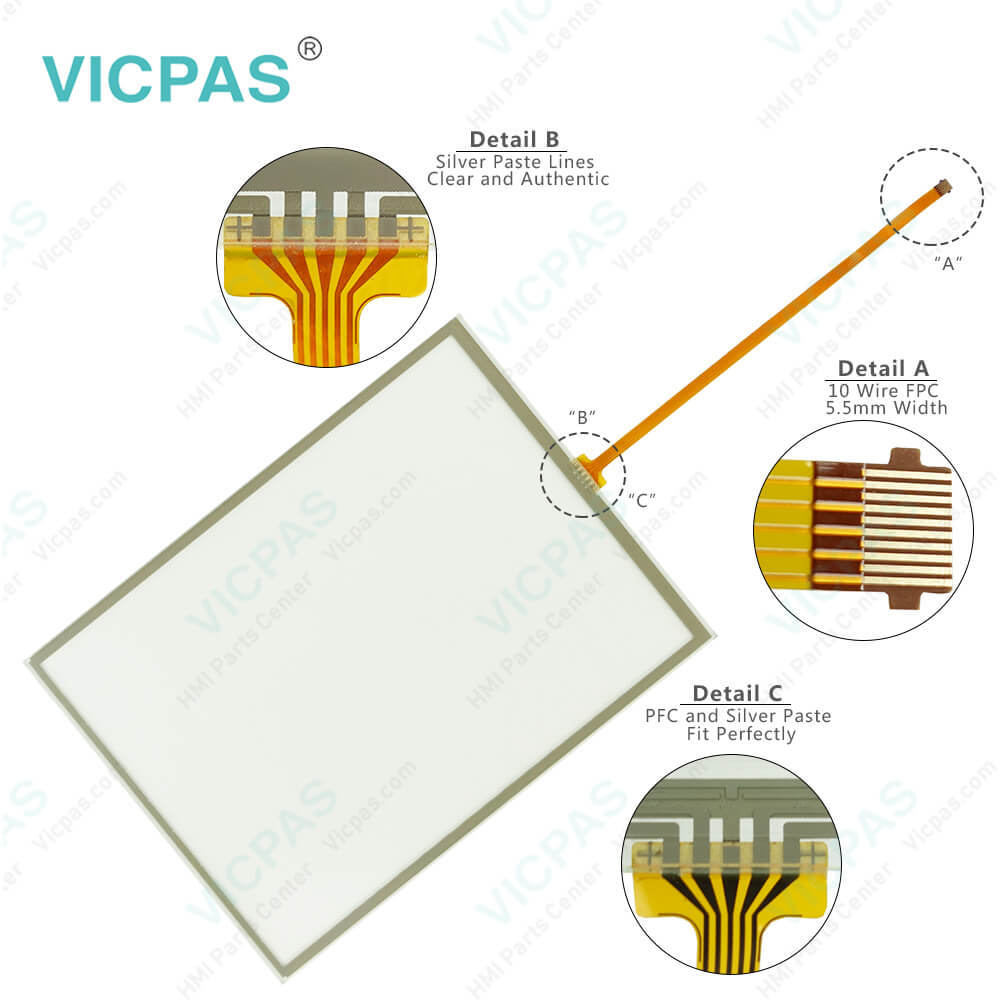
| Parts | Touchscreen Panel Glass Protective Film |
| Terms of Payment | Western Union, MoneyGram, T/T, Paypal, PayPal, Credit Card |
| Update Time | 2026-02-09 16:43:07 |
Shipping
Specifications:
| Part Number : | 2711P-T10C22D9PK |
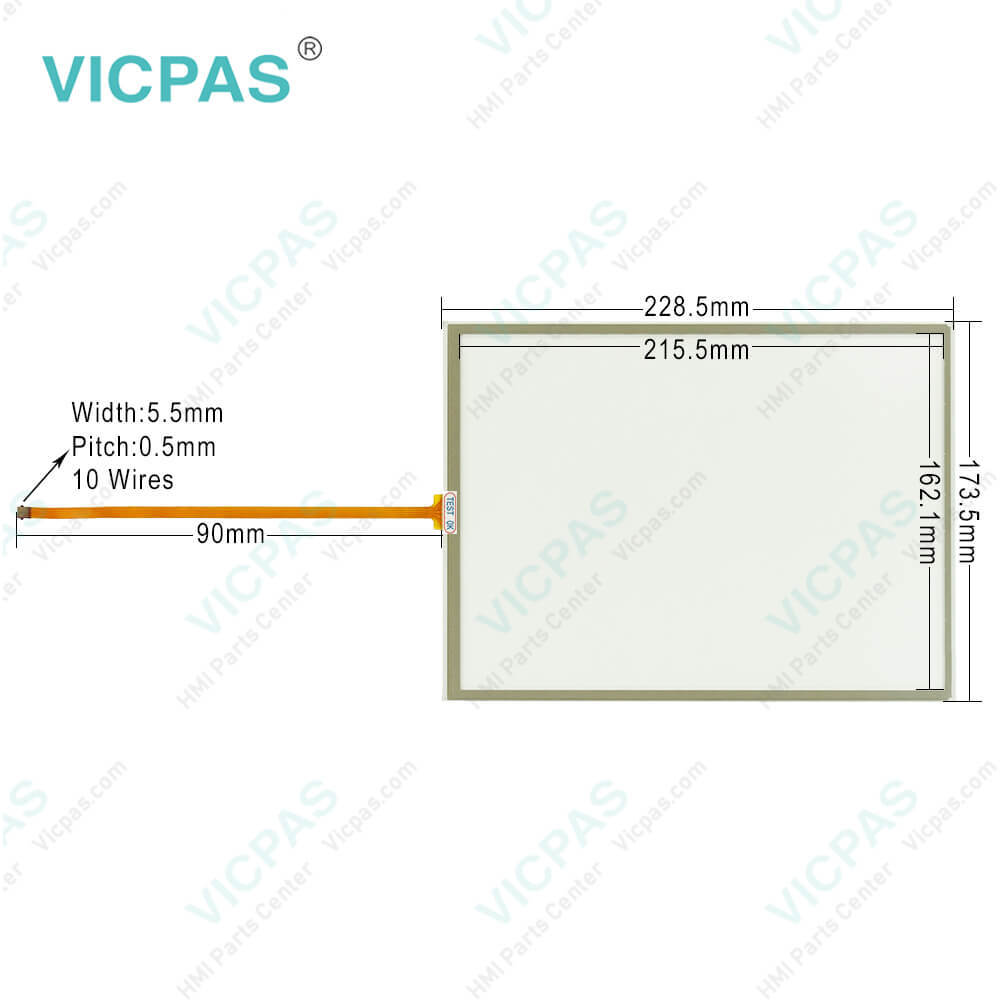
| Display Size: | 10.4 inches |
| Display Color: | Amber |
| Warranty: | 365 days Warranty |
| Product Line: | Panelview Plus 7 |
| Input Type: | Touchscreen |
| Mounting position: | vertical |
| Communication: | ControlNet |
| Software: | FactoryTalk |
2711P-T10C22D9PK Panelview Plus 7 Touch Screen Panel PDF Download:
FAQ:
Question: How to reset Allen Bradley PanelView Plus 7 Performance Terminal 2711P-T10C22D9PK desktop password?
Answer: 1. Press Reset Password from the Desktop Access Management dialog box.2. Press Answer Challenge and enter the correct response to the current challenge question. 3. Press Clear Password to clear the current password and challenge question. The dialog box shows the updated status of the password and challenge information. 4. Press Close. 5. To set a new password and challenge question. After clearing the password, you must set a new desktop password or change the desktop access to allow.
Question: What are the ways to reset the terminal 2711P-T10C22D9PK without having to disconnect and reapply power?
Answer: • From FactoryTalk View ME Station Configuration Mode, tap Reset. • From the terminal desktop Start Menu, choose Programs>Restart System. • To access Maintenance Mode, follow these steps. a. Plug in a USB keyboard. b. Press and hold the white box that appears in the bottom left corner when the terminal is booting up.
Question: How to disable 2711P-T10C22D9PK Performance Terminal desktop access?
Answer: 1. Press Terminal Settings, then choose Desktop Access Setup. 2. To select Disallow, press Desktop Access. The Set Password button is enabled. 3. To define a new password and challenge question.
Question: What is the size of Allen Bradley 2711P-T10C22D9PK Toucshcreen Panel Glass?
Answer: The PanelView Plus 7 2711P-T10C22D9PK Touch Screen Panel is 10.4-inch.
Common misspellings:
2711P-T10C22D9K2711-T10C22D9PK2711P-TC1022D9PK271P1-T10C22D9PK2711-PT10C22D9PK27111P-T10C22D9PK2711P-TT10C22D9PK2711P-T10C222D9PK
- Mobile Phone
- *Title
- *Content
 Fast Quote
 Fast Quote
 Worldwide Shipping
 12 Months Warranty
 Customize Service