




2711P-T12W22D8S-A
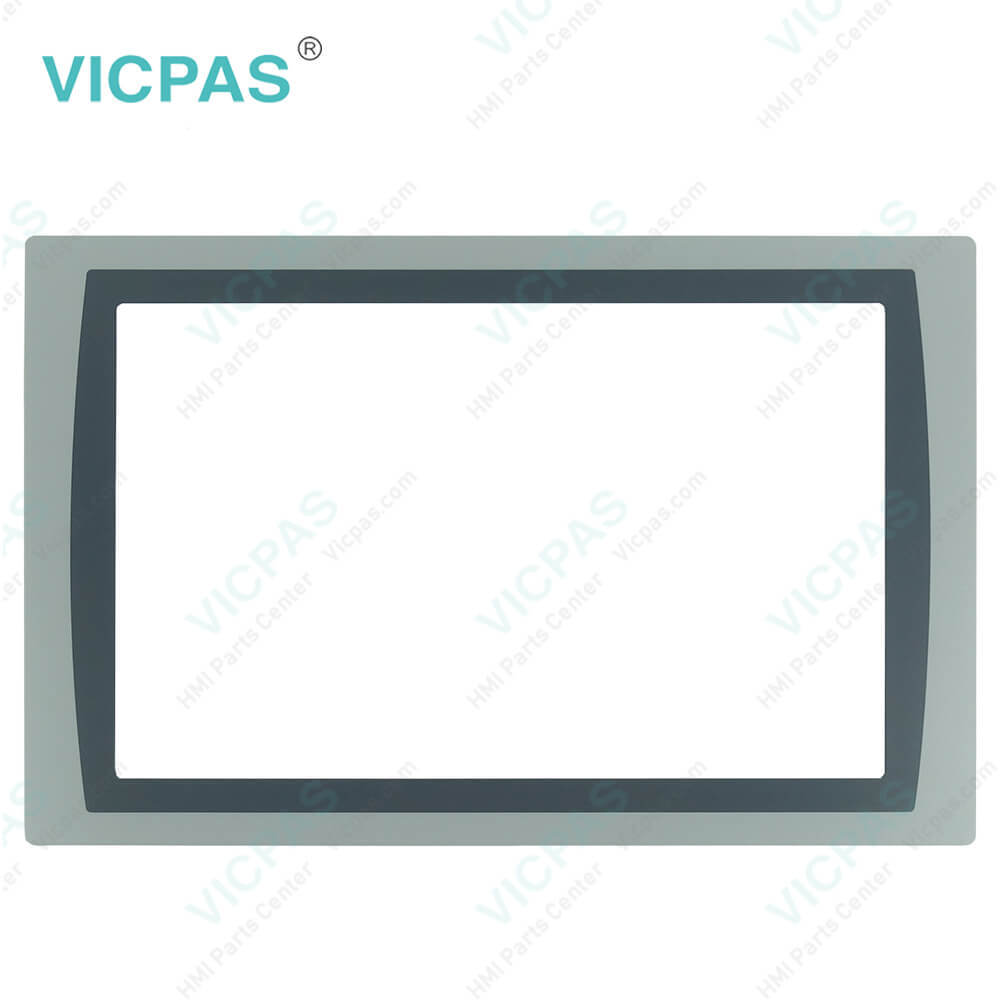
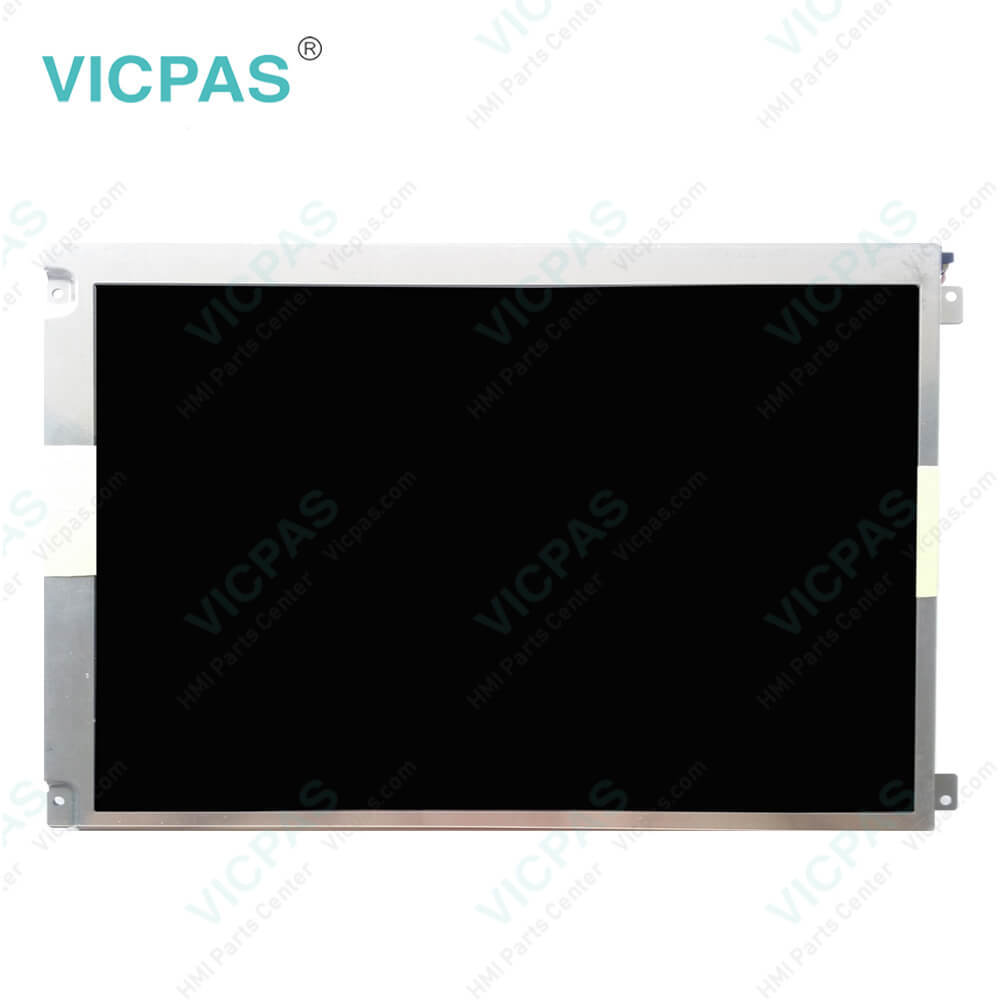
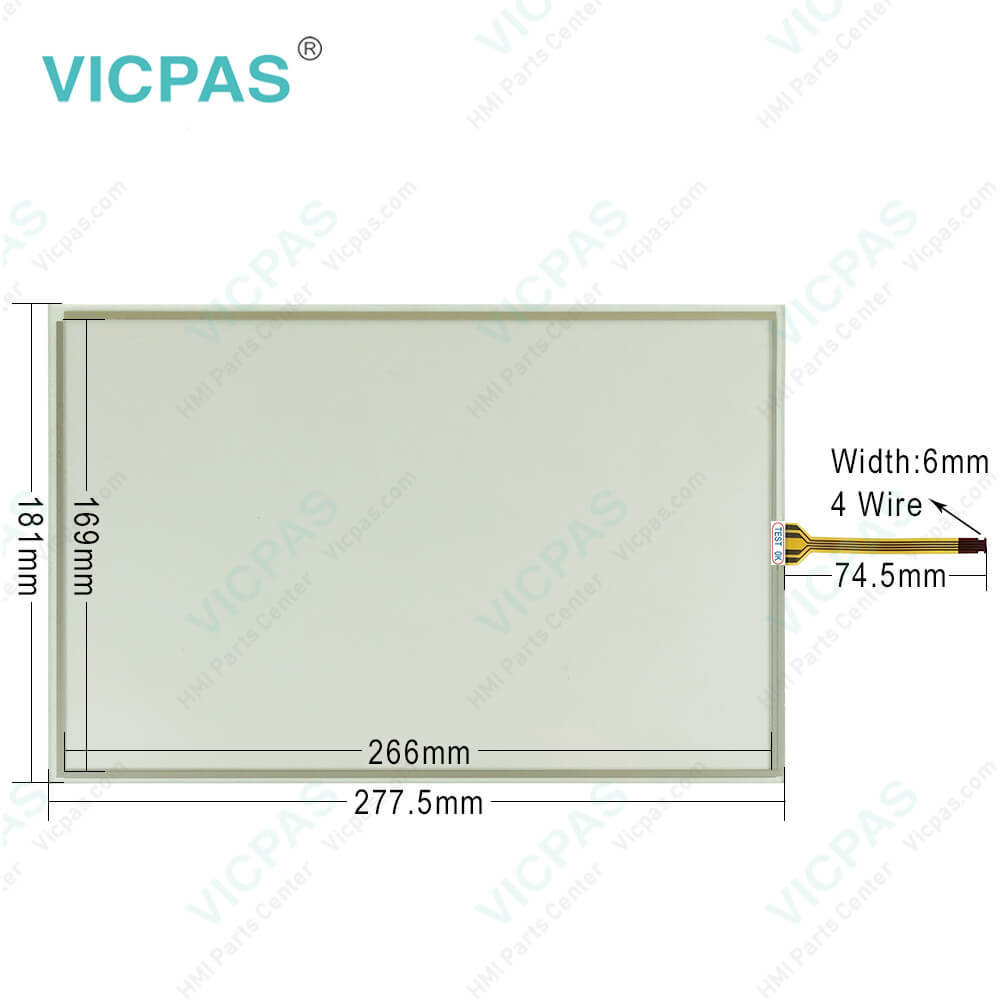
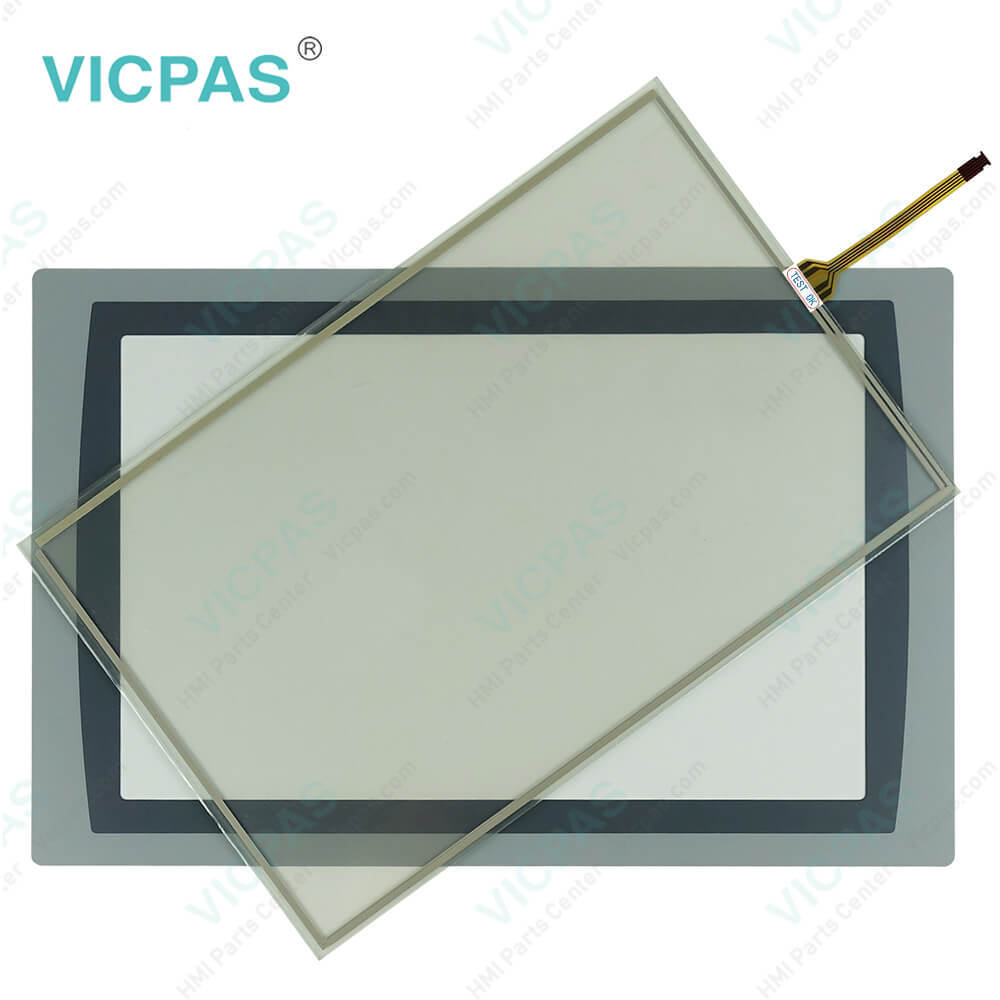
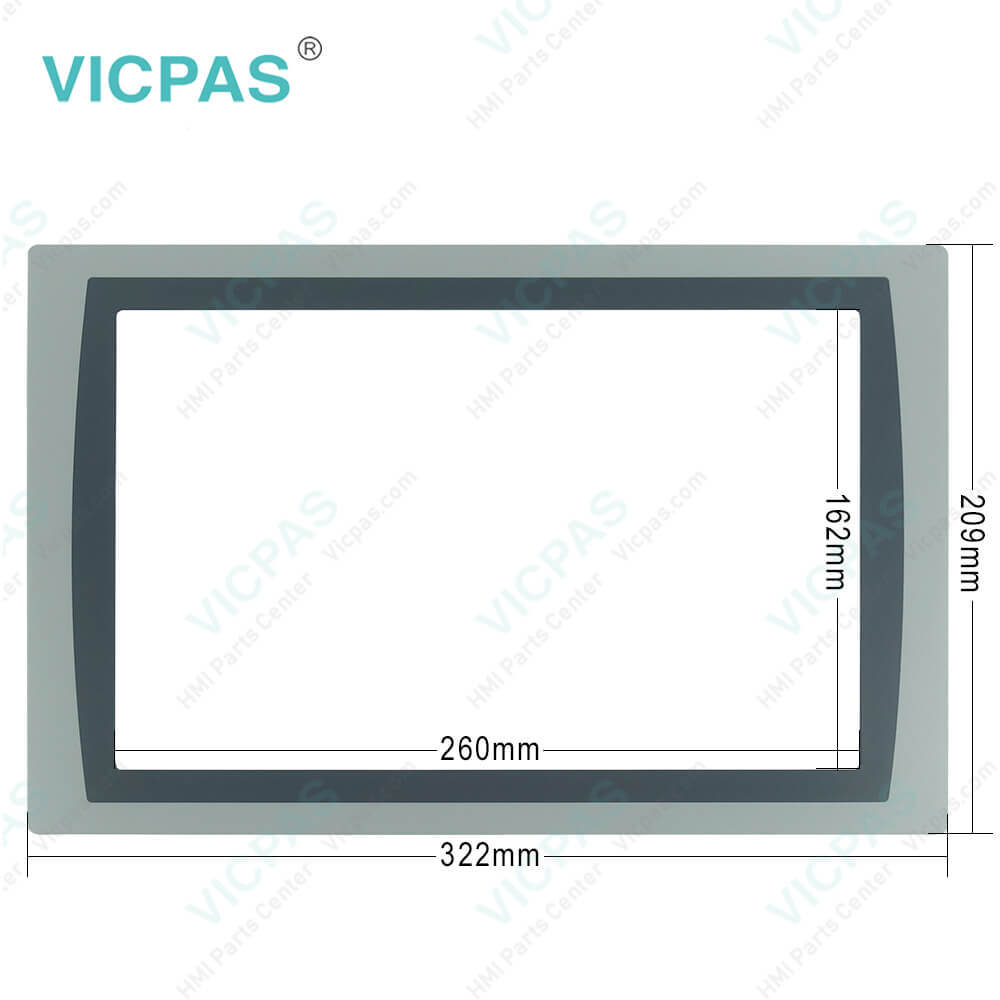
| categories | PanelView Plus 7 Standard Terminals |
|---|---|
| Model | 2711P-T12W22D8S-A |
| Warranty | 365 Days |
| Product Line | Panelview Plus 7 |
| Supply | Panelview Plus 7 Touchscreen Panel |
| Parts | Touchscreen Panel Glass Protective Film |
| Terms of Payment | Western Union, MoneyGram, T/T, Paypal, PayPal, Credit Card |
| Update Time | 2026-02-09 16:47:21 |
Shipping
Specifications:
| Part Number : | 2711P-T12W22D8S-A |
| Display Size: | 12.1 inches |
| Display Color: | Amber |
| Warranty: | 365 days Warranty |
| Product Line: | Panelview Plus 7 |
| Input Type: | Touchscreen |
| Mounting position: | vertical |
| Communication: | ControlNet |
| Software: | FactoryTalk |
2711P-T12W22D8S-A PDF Download:
FAQ:
Question: How to delete Sllen Bradley PanelView Plus 7 Standrd Terminals 2711P-T12W22D8S-A Log Files?
Answer: You can delete log files, alarm history files, and alarm status files from the System Default location of the terminal. The application generates the files during runtime. 1. Press Terminal Settings>File Management>Delete Files>Delete Log Files. You are asked to confirm the deletion of the files. Do you want to delete the FactoryTalk View ME Station Log Files? 2. Select Yes or No. Log files not in the System Default location are not deleted.
Question: What are the steps to launch 2711P-T12W22D8S-A FactoryTalk View ME Station in Configuration mode on startup?
Answer: 1. Press Terminal Settings, then choose Startup Options. 2. To select Go to Configuration Mode, press On Startup. 3. To view or change optional settings, press Configuration Mode Options. 4. To specify whether you want to load the current application on startup, press Load Current Application. 5. To specify what configuration settings are used when the loaded application is run, press Replace RSLinx® Enterprise Communications: • To use the RSLinx communication settings in the terminal, select No. • To replace the terminal settings with the communication settings in the application, select Yes. Any changes to RSLinx device addresses or driver properties on the terminal are lost. 6. To return to the previous dialog box, press OK. 7. To return to terminal settings, press OK.
Question: How to adjust PanelView Plus 7 Allen Bradley 2711P-T12W22D8S-A display intensity?
Answer: You can adjust the intensity of the backlight in 10% increments from 1…100%. At 0%, the backlight is minimally visible. You can use the default intensity of 100% or adjust the intensity for runtime operations. 1. Press Terminal Settings, then choose Display>Display Intensity. 2. To switch between Default intensity and Runtime intensity, press Startup Intensity. • If you select Runtime, the start-up screens use the runtime intensity. • If you select Default, the start-up screens use the default setting of 100%.3. Increase or decrease the intensity for runtime operations by pressing the up or down cursors. 4. Press OK when done to save changes.
Question: How to load and run an application on the terminal 2711P-T12W22D8S-A?
Answer: 1. Press Load Application from the FactoryTalk View ME Station dialog box.2. To select the location of the file to load, press Source: • Internal Storage – nonvolatile memory of the terminal. • External Storage 1 – an SD card is loaded in the card slot. • External Storage 2 – a USB drive is loaded in the USB host port. 3. To select a .mer file from the list, use the up and down cursor keys. 4. To load the selected application, press Load. You are asked if you want to replace the current communication settings of the terminal with the settings defined in the application. 5. Select Yes or No. • To use the communication settings in the application, select Yes. The application settings replace the communication settings that are configured for the terminal. • To use the communication settings of the terminal, select No. The application loads and its name appears at the top of the FactoryTalk View ME Station dialog box. 6. To run the application that loaded, press Run Application on the FactoryTalk View ME Station dialog box.
Common misspellings:
2711P-T12W22D8S-2711P-T1222D8S-A2711P-T12W22D8-A7211P-T12W22D8S-A2711P-T12W22D88S-A2711P--T12W22D8S-A
- Mobile Phone
- *Title
- *Content
 Fast Quote
 Fast Quote
 Worldwide Shipping
 12 Months Warranty
 Customize Service