




Panelview Plus 7 2711P-T12W22D8S-B Touchscreen Panel

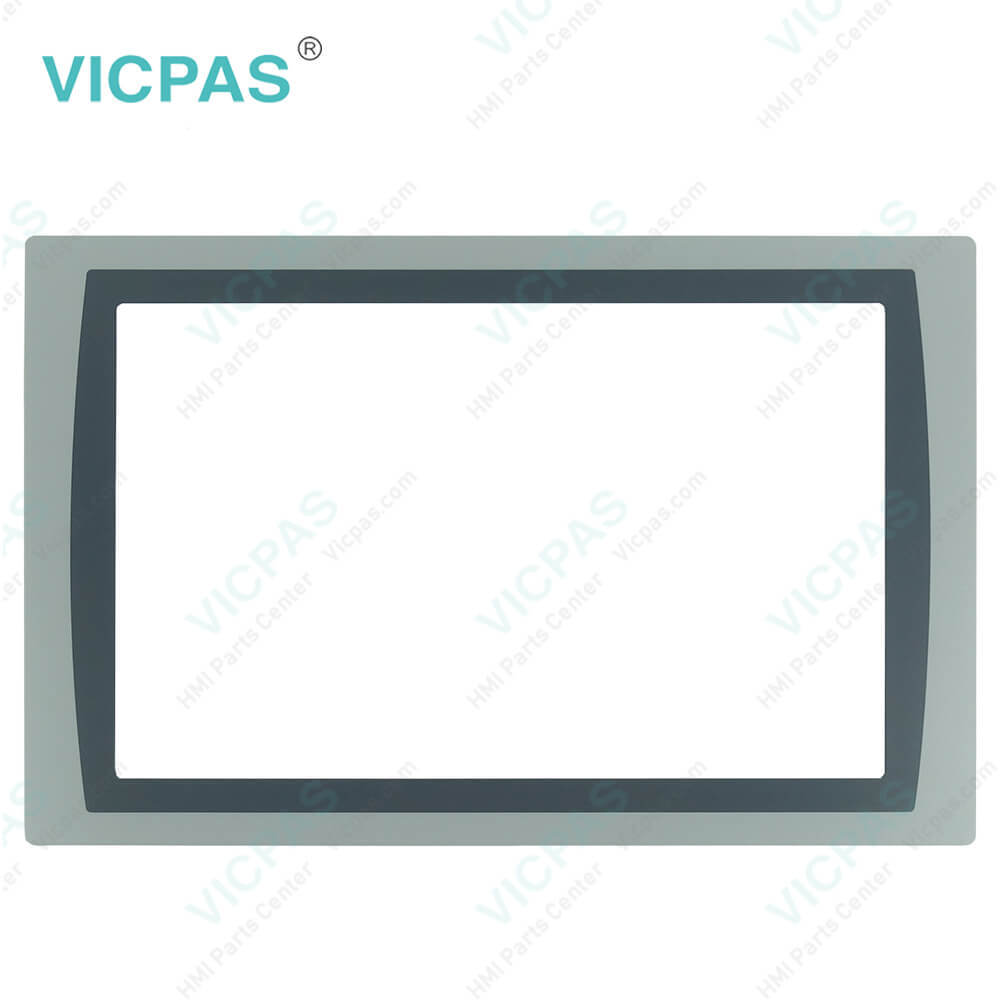
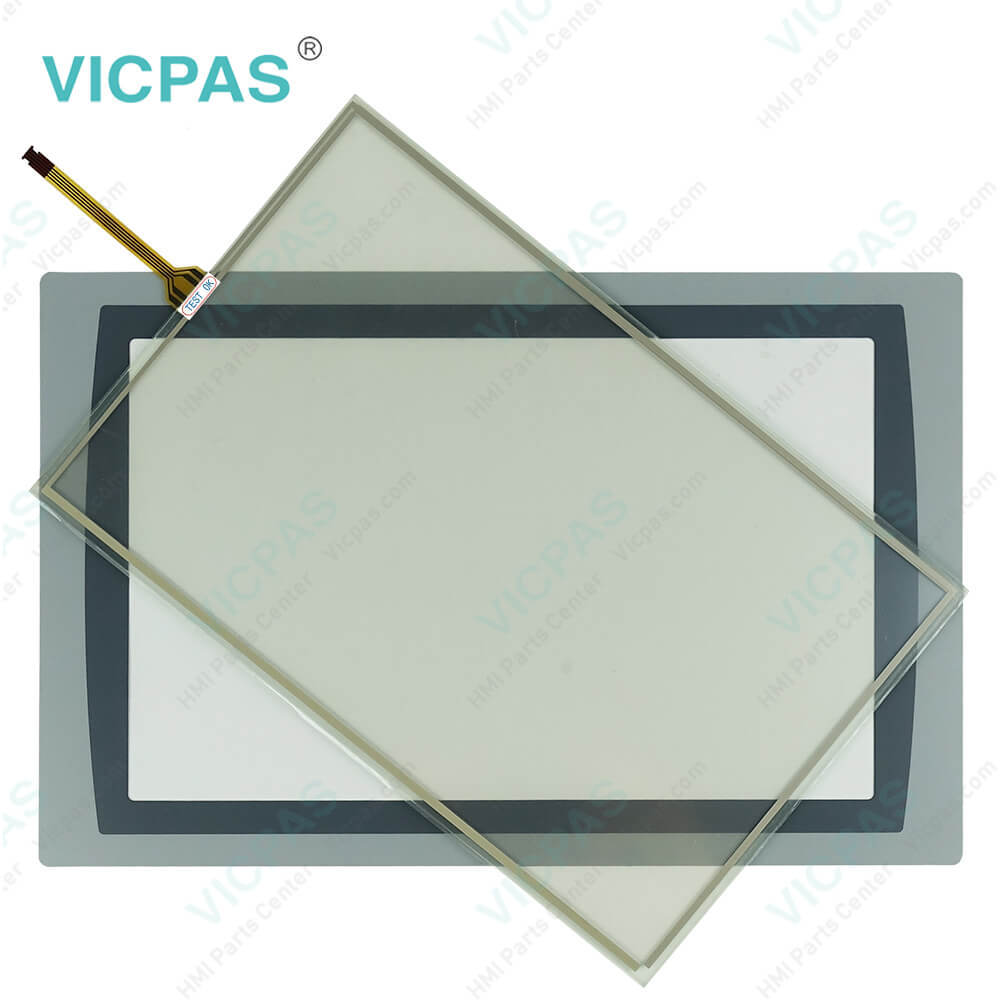

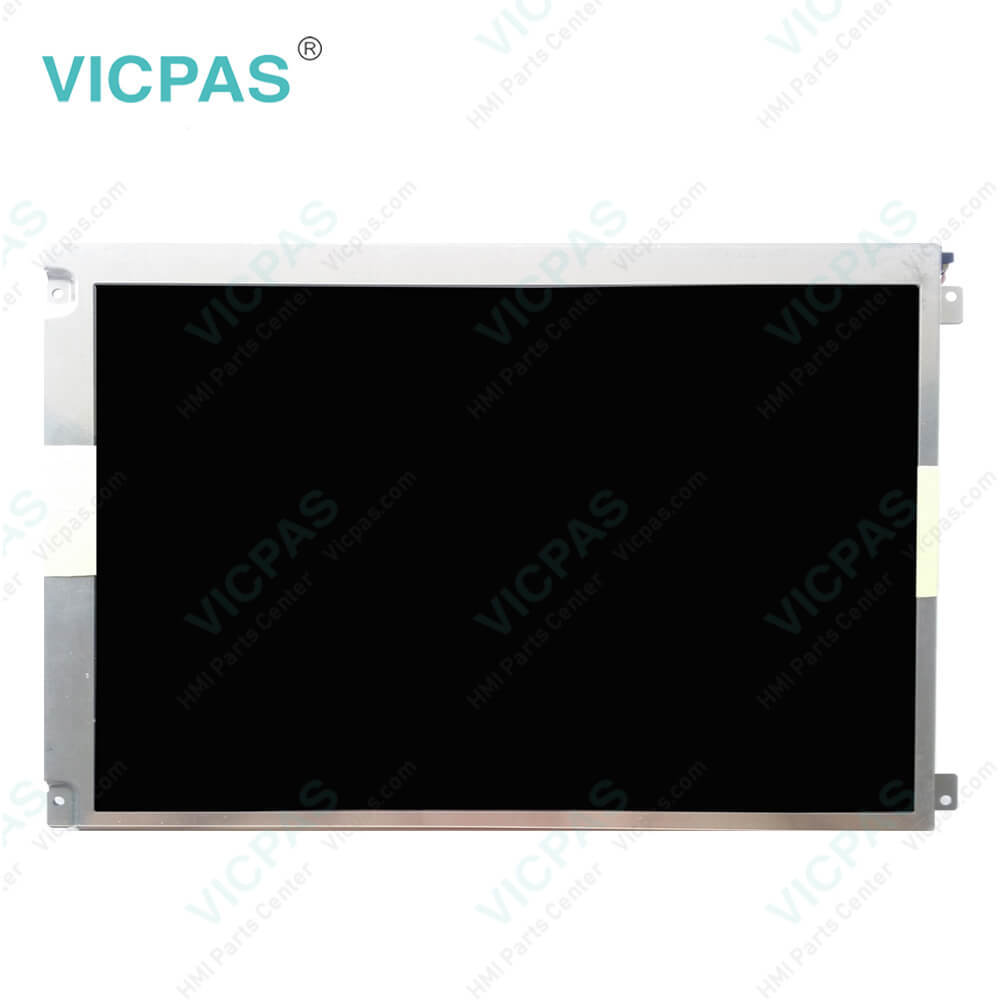
| categories | PanelView Plus 7 Standard Terminals |
|---|---|
| Model | 2711P-T12W22D8S-B |
| Warranty | 365 Days |
| Product Line | Panelview Plus 7 |
| Supply | Panelview Plus 7 HMI Touchscreen |
| Parts | Touchscreen Panel Glass Protective Film |
| Terms of Payment | Western Union, MoneyGram, T/T, Paypal, PayPal, Credit Card |
| Update Time | 2026-02-09 16:47:23 |
Shipping
Specifications:
| Part Number : | 2711P-T12W22D8S-B |
| Display Size: | 12.1 inches |
| Display Color: | Amber |
| Warranty: | 365 days Warranty |
| Product Line: | Panelview Plus 7 |
| Input Type: | Touchscreen |
| Mounting position: | vertical |
| Communication: | ControlNet |
| Software: | FactoryTalk |
Panelview Plus 7 2711P-T12W22D8S-B Touchscreen Panel PDF Download:
FAQ:
Question: How to disable the Allen Bradley PanelView Plus 7 Standard Terminals 2711P-T12W22D8S-B Screen Cursor?
Answer: The terminal 2711P-T12W22D8S-B has a screen cursor that you can disable or enable. 1. Press Terminal Settings, then choose Display>Cursor. 2. To disable or enable the cursor, press Enable Cursor. 3. To exit and return to terminal settings, press OK.
Question: How to edit the device address of the 2711P-T12W22D8S-B controller?
Answer: 1. Press Terminal Settings, then choose Networks and Communications>RSLinx Enterprise Communications.2. Select the controller in the tree. 3. To view the device name and current address, press Edit Device. 4. To modify the address, press Device Address. The input panel opens with the current address. 5. Enter the address in the input panel and press Enter. 6. Press OK.
Question: What is the size of Allen Bradley 2711P-T12W22D8S-B Toucshcreen Panel Glass?
Answer: The PanelView Plus 7 2711P-T12W22D8S-B Touch Screen Panel is 12.1-inch.
Question: How to view or enter an IP address for terminal 2711P-T12W22D8S-B?
Answer: 1. Press Terminal Settings, then choose Networks and Communications>Network Connections>Network Adapters.2. To view or modify the IP address, press IP Address. 3. To enable or disable DHCP assignment of addresses, press Use DHCP. • If DHCP is enabled or set to Yes, IP addresses are automatically assigned to newly attached devices on the network. • If DHCP is disabled or set to No, you can manually enter the IP address. Press IP Address, Subnet Mask, and Gateway to enter IP formatted addresses. 4. Press OK when done. If prompted, reset the device from the FactoryTalk View ME Station dialog box. 5. Press Close.
Common misspellings:
2711PT12W22D8S-B2711P-T12W2D8S-B2711P-T12W22D8S-2711-PT12W22D8S-B2711P-T12W22D8-SB27211P-T12W22D8S-B27111P-T12W22D8S-B2711P-T12W22DD8S-B
- Mobile Phone
- *Title
- *Content
 Fast Quote
 Fast Quote
 Worldwide Shipping
 12 Months Warranty
 Customize Service