




4P3040.00-K31 Operator Panel Keypad Replacement
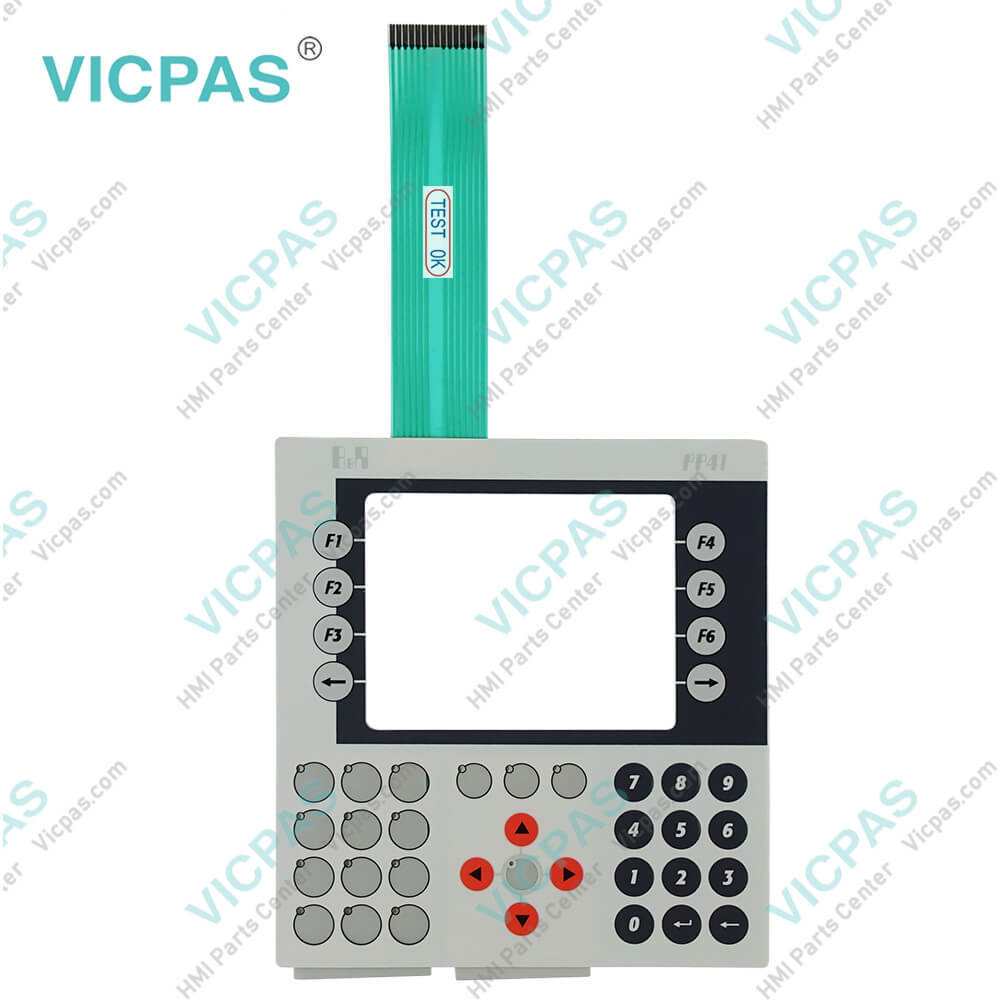
| categories | Power Panel PP15 PP21 PP35 PP41 PP45 |
|---|---|
| Brand | B&R |
| Model | B&R Power Panel 41 4P3040.00-K31 |
| Warranty | 1 Year VICPAS Warranty |
| Shipping | DHL/FedEx/UPS/TNT/EMS/Aramex /DPEX |
| Terms of Payment | Western Union, T/T, PayPal, T/T ,Credit Card, Western Union |
| Update Time | 2026-02-09 17:32:19 |
Shipping
Specifications:
| Part Number : | 4P3040.00-K31 |
| Product Line: | Power Panel 41 |
| Screen diagonal: | 5.7 in |
| Warranty: | 365 days Warranty |
| Input Power: | 24 VDC |
| Display Type: | TFT color |
| Mounting position: | vertical |
| Input Type: | Keypad |
| Serial interface Type: | RS232 |
| Storage: | -20 to 70°C |
4P3040.00-K31 Operator Panel Keypad Replacement PDF Download:
FAQ:
Question: What are the functions of B&R Automation Device Interface (ADI) - Control Center?
Answer: The functions provided by the Automation Device Interface (ADI) - Control Center vary according to the device series. To carry out a firmware upgrade, the following steps should be taken: • Changing display-specific parameters • Reading device-specific keys • Updating the key configuration • Enabling device-specific LEDs on a membrane keypad or keys •Reading and calibrating control devices (e.g. key switches, handwheels, joysticks, potentiometers) • Reading temperatures, fan speeds, statistical data and switch settings • Reading operating hours (power-on hours) • Reading user and factory settings • Reading software versions • Updating and backing up BIOS and firmware • Creating reports about the current system (support assistance) • Setting the SDL equalizer value when adjusting SDL cables • Changing the user serial ID
Question: How can Power Panel 41 4P3040.00-K31 screen burn-in be avoided?
Answer: • By constantly changing between static and dynamic images• By avoiding excessive brightness differences between foreground and background elements• By using colors with similar brightness• By using complementary colors in follow-up images• By using a screensaver
Question: What causes B&R 4P3040.00-K31 image sticking?
Answer: • Static images• Screensaver not enabled• Sharp contrast transitions (e.g. black / white)• High ambient temperatures• Operation outside of the specifications
Common misspellings:
4P3040.00-K3
4P3040.0-K31
4P304.000-K31
4P3040.00-K3I
4P30440.00-K31
- Mobile Phone
- *Title
- *Content
 Fast Quote
 Fast Quote
 Worldwide Shipping
 12 Months Warranty
 Customize Service