




B&R 4PP035.0300-K08 Operator Panel Keypad
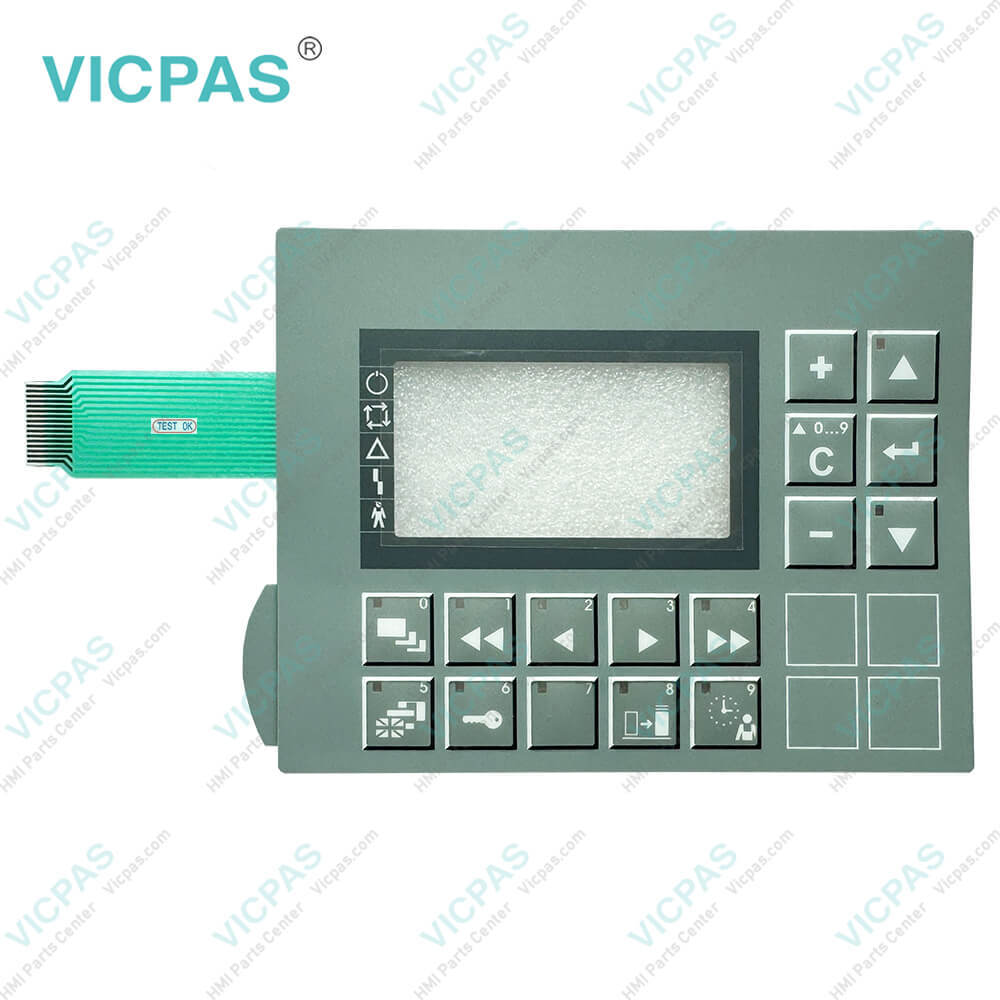
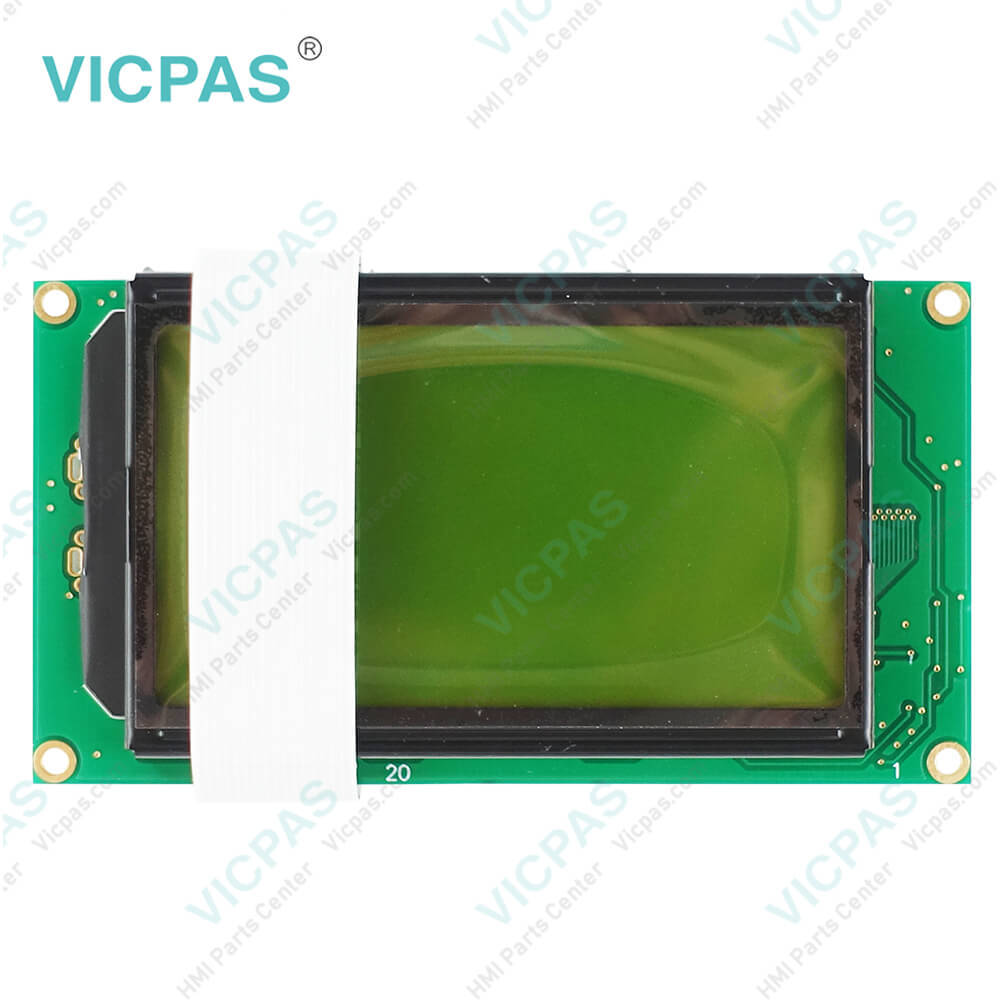
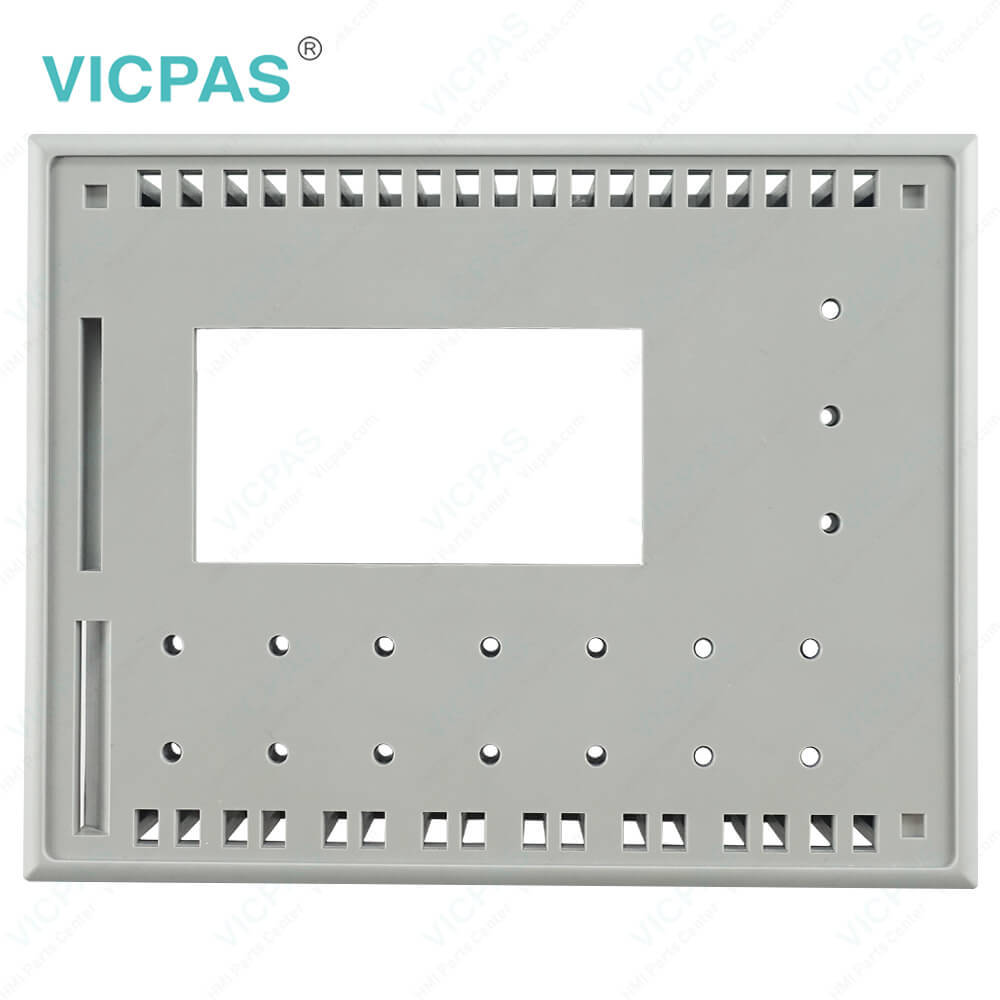
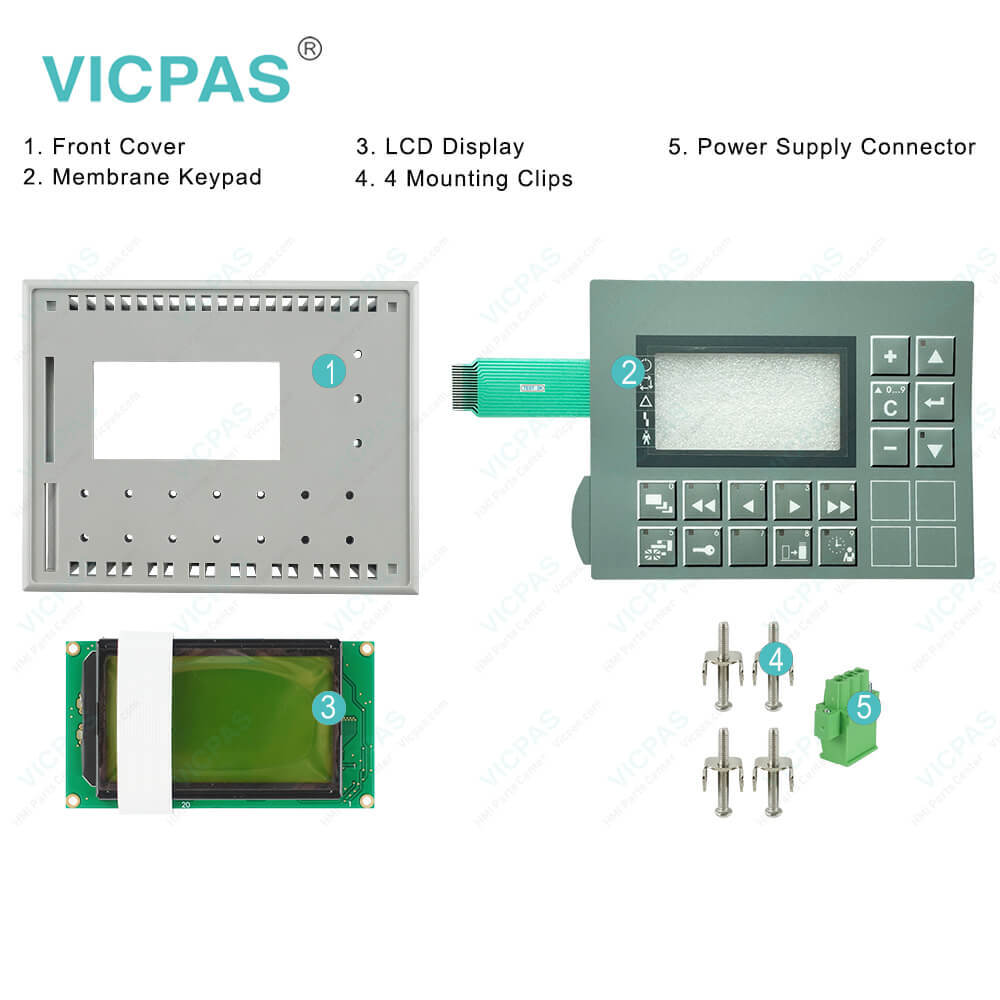
| categories | Power Panel PP15 PP21 PP35 PP41 PP45 |
|---|---|
| Brand | B&R |
| Model | B&R Power Panel 35 4PP035.0300-K08 |
| Warranty | 1 Year VICPAS Warranty |
| Shipping | DHL/FedEx/UPS/TNT/EMS/Aramex /DPEX |
| Terms of Payment | Western Union, T/T, PayPal, T/T ,Credit Card, Western Union |
| Update Time | 2026-02-09 17:33:12 |
Shipping
Specifications:
| Part Number : | 4PP035.0300-K08 |
| Product Line: | Power Panel 35 |
| Screen diagonal: | 5.7 in |
| Warranty: | 365 days Warranty |
| Input Power: | 24 VDC |
| Display Type: | TFT color |
| Mounting position: | vertical |
| Input Type: | Keypad |
| Serial interface Type: | RS232 |
| Storage: | -20 to 70°C |
B&R 4PP035.0300-K08 Operator Panel Keypad PDF Download:
FAQ:
Question: What is the B&R Power Panel 35 4PP035.0300-K08 terminal keypad price?
Answer: Submit a fast quote, send Kernfix an email for best price.
Question: How to change the B&R Power Panel 35 4PP035.0300-K08 battery?
Answer: The product design allows the battery to be changed with the Power Panel switched on or off. In some countries, safety regulations do not allow batteries to be changed while the module is switched on. The battery is changed as follows: • Touch the mounting rail or ground connection (not the power supply!) in order to discharge any electrostatic charge from your body. • Remove the cover from the lithium battery holder using a screwdriver. • Remove the battery from the holder by pulling the removal strip (don't use uninsulated tools -> risk of short circuiting). • The battery should not be held by its edges. Insulated tweezers may also be used for removing the battery. • Insert the new battery with correct polarity. The removal strip should be protruding from the battery holder and the "+" side of the battery should be facing downward. In order to be able to remove the battery again in future, the removal strip must protrude from the upper side of the battery. • Now wrap the end of the removal strip over the top of the battery and insert it underneath the battery so that it does not protrude from the battery holder.
Question: How can the Power Panel 35 4PP035.0300-K08 lifespan of backlights be extended?
Answer: • Set the display brightness to the lowest value that is still comfortable for the eyes• Use dark images• Reducing the brightness by 50% can result in an approximate 50% increase of the halfbrightness time.
Common misspellings:
4PP35.0300-K08
4P035.0300-K08
4PP035.300-K08
4PP035.0300-Ko8
4PP035.0300-K0B
- Mobile Phone
- *Title
- *Content
 Fast Quote
 Fast Quote
 Worldwide Shipping
 12 Months Warranty
 Customize Service