




B&R 5MP040.0381-01 Keypad Membrane Repair
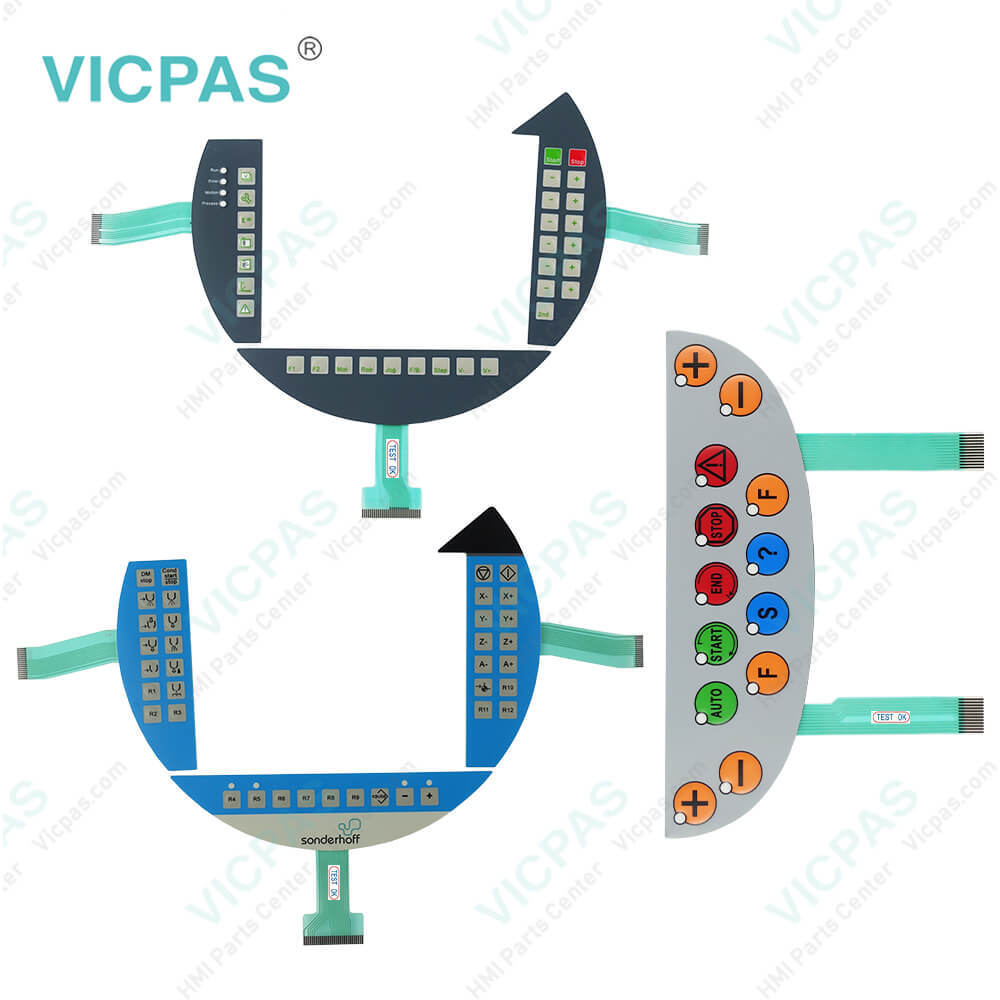
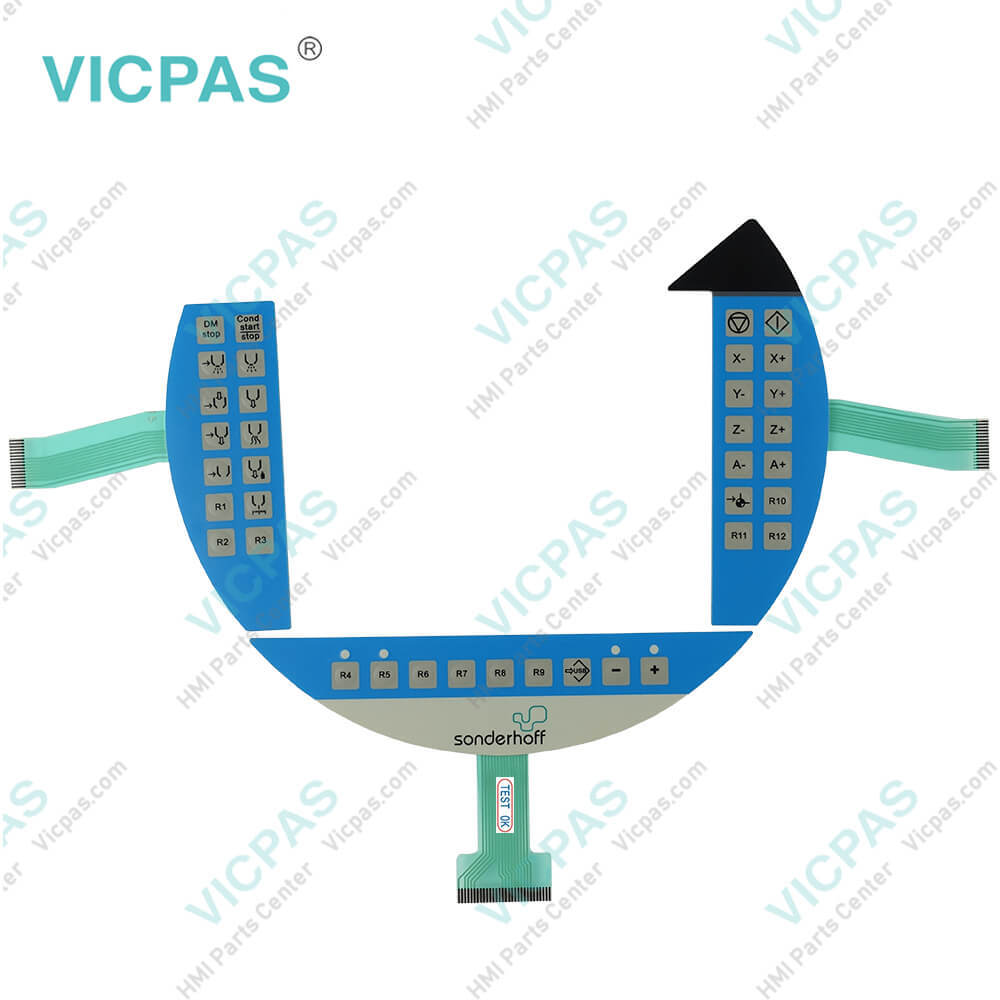
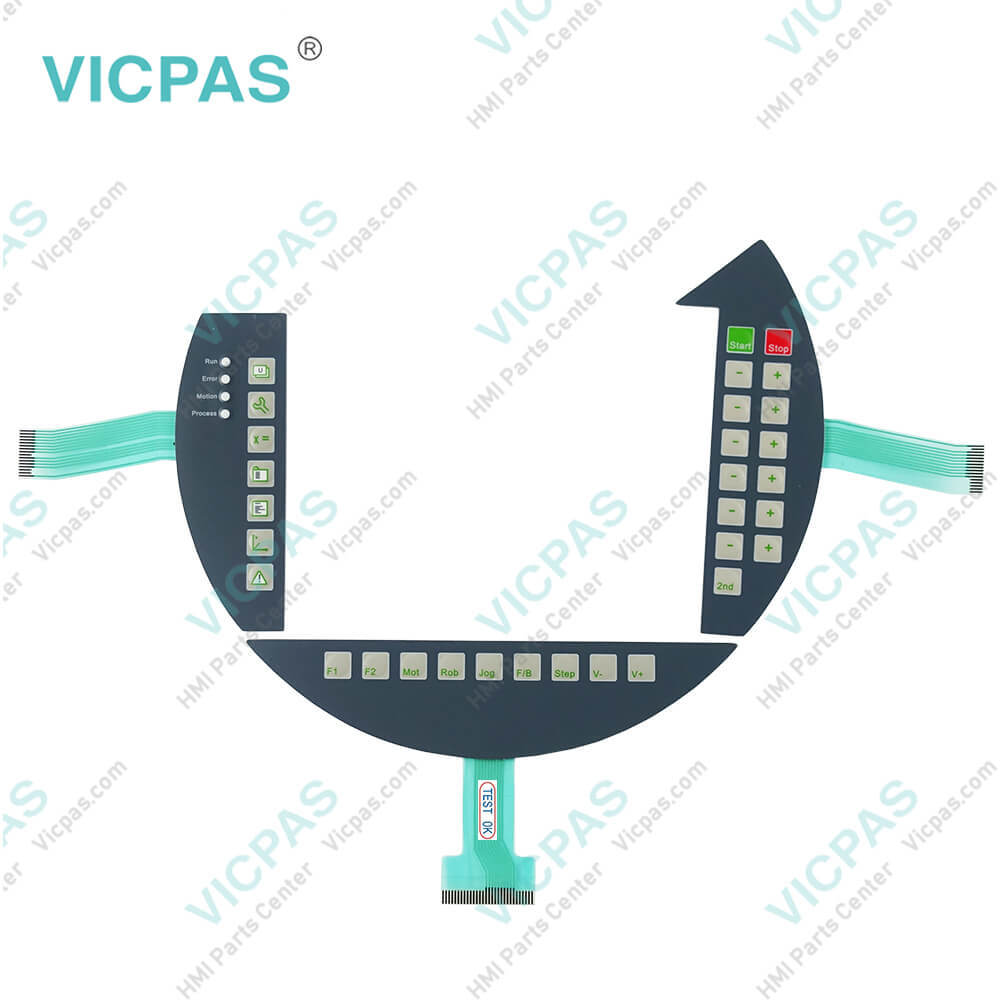
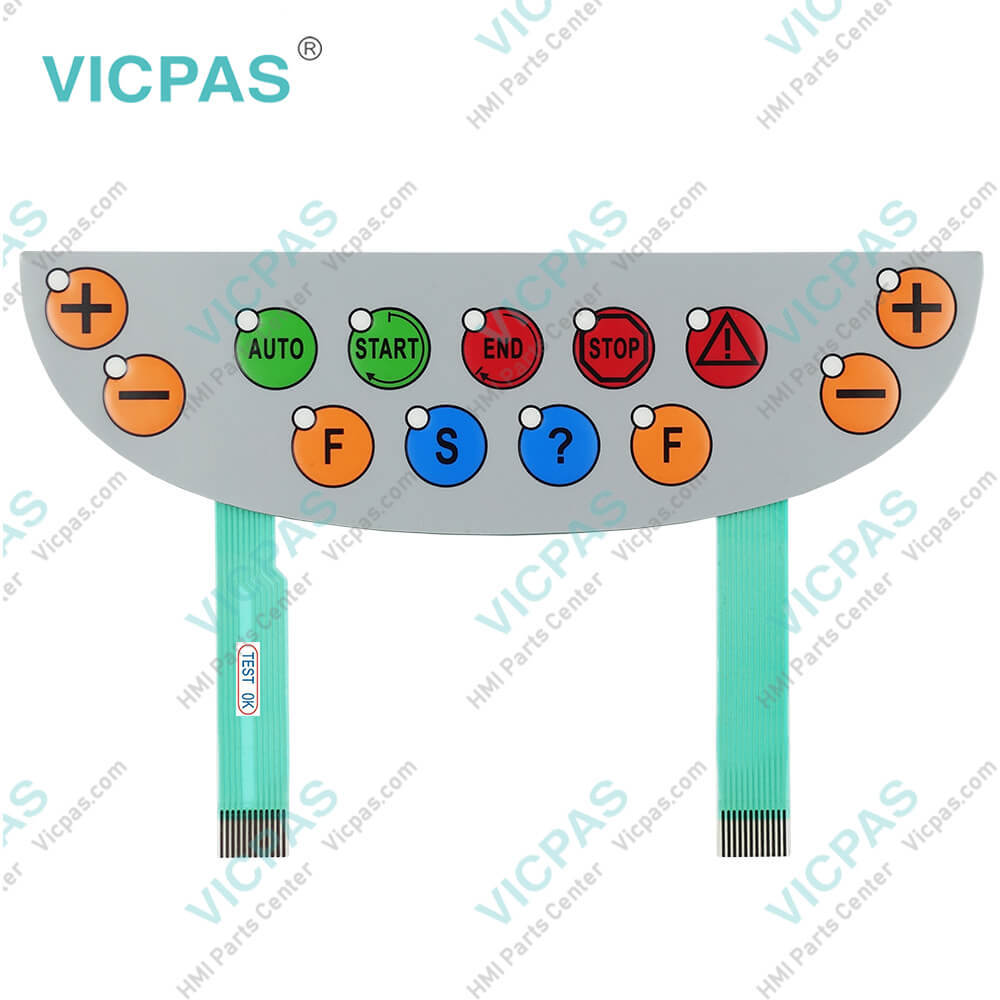
| categories | Mobile Panel |
|---|---|
| Brand | B&R |
| Model | B&R Mobile Panel MP40 5MP040.0381-01 |
| Warranty | 1 Year VICPAS Warranty |
| Shipping | DHL/FedEx/UPS/TNT/EMS/Aramex /DPEX |
| Terms of Payment | Western Union, T/T, PayPal, T/T ,Credit Card, Western Union |
| Update Time | 2026-01-30 23:46:39 |
Shipping
Specifications:
| Part Number : | 5MP040.0381-01 |
| Product Line: | Mobile Panel 40 |
| Screen diagonal: | 3.8 in |
| Warranty: | 365 days Warranty |
| Input Power: | 24 VDC |
| Display Type: | TFT color |
| Mounting position: | vertical |
| Input Type: | Keypad |
| Serial interface Type: | RS232 |
| Storage: | -20 to 60°C |
Related BB Teach Pendant Part No.:
| B&R Mobile Panel MP40 5MP040.0381-01 | Description | Inventory status |
| 5MP040.0381-01 | B&R Mobile Panel 40 Membrane Keyboard Keypad | In Stock |
| 5MP040.0381-02 | Mobile Panel 40 Membrane Keypad Switch Replacement | Available Now |
B&R 5MP040.0381-01 Keypad Membrane Repair PDF Download:
FAQ:
Question: What measures can be taken against preventing after-image effect in B&R Mobile Panel 40 5MP040.0381-01 LCD/TFT monitors?
Answer: There is no total solution; however, measures can be taken to significantly reduce this effect: • Avoid static pictures or screen content • Use screen savers (moving) when the display is not in use • Frequent picture change • Shut off the display when not in use Turning off the background lighting (backlight) does not influence the prevention of the afterimage effect.
Question: What is the procedure of creating a bootable USB flash drive for B&R 5MP040.0381-01 upgrade files?
Answer: • Connect the USB flash drive to the PC. • If the drive list is not refreshed automatically, the list must be updated using the command Drives > Refresh. • Mark the desired USB flash drive in the drive list. • Change to the Action tab and select Install a B&R Update to a USB flash drive as type of action. • Enter the path to the MS-DOS operating system files. If the files are part of a ZIP archive, then click on the button By ZIP file.... If the files are stored in a directory on the hard drive, then click on the button By folder.... • In the B&R Upgrade text box, it's also possible to enter the path to the ZIP file for the B&R Upgrade Disk and select the file. • Click on the Start action button in the toolbar.
Question: What is the B&R Mobile Panel 40 5MP040.0381-01 terminal keypad price?
Answer: Submit a fast quote, send Kernfix an email for best price.
Common misspellings:
5MP40.0381-01
MP040.0381-01
5MP040.038l-01
5MP04o.0381-01
5MP040.0381--01

- Mobile Phone
- *Title
- *Content
 Fast Quote
 Fast Quote
 Worldwide Shipping
 12 Months Warranty
 Customize Service