




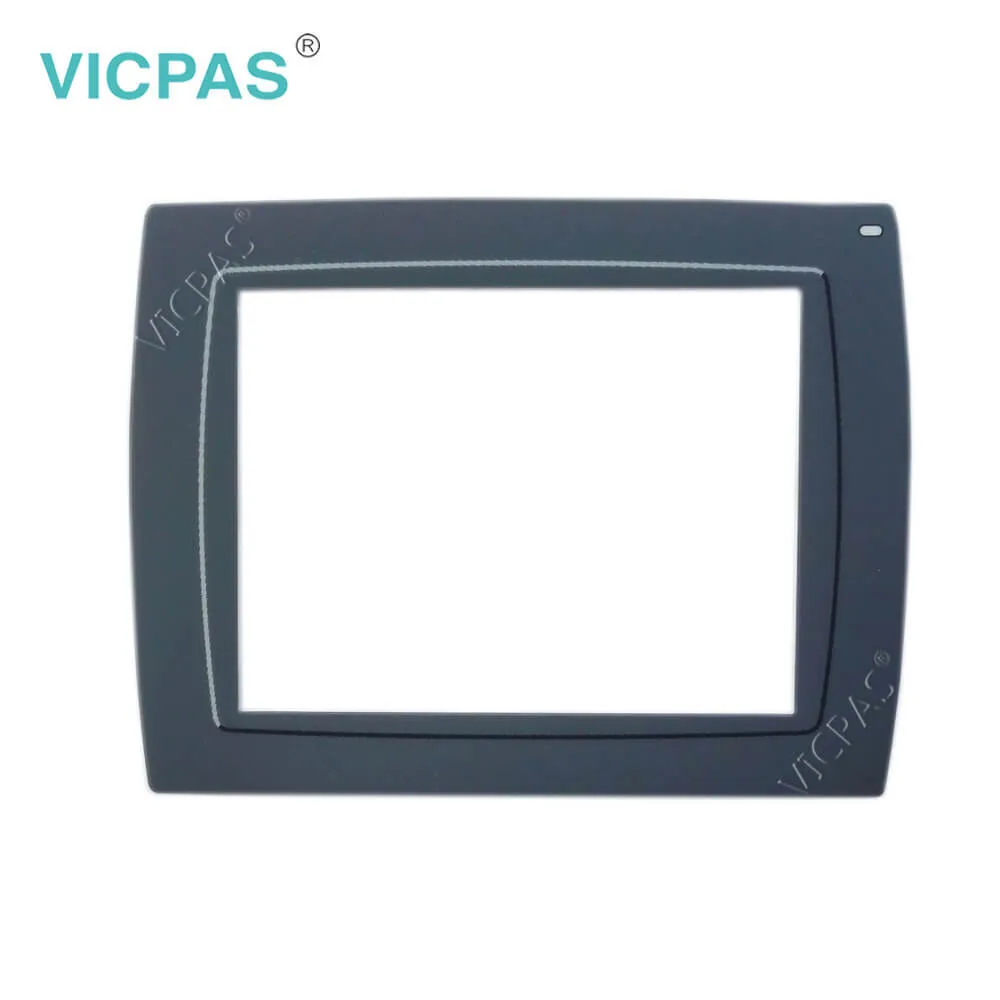
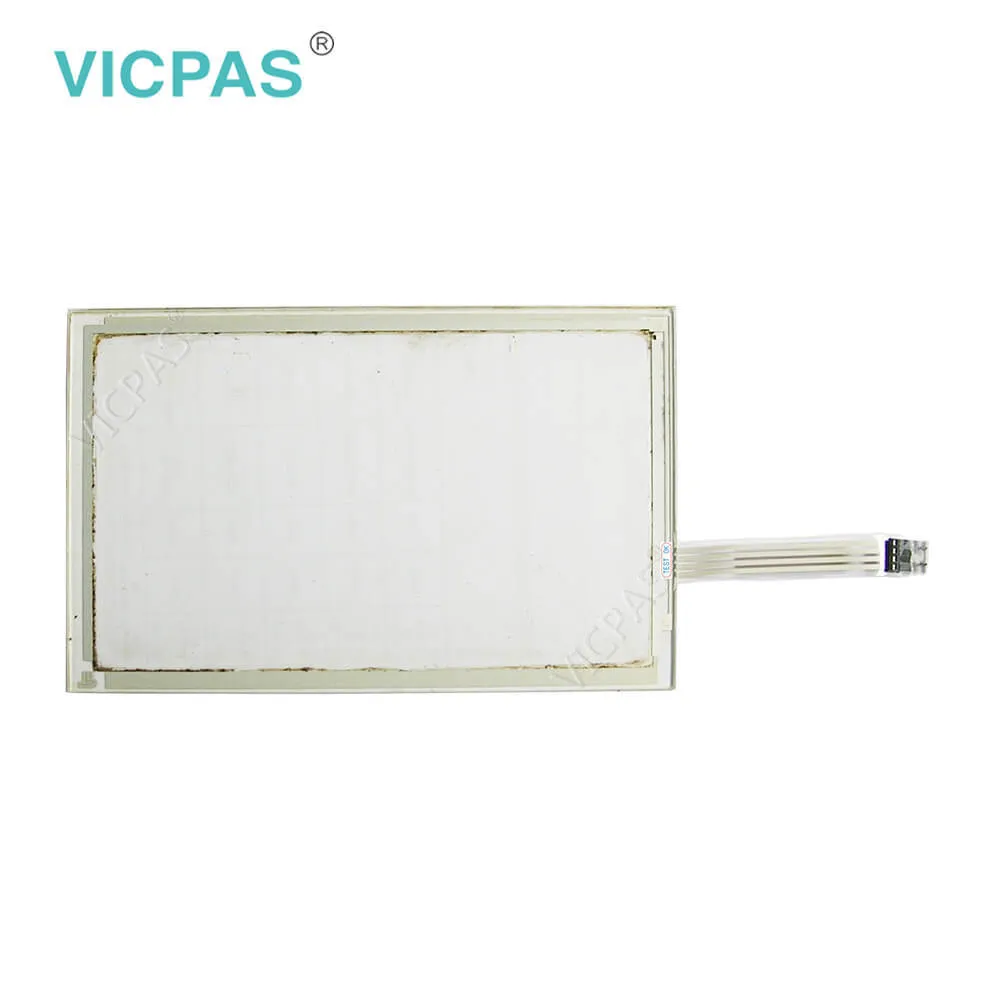
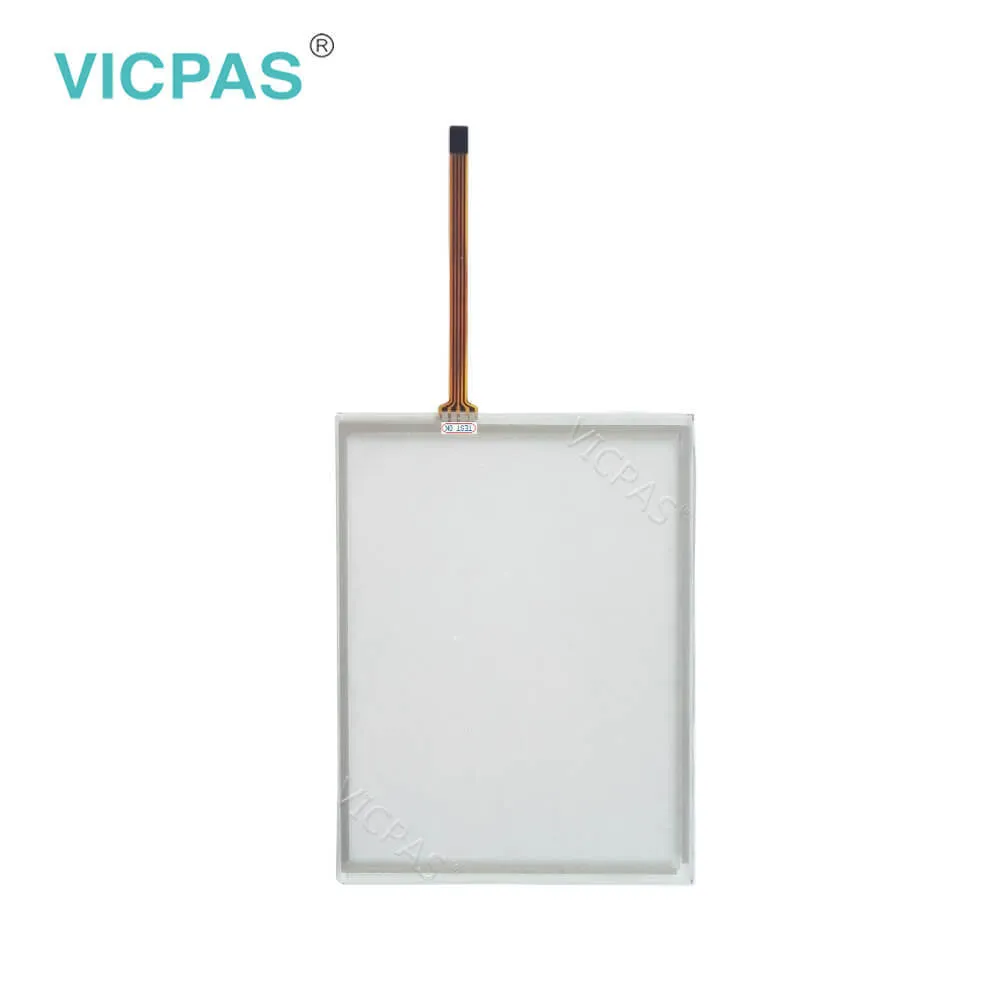
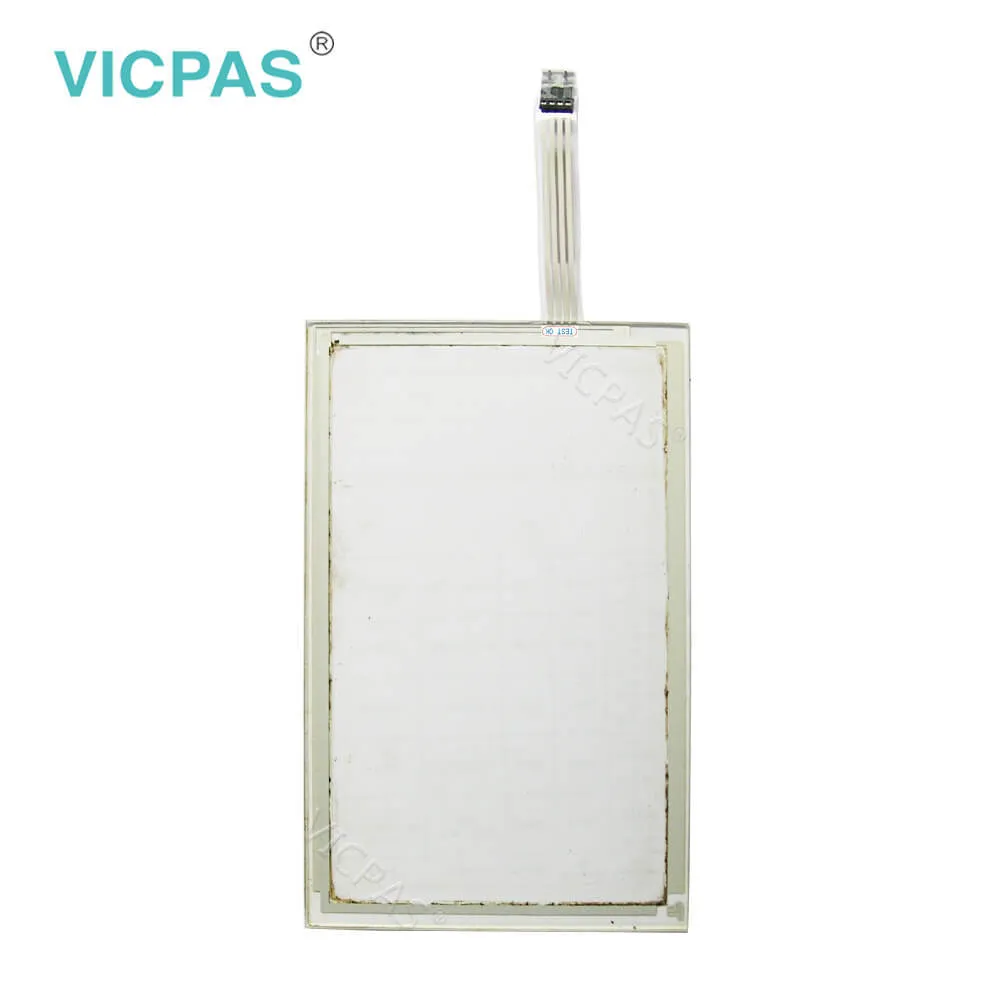
Beijer HMI X2 base 5 630005105 Touch Panel Repair
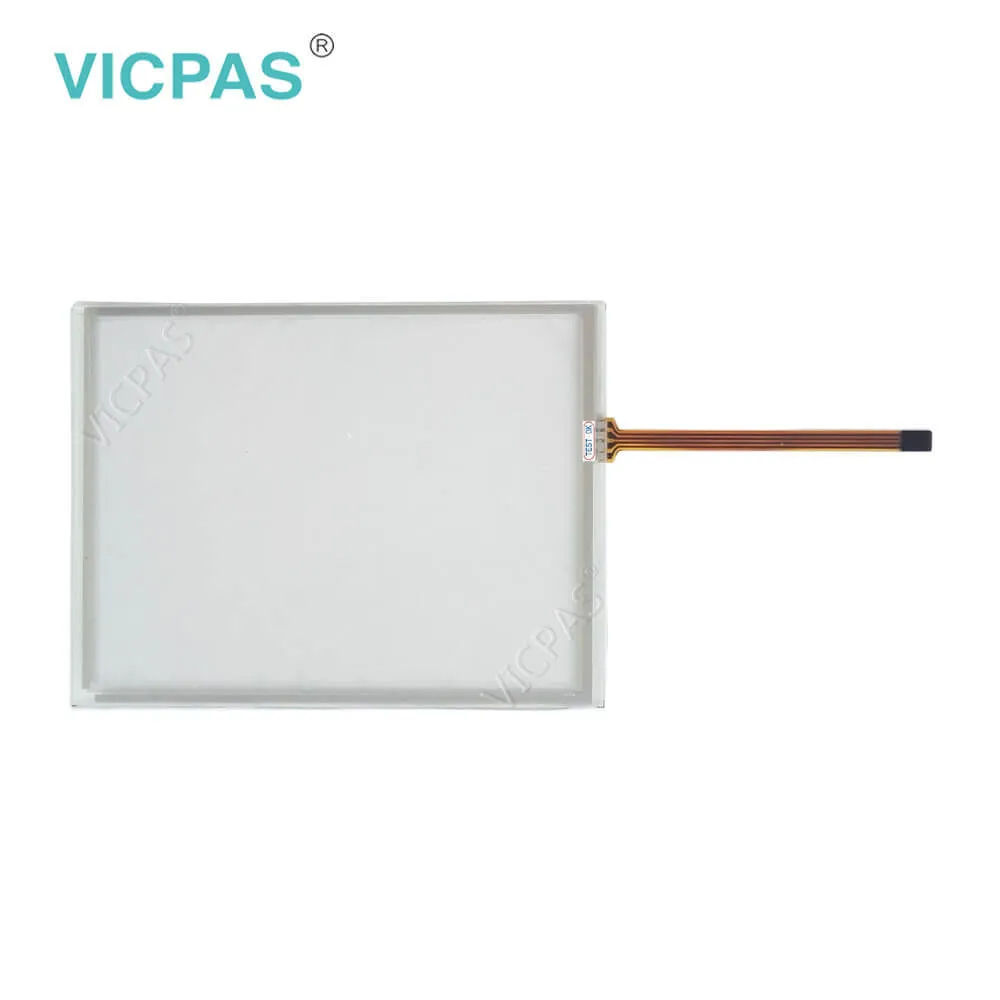
| categories | Beijer X2 Series HMI |
|---|---|
| Brand | BEIJER |
| Model | X2 base 5 |
| Warranty | 365 Days |
| Product Line | X2 Base |
| Supply | Beijer X2 base 5 Touch Screen and Overlay |
| FOB port | Guangzhou, Shenzhen, Hongkong |
| Terms of Payment | Western Union, MoneyGram, T/T, Paypal, PayPal, Credit Card |
| Update Time | 2026-01-31 00:50:19 |
Shipping
Specifications:
| Brand: | Beijer |
| Part number: | 630005105 |
| Size: | 5" |
| Warranty: | 365 days Warranty |
| Product Line: | X2 base 5 |
| Size diagonal: | 800x480 pixel |
| Display Type: | TFT-LCD |
| Housing material: | Plastic (PC+ABS), Gray |
| Input Voltage: | 20 - 30 V DC |
| Power: | 6 W |
Beijer HMI X2 base 5 630005105 Touch Panel Repair PDF Download:
FAQ:
Question: How to install the Beijer X2 base 5 Touch Panel?
Answer: 1. Unpack and check the delivery. If damage is found, notify the supplier.2. Place the operator panel on a stable surface during installation. Dropping theoperator panel or letting it fallmay cause damage.3. To cut a correct opening for the operator panel, use the cut out dimensionsin the outline drawing. Aseparate cut out drawing is available for downloadfrom theBeijer Electronics web site. Formore information, see sectionsOperator PanelDrawings andTechnicalData.4. Secure the operator panel in position using all the fastening holes and theprovided brackets and screws5. Connect the cables in the specified order, according to the drawing and stepsbelow.6. Carefully remove the protective film over the operator panel display, take careto avoid static electricity that could damage the panel.
Question: Why the X2 Base 5 HMI have the chemical resistance?
Answer: Autoflex EBcovers the overlay surrounding the screen.
Question: What is Beijer X2 Base 5 Touchscreen and Overlay HMI parts price?
Answer: Submit a fast quote, send Kernfix an email for best price.
Common misspellings:
60005105
63005105
63000105

- Mobile Phone
- *Title
- *Content
 Fast Quote
 Fast Quote
 Worldwide Shipping
 12 Months Warranty
 Customize Service