




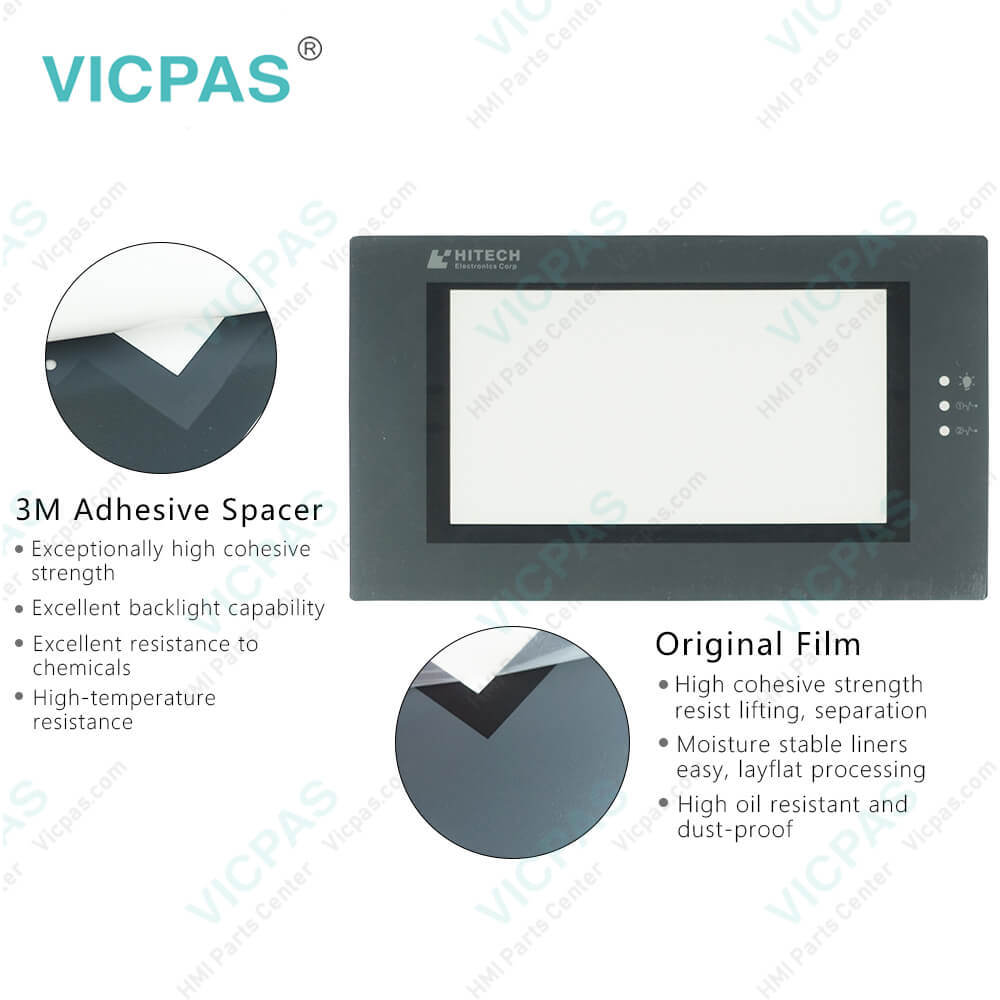
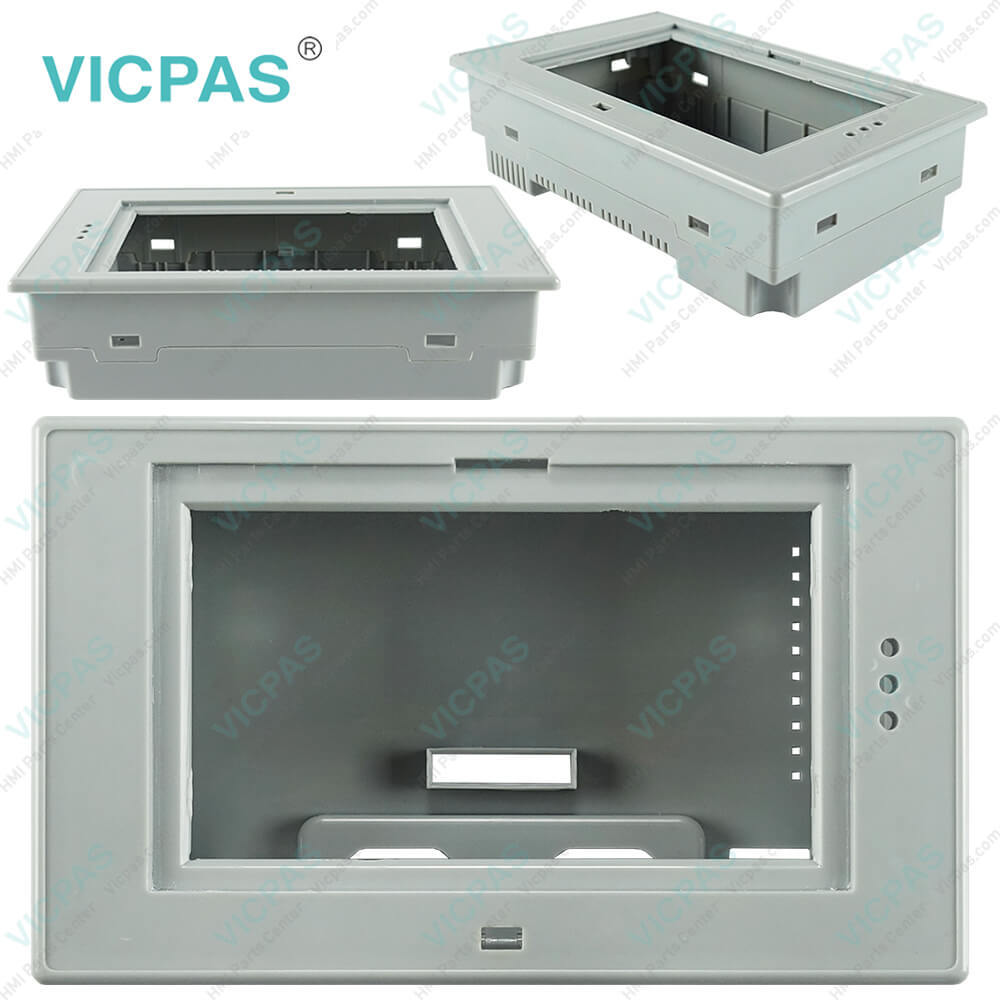
PWS6500S Touchscreen Front Overlay LCD Display HMI Case
| categories | Beijer Hitech PWS Series |
|---|---|
| Brand | BEIJER |
| Model | PWS6500S |
| Warranty | 365 Days |
| Product Line | PWS Series |
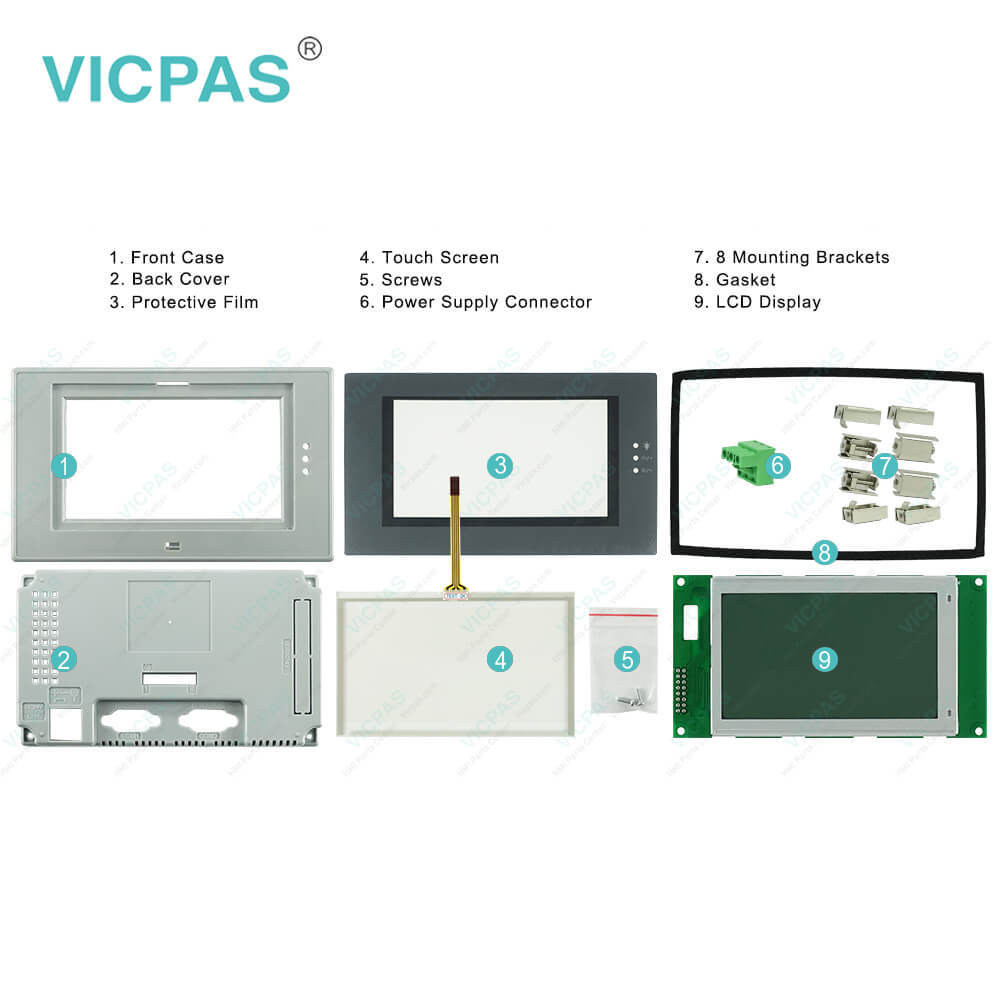
| Supply | PWS6500S Repair Kit |
| FOB port | Guangzhou, Shenzhen, Hongkong |
| Terms of Payment | Western Union, MoneyGram, T/T, Paypal, PayPal, Credit Card |
| Update Time | 2026-01-31 00:53:13 |
Shipping
Specifications:
| Brand: | Beijer |
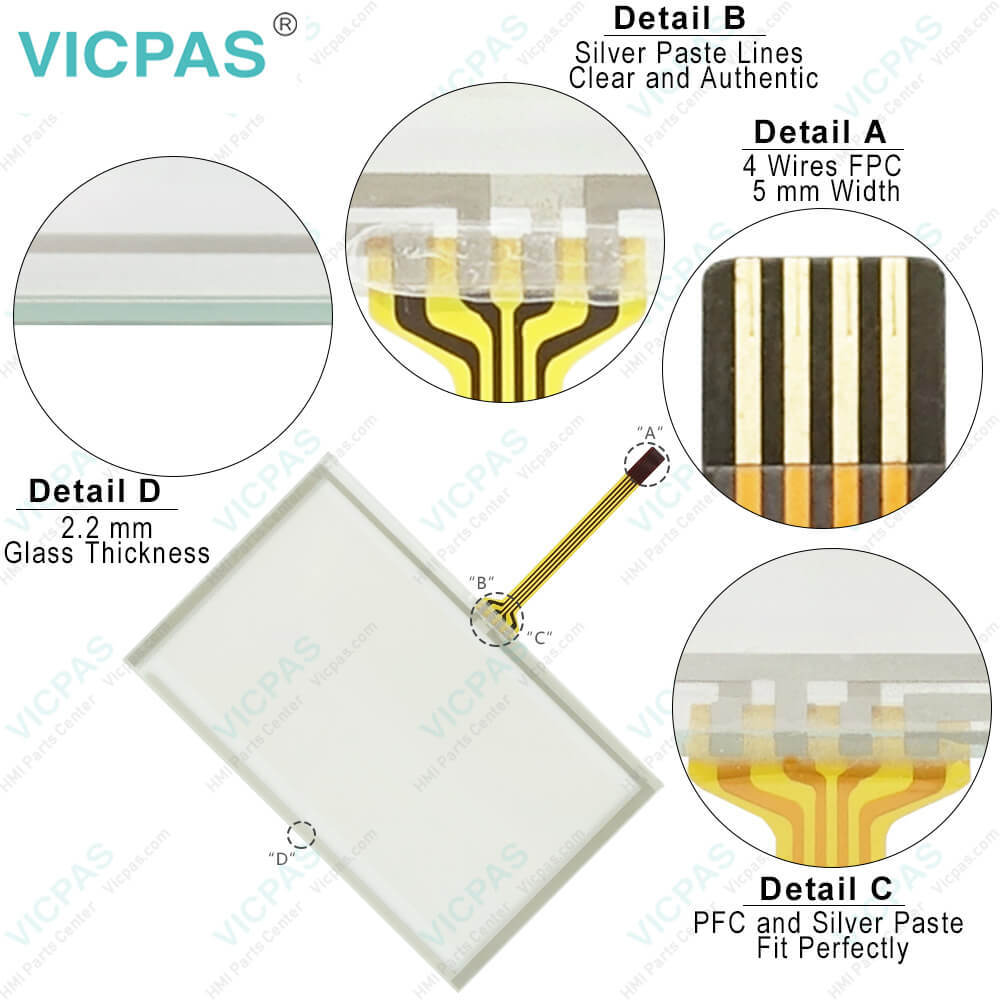
| Touch Type: | Resistive |
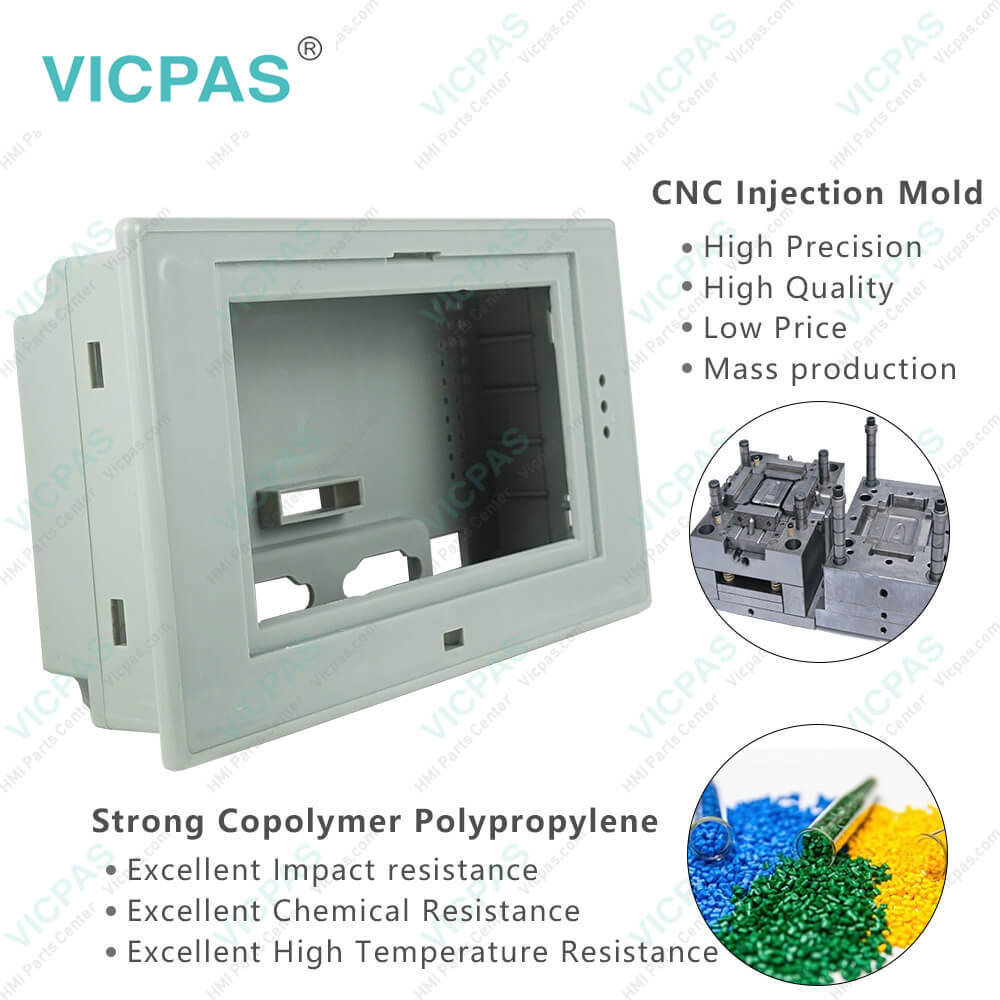
| Housing material: | Plastic, Gray |
| Warranty: | 6-Months Warranty |
| Product Line: | Beijer HITECH PWS |
| Display Type: | LCD |
| Size: | 4.7" |
| Resolution: | 240x128 pixels |
| Part number: | 300-55101 |
| Display Type: | Mono STN LCD |
PWS6500S Touchscreen Front Overlay LCD Display HMI Case PDF Download:
FAQ:
Question: What is PWS6500S protective film HMI parts price?
Answer: Submit a fast quote, send Kernfix an email for best price.
Question: How to install PWS6500S Terminal?
Answer: The basic H-Designer system requirements are as follows:– PC - CPU 80586 or higher;– Memory - 64 MB RAM or more;– Hardware - 60 MB or more available hard drive space;– Display - VGA or SVGA. Microsoft Windows with 256 colors or higher, and a resolution of 800×600 or higher.Since all the programs in the H-Designer suite have been compressed, you need to uncompress and install the software before using it.
Question: What is the Ladder Programming of Beijer H-Series operator panel?
Answer: TLadder logic is a method of drawing electrical logic schematics. It can also be used for programming controllers. A program in ladder logic, also called a ladder diagram, is similar to a schematic for a set of relay circuits.H-series operator terminals and H-Designer support ladder programming and functions in a continuous, cyclical series of tasks called scan. When the operator terminal is running, your program should be in one of the following statuses: RUN, STOP, PAUSE, and ERROR, and you can control the status changing by using debug commands and inserting instructions in your program.Detailed information about using ladder programming as well as examples are available by selecting Help/LadderPlus in H-Designer

- Mobile Phone
- *Title
- *Content
 Fast Quote
 Fast Quote
 Worldwide Shipping
 12 Months Warranty
 Customize Service