




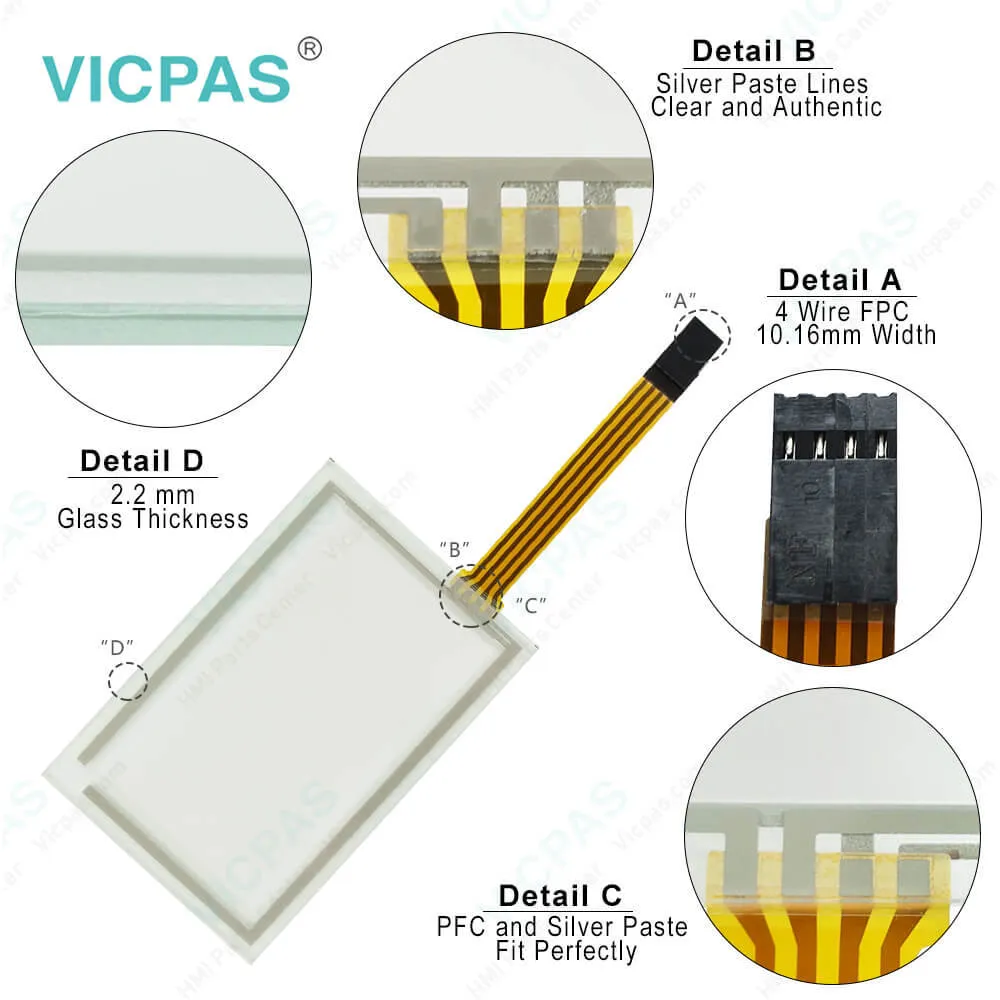
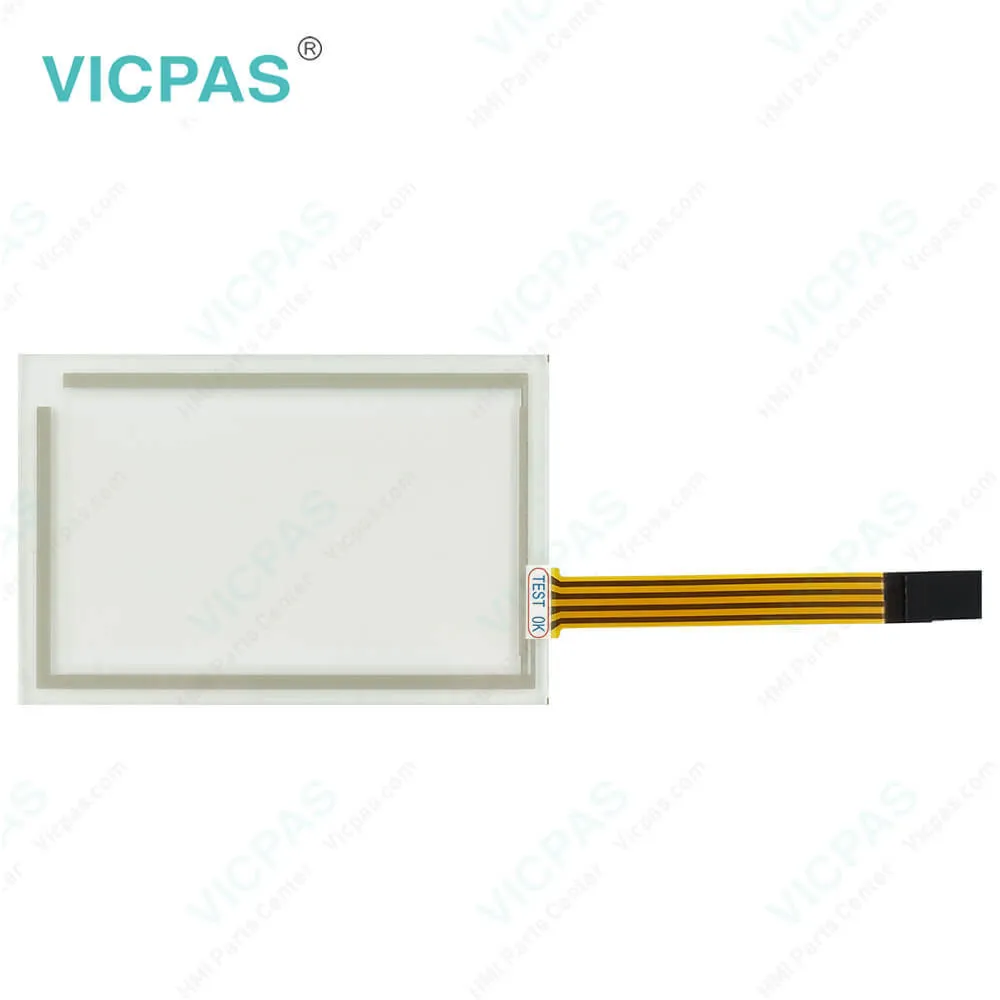
ESA IT Touchscreen Terminal HCJ 015.8270.905.0 Repair
| categories | IT Touch for Industrial Automation |
|---|---|
| Brand | ESA |
| Model | HCJ 015.8270.905.0 |
| Warranty | 365 Days |
| Product Line | Touch screen terminals |
| Supply | HCJ 015.8270.905.0 Touch Screen Panel Glass |
| Terms of Payment | Western Union, T/T, PayPal, Credit Card |
| Update Time | 2026-01-31 01:23:25 |
Shipping
Specifications:
| Brand: | ESA |
| Resolution: | 240x128 |
| Size: | 4.3" |
| Warranty: | 6-Months Warranty |
| Product Line: | Touch Terminal |
| Display Type: | Grey STN |
| Touch Screen Matrix: | 20x8 (12x16) |
| Display area size: | 3.72x2.15 |
| Input Voltage: | 18 - 32 V DC |
| Part Number : | HCJ 015.8270.905.0 |
ESA IT Touchscreen Terminal HCJ 015.8270.905.0 Repair PDF Download:
FAQ:
Question: How to collect and process the IT104G data?
Answer: The operator panels in the IT range can be connected to a production plantand the production data can be exported directly to a remote PC throughthe integrated Ethernet port. Just indicate the names of the variables to bemonitored and, when necessary, their values are automatically read by thePLC and processed directly in an Excel file. In addition, the file can be savedon removable media devices automatically or on a shared folder on aremote PC.
Question: What is the HCJ 015.8270.905.0 Termination of CAN line?
Answer: The HCJ 015.8270.905.0 in question integratesthe termination resistances of the serial line (typically 120 ohms)which can be inserted by means of a jumper (preset on 1-2, line not terminated).To activate the termination:• Make sure the device is not connected to the power supply.• Remove the cover.• Identify the jumper unit J2.• Position the jumper between pins 2 and 3 (line terminated).• Replace the back cover.• Reconnect the power supply.
Question: What is ESA HCJ 015.8270.905.0 Touch Screen Panel Glass HMI parts price?
Answer: Submit a fast quote, send Kernfix an email for best price.
Common misspellings:
HCJ
015.8270905.0
015.8270.95.0
HJC
015.8270.905.0
015.82T0.905.0
015.82700.905.0

- Mobile Phone
- *Title
- *Content
 Fast Quote
 Fast Quote
 Worldwide Shipping
 12 Months Warranty
 Customize Service