




2711P-T10C22A9P Panelview Plus 7 Touch Screen Panel
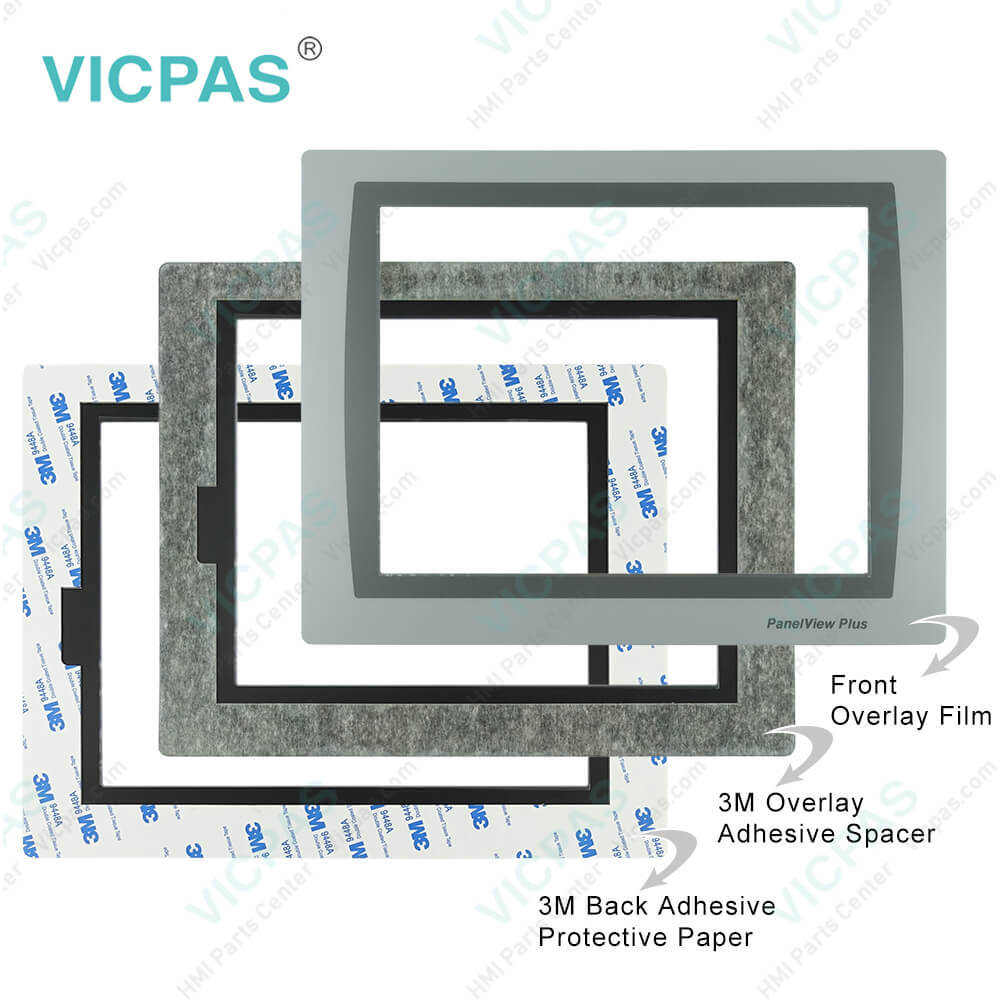
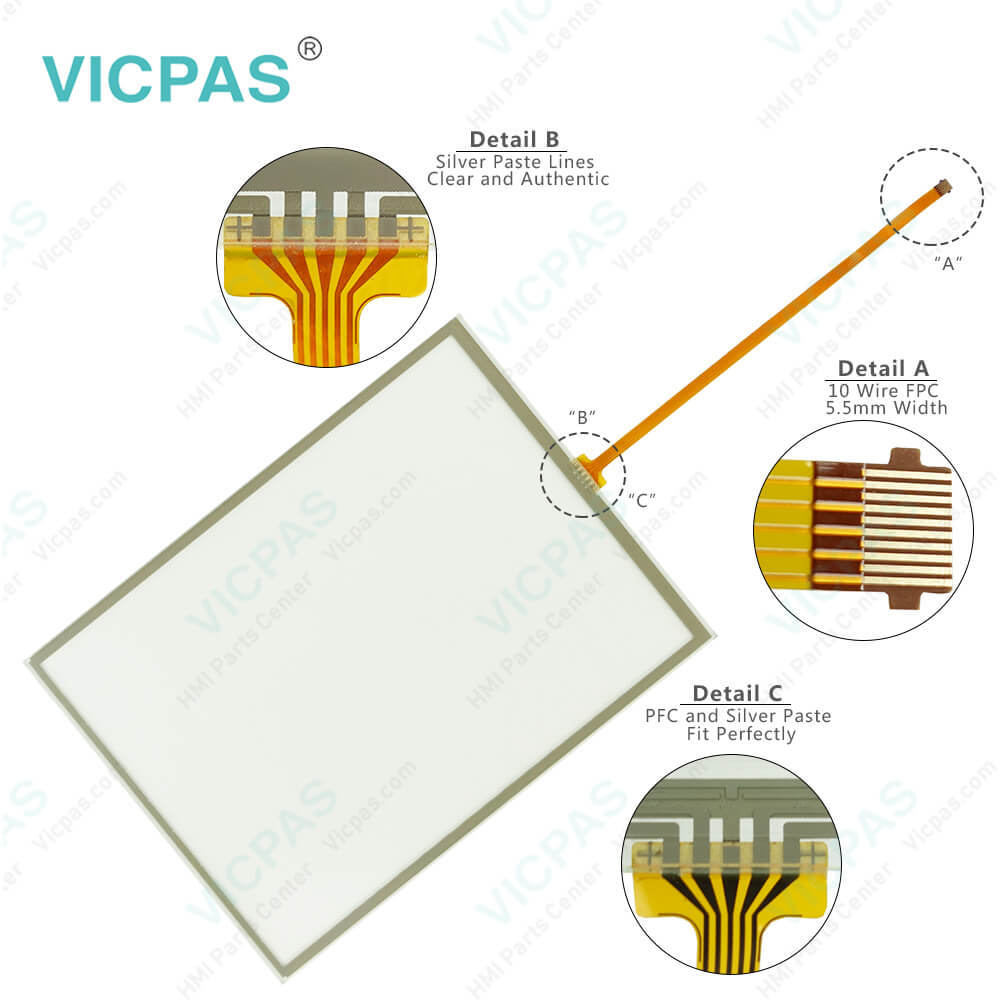
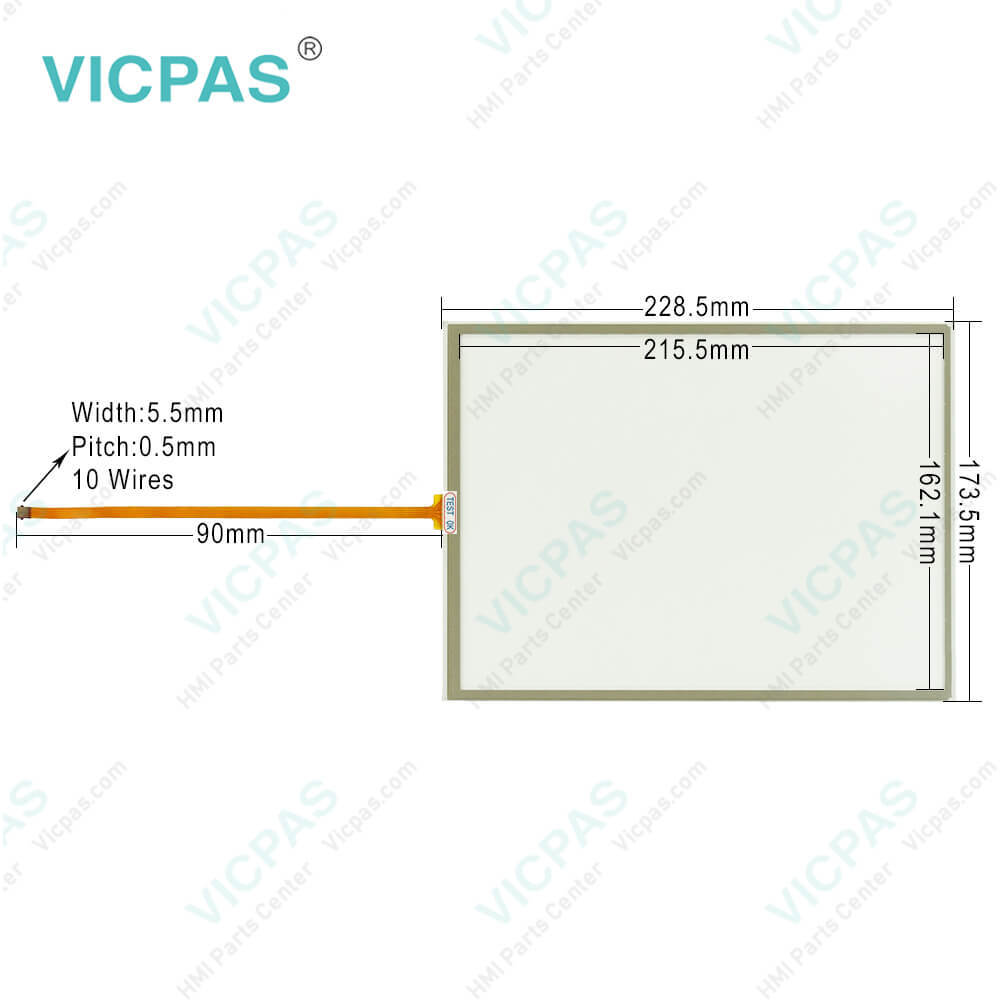
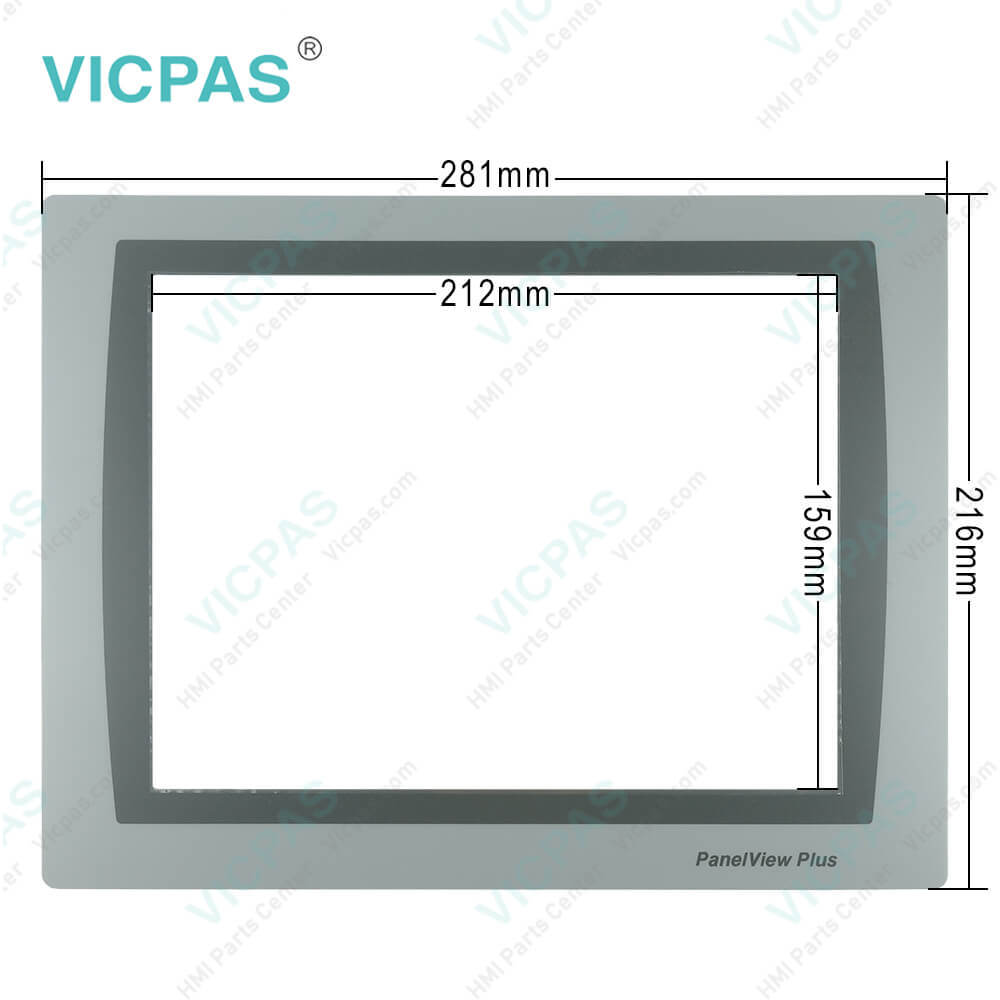
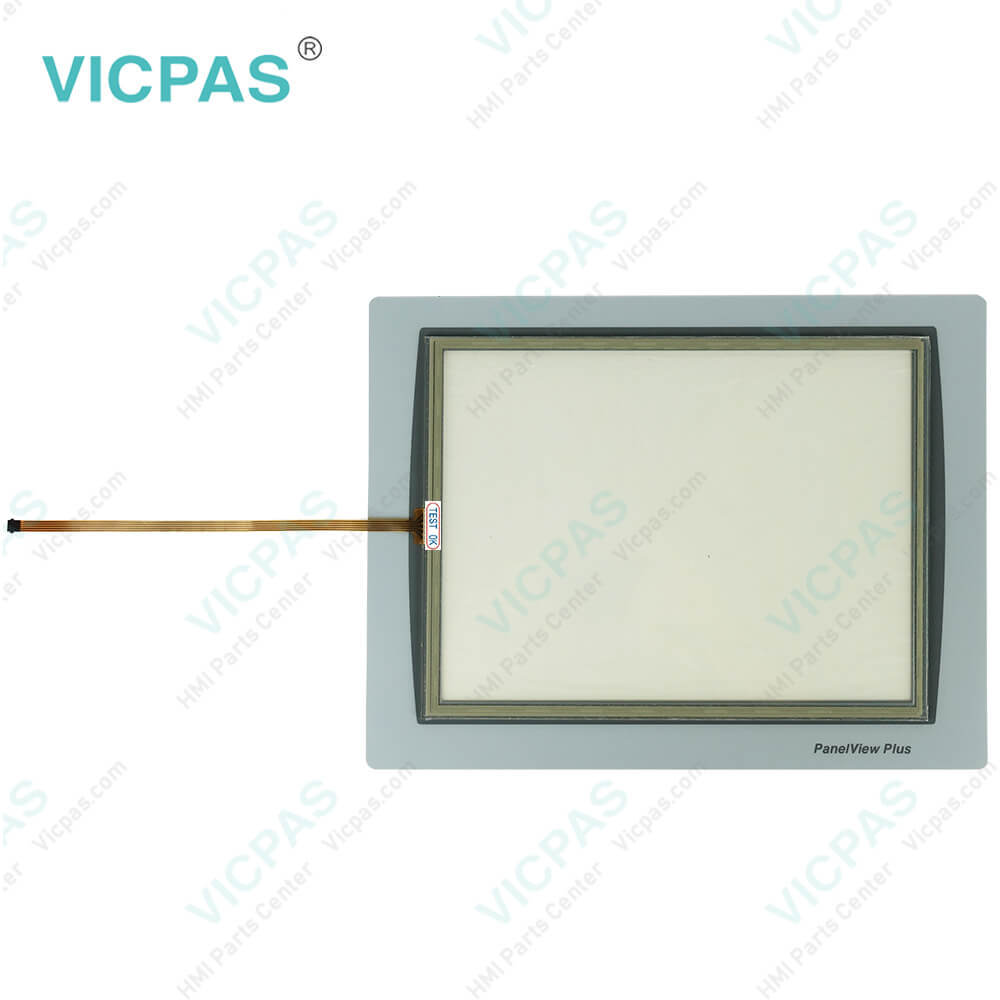
| categories | PanelView Plus 7 Performance Terminals |
|---|---|
| Model | 2711P-T10C22A9P |
| Warranty | 365 Days |
| Product Line | Panelview Plus 7 |
| Supply | Panelview Plus 7 Touch Screen |
| Parts | Touchscreen Panel Glass Protective Film |
| Terms of Payment | Western Union, MoneyGram, T/T, Paypal, PayPal, Credit Card |
| Update Time | 2026-02-09 16:42:48 |
Shipping
Specifications:
| Part Number : | 2711P-T10C22A9P |
| Display Size: | 10 inches |
| Display Color: | Amber |
| Warranty: | 365 days Warranty |
| Product Line: | Panelview Plus 7 |
| Input Type: | Touchscreen |
| Mounting position: | vertical |
| Communication: | ControlNet |
| Software: | FactoryTalk |
2711P-T10C22A9P Panelview Plus 7 Touch Screen Panel PDF Download:
FAQ:
Question: What is the size of 2711P-T10C22A9P Toucshcreen Panel Glass?
Answer: The 2711P-T10C22A9P Touch Screen Panel is 10-inch.
Question: What should we consider when mounting the PanelView Plus 7 2711P-T10C22A9P performance terminal?
Answer:
Question: What are the ways to reset the terminal 2711P-T10C22A9P without having to disconnect and reapply power?
Answer: • From FactoryTalk View ME Station Configuration Mode, tap Reset. • From the terminal desktop Start Menu, choose Programs>Restart System. • To access Maintenance Mode, follow these steps. a. Plug in a USB keyboard. b. Press and hold the white box that appears in the bottom left corner when the terminal is booting up.
Question: What is the 2711P-T10C22A9P Panelview Plus 7 protective film price?
Answer: Submit a fast quote, send Kernfix an email for best price.
Common misspellings:
27l1P-T10C22A9P2711-PT10C22A9P2711P-T10C22A92711PT10C22A9P271lP-T10C22A9P
- Mobile Phone
- *Title
- *Content
 Fast Quote
 Fast Quote
 Worldwide Shipping
 12 Months Warranty
 Customize Service