




Power Panel 500 5PP520.0573-B01 Touch Digitizer Glass

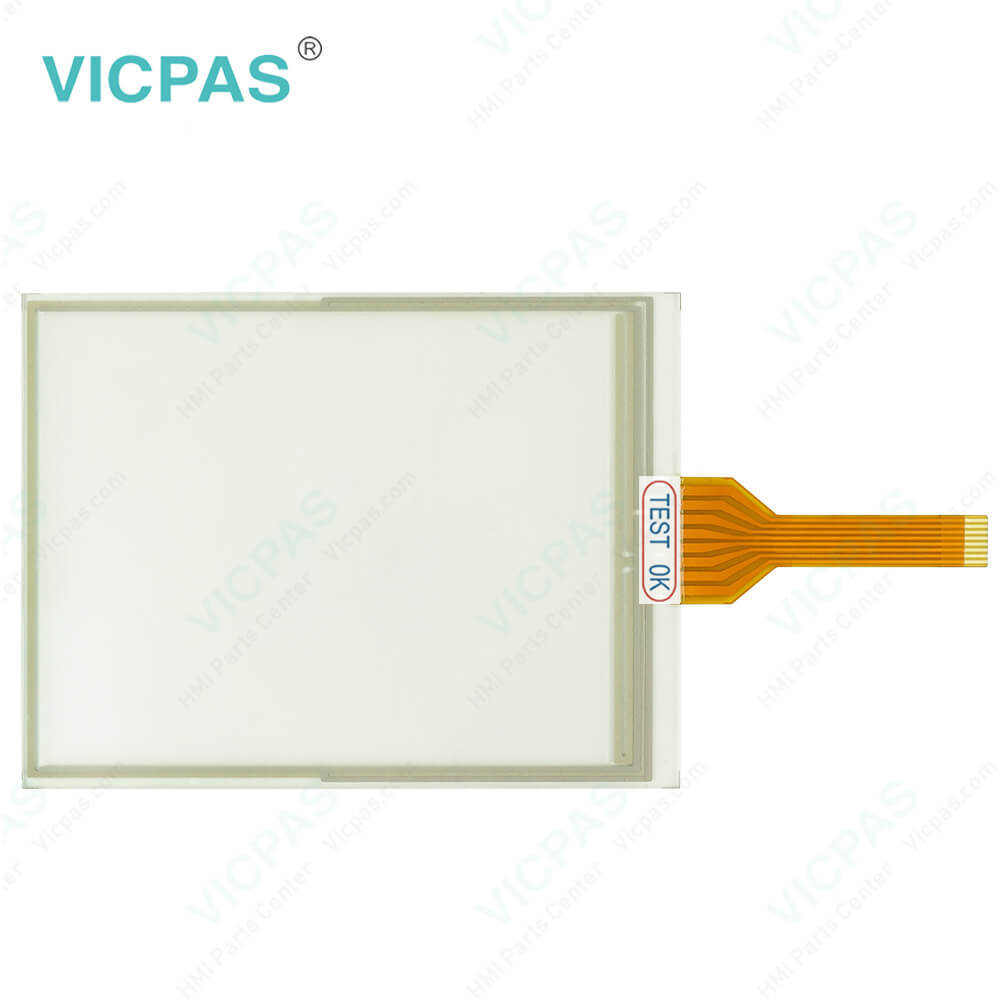

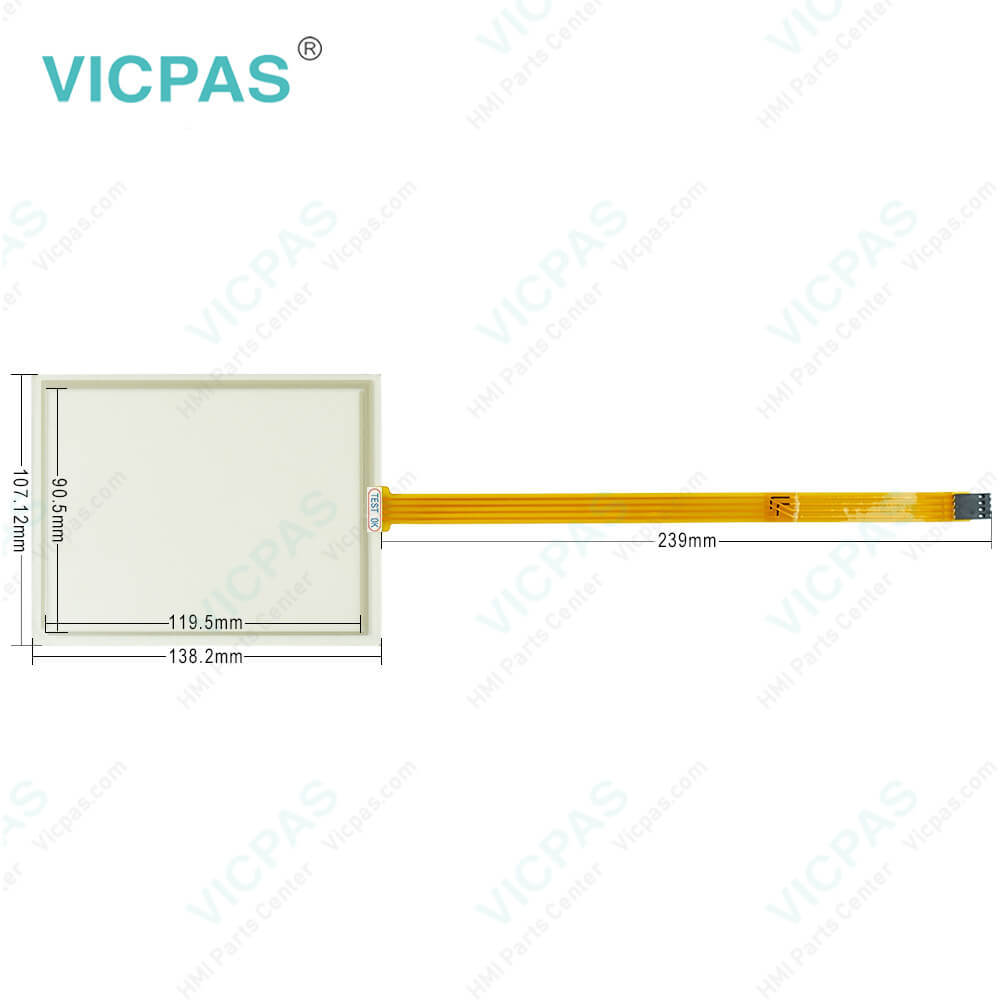
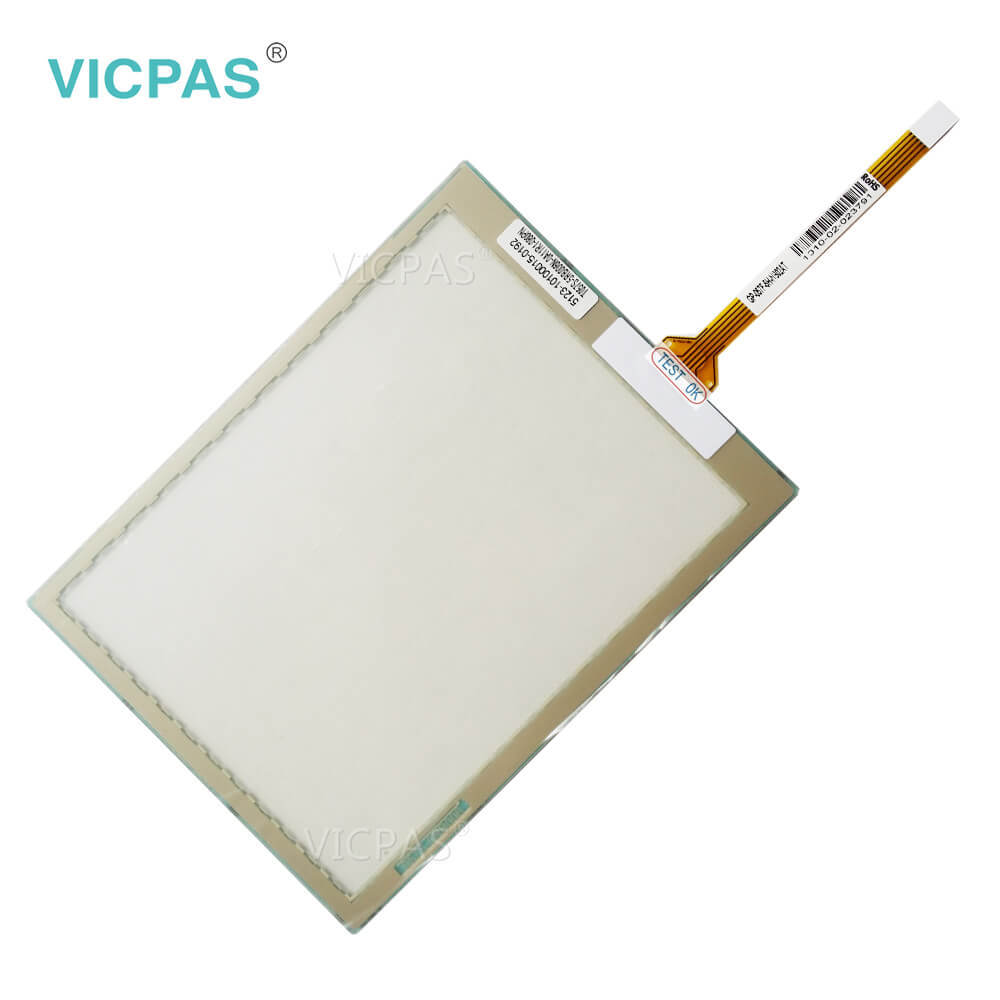
| categories | B&R Power Panel 500 |
|---|---|
| Brand | B&R |
| Model | B&R Power Panel 500 5PP520.0573-B01 |
| Warranty | 1 Year VICPAS Warranty |
| Shipping | DHL/FedEx/UPS/TNT/EMS/Aramex /DPEX |
| FOB port | Guangzhou, Shenzhen, Hongkong |
| Terms of Payment | Western Union, T/T, PayPal, Credit Card |
| Update Time | 2026-02-03 23:29:42 |
Shipping
Specifications:
| Part Number : | 5PP520.0573-B01 |
| Product Line: | Power Panel 500 |
| Screen diagonal: | 5.7 in |
| Warranty: | 365 days Warranty |
| Input Power: | 24 VDC |
| Display Type: | TFT color |
| Mounting position: | vertical |
| Input Type: | Touchscreen |
| Serial interface Type: | RS232 |
| Storage: | -20 to 70°C |
Related BB Teach Pendant Part No.:
| B&R Power Panel 500 5PP520.0573-B01 | Description | Inventory status |
| 5PP520.0573-00 | B&R Power Panel 500 Touch Screen Panel Glass Protective Film | In Stock |
| 5PP520.0573-01 | Power Panel 500 B and R Touch Panel Glass Replacement | Available Now |
| 5PP520.0573-B00 | B&R Power Panel 500 Touch Screen Panel Repair | In Stock |
| 5PP520.0573-B01 | B and R Power Panel 500 Touch Digitizer Replacement | In Stock |
| 5PP520.0573-B10 | Power Panel 500 B&R HMI Touch Screen Organizer | In Stock |
| 5PP520.0573-B11 | B and R Power Panel 500 Touch Panel Glass Repair | In Stock |
| 5PP551.0573-00 | Power Panel 500 B&R HMI Touch Screen Organizer | Available Now |
| 5PP552.0573-00 | Power Panel 500 B&R Touch Screen Monitor Replacement | In Stock |
| 5PP520.0702-00 | B and R Power Panel 500 HMI Touch Screen Monitor | Available Now |
| 5PP520.0702-K01 | B&R Power Panel 500 Front Overlay Touch Panel Glass Organizer | In Stock |
| 5PP520.0702-B00 | B&R Power Panel 500 HMI Touch Screen Panel Glass Repair | In Stock |
Power Panel 500 5PP520.0573-B01 Touch Digitizer Glass PDF Download:
FAQ:
Question: How can the B&R Power Panel 500 service life of the backlight be extended?
Answer: • By setting the display brightness to the lowest value that is still comfortable for the eyes• By using dark images• By reducing the brightness by 50%, which can result in an approximately 50% increase in the half-brightness time
Question: What is the procedure of replacing the B and R PP500 5PP520.0573-B01 battery?
Answer: • Disconnect the power supply to the B&R Industrial PC.• Touch the housing or ground connection in order to discharge any electrostatic charge from your body.• Remove the cover from the battery compartment and carefully pull out the battery using the removal strip.• The battery should not be held by its edges. Insulated tweezers may also be used to insert the battery.• Insert the new battery with the correct polarity. • To make the next battery replacement easier, be sure the removal strip is in place when inserting the battery.• Reconnect the power supply to the B&R Industrial PC (plug in the power cable).• Reset the date and time in BIOS.
Common misspellings:
5P520.0573-B01
5PP52O.0573-B01
5PP520.0573-801
5PP520.0537-B01
5PP5200.0573-B01

- Mobile Phone
- *Title
- *Content
 Fast Quote
 Fast Quote
 Worldwide Shipping
 12 Months Warranty
 Customize Service