




4D1165.00-590 Terminal Keypad Replacement Repair
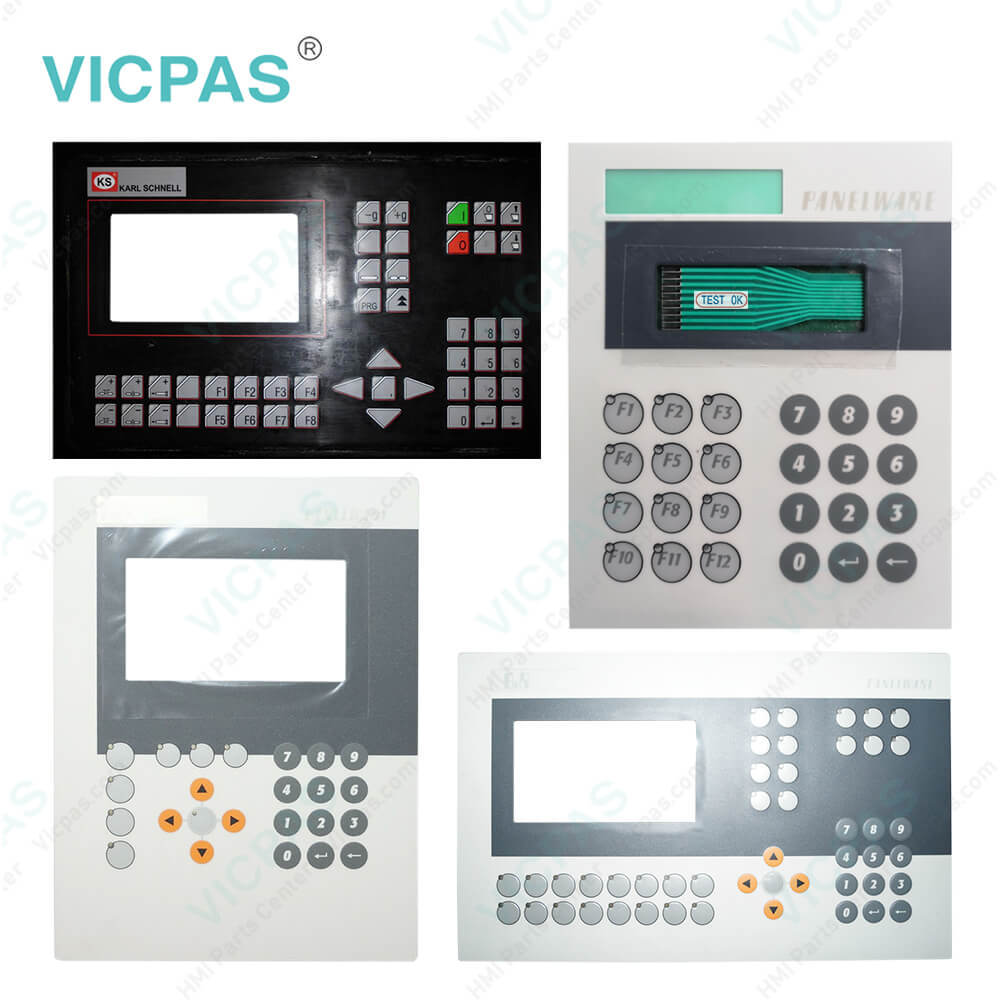
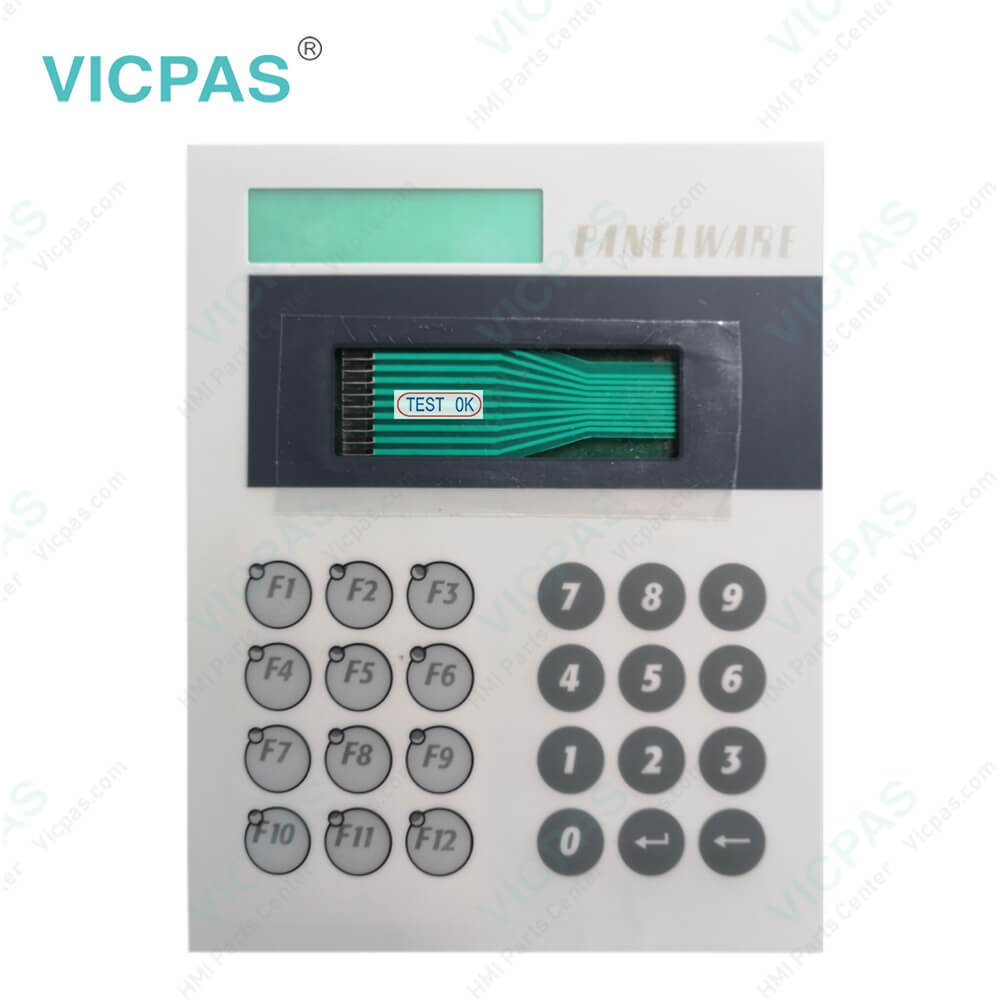
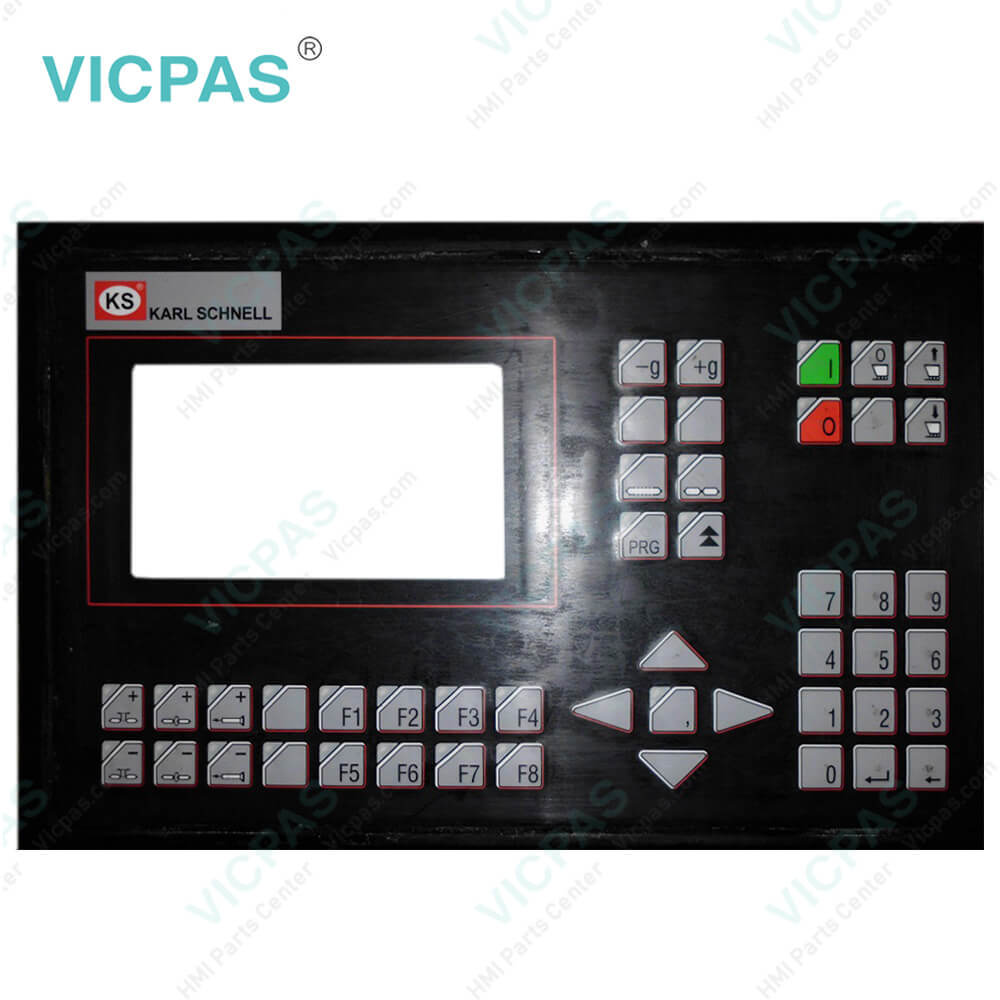
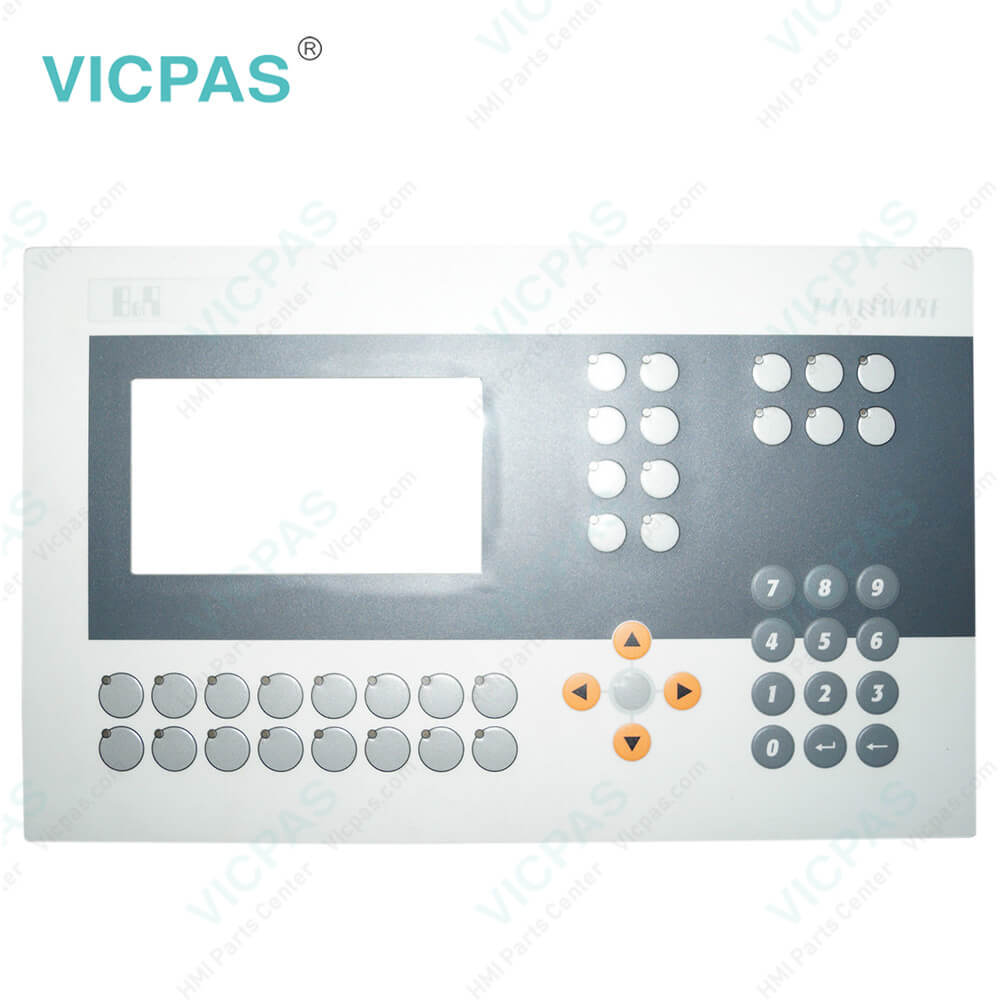
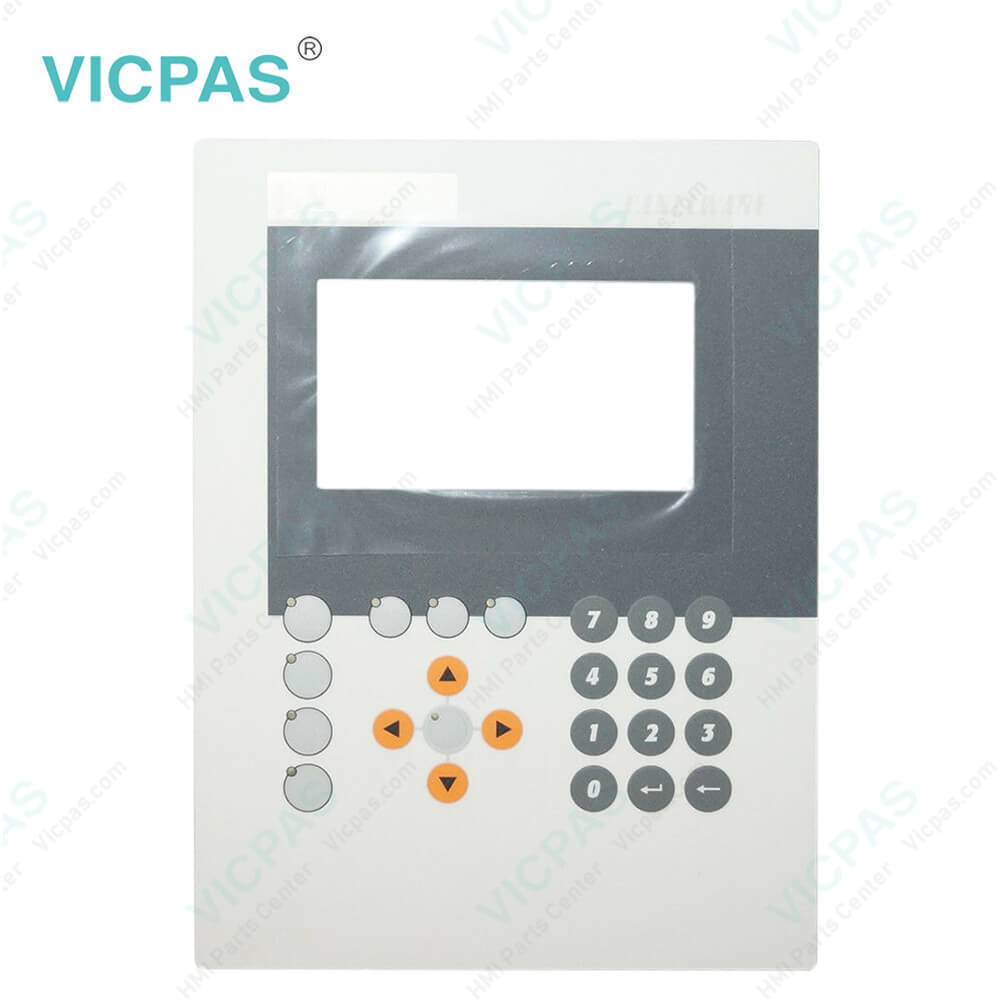
| categories | PANELWARE |
|---|---|
| Brand | B&R |
| Model | B&R PANELWARE 4D1165.00-590 |
| Warranty | 1 Year VICPAS Warranty |
| Shipping | DHL/FedEx/UPS/TNT/EMS/Aramex /DPEX |
| FOB port | Guangzhou, Shenzhen, Hongkong |
| Terms of Payment | Western Union, MoneyGram, T/T, Paypal, PayPal, Credit Card |
| Update Time | 2026-02-03 23:49:18 |
Shipping
Specifications:
| Part Number : | 4D1165.00-590 |
| Product Line: | PANELWARE |
| Warranty: | 365 days Warranty |
| Input Power: | 24 VDC |
| Display Type: | TFT color |
| Mounting position: | vertical |
| Input Type: | Keypad |
| Serial interface Type: | RS232 |
Related BB Teach Pendant Part No.:
| B&R PANELWARE 4D1165.00-590 | Description | Inventory status |
| 4B1260.00-K03 Rev.B0 | B&R PANELWARE Operator Keyboard Repair | In Stock |
| 4B1260.00-K06 | PANELWARE B and R Keyboard Membrane Replacement | Available Now |
| 4B1260.00-K09 | B&R PANELWARE Switch Membrane Repair | In Stock |
| 4B1270.00-K04 | PANELWARE B and R HMI Terminal Keypad | Available Now |
| 4C1300.02-510 | B&R PANELWARE Keyboard Membrane Repair | In Stock |
| 4D1165.00-590 | B&R PANELWARE Membrane Keypad Keyboard | In Stock |
| 4D1166.00-590 | B&R PANELWARE Switch Membrane Repair | In Stock |
| 4D1166.00-K04 | B and R PANELWARE Membrane Keypad LCD Screen | Available Now |
| 4D1166.00-K19 | B&R PANELWARE HMI Switch Membrane Repair | Available Now |
| 4PW035.E300-K09 | PANELWARE Keyboard Membrane LCD Display Plastic Case Replacement | In Stock |
4D1165.00-590 Terminal Keypad Replacement Repair PDF Download:
FAQ:
Question: How to connect from B&R PANELWARE P120 to PC?
Answer: To configure the COMPACT MMI with PANELWARE Configuration Software, a connection must be made between the P120 and the PC. Since a serial PC interface (COMx) normally doesn't have a 5 V supply, an adapter cable is switched between the P120 and the PLC. The 5 V power supply is used from the PLC side as shown here.
Question: How can PANELWARE 4D1165.00-590 B&R image persistence be reduced?
Answer: • Switch continuously between static and dynamic images. • Prevent excessive differences in brightness between foreground and background elements. • Use colors with similar brightness. • Use complementary colors for subsequent images. • Use screensavers.
Common misspellings:
4D1165.00-59
4D116.00-590
4D1165.0-0590
4D1165.00-59o
4D1165..00-590

- Mobile Phone
- *Title
- *Content
 Fast Quote
 Fast Quote
 Worldwide Shipping
 12 Months Warranty
 Customize Service