




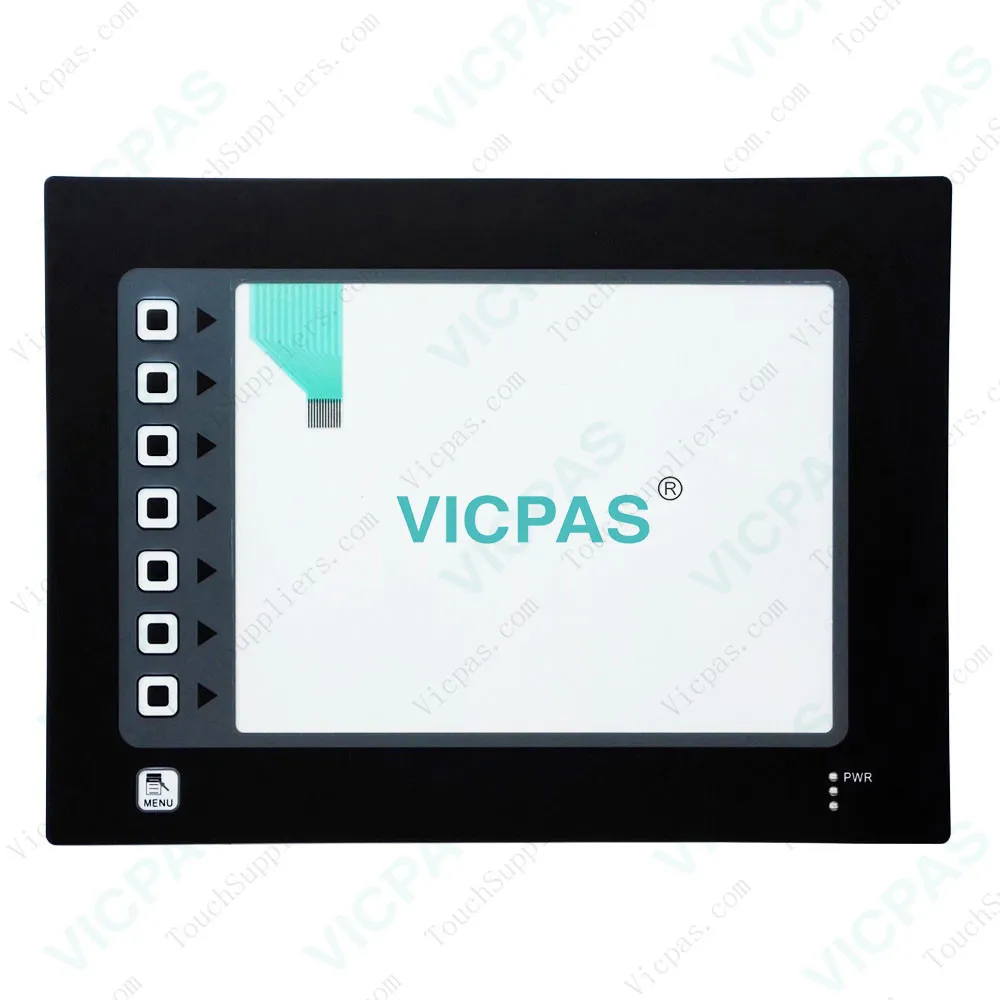
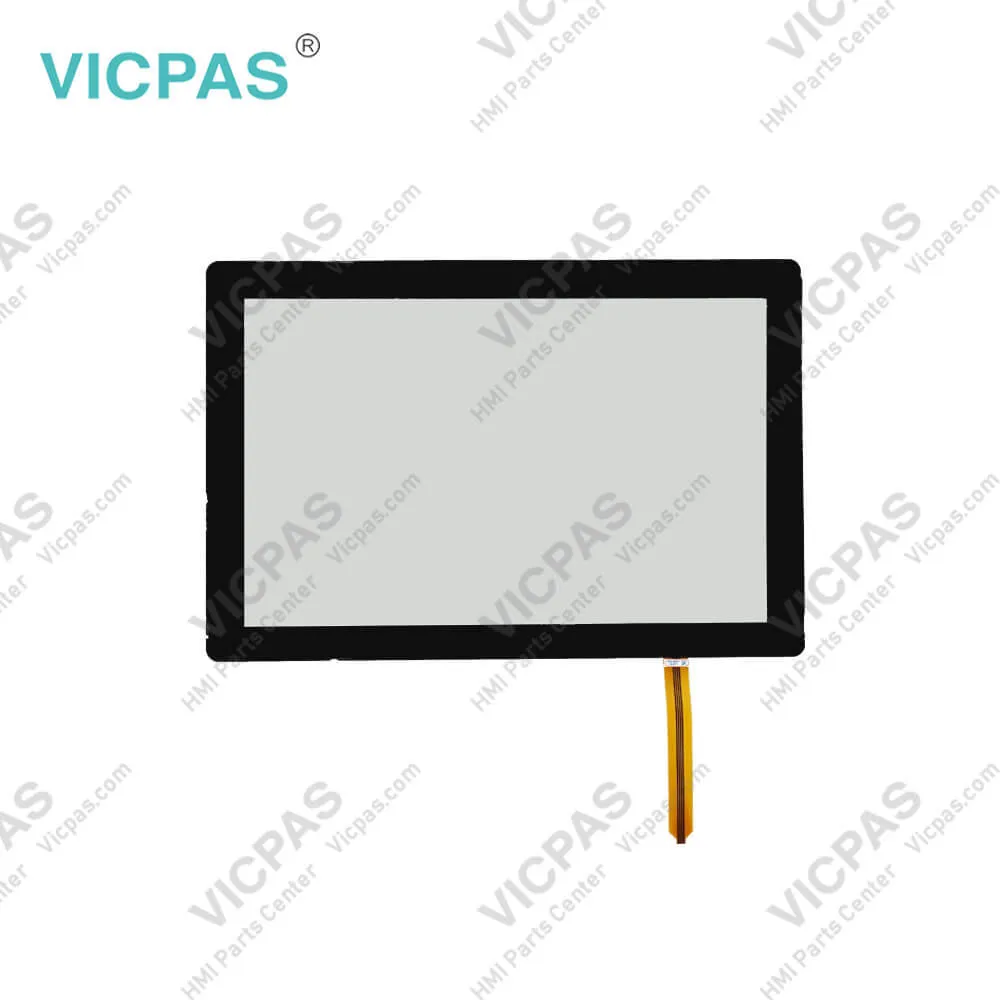
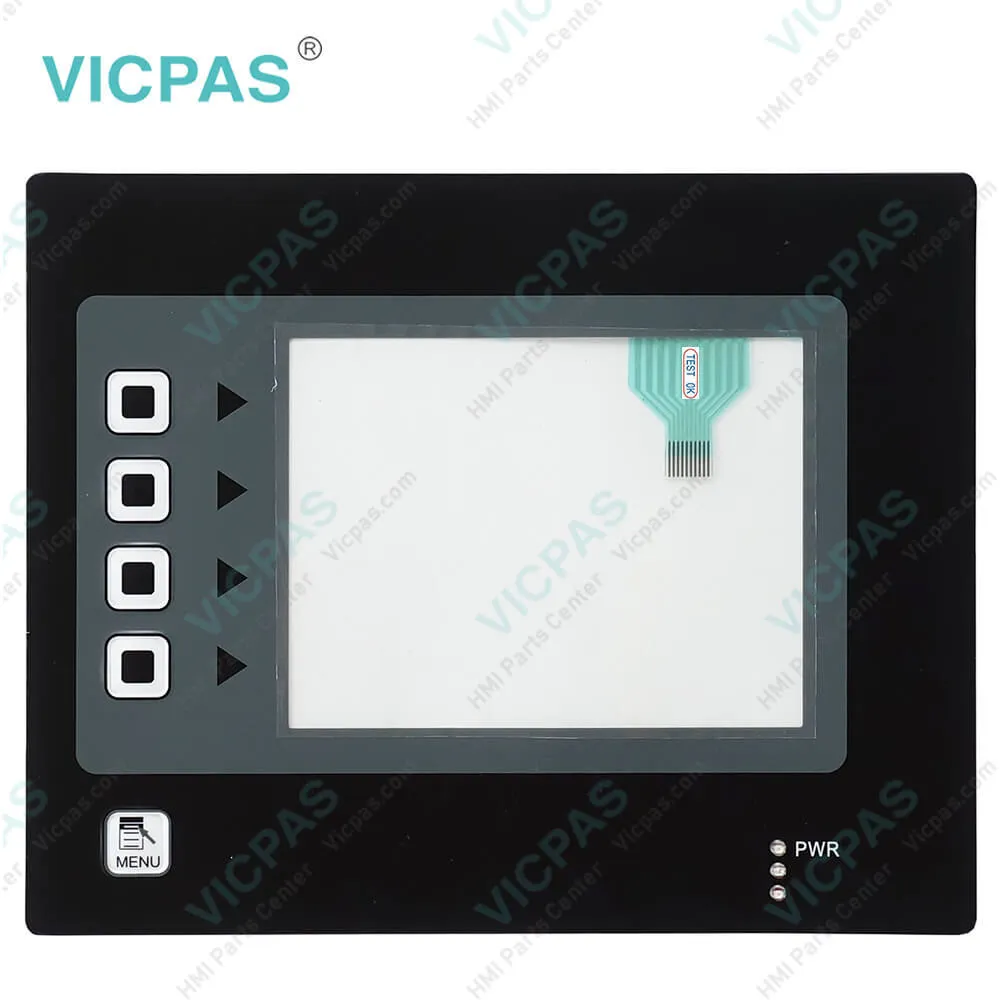
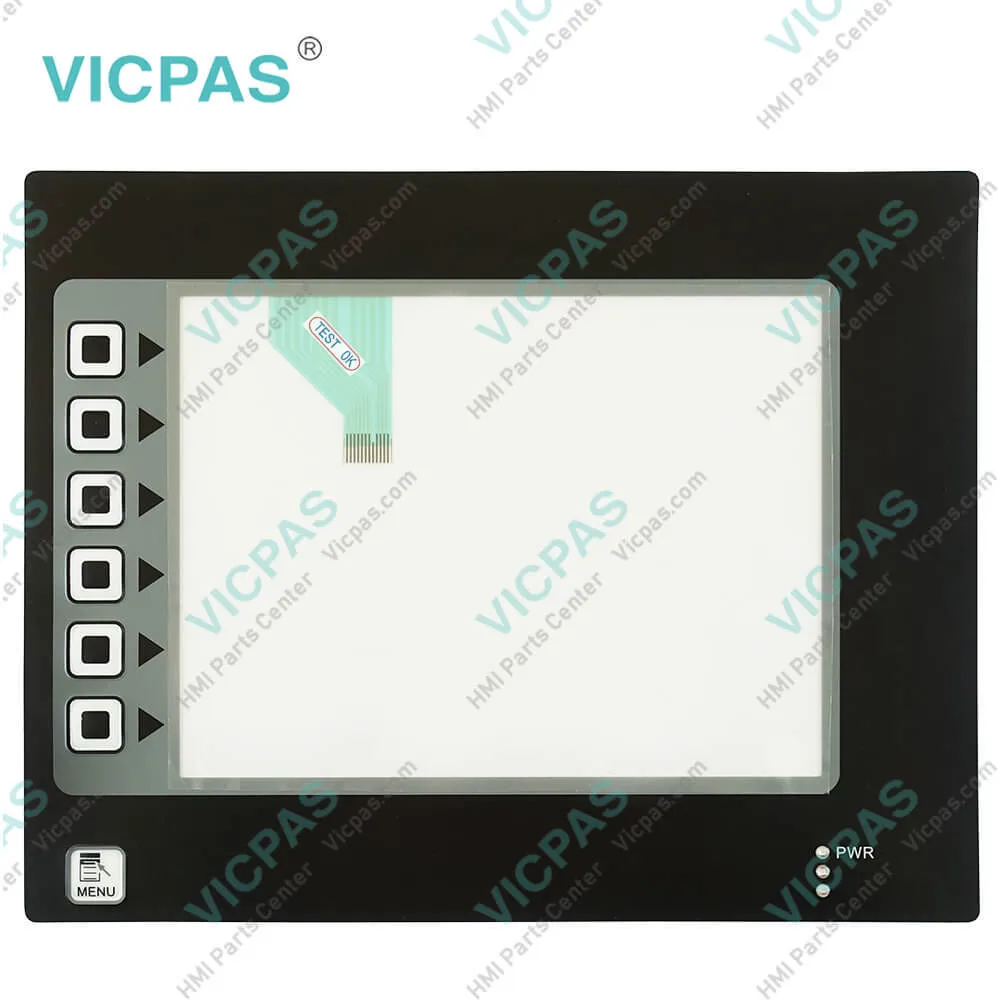
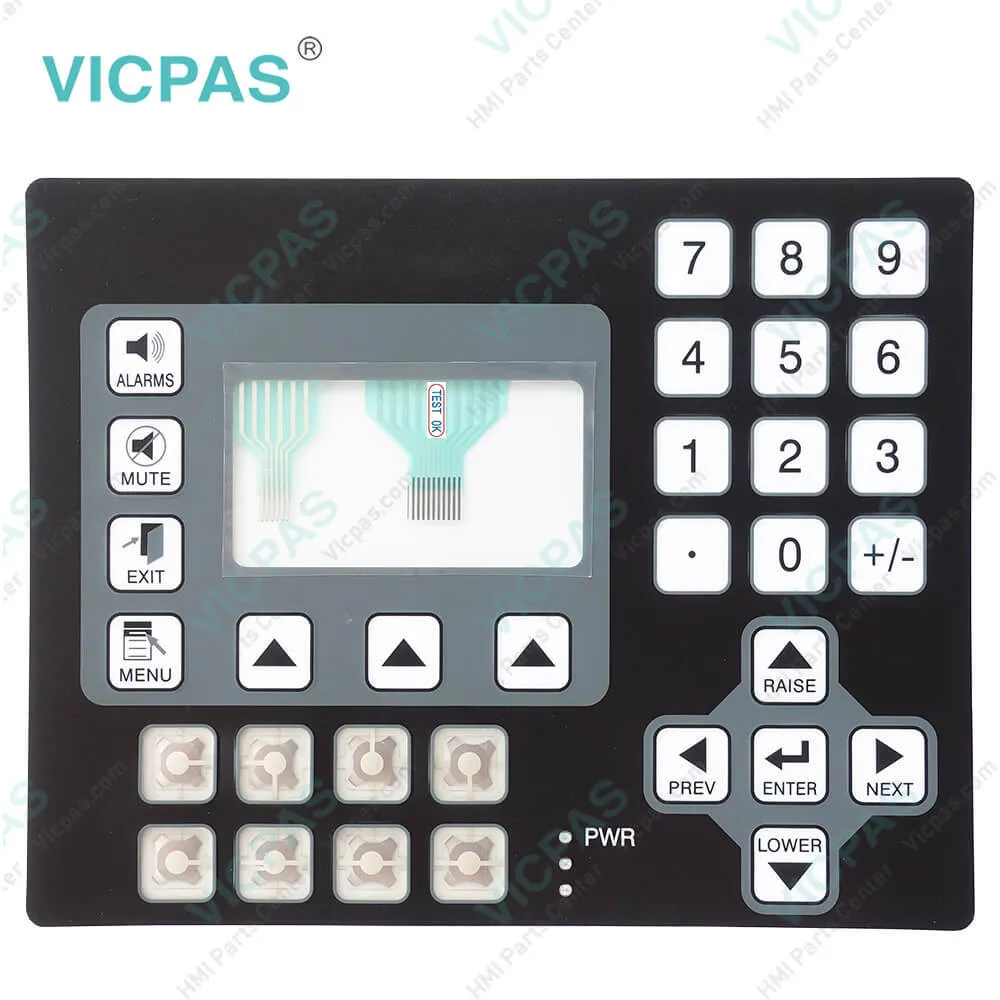
Red Lion CL40 CL400000 CL400010 Keypad Membrane
| categories | Red Lion Other Series |
|---|---|
| Brand | LION |
| Model | CL400000 CL400010 |
| Warranty | 365 Days |
| Product Line | Red Lion CL-40 series |
| Supply | CL400000 CL400010 Terminal Keypad Repair Parts |
| FOB port | Guangzhou, Shenzhen, Hongkong |
| Terms of Payment | Western Union, MoneyGram, T/T, Paypal, PayPal, Credit Card |
| Update Time | 2026-02-04 02:56:28 |
Leading Time{{selectedConditionObj.leading}}
{{item.value}}
{{nameObj.name}}{{nameObj.selectedValue}}
{{valueObj.name}}
Shipping
Detail Information
Specifications:
| Part Number : | CL400000 CL400010 |
| Display Type: | STN |
| Warranty: | 365 Days |
| Input Power: | +24 VDC +/-20% |
| Storage Temperature: | -20°C to 80°C |
Related BB Teach Pendant Part No.:
| CL400000 CL400010 | Description | Inventory status |
| CL050000 | Red Lion CL05 Series Keypad Membrane Repair | In Stock |
| CL100000 | Membrane Keyboard Red Lion CL10 Series Repair | Available Now |
| CL100010 | Red Lion CL10 Membrane Switch Repair | In Stock |
| CL150000 | Red Lion CL15 Membrane Keypad Replacement | In Stock |
| CL150010 | Red Lion CL15 Keypad Membrane Repair | In Stock |
| CL200000 | Membrane Keyboard Red Lion CL20 Repair | Available Now |
| CL200010 | Red Lion Operator Keyboard CL20 Replacement | Available Now |
| CL400000 | Red Lion CL40 Membrane Keypad Keyboard | In Stock |
| CL400010 | Red Lion CL40 Membrane Switch Repair Part | Available Now |
| CX100000 | Red Lion CX100 Keyboard Membrane Replacement | Available Now |
| CX100010 | Red Lion CX100 Membrane Keyboard Keypad | In Stock |
| CX150000 | Red Lion CX150 Operator Panel Keypad Replacement | In Stock |
| CX150010 | Red Lion CX150 Keyboard Membrane Repair | In Stock |
| CX200000 | Red Lion CX200 Membrane Keypad Replacement | In Stock |
| CX200010 | Red Lion CX200 Series Keypad Membrane Repair | In Stock |
Red Lion CL40 CL400000 CL400010 Keypad Membrane PDF Download:
FAQ:
Question: How to change the Red Lion CL-40 CL400000 CL400010 Battery?
Answer: Remove the power and PLC communications connector from the CL400000 CL400010 unit.Remove the four screws from the rear-cover and remove the cover.If you wish to avoid losing the terminals configuration, reconnect the power connector and re-apply power. Note that this will require the panel to be powered-up and, as such, only suitably qualified staff should carry out this procedure.
Common misspellings:
CL400000
CL00010
C400000
CL400010
LC400010
CL4o0000
CL4400010

Please send your message to us
- Mobile Phone
- *Title
- *Content
 Fast Quote
 Fast Quote
 Worldwide Shipping
 12 Months Warranty
 Customize Service