




KUKA Krc1 Teach Pendant 69-000-398 64-000-348 Panel Parts
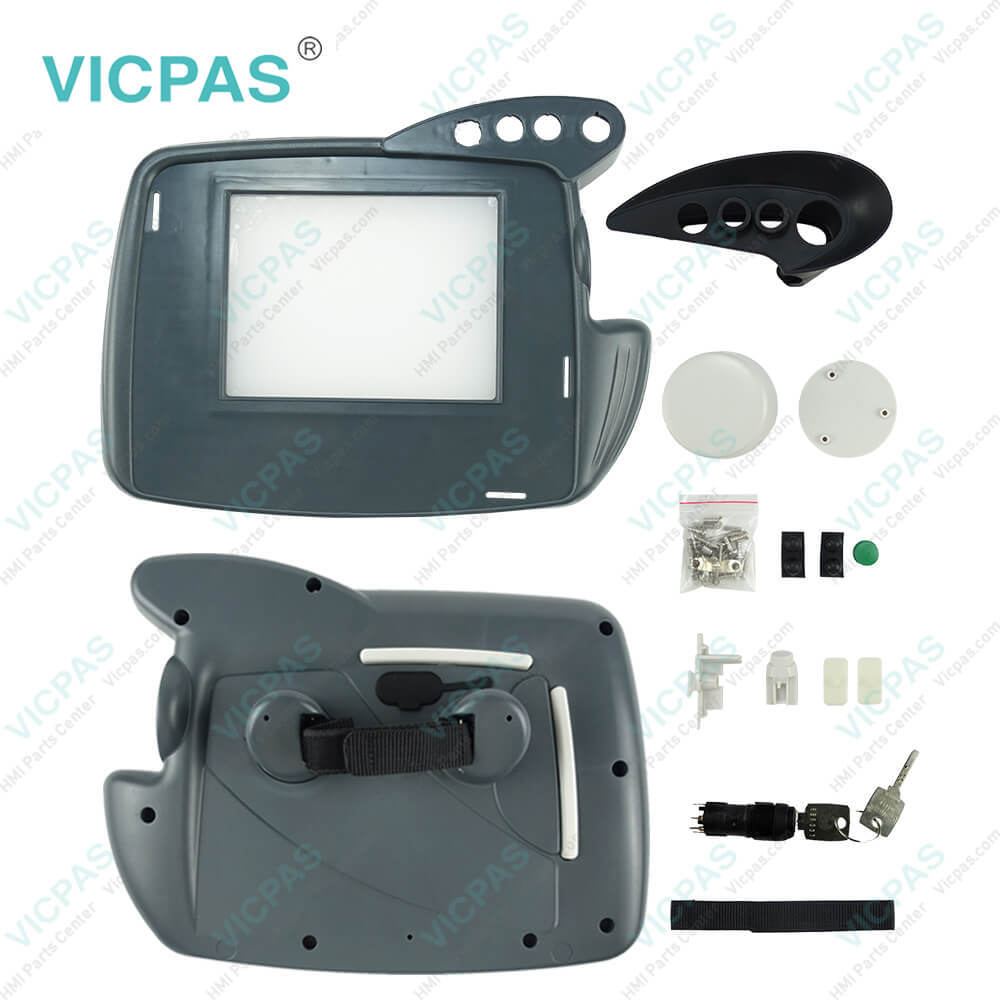
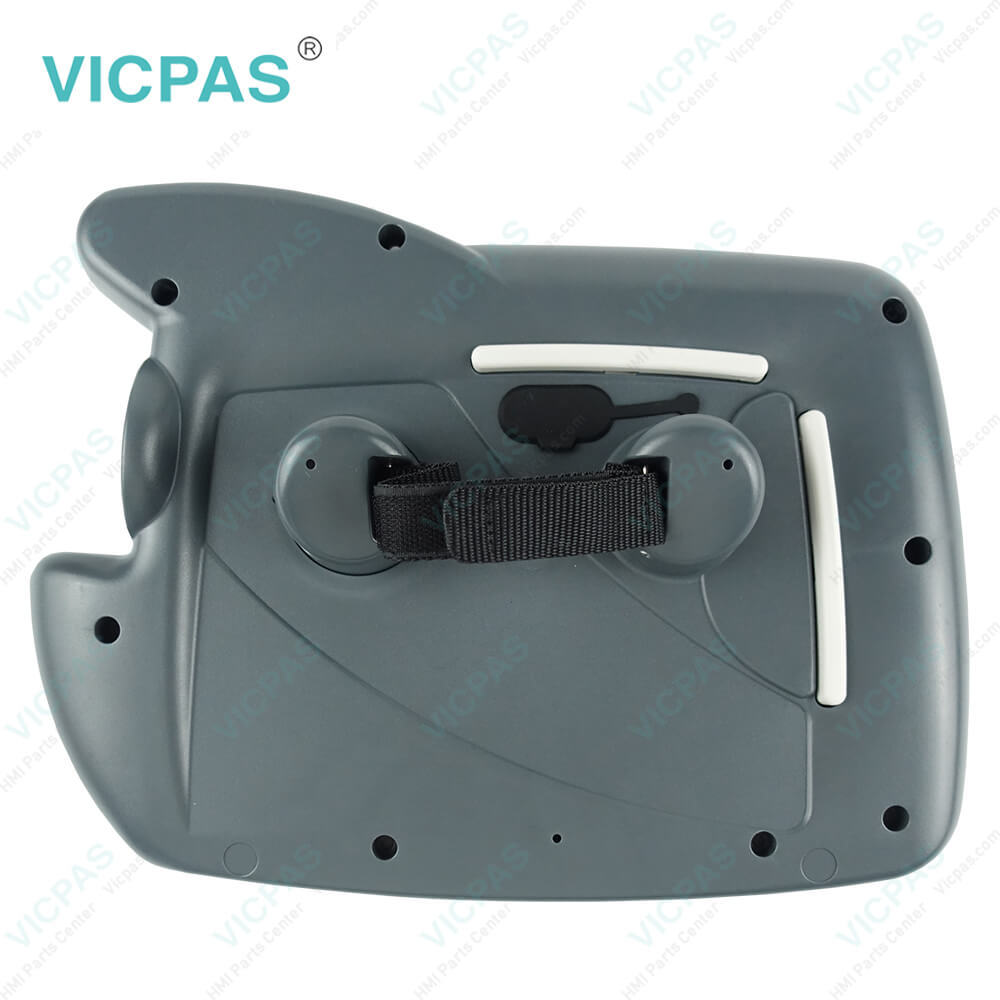
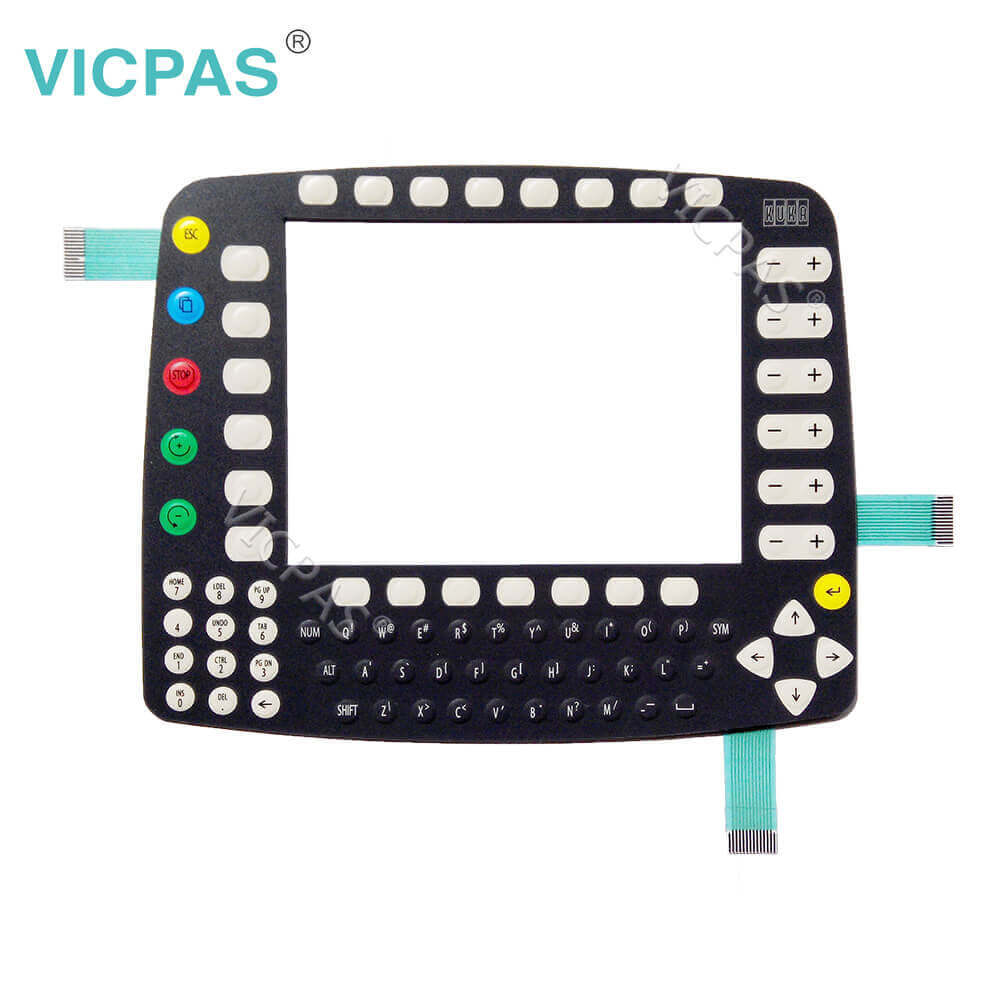
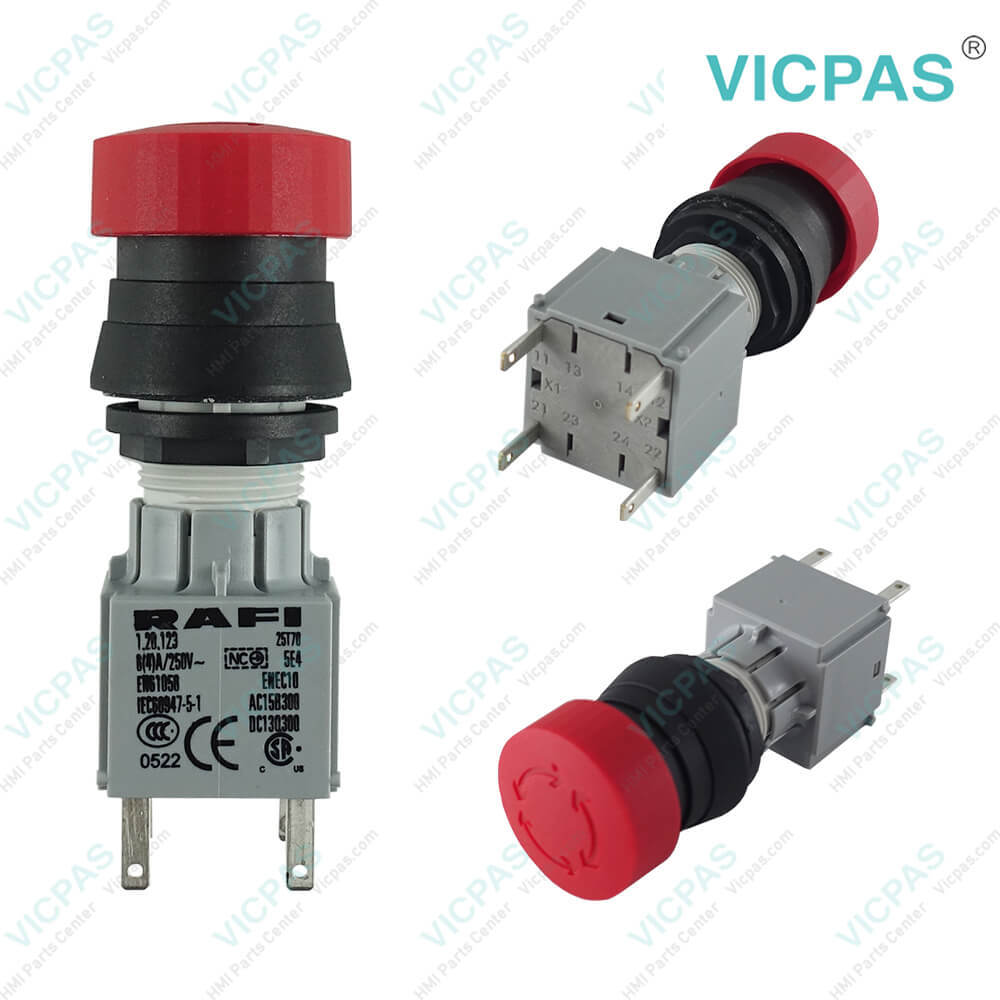
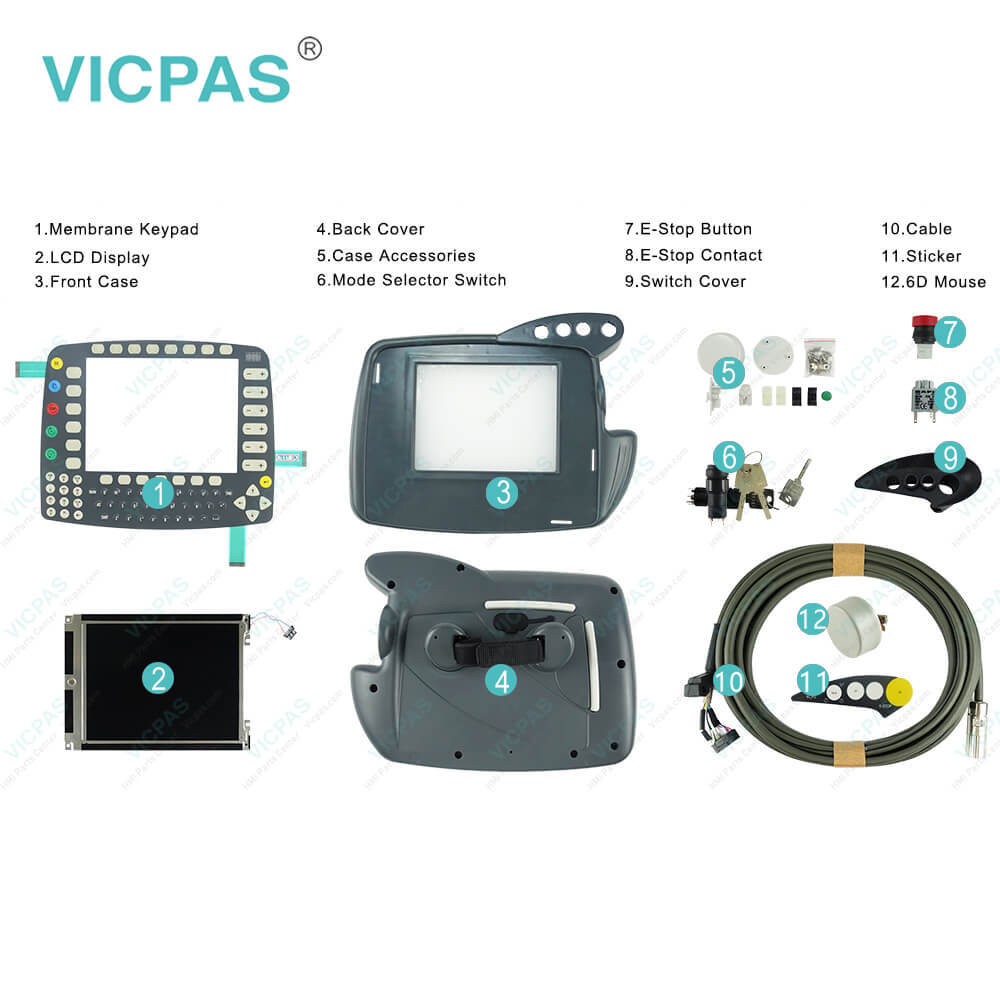
| categories | KUKA Teach Pendant Repair Kit |
|---|---|
| Model | KUKA Krc1 69-000-398 Controller |
| Warranty | 180 Days |
| Shipping | 2-3 workdays |
| FOB port | Guangzhou, Shenzhen, Hongkong |
| Terms of Payment | Western Union, MoneyGram, T/T, Paypal, PayPal, Credit Card |
| Update Time | 2026-02-05 18:18:40 |
Shipping
KUKA Krc1 Teach Pendant 69-000-398 64-000-348 Panel Parts PDF Download:
FAQ:
Question: How to operate a KUKA KRC1 controller?
Answer: 1) Generate your KUKA controller programs on the PC and transfer them to the robot. You can set up file sharing in Windows 95 and connect the robot up to your network. One word here -KUKA KRC1 does not allow you to copy programs directly into its active /programs folder. You must copy it somewhere else on the C:, make sure the teach pendant is in expert mode, and copy/paste the programs into the right spot on the teach pendant, because KRC1 needs to feel special about it and compile the program as it pastes in. If you are doing some milling type work then make sure each of these files does not exceed 100k or so in size.2) Use a PLC + DeviceNet or some other supported card in your KRC1 to transfer your position data/command via registers. KRC1 likes registers.3) Just buy a KRC4 robot with the right control comm package and save your sanity.
Question: What is the KUKA Krc1 teach pendant price of membrane keypad with case(shell), LCD Display?
Answer: Submit a fast quote, send Kernfix an email for best price.
- Mobile Phone
- *Title
- *Content
 Fast Quote
 Fast Quote
 Worldwide Shipping
 12 Months Warranty
 Customize Service