




FT-AS00-12.1A MMI Touch Screen Monitor Replacement
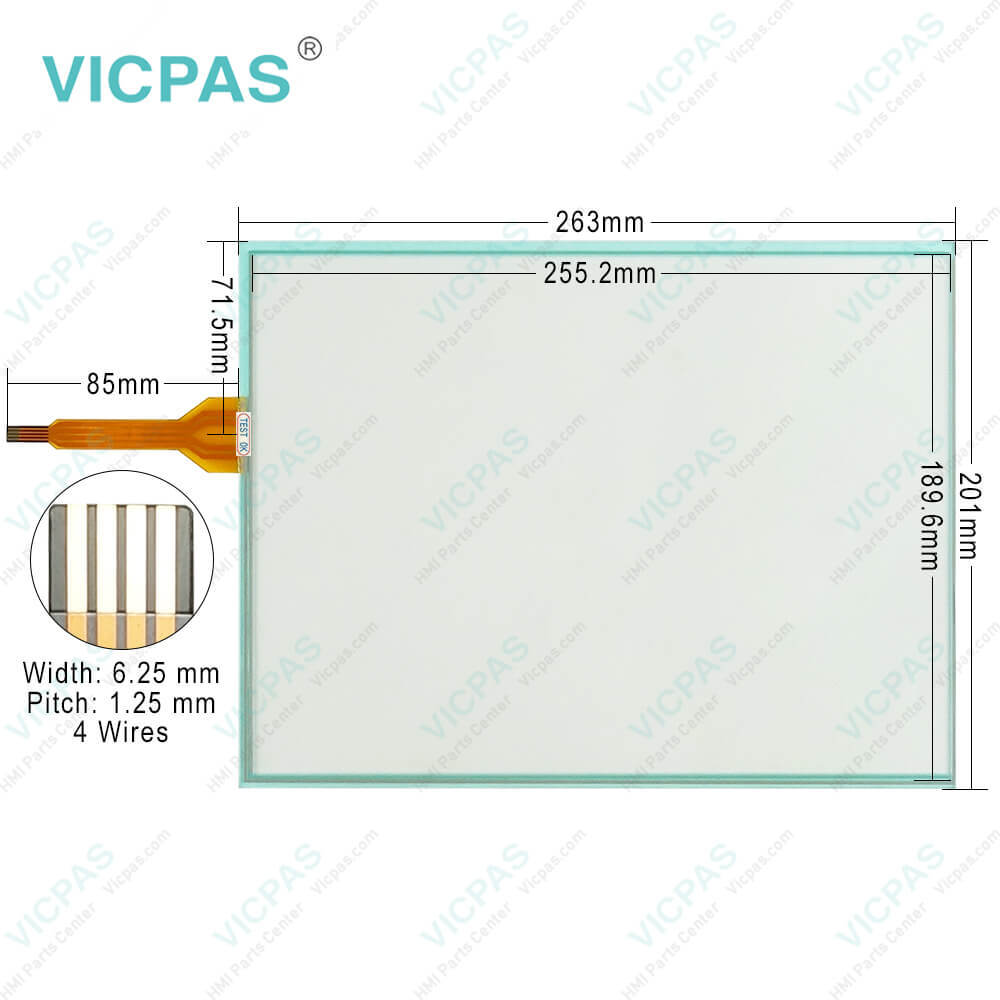
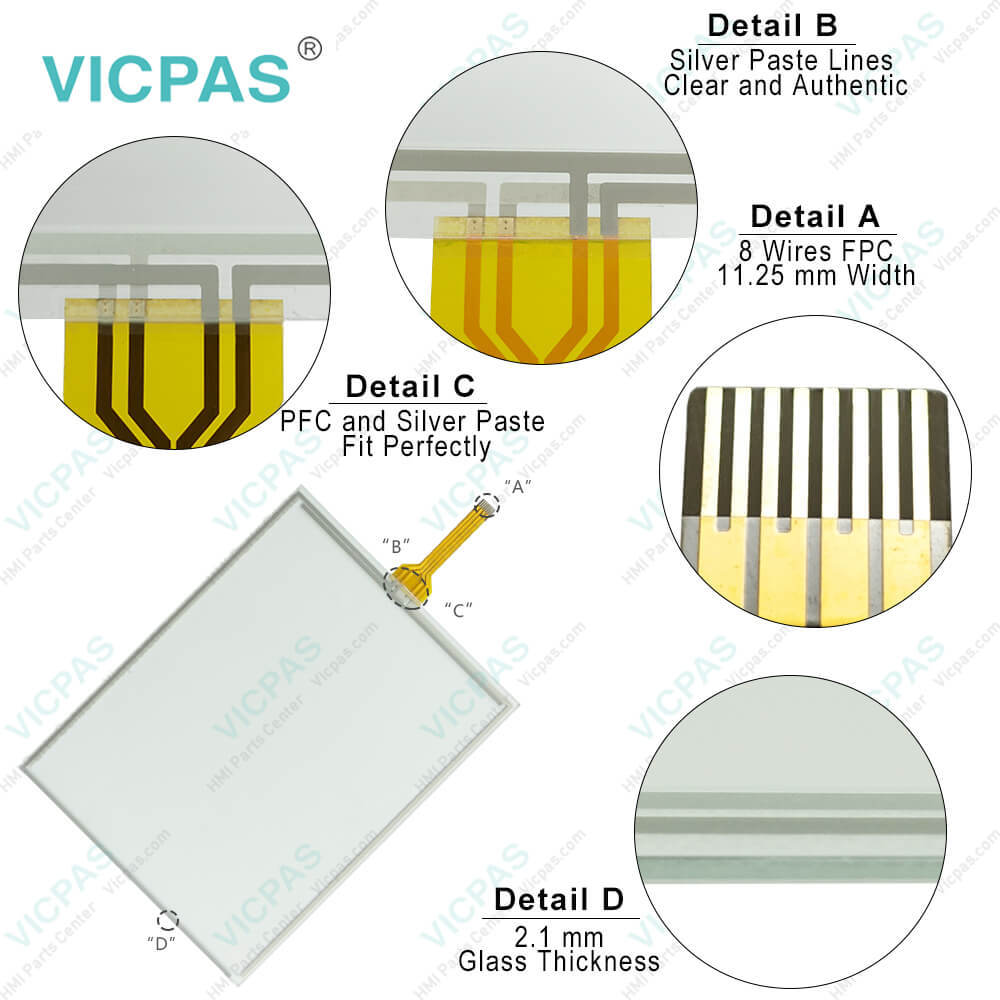
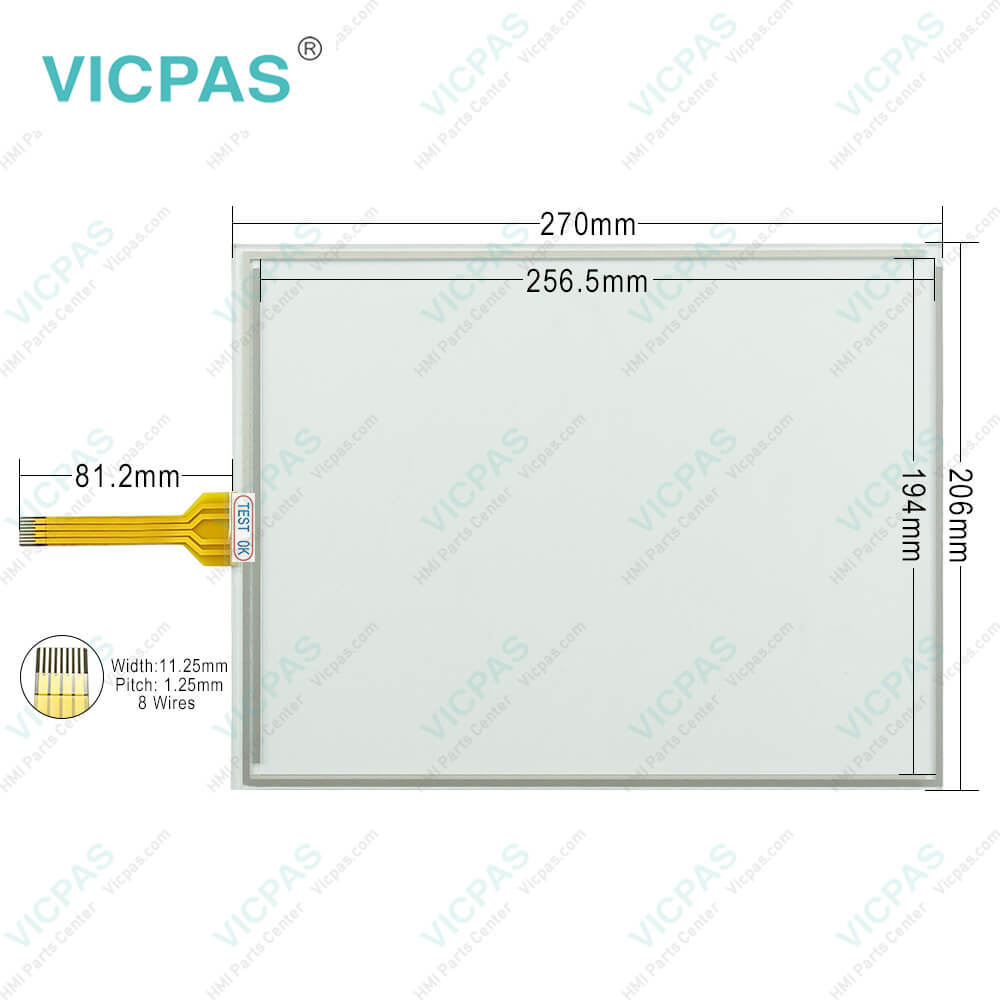
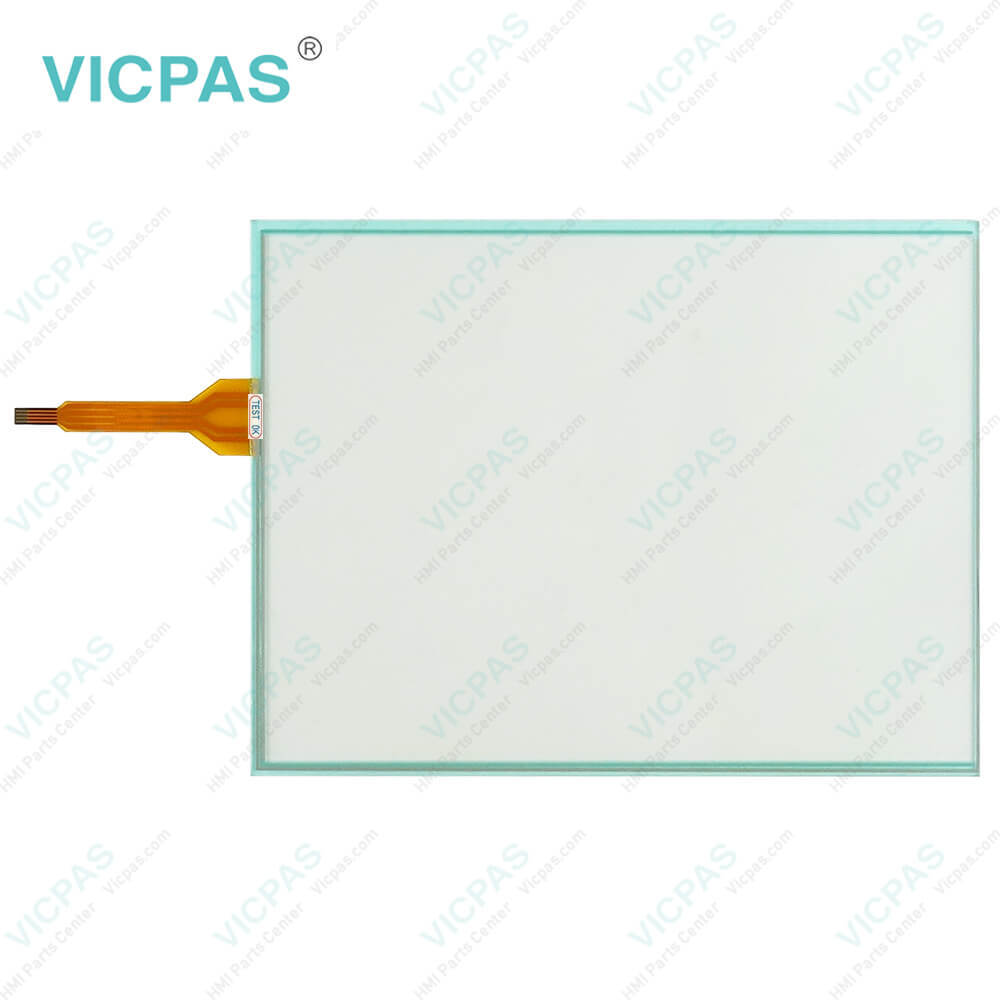
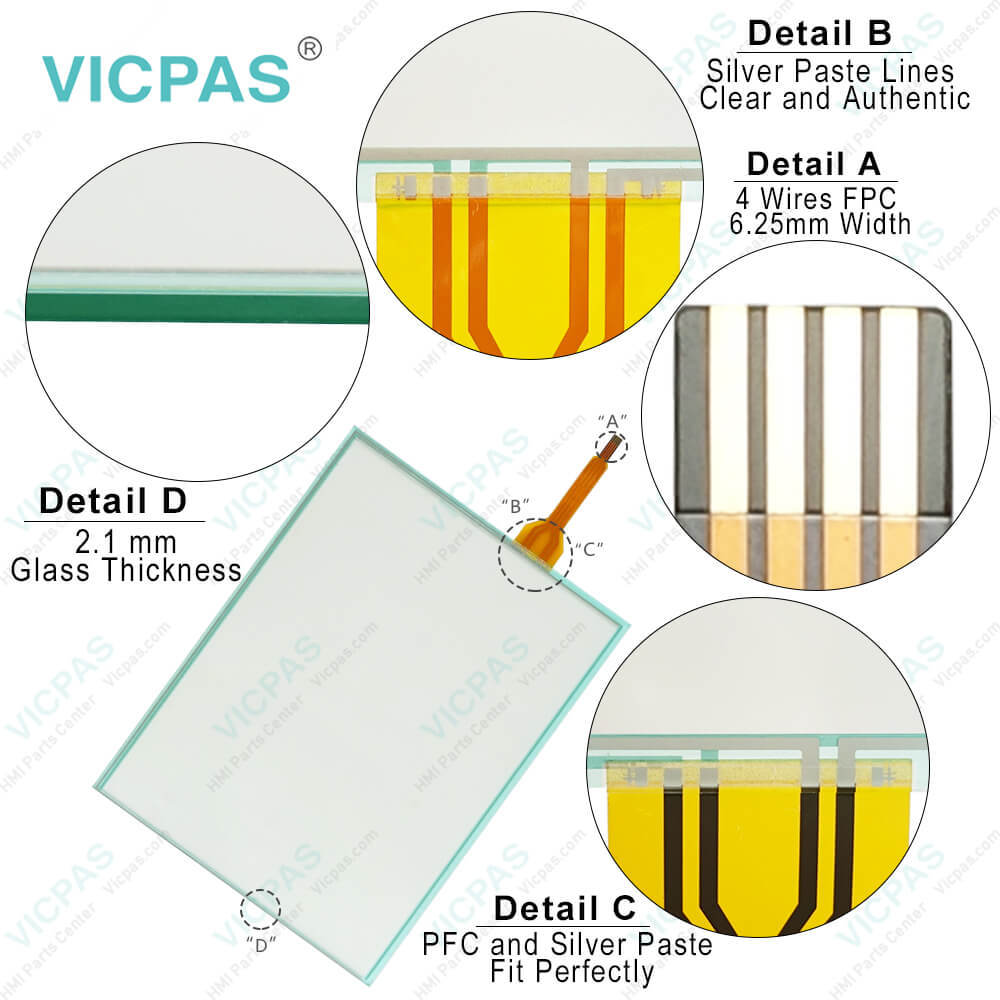
| categories | HMI Touch Screen Panel |
|---|---|
| Model | FT-AS00-12.1A |
| Warranty | 365 Days |
| Supply parts | Touch Membrane |
| Shipping | 2-4 workdays |
| FOB port | Guangzhou, Shenzhen, Hongkong |
| Terms of Payment | Western Union, MoneyGram, T/T, Paypal, PayPal, T/T ,Credit Card, Western Union |
| Update Time | 2026-02-05 17:29:36 |
Leading Time{{selectedConditionObj.leading}}
{{item.value}}
{{nameObj.name}}{{nameObj.selectedValue}}
{{valueObj.name}}
Shipping
Detail Information
Specifications:
| Operating Humidity: | 10 to 90% RH |
| Operating Temperature: | -20 ~ 60°C |
| Display Type: | TFT color |
| Storage Temperature: | -20 ~ 70°C |
| Brand: | VICPAS |
| Model Number: | FT-AS00-12.1A |
| Display Size: | 12.1" |
| Warranty: | 1-Year Warranty |
| Screen Type: | Analog Resistive Film |
| Environment: | Free From Corrosive Gases |
FT-AS00-12.1A MMI Touch Screen Monitor Replacement PDF Download:
FAQ:
Question: Can I connect external devices to the FT-AS00-12.1A Machine?
Answer: Yes, the FT-AS00-12.1A HMIs typically offer various communication ports, such as Ethernet, USB, RS232, or RS485. These ports allow you to connect external devices, such as PLCs, sensors, or other control equipment, for data exchange and system integration.
Question: How do I calibrate the touch screen on the FT-AS00-12.1A HMI?
Answer: To calibrate the touch panel of FT-AS00-12.1A, go to the calibration settings in the HMI menu. Follow the on-screen instructions to touch specific calibration points accurately. This process ensures accurate touch input across the screen.
Common misspellings:
T-AS00-12.1A
F-AS00-12.1A
FT-AS00-121A
FTA-S00-12.1A
FT-AS00-1.21A

Please send your message to us
- Mobile Phone
- *Title
- *Content
 Fast Quote
 Fast Quote
 Worldwide Shipping
 12 Months Warranty
 Customize Service