




0953600011280093 Touch Digitizer Glass Replacement
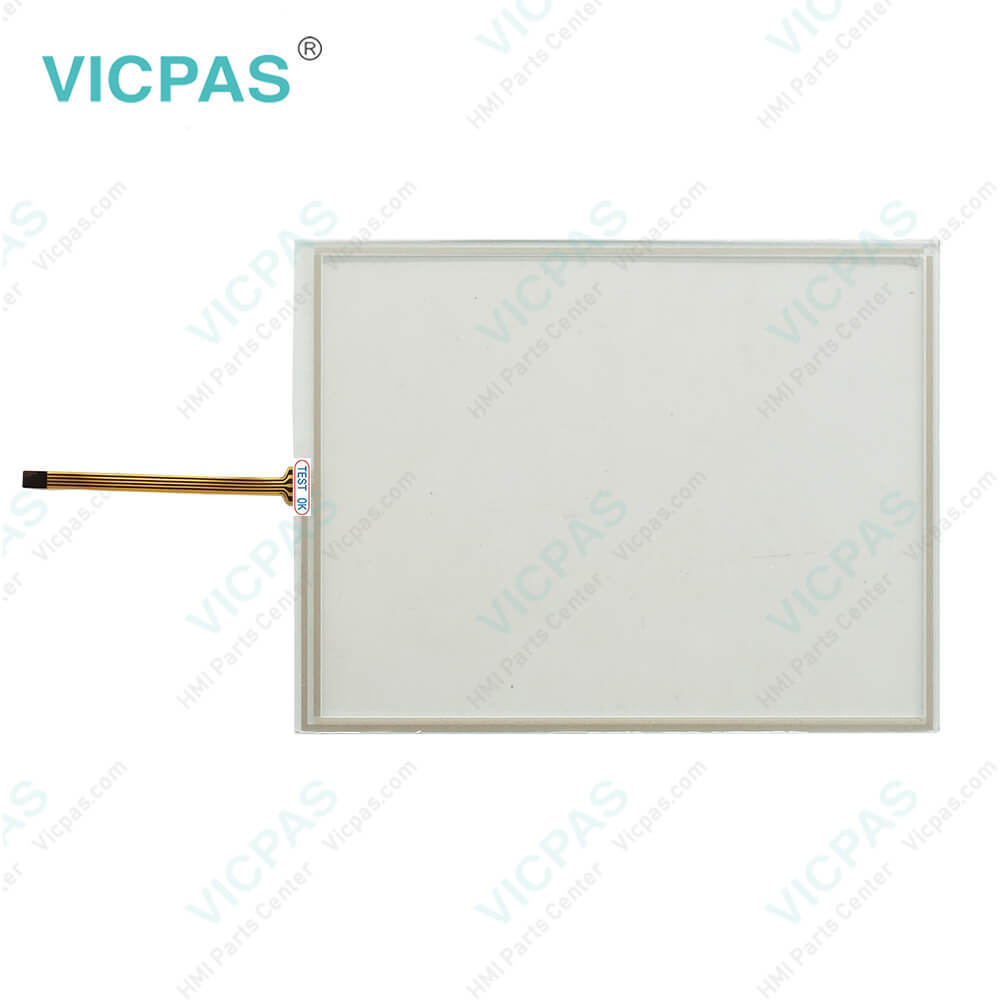
| categories | HMI Touch Screen Panel |
|---|---|
| Model | 0953600011280093 |
| Warranty | 365 Days |
| Supply | 0953600011280093 Touch Panel |
| Shipping | 2-4 workdays |
| Terms of Payment | Western Union, T/T, PayPal, Credit Card |
| Update Time | 2026-02-05 17:29:56 |
Shipping
Specifications:
| Contrast Setting: | Temperature Compensated |
| Display Size: | 8.4" |
| Dimensions (W x H x D): | 296 x 200 x 75/88 mm |
| Product Line: | Touch Screen Panel |
| Touchscreen: | Analog Resistive |
| Brand: | VICPAS |
| Display Type: | TFT |
| Half-Life Backlighting: | 30,000 h |
| Control elements: | Touch screen |
| Warranty: | 365 Days |
0953600011280093 Touch Digitizer Glass Replacement PDF Download:
FAQ:
Question: What should I do if the 0953600011280093 touchscreen is unresponsive or slow to respond?
Answer: If the touchscreen is unresponsive or slow to respond, check if there is dirt or scratches on the touchscreen surface and clean it gently with a soft cloth. If the touchscreen still does not respond, try restarting the device. If the problem persists, contact our technical support team.
Question: How do I calibrate 0953600011280093 touchscreens?
Answer: To calibrate the touchscreen, open the device and access the settings menu. Look for the "Calibration" or "Touchscreen Calibration" option and follow the on-screen instructions for calibration.
Question: What should I do if the screen displays blurry or black?
Answer: If the screen displays blurry or black, check if the power connection is secure. Ensure that the screen backlight is on; if it is not, you may need to replace the backlight module. Inspect the screen connection cable for looseness or damage. If the issue persists, contact our technical support team.
Common misspellings:
095360001128003
095360011280093
0953600012180093
095360001128oo93
09536000111280093

- Mobile Phone
- *Title
- *Content
 Fast Quote
 Fast Quote
 Worldwide Shipping
 12 Months Warranty
 Customize Service