




EE-1503-IN-W4R Touch Membrane Replacement
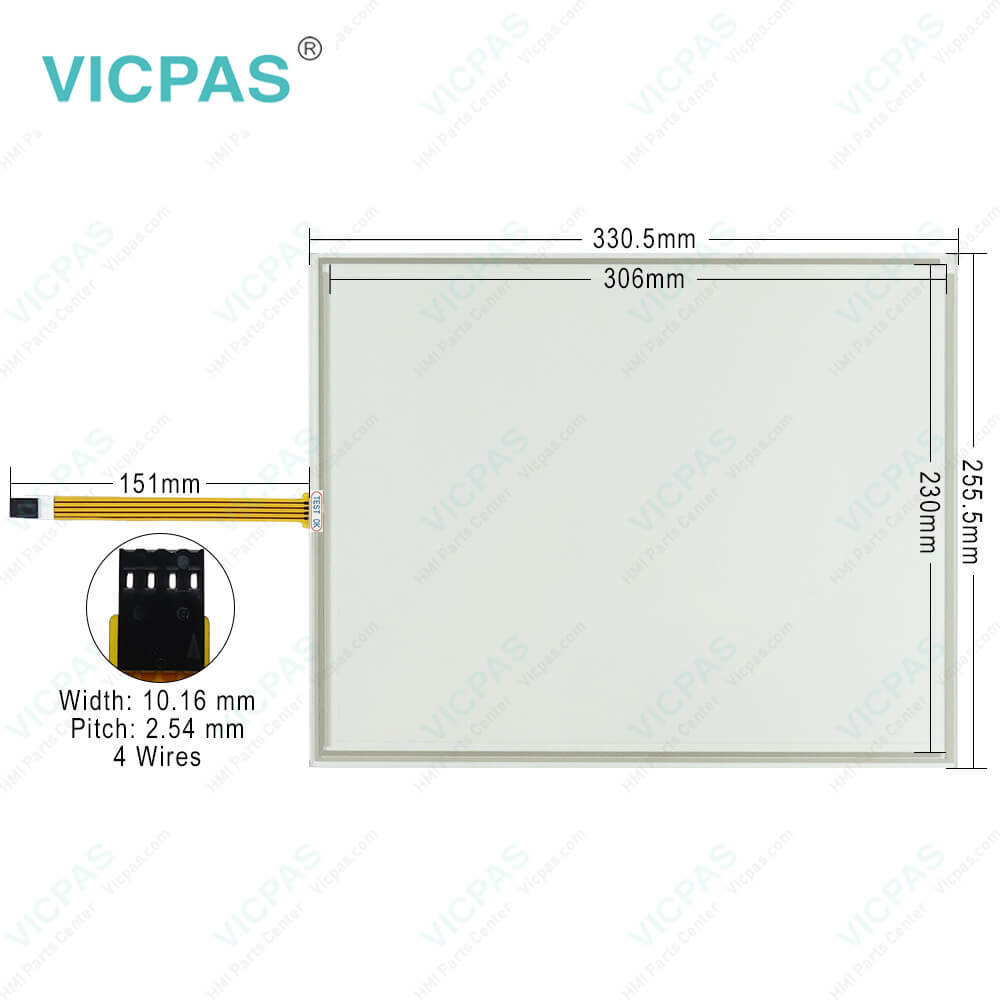
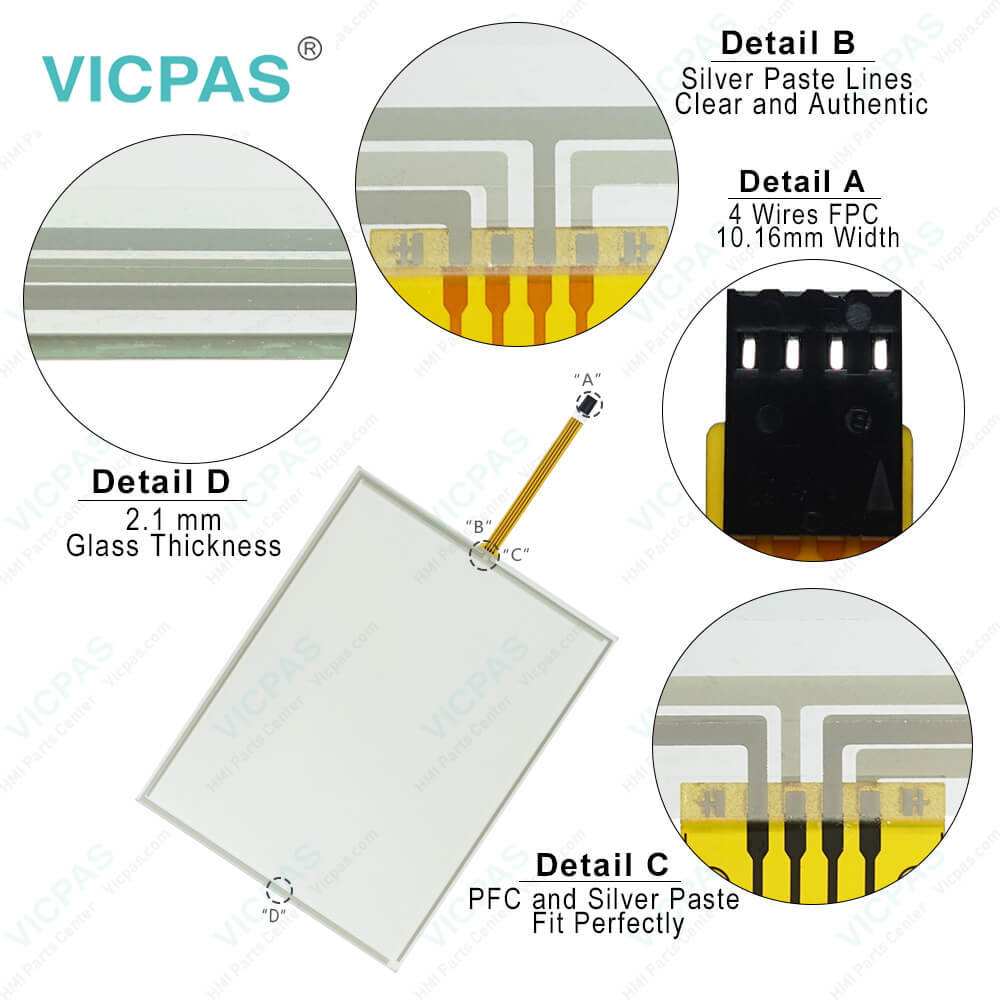
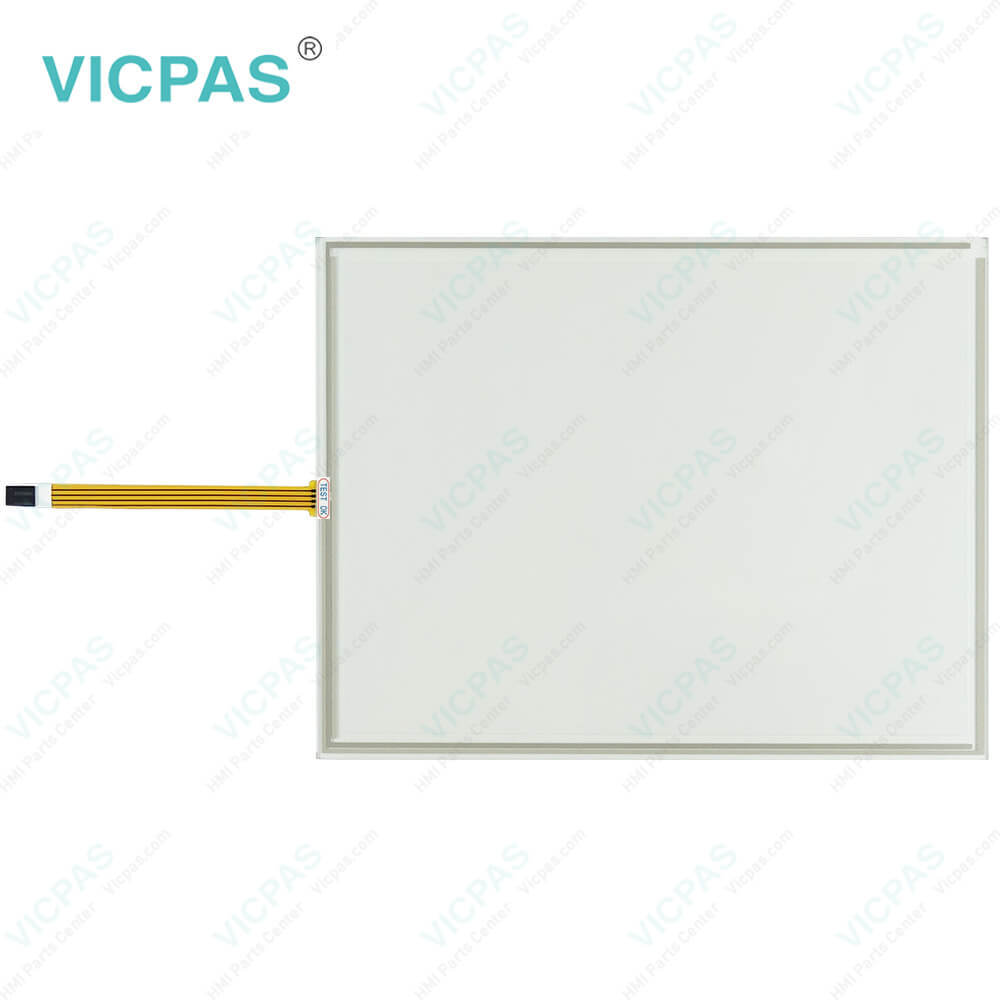
| categories | HMI Touch Screen Panel |
|---|---|
| Model | EE-1503-IN-W4R |
| Warranty | 365 Days |
| Supply parts | Touchscreen Panel |
| Shipping | 2-4 workdays |
| FOB port | Guangzhou, Shenzhen, Hongkong |
| Terms of Payment | Western Union, MoneyGram, T/T, Paypal, PayPal, T/T ,Credit Card, Western Union |
| Update Time | 2026-02-05 17:30:03 |
Shipping
Specifications:
| Brand: | VICPAS |
| Product Line: | Touch Screen Panel |
| Resolution: | 1024 × 768 pixels |
| Touchscreen: | Analog Resistive |
| Warranty: | 1-Year Warranty |
| Display Size: | 15" |
| Display Type: | TFT |
| Input Power: | 20 W |
| Control elements: | Touch screen |
| Voltage Supply: | 24 VDC |
EE-1503-IN-W4R Touch Membrane Replacement PDF Download:
FAQ:
Question: What is the display size of EE-1503-IN-W4R Touch Screen Monitor?
Answer: EE-1503-IN-W4R HMI Touch Panel is 15 inches.
Question: How can I purchase EE-1503-IN-W4R and touch screen monitors?
Answer: You can purchase them through our official website online, or you can contact our sales team via email or phone, and they will assist you in the purchasing process.
Question: Is the installation of EE-1503-IN-W4R touchscreen easy?
Answer: Yes, EE-1503-IN-W4R touch panels are designed to be simple and easy to install. Typically, you can follow the provided installation guidelines to complete the installation process. If you need any installation support or advice, our customer support team will be happy to assist you.
Question: How should I address issues with the EE-1503-IN-W4R touchscreen not responding or responding slowly?
Answer: If you encounter issues with the EE-1503-IN-W4R touchscreen not responding or responding slowly, first ensure that the touchscreen surface is clean and free from impurities or liquids. If the issue persists, try restarting the device. If the problem remains unresolved, you can contact our technical support team for further assistance.
Common misspellings:
EE-1503-IN-4R
EE-1503-N-W4R
EE1-503-IN-W4R
EE-15o3-IN-W4R
EE-1503-INN-W4R

- Mobile Phone
- *Title
- *Content
 Fast Quote
 Fast Quote
 Worldwide Shipping
 12 Months Warranty
 Customize Service