




2711P-B12C6D2 Membrane Keypad 2711P-B12C6D2 Touch Screen Glass
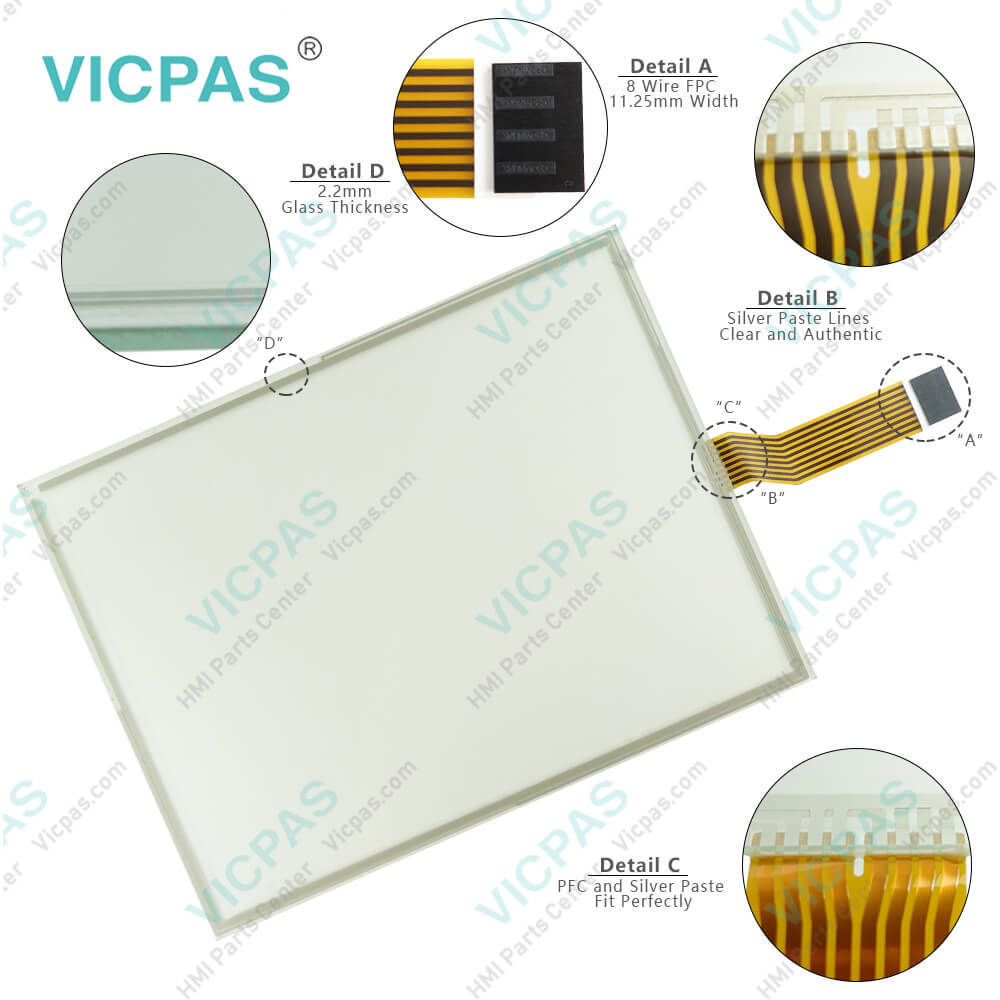
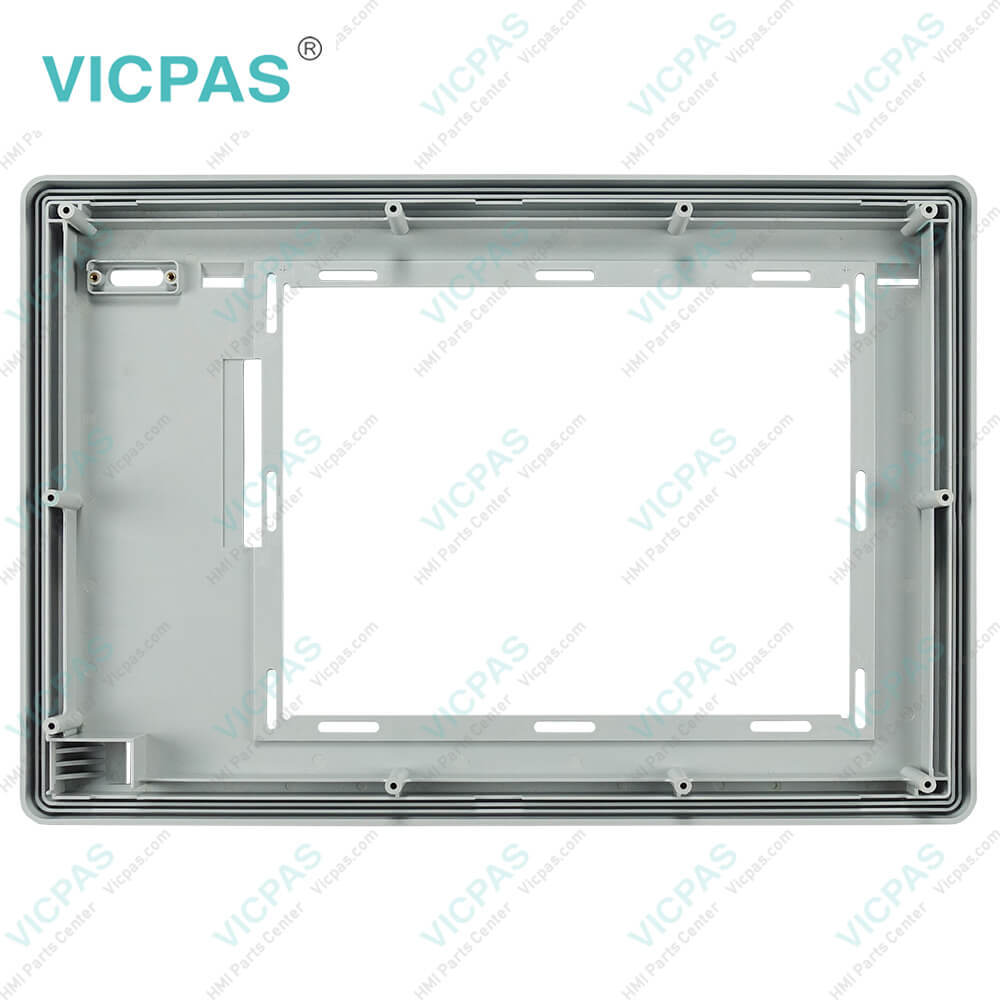
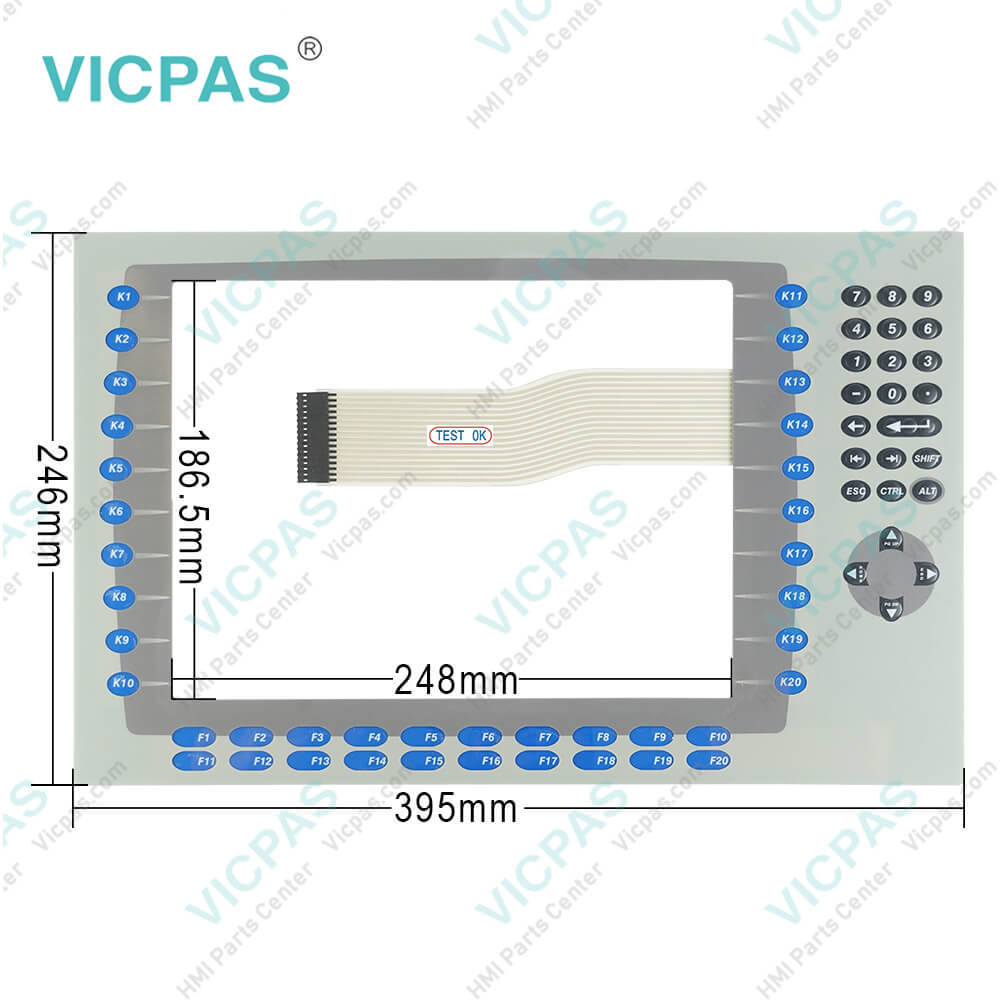
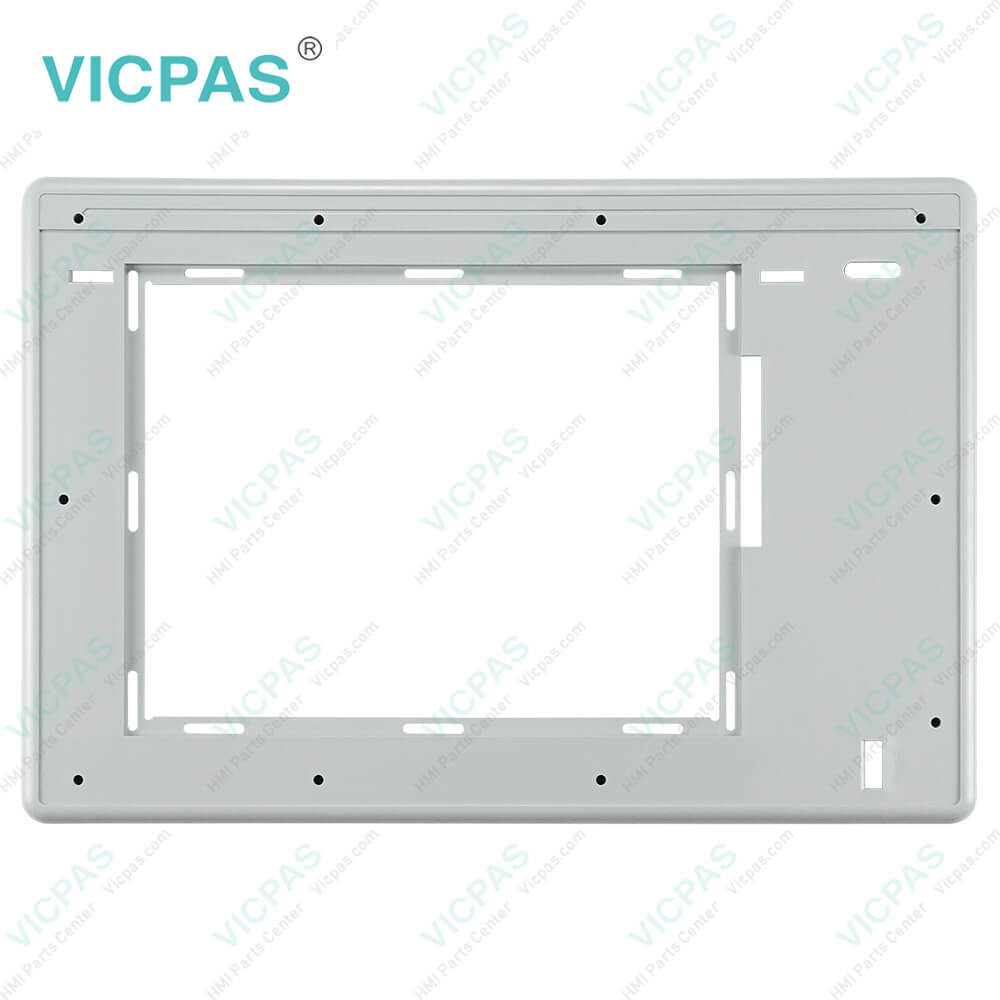
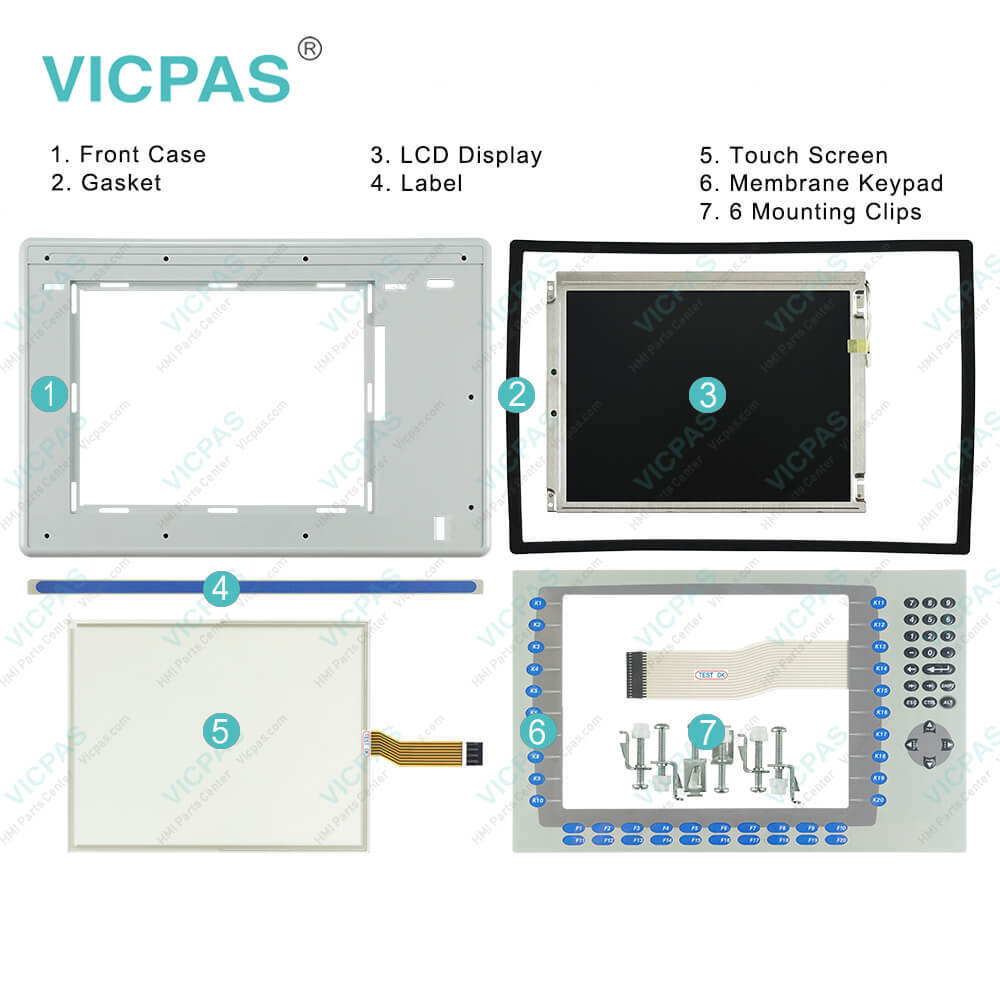
| categories | Panelview Plus 1250 |
|---|---|
| Model | 2711P-B12C6D2 |
| Warranty | 365 Days |
| Product Line | Panelview Plus 1250 |
| Supply | Panelview Plus 1250 Terminals Membrane keypad |
| Parts | Touchscreen Panel Glass Switch Membrane |
| Terms of Payment | Western Union, MoneyGram, T/T, Paypal, PayPal, Credit Card |
| Update Time | 2026-02-09 15:32:59 |
Shipping
Specifications:
| Part Number : | 2711P-B12C6D2 |
| Display Size: | 12.1 inches |
| Display Color: | Amber |
| Warranty: | 365 days Warranty |
| Product Line: | Panelview Plus 1250 |
| Input Type: | Touchscreen Keypad |
| Mounting position: | vertical |
| Communication: | ControlNet |
| Software: | FactoryTalk |
Related BB Teach Pendant Part No.:
| 2711P-B12C6D2 | Description | Inventory status |
| 2711P-B12C6D1 | PanelView Plus 1250 Membrane Keypad Touch Screen Panel LCD Display Enclosure | In Stock |
| 2711P-B12C6D2 | PanelView Plus 1250 Membrane Keyboard Touch Panel Glass LCD Screen Plastic Shell | Available Now |
| 2711P-B12C6D6 | PanelView Plus 1250 Keypad Touch Screen Panel LCD Display Plastic Cover Body | In Stock |
| 2711P-B12C6D7 | Panel View Plus 1250 Keypad Touch Screen LCD Display Screen Plastic Cover Body | In Stock |
| 2711P-B12C15A1 | PanelView Plus 1250 Membrane Keypad Touchscreen LCD Display Plastic Case | In Stock |
| 2711P-B12C15A2 | PanelView Plus 1250 Touch Panel Membrane Keyboard Keypad LCD Screen Enclosure | In Stock |
| 2711P-B12C15A6 | PanelView Plus 1250 Membrane Keyboard HMI Touch Screen LCD Display Plastic Shell | Available Now |
| 2711P-B12C15A7 | PanelView Plus 1250 Keypad Touch Screen LCD Screen Plastic Cover Body | In Stock |
| 2711P-B12C15B1 | PanelView Plus 1250 Touchscreen Operator Panel Keypad LCD Display HMI Case | Available Now |
| 2711P-B12C15B2 | Panel View Plus 1250 HMI Panel Glass Keypad LCD Screen Plastic Cover Body | In Stock |
| 2711P-B12C15D1 | Panel View Plus 1250 Keyboard Keypad Touch Screen LCD Display Plastic Case | In Stock |
| 2711P-B12C15D2 | PanelView Plus 1250 Touch Glass Membrane Keypad Switch LCD Screen Housing | In Stock |
| 2711P-B12C15D6 | PanelView Plus 1250 Touch Screen Monitor Keyboard Keypad LCD Display HMI Case | Available Now |
| 2711P-B12C15D7 | PanelView Plus 1250 Panel Glass Membrane Keyboard LCD Display Plastic Case | In Stock |
2711P-B12C6D2 Membrane Keypad 2711P-B12C6D2 Touch Screen Glass PDF Download:
FAQ:
Question: How to change the Decimal Separator for Numeric Formats?
Answer: You can change the decimal separator used in numerics for the current language. The default decimal separator is a period.1. Select Terminal Settings>Time/Date/Regional Settings>Regional Settings>Numeric Format. The field shows the default decimal separator. The field will accept a separator up to three characters.2. Enter up to three characters for the new separator.3. Click OK.
Question: How to replace a 2711P-B12C6D2 communication module?
Answer: 1. Disconnect power from the terminal.2. Disconnect the communication cables from the module.3. Loosen the three screws that secure the communication module to the terminal.4. Carefully lift the communication module away from the terminal and set aside.5. Install the new communication module.
Question: What steps need to be connectted the terminal 2711P-B12C6D2 to AC power?
Answer: 1. Verify that the terminal is not connected to a power source.2. Secure the AC power wires to the terminal block.Follow the markings on terminal blocks and terminal for proper connections.3. Secure the protective earth/ground wire to the marked position of the power input terminal block.4. On the 700 to 1500 devices, also secure the functional earth/ground wire to the functional earth terminal screw on the back of the display to ground bus.5. Apply AC power to the terminal.
Question: What tools are required for 2711P-B12C6D2 installation?
Answer:
Common misspellings:
271P-B12C6D22711PB12C6D22711P-B1C6D22711P-B12C6D7211P-B12C6D22711-PB12C6D22711P-1B2C6D2271P1-B12C6D22711P--B12C6D22711PP-B12C6D2

- Mobile Phone
- *Title
- *Content
 Fast Quote
 Fast Quote
 Worldwide Shipping
 12 Months Warranty
 Customize Service