




2711P-B12C15A2 Membrane Keyboard 2711P-B12C15A2 Touch Screen Glass
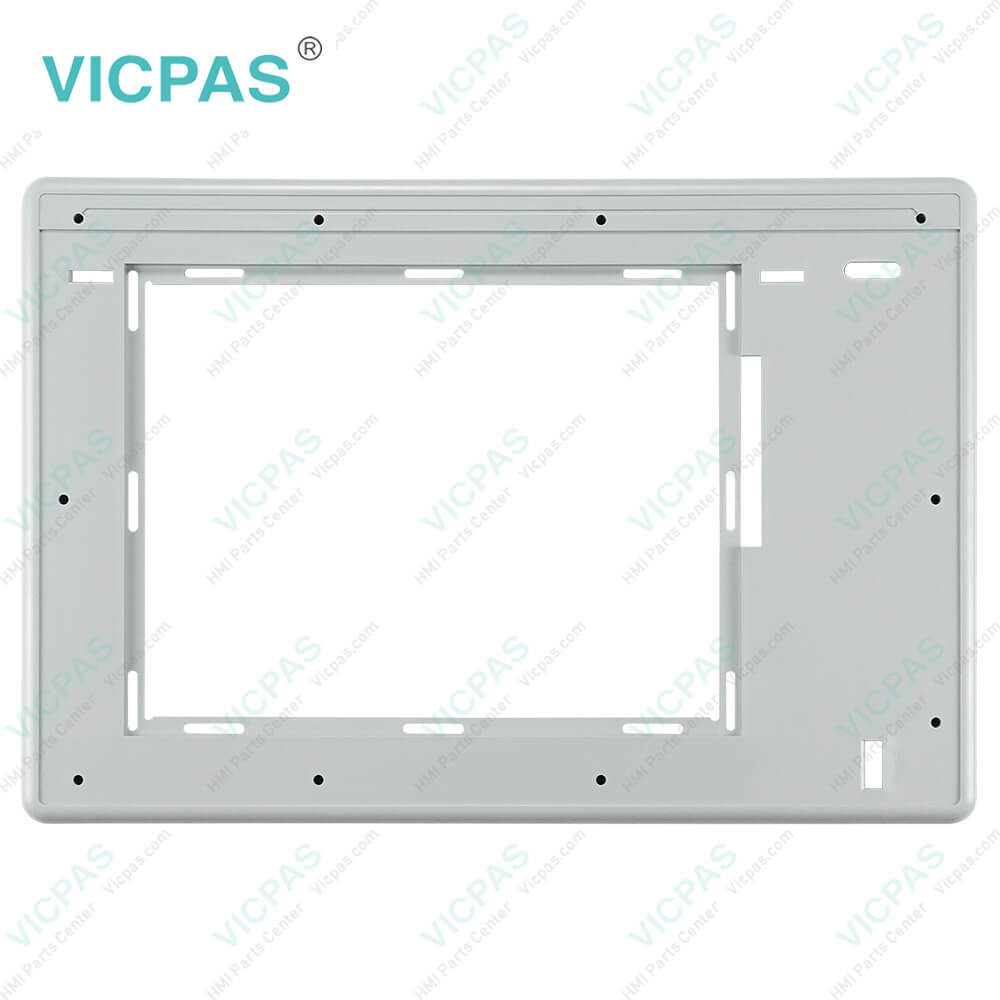
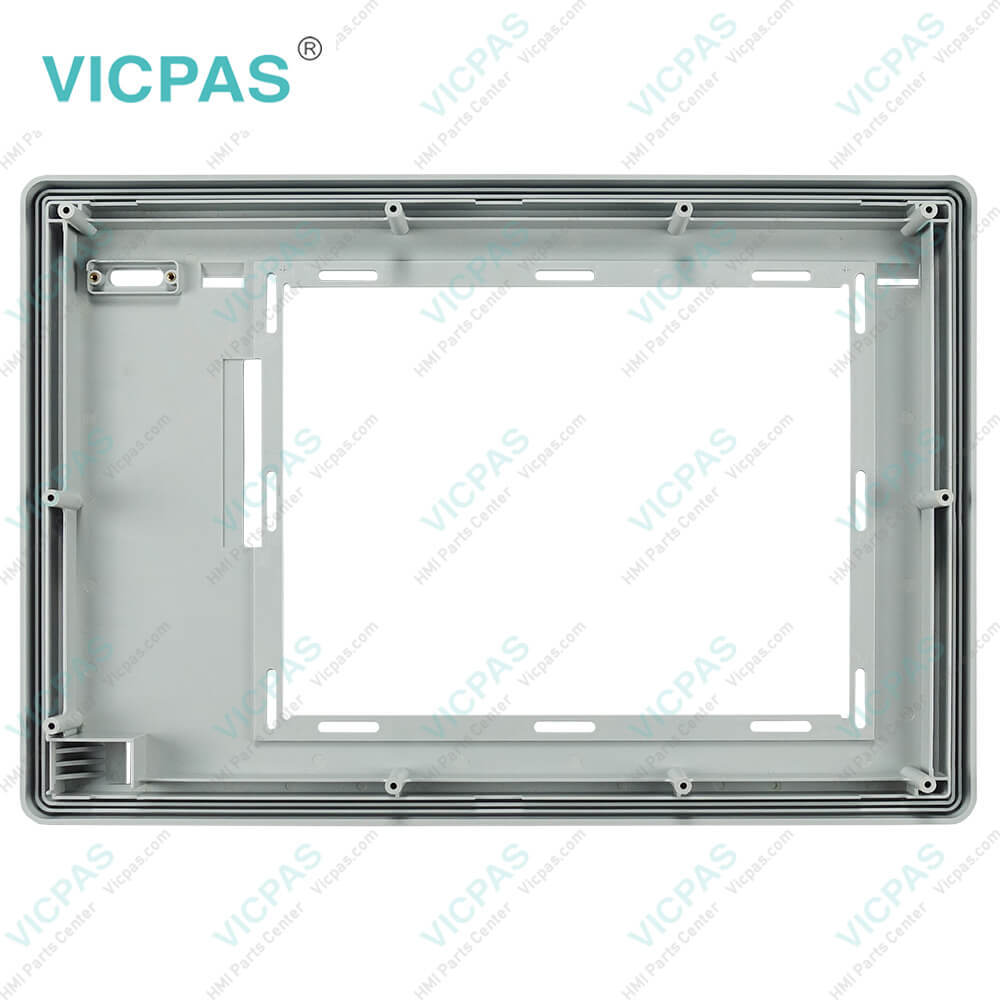
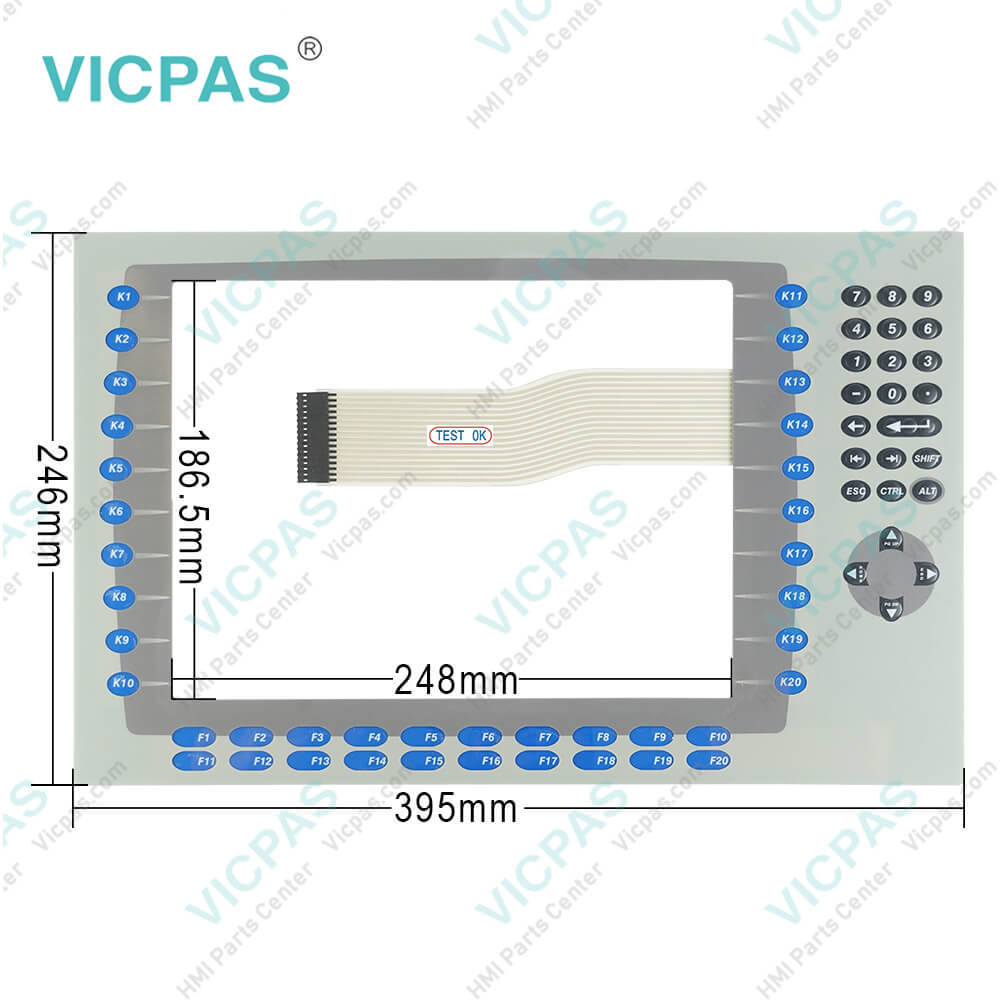
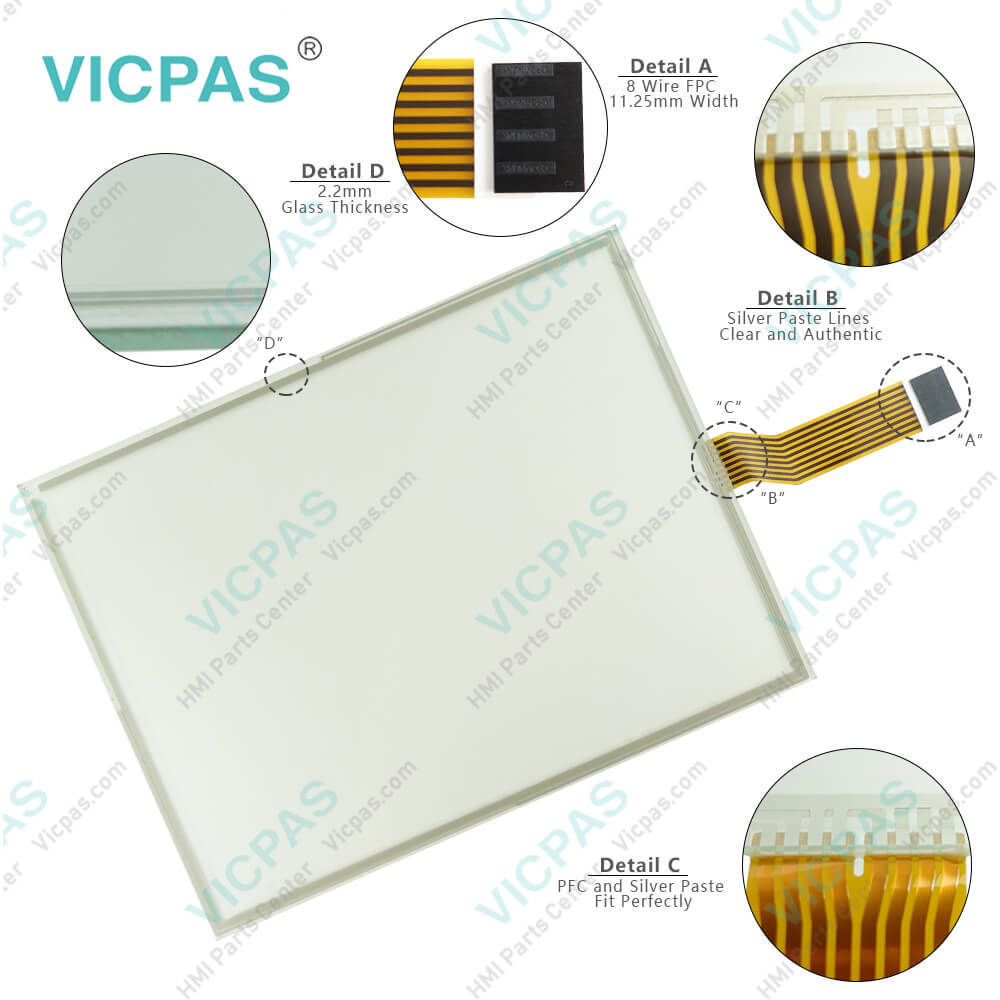
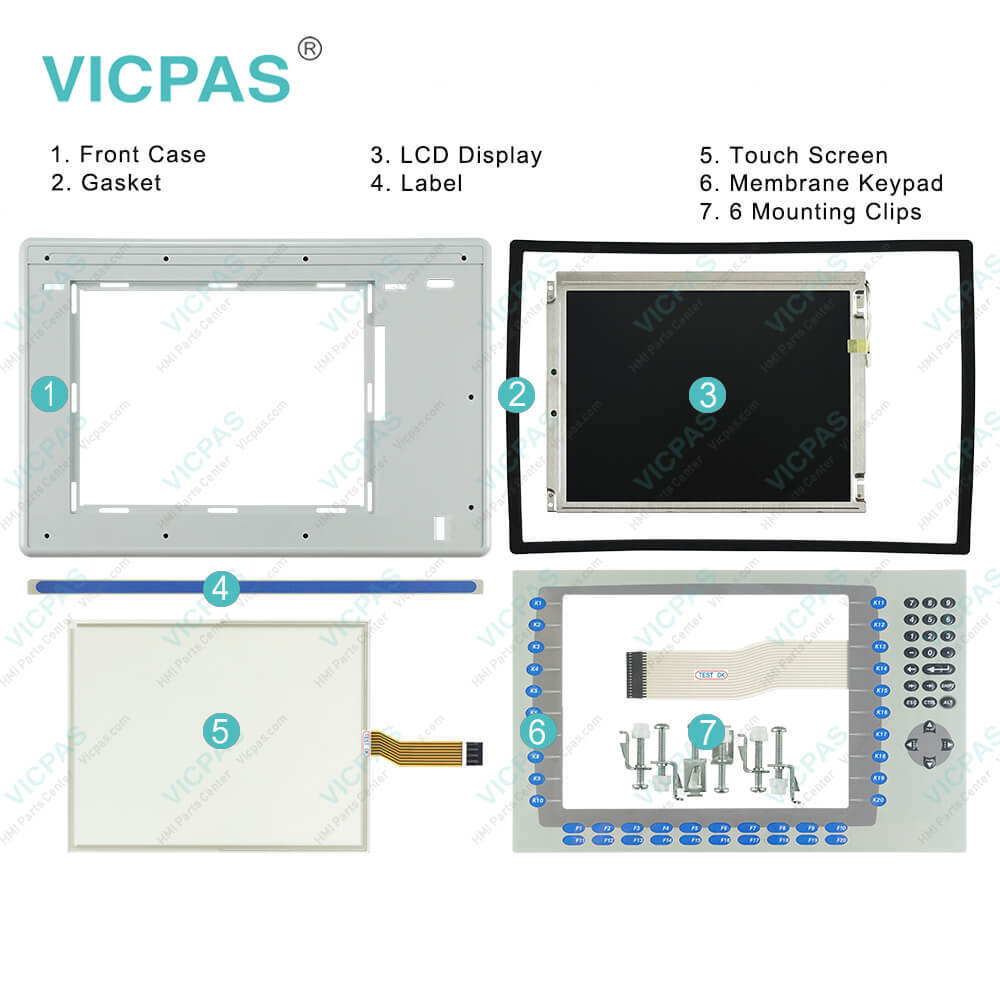
| categories | Panelview Plus 1250 |
|---|---|
| Model | 2711P-B12C15A2 |
| Warranty | 365 Days |
| Product Line | Panelview Plus 1250 |
| Supply | Panelview Plus 1250 Terminals Membrane keypad |
| Parts | Touchscreen Panel Glass Membrane Keyboard |
| Terms of Payment | Western Union, MoneyGram, T/T, Paypal, PayPal, Credit Card |
| Update Time | 2026-02-09 15:33:07 |
Shipping
Specifications:
| Part Number : | 2711P-B12C15A2 |
| Display Size: | 12.1 inches |
| Display Color: | Amber |
| Warranty: | 365 days Warranty |
| Product Line: | Panelview Plus 1250 |
| Input Type: | Touchscreen Keypad |
| Mounting position: | vertical |
| Communication: | ControlNet |
| Software: | FactoryTalk |
Related BB Teach Pendant Part No.:
| 2711P-B12C15A2 | Description | Inventory status |
| 2711P-B12C6D1 | PanelView Plus 1250 Membrane Keypad Touch Screen Panel LCD Display Enclosure | In Stock |
| 2711P-B12C6D2 | PanelView Plus 1250 Membrane Keyboard Touch Panel Glass LCD Screen Plastic Shell | Available Now |
| 2711P-B12C6D6 | PanelView Plus 1250 Keypad Touch Screen Panel LCD Display Plastic Cover Body | In Stock |
| 2711P-B12C6D7 | Panel View Plus 1250 Keypad Touch Screen LCD Display Screen Plastic Cover Body | In Stock |
| 2711P-B12C15A1 | PanelView Plus 1250 Membrane Keypad Touchscreen LCD Display Plastic Case | In Stock |
| 2711P-B12C15A2 | PanelView Plus 1250 Touch Panel Membrane Keyboard Keypad LCD Screen Enclosure | In Stock |
| 2711P-B12C15A6 | PanelView Plus 1250 Membrane Keyboard HMI Touch Screen LCD Display Plastic Shell | Available Now |
| 2711P-B12C15A7 | PanelView Plus 1250 Keypad Touch Screen LCD Screen Plastic Cover Body | In Stock |
| 2711P-B12C15B1 | PanelView Plus 1250 Touchscreen Operator Panel Keypad LCD Display HMI Case | Available Now |
| 2711P-B12C15B2 | Panel View Plus 1250 HMI Panel Glass Keypad LCD Screen Plastic Cover Body | In Stock |
| 2711P-B12C15D1 | Panel View Plus 1250 Keyboard Keypad Touch Screen LCD Display Plastic Case | In Stock |
| 2711P-B12C15D2 | PanelView Plus 1250 Touch Glass Membrane Keypad Switch LCD Screen Housing | In Stock |
| 2711P-B12C15D6 | PanelView Plus 1250 Touch Screen Monitor Keyboard Keypad LCD Display HMI Case | Available Now |
| 2711P-B12C15D7 | PanelView Plus 1250 Panel Glass Membrane Keyboard LCD Display Plastic Case | In Stock |
2711P-B12C15A2 Membrane Keyboard 2711P-B12C15A2 Touch Screen Glass PDF Download:
FAQ:
Question: What tools are required for panel installation?
Answer:
Question: How to connect the terminal to DC power?
Answer: 1. Verify that the terminal is not connected to a power source.2. Secure the DC power wires to the terminal block.Follow the markings on terminal blocks and terminal for proper connections.3. Secure the earth/ground wire.• On the 400 and 600 terminals, secure the earth/ground wire to the functional earth/ground terminal on the input power terminal block.• On the 700 to 1500 terminals, secure the earth/ground wire to the earth/ground terminal screw at the bottom of the display.4. Apply 24V DC power to the terminal.
Question: What is the dimensions of Allen Bradley Panelview Plus 1250 terminals?
Answer: The 2711P-B12C15A2 terminals size is 12.1-inch.
Question: How to install Panelview plus 1250 HMI plastic case?
Answer: Enclosures The terminals must be mounted in a panel or enclosure to protect the internal circuitry. The terminals meet IP54 and NEMA Type 12/13 and 4X (indoor) ratings only when mounted in a panel or enclosure with the equivalent rating. When the terminal is not mounted in a panel, itis not secure or safe for operation. You must comply with NEMA Type4X (indoor) requirements for environmental specifications.
Question: How to rest the Allen Bradley PanelView 1250 2711P-B12C15A2 Terminal?
Answer: All PanelView Plus 1250 terminals have both a Reset switch and a Default switch on the side of the logic module.
Common misspellings:
2711-B12C15A22711PB12C15A22711P-B1215A22711P-B12C15A7211P-B12C15A22711-PB12C15A22711PB-12C15A22711P-1B2C1522711P--B12C15A22711P-BB12C15A2

- Mobile Phone
- *Title
- *Content
 Fast Quote
 Fast Quote
 Worldwide Shipping
 12 Months Warranty
 Customize Service