




2711P-B15C4A6
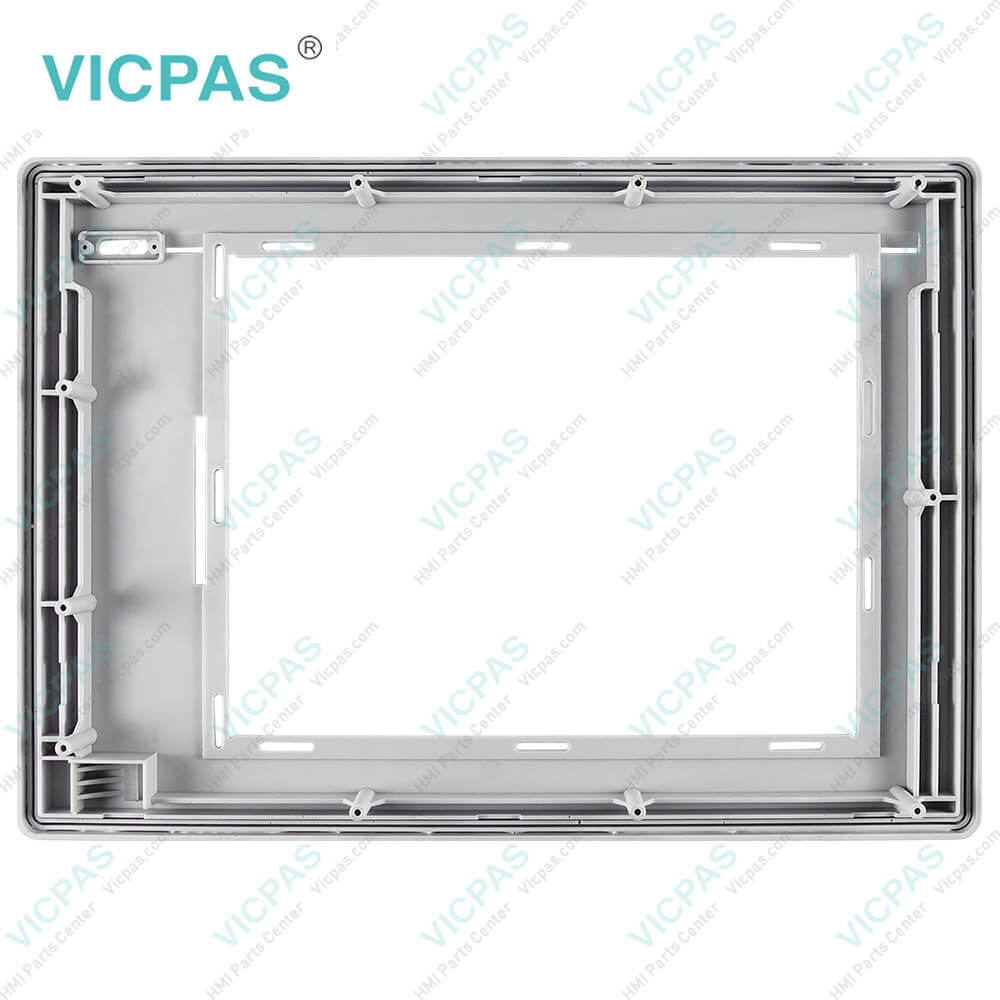
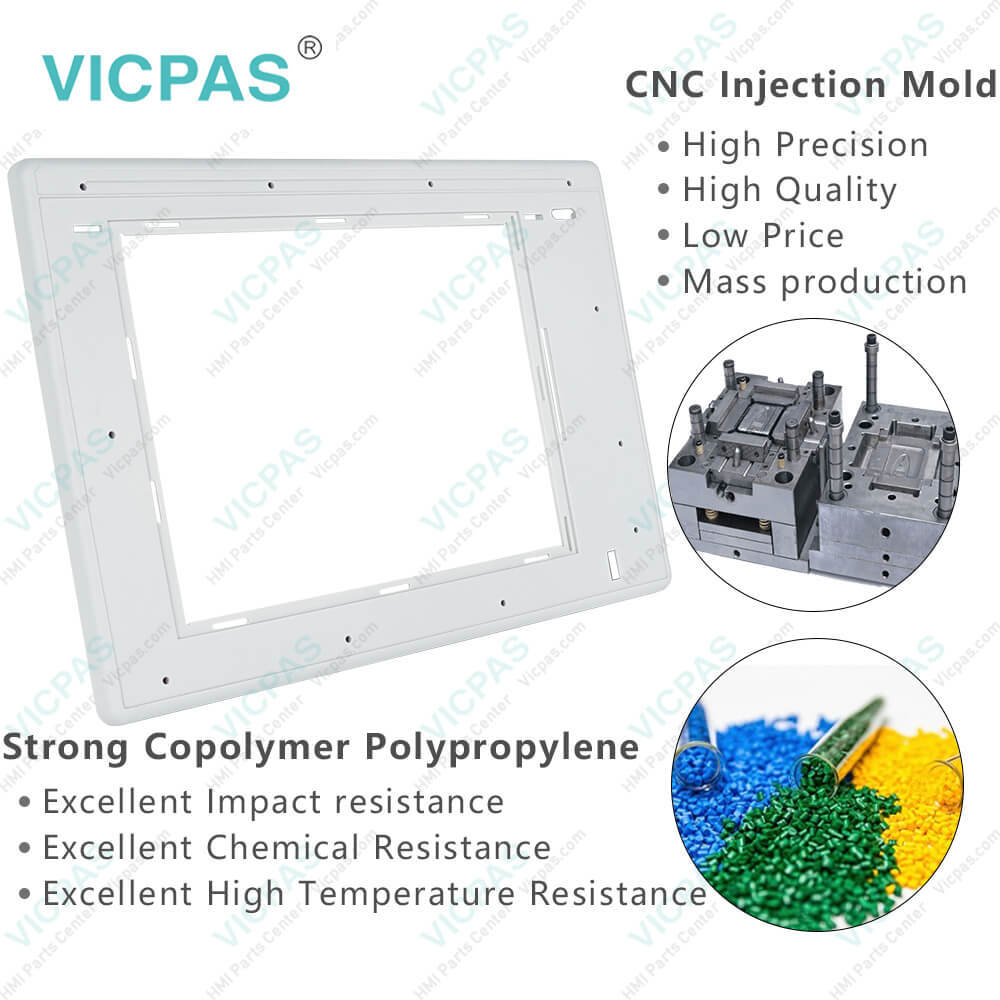
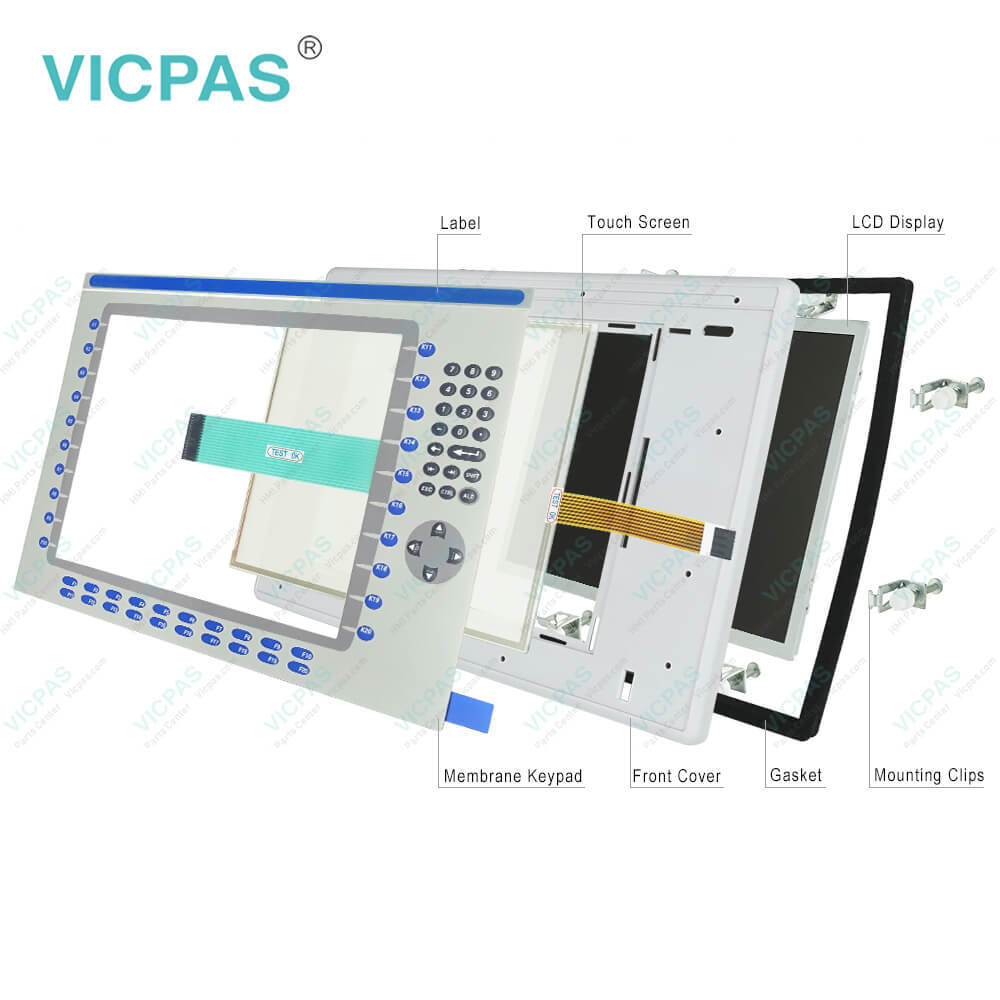
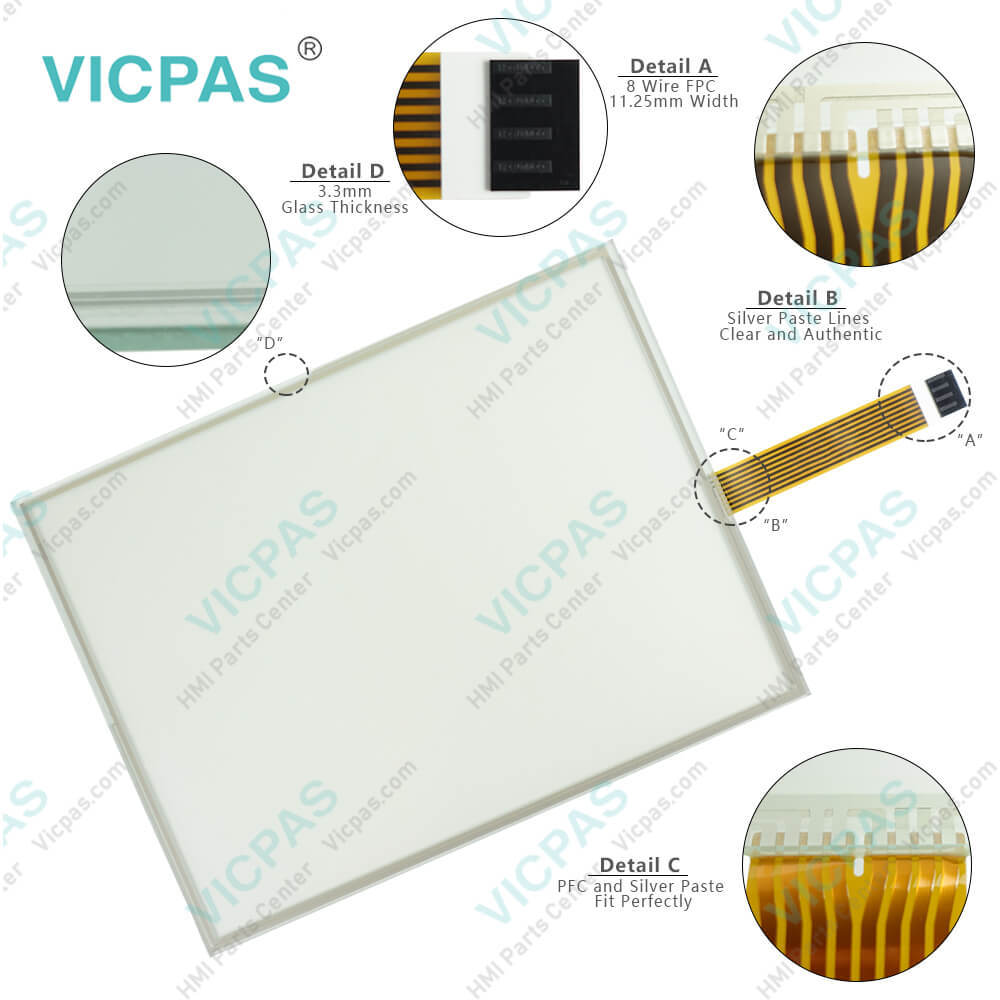
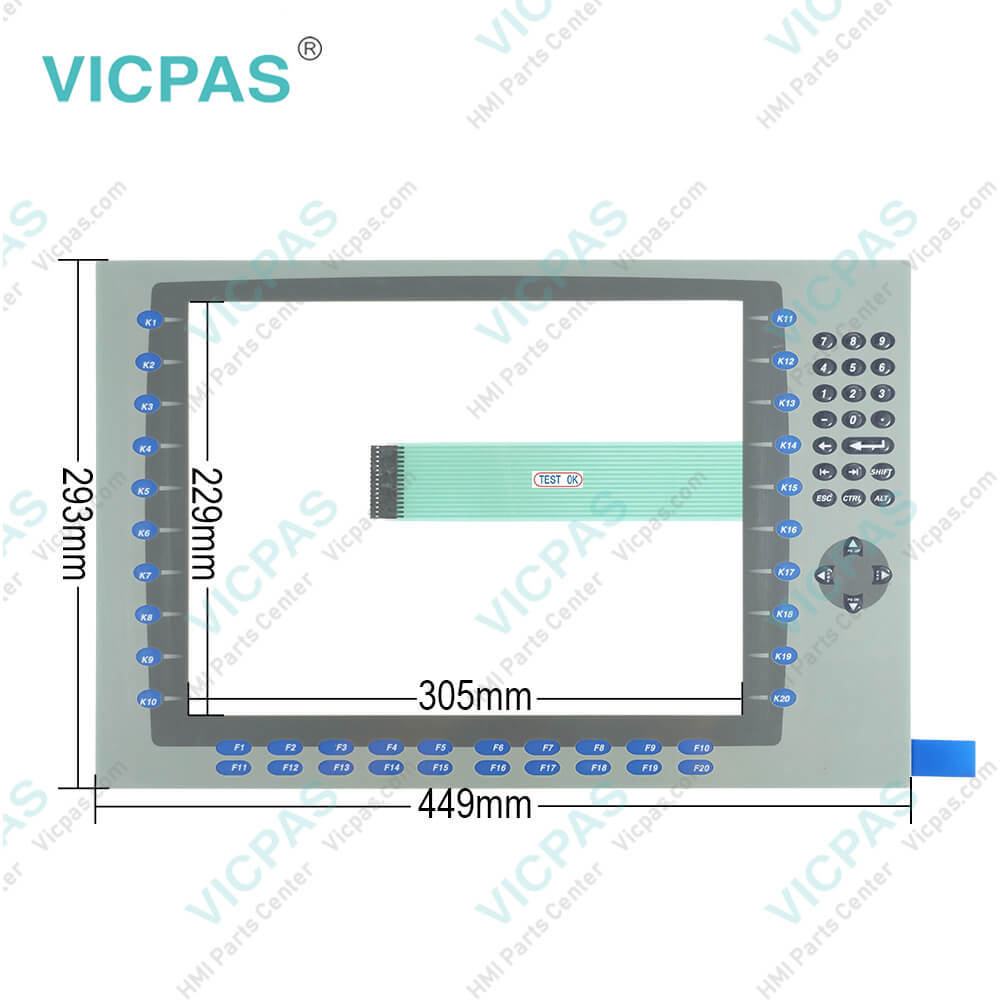
| categories | PanelView Plus 1500 |
|---|---|
| Model | 2711P-B15C4A6 |
| Warranty | 365 Days |
| Product Line | Panelview Plus 1500 |
| Supply | Panelview Plus 1500 Terminals Membrane keypad |
| Parts | Touchscreen Panel Glass Keyboard Membrane |
| Terms of Payment | Western Union, MoneyGram, T/T, Paypal, PayPal, Credit Card |
| Update Time | 2026-02-09 15:48:32 |
Shipping
Specifications:
| Part Number : | 2711P-B15C4A6 |
| Display Size: | 15 inches |
| Display Color: | Amber |
| Warranty: | 365 days Warranty |
| Product Line: | Panelview Plus 1500 |
| Input Type: | Touchscreen Keypad |
| Mounting position: | vertical |
| Communication: | ControlNet |
| Software: | FactoryTalk |
2711P-B15C4A6 PDF Download:
FAQ:
Question: How to delete PanelView Plus 1500 2711P-B15C4A6 files?
Answer: From the Delete Files screen you can select options to:• Delete Applications - deletes an .MER application file from a storage location.• Delete Fonts - deletes a font file from a storage location.• Delete Log Files - deletes any data log files, alarm history files and alarm status files in the System Default location on the PanelView Plus terminal.
Question: What are the tips on how to isolate problems with the 2711P-B15C4A6 Display?
Answer: • Check the brightness setting of the Display Module. Is the display brightness dim or unreadable?From Configuration Mode, open Terminal Settings>Display Intensity.• Check the Screen Saver settings. Is the backlight turning off or dimming the display unexpectedly.From Configuration Mode, open Terminal Settings>Display>Screen Saver.• Check the LED indicators on the Logic Module. Do they flash during startup? Is power on and is the unit attempting to start?• Check the Display temperature. From Configuration Mode, open the Terminal Settings>Display>Display Temperature screen. Poor contrast and slow screen updates will occur if the Display is too cold or too hot.• Check the startup messages. Is the Display operating at all and do the startup messages appear? Record any error message and use the System Error Message table for troubleshooting.• Replace the Display Module if all other attempts do not resolve problem. If replacing the Display Module corrects the problem, then the Display was not functioning properly.
Question: How to edit 2711P-B15C4A6 communication settings?
Answer:
Common misspellings:
2711PB15C4A62711P-B5C4A62711P-B15C4A271P1-B15C4A62711PB-15C4A62711P-B1C54A62711P--B15C4A627111P-B15C4A62711P-B15C4A66
- Mobile Phone
- *Title
- *Content
 Fast Quote
 Fast Quote
 Worldwide Shipping
 12 Months Warranty
 Customize Service