




2711P-B15C4A7
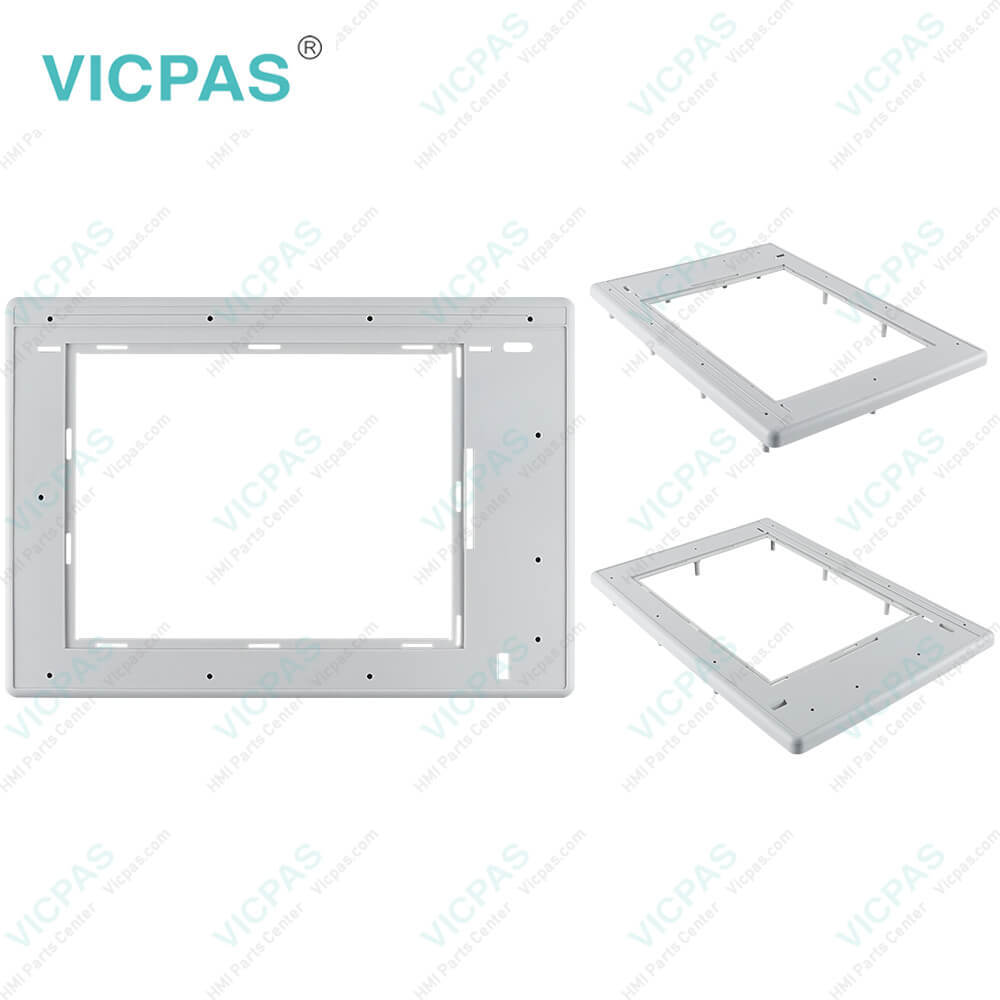
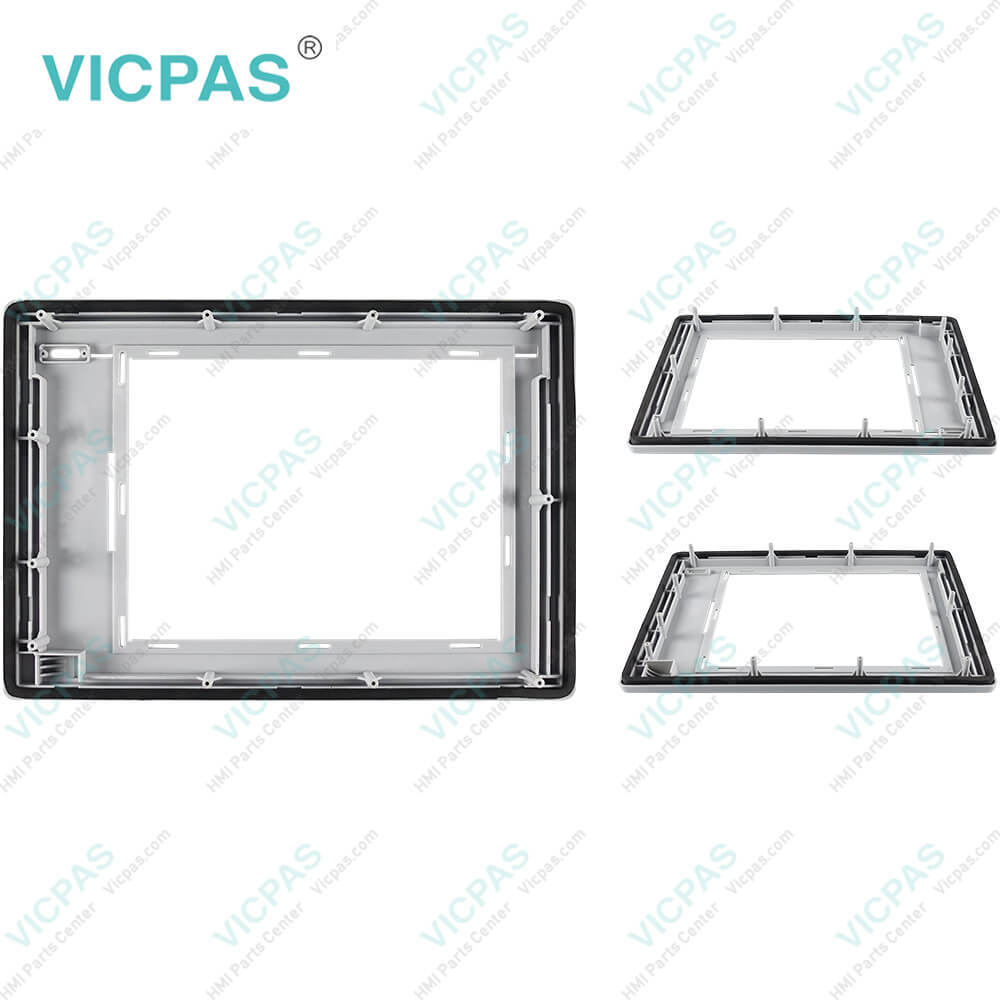

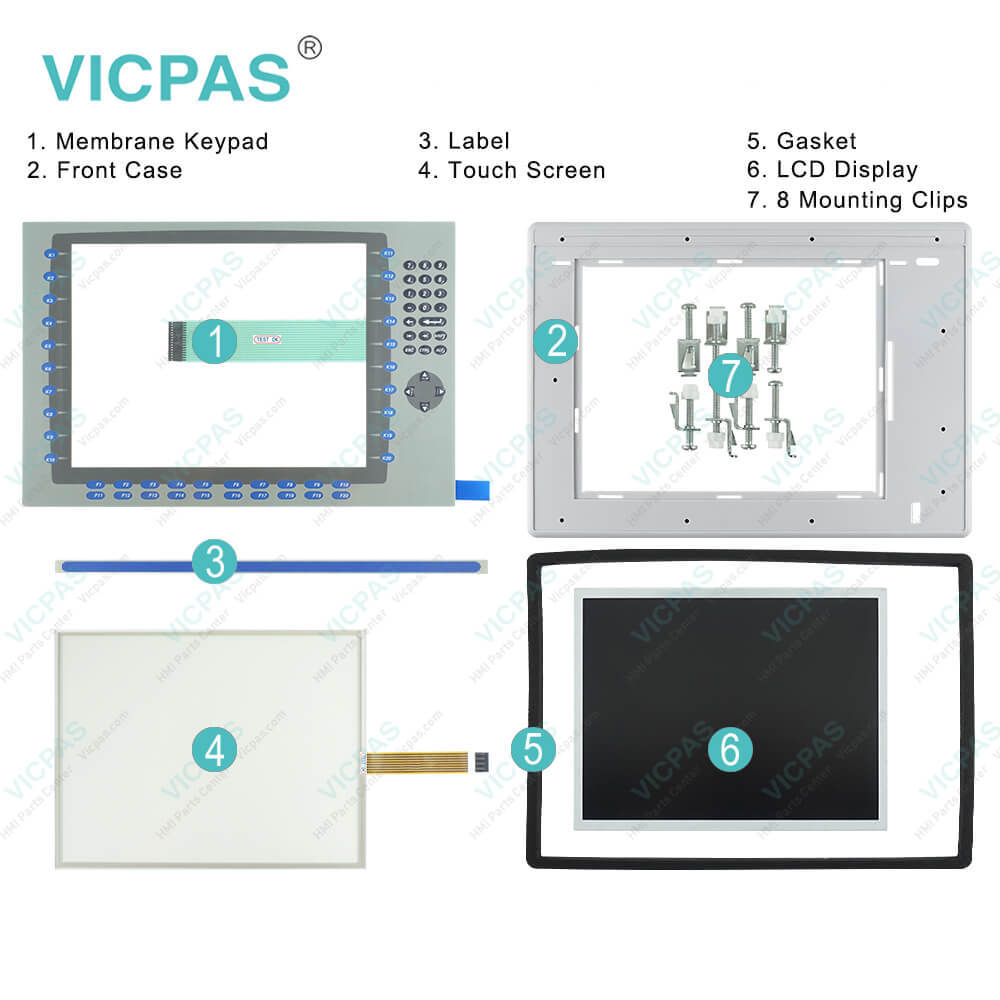
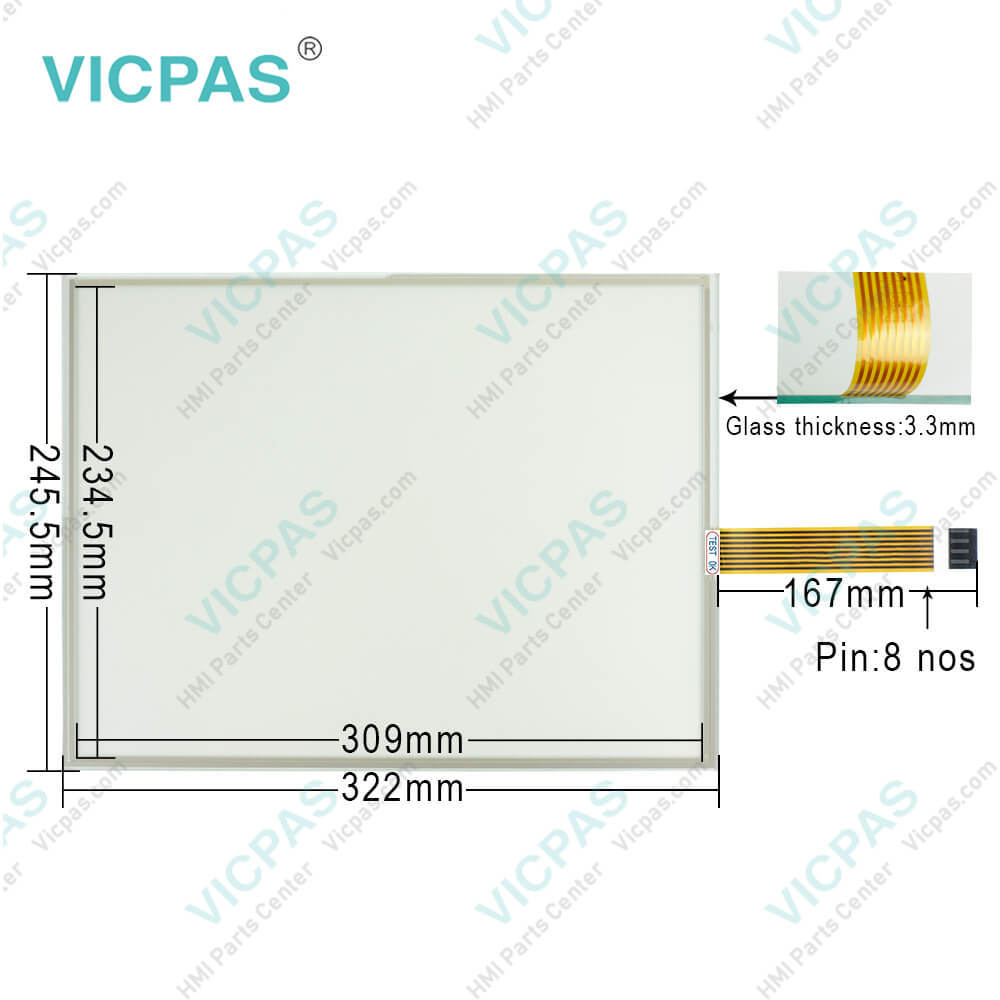
| categories | PanelView Plus 1500 |
|---|---|
| Model | 2711P-B15C4A7 |
| Warranty | 365 Days |
| Product Line | Panelview Plus 1500 |
| Supply | Panelview Plus 1500 Terminals Membrane keypad |
| Parts | Touchscreen Panel Glass Keypad Membrane |
| Terms of Payment | Western Union, MoneyGram, T/T, Paypal, PayPal, Credit Card |
| Update Time | 2026-02-09 15:48:35 |
Shipping
Specifications:
| Part Number : | 2711P-B15C4A7 |
| Display Size: | 15 inches |
| Display Color: | Amber |
| Warranty: | 365 days Warranty |
| Product Line: | Panelview Plus 1500 |
| Input Type: | Touchscreen Keypad |
| Mounting position: | vertical |
| Communication: | ControlNet |
| Software: | FactoryTalk |
2711P-B15C4A7 PDF Download:
FAQ:
Question: How to change the Decimal Separator for Numeric Formats?
Answer: You can change the decimal separator used in numerics for the current language. The default decimal separator is a period.1. Select Terminal Settings>Time/Date/Regional Settings>Regional Settings>Numeric Format.The field shows the default decimal separator. The field will accept a separator up to three characters.2. Enter up to three characters for the new separator.3. Click OK.
Question: What steps need to be connectted the terminal 2711P-B15C4A7 to AC power?
Answer:
Question: How to isolate problems with the PanelView Plus 1500 2711P-B15C4A7 Keypad?
Answer: • Check Multi-Key/Hold-Off settings. From Configuration Mode, open Terminal Settings>Keypad>Keypad Settings.Is the Hold-Off Delay longer than expected, or are multiple key presses being held by Multi-Key Lockout? Check all configurable settings.• Check key input by attaching a USB keyboard. If the keyboard works, but the keypad does not, then the keypad driver or keypad is not working. If both the keypad and keyboard are not working, then the problem may be the application.• Replace the Display Module if all other attempts do not resolve problem. If replacing the Display Module corrects the problem, then the keypad was not functioning properly.
Question: How to enter characters in the PanelView Plus 1500 2711P-B15C4A7 Display Area?
Answer: 1. Select a character on the Character Keyboard.2. Press the Select button to copy the character to the Display Area.3. When done entering all characters, press Enter. You will return to the previous screen.
Common misspellings:
2711PB15C4A7271P-B15C4A72711-B15C4A72711P-Bl5C4A727l1P-B15C4A7271lP-B15C4A72711P-B15CAA72711P-Bl5C4A7
- Mobile Phone
- *Title
- *Content
 Fast Quote
 Fast Quote
 Worldwide Shipping
 12 Months Warranty
 Customize Service