




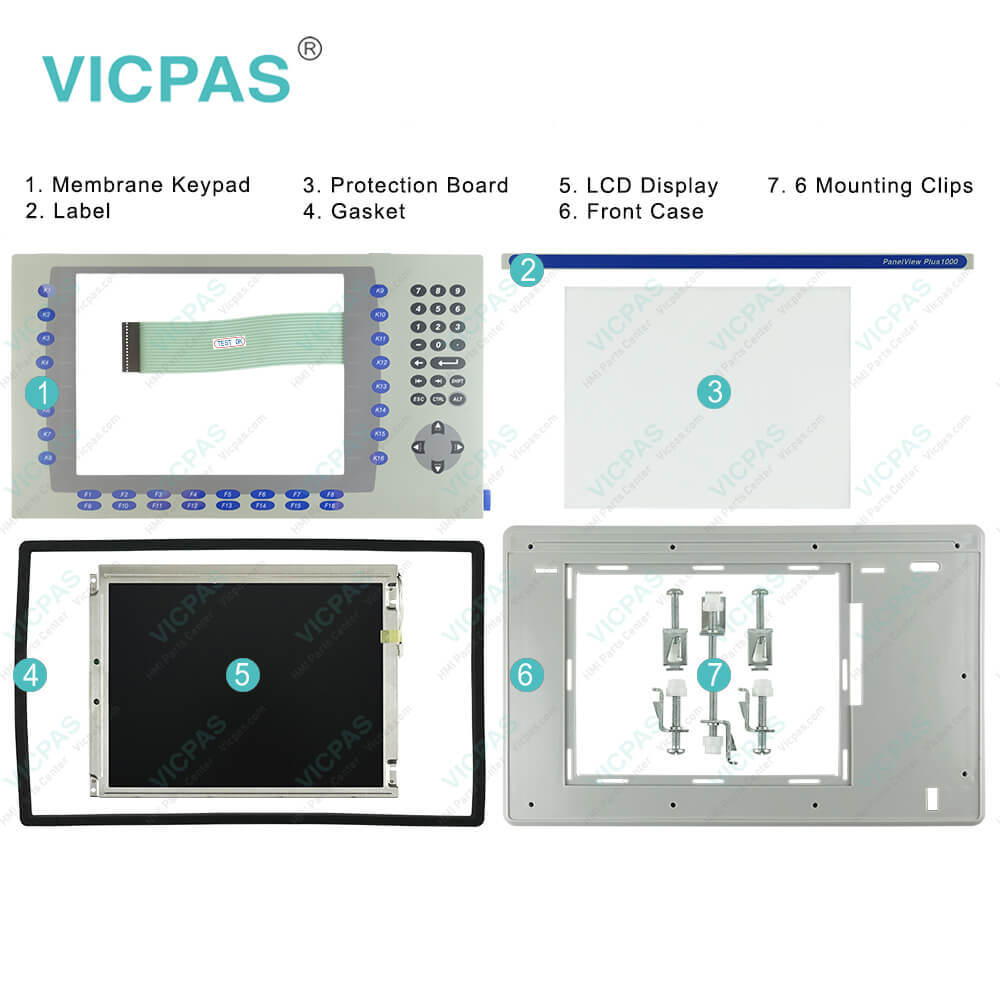
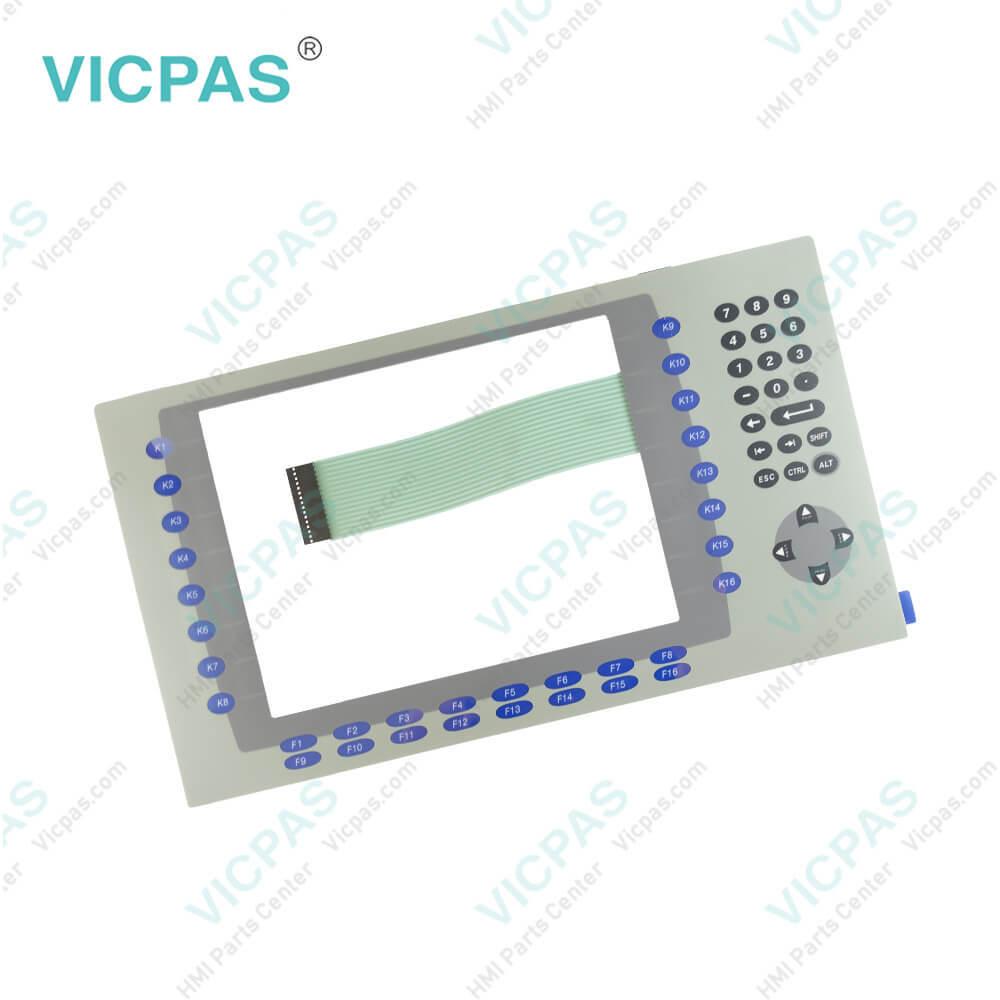
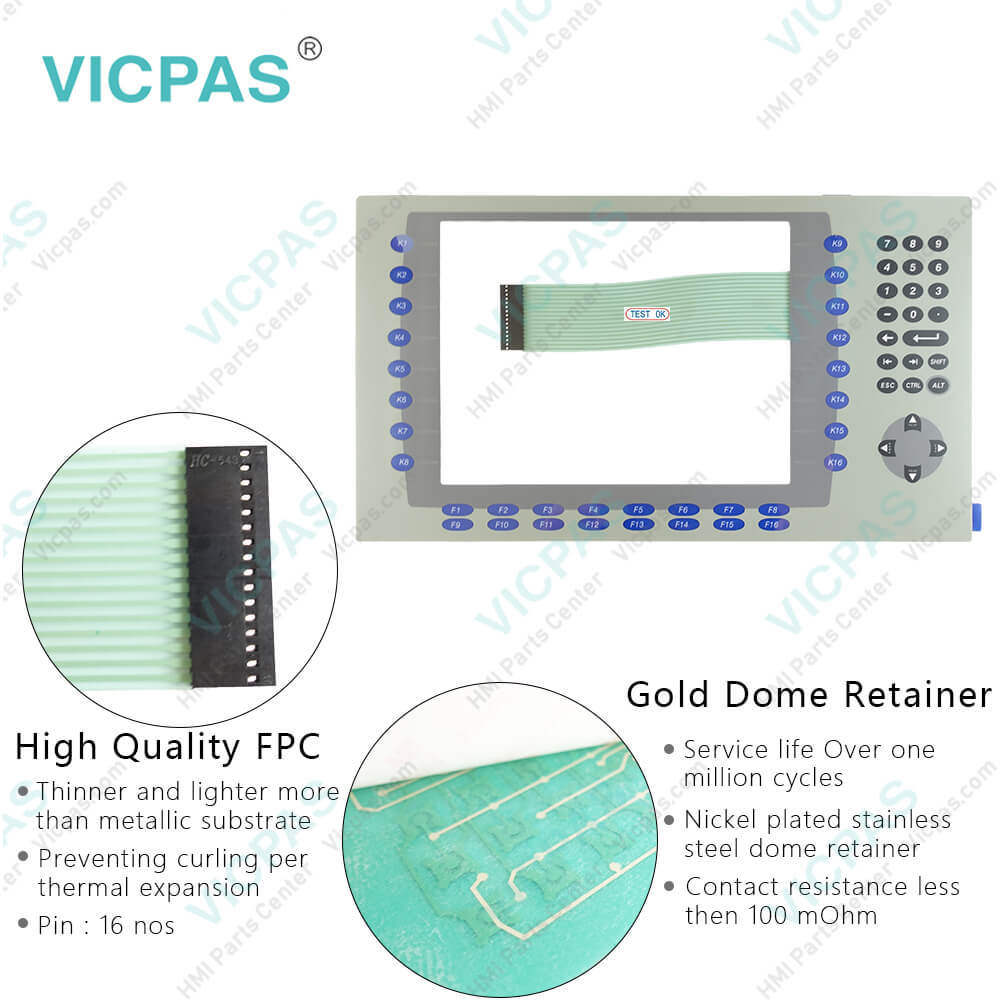
Membrane keyboard for 2711P-K10C4D9 membrane keypad switch
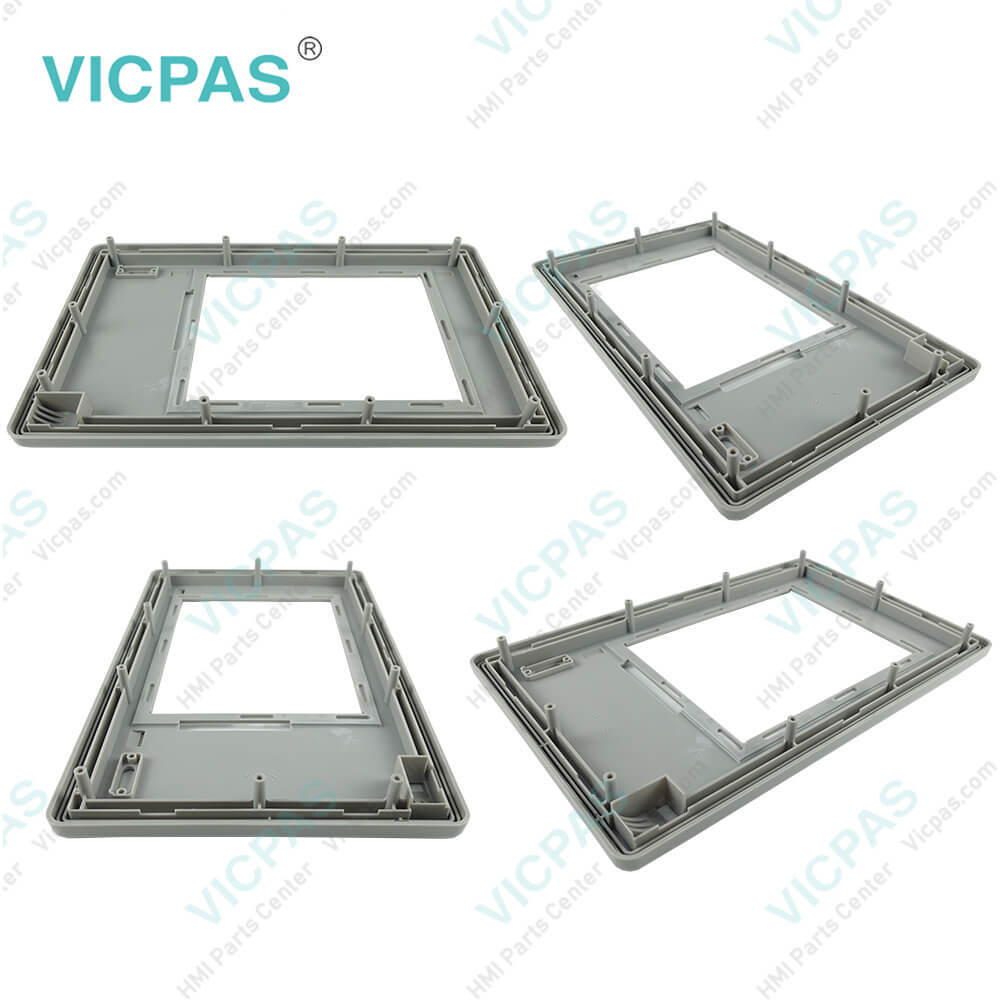
| categories | Panelview Plus 6 |
|---|---|
| Model | 2711P-K10C4D9 |
| Warranty | 180 Days |
| Product Line | Panelview Plus 6 |
| Supply | Panelview Plus 6 Terminals Membrane keypad |
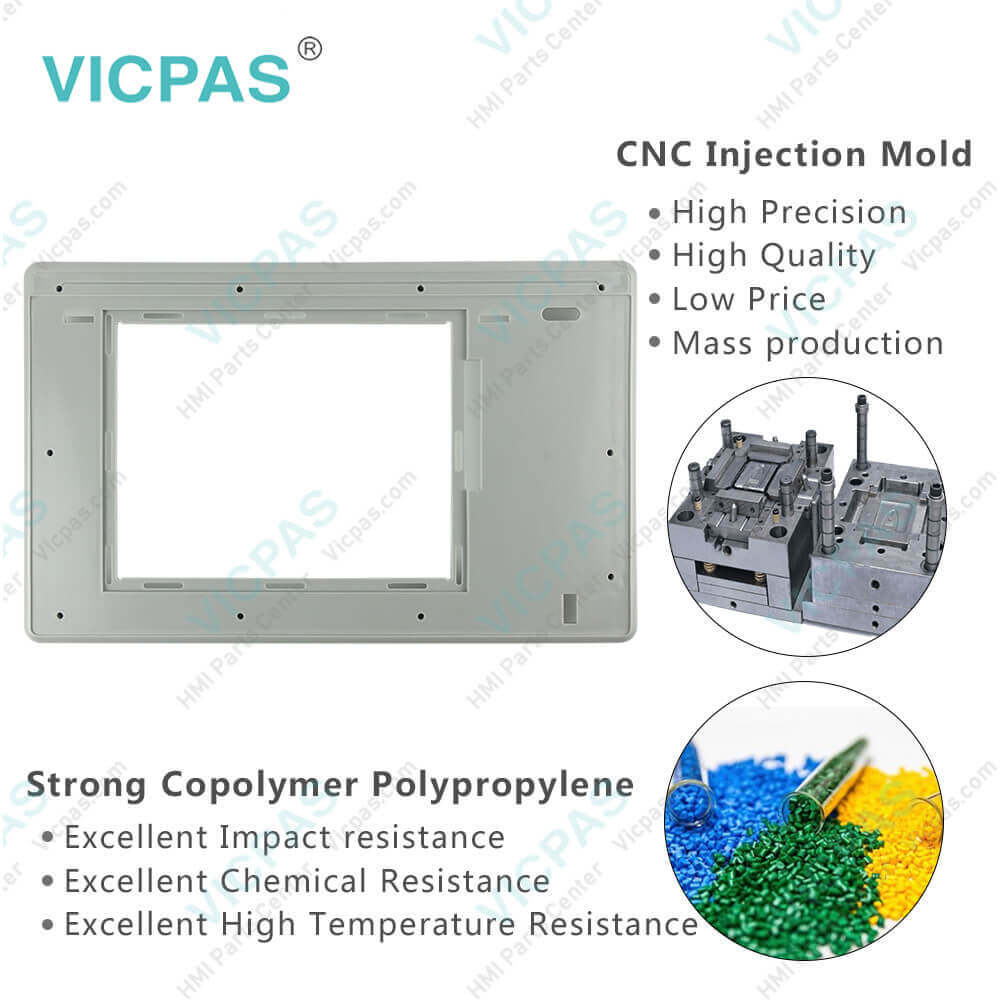
| Parts | Keypad Switch Repair LCD Display |
| Terms of Payment | Western Union, T/T, PayPal, T/T ,Credit Card, Western Union |
| Update Time | 2026-02-09 16:36:21 |
Shipping
Specifications:
| Part Number : | 2711P-K10C4D9 |
| Display Size: | 10.4 inches |
| Display Color: | Amber |
| Warranty: | 180 Days Warranty |
| Product Line: | PanelView Plus 6 |
| Input Type: | Keypad |
| Mounting position: | vertical |
| Communication: | Ethernet and RS-232 |
| Language: | Worldwide |
| Software: | Talk View Machine Edition |
Related BB Teach Pendant Part No.:
| 2711P-K10C4D9 | Description | Inventory status |
| 2711P-K6M20A8 | Allen Bradley Panel Plus 6 Membrane Keypad LCD Display Plastic Case | In Stock |
| 2711P-K6M20D8 | Allen Bradley Panel View Plus 6 Keypad LCD Screen Cover Replacement | Available Now |
| 2711P-K7C4A8 | PanelView Plus 6 Membrane Switch LCD Display Plastic Shell Replacement | In Stock |
| 2711P-K7C4A9 | PanelView Plus 6 Membrane Keyboard Keypad LCD Screen HMI Case | In Stock |
| 2711P-K7C4D8 | PanelView Plus 6 Membrane Keypad Switch LCD Display Housing Repair | In Stock |
| 2711P-K7C4D9 | Allen Bradley PanelView Plus 6 Operator Panel Keypad LCD Display Enclosure | In Stock |
| 2711P-K10C4A8 | PanelView Plus 6 Operator Keyboard LCD Display Plastic Case Replacement | Available Now |
| 2711P-K10C4A9 | Allen Bradley Panel View Plus 6 Keyboard Membrane LCD Display Case | In Stock |
| 2711P-K10C4D8 | PanelView Plus 6 Membrane Keyboard Repair Kit Plastic Shell LCD Display | Available Now |
| 2711P-K10C4D9 | PanelView Plus 6 Membrane Keyboard Keypad LCD Display Case Repair | In Stock |
| 2711P-K12C4A8 | Allen Bradley Panel View Plus 6 Keypad Plastic Case LCD Display Screen | In Stock |
| 2711P-K12C4A9 | PanelView Plus 6 Switch Membrane HMI Case LCD Display Screen | In Stock |
| 2711P-K12C4D8 | PanelView Plus 6 Touch Screen Keypad Front Cover LCD Display Panel | Available Now |
| 2711P-K12C4D9 | Allen Bradley PanelView Plus 6 Membrane Keyboard Plastic Case LCD Screen | In Stock |
| 2711P-K15C4A8 | PanelView Plus 6 Membrane Keyboard Keypad Housing LCD Display Screen | Available Now |
| 2711P-K15C4A9 | Allen Bradley Panel View Plus 6 Operator Panel Keypad Front Cover LCD Display | In Stock |
| 2711P-K15C4D8 | Allen Bradley Panel View Plus 6 Keypad Plastic Shell LCD Screen Repair | In Stock |
| 2711P-K15C4D9 | PanelView Plus 6 Membrane Switch Plastic Case LCD Display Replacement | In Stock |
Membrane keyboard for 2711P-K10C4D9 membrane keypad switch PDF Download:
FAQ:
Question: How to delete Log Files of PanelView Plus 6 from terminal?
Answer: You can delete log files, alarm history files, and alarm status files from the System Default location on the terminal. 1. Select Terminal Settings>File Management>Delete Files>Delete Log Files. You are asked to confirm the deletion of the files. Do you want to delete all of the Factory Talk View ME Station Log Files? 2. Select Yes or No. Log files not located in the System Default location will not be deleted.
Question: What tools are required for 2711P-K10C4D9 installation?
Answer: Panel cutout tools. Small, slotted screwdriver.Torque wrench (lb•in) for tightening the mounting clips on the PanelView Plus 700 to 1500 and PanelView Plus CE terminals.
Question: How to access panelview plus 6 2711P-K10C4D9 configuration mode?
Answer: Your PanelView Plus 6 device has onboard software, FactoryTalk View ME Station, to perform and configure terminal operations. When you reset or start the terminal, you automatically enter Configuration mode, unless your.MER application is automatically set to run on startup.To access Configuration mode from a running application, press the Goto Configuration Mode button. This button is added to the application screen in FactoryTalk View Studio. The application stops running but is still loaded
Common misspellings:
211P-K10C4D92711PK10C4D92711P-K1049D92711P-K10C4D2171P-K10C4D92711PK-10C4D271P1-K10C4D92711P--K10C4D92711P-K10CC4AD9

- Mobile Phone
- *Title
- *Content
 Fast Quote
 Fast Quote
 Worldwide Shipping
 12 Months Warranty
 Customize Service