




2711P-T10C4A9 Touch Screen 2711P-T10C4A9 Touch Panel
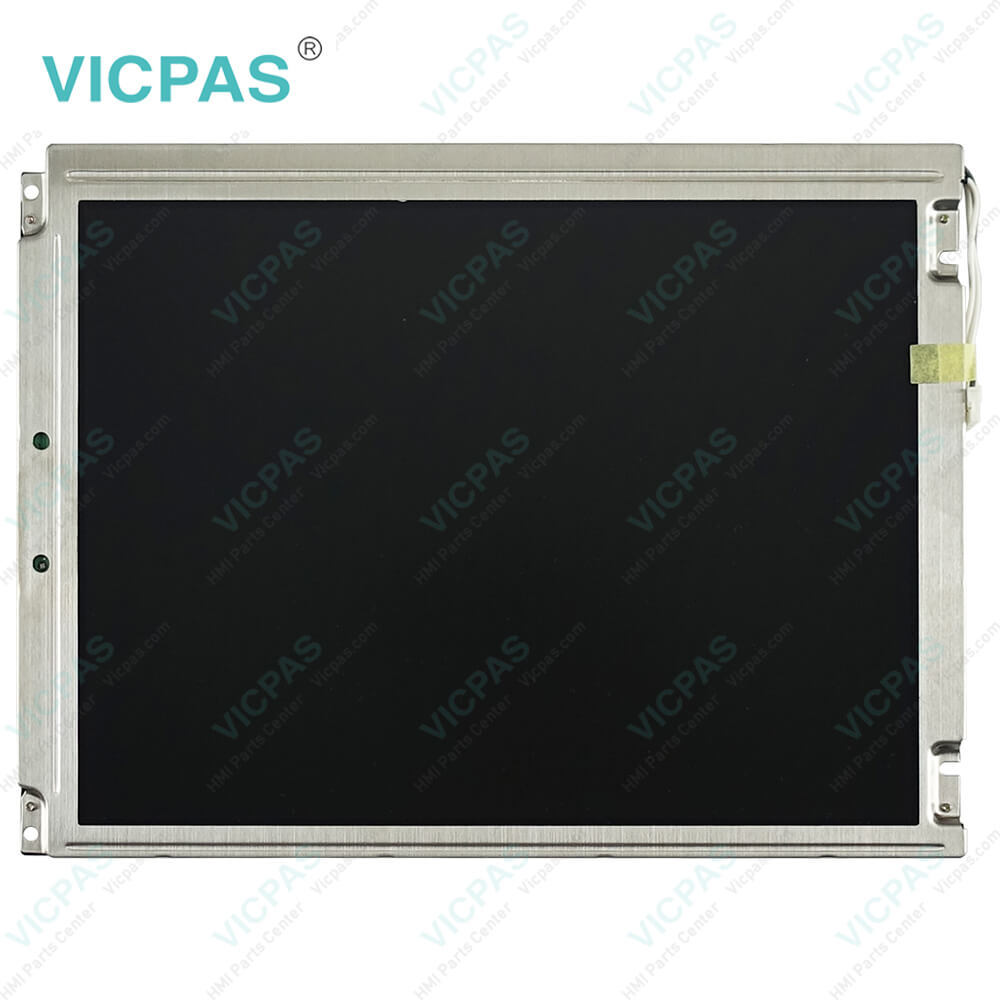
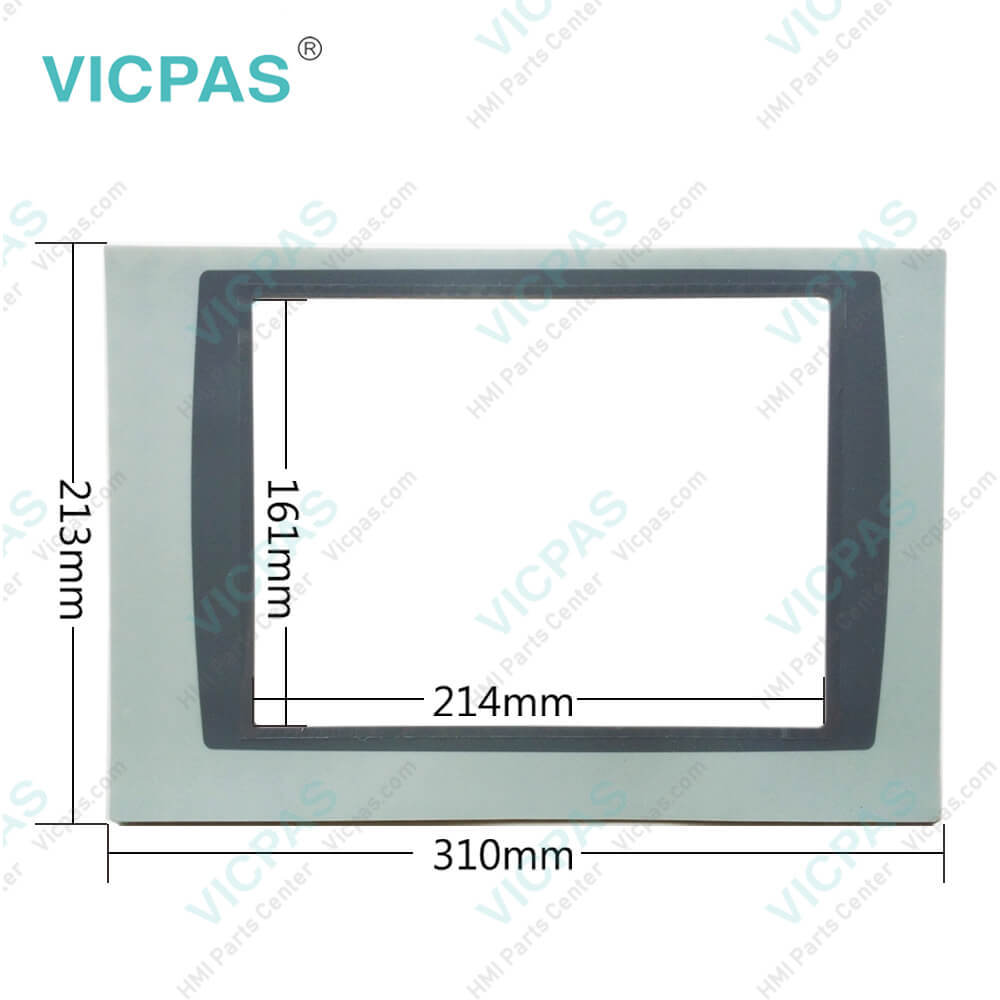
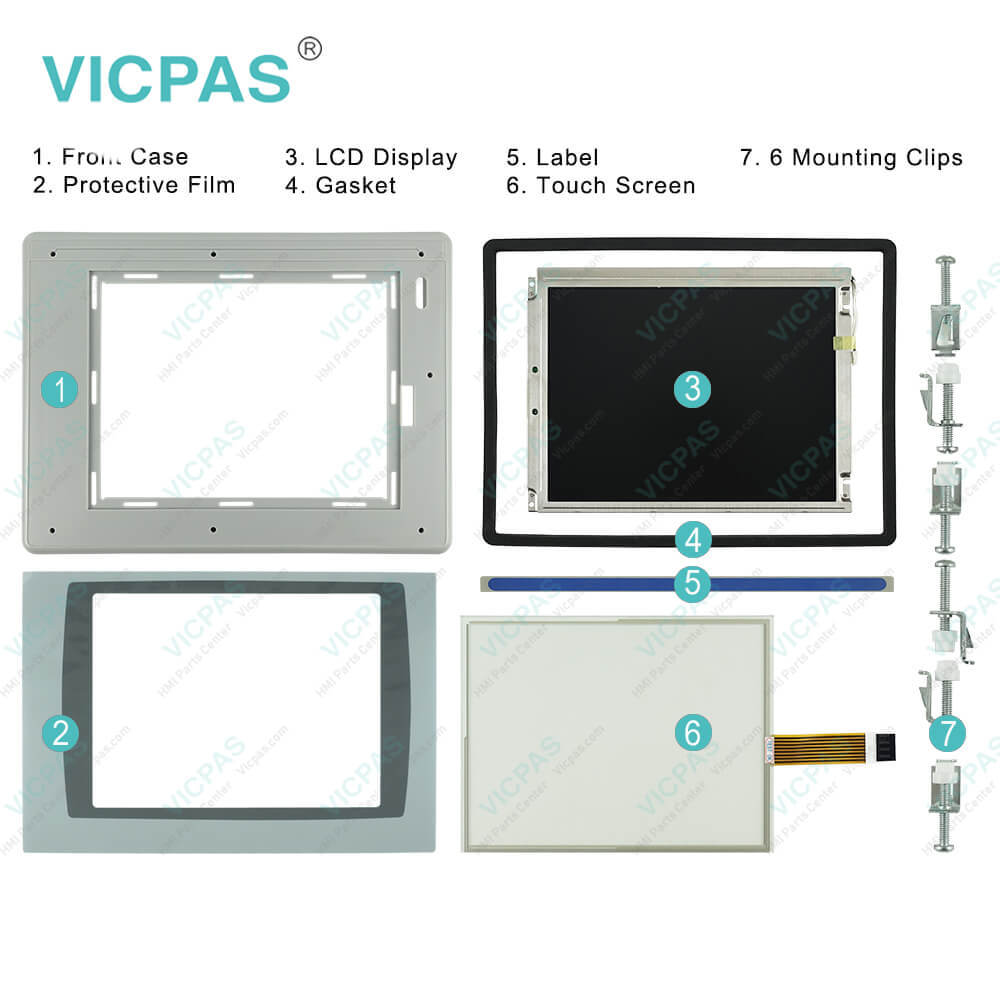
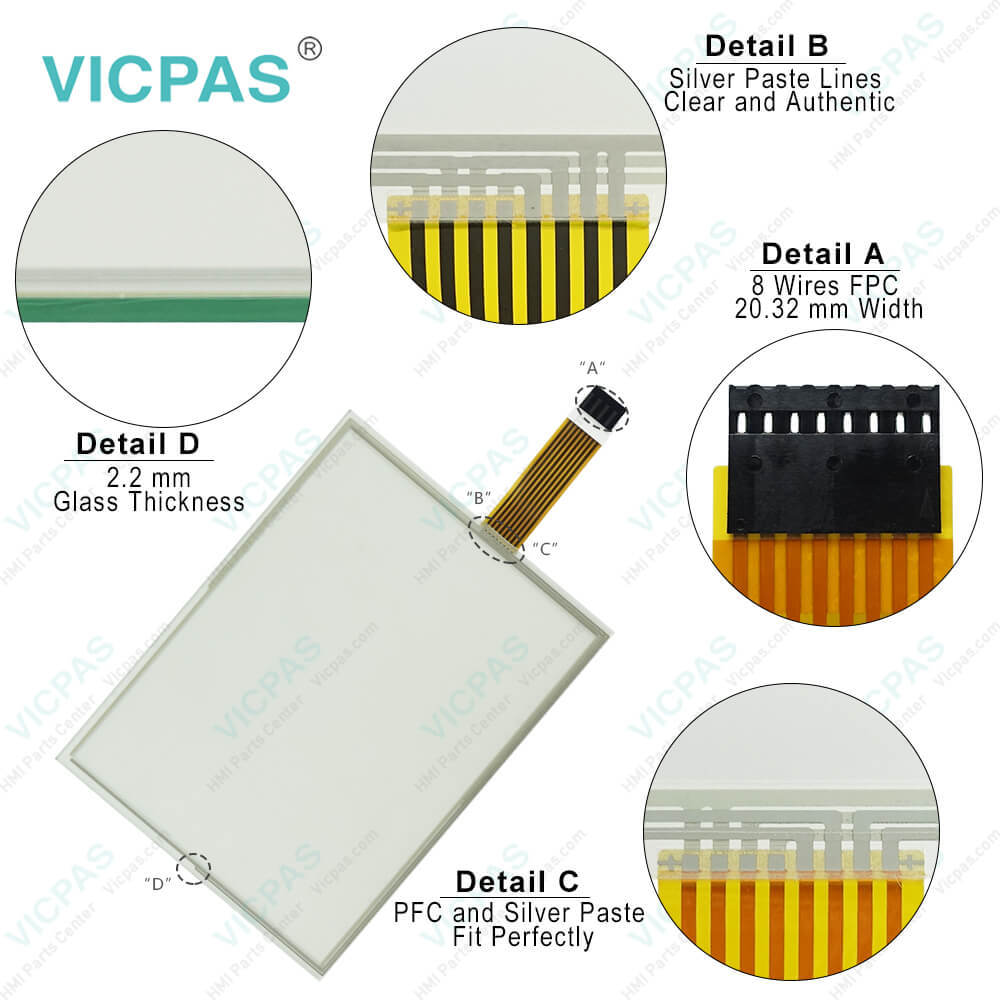
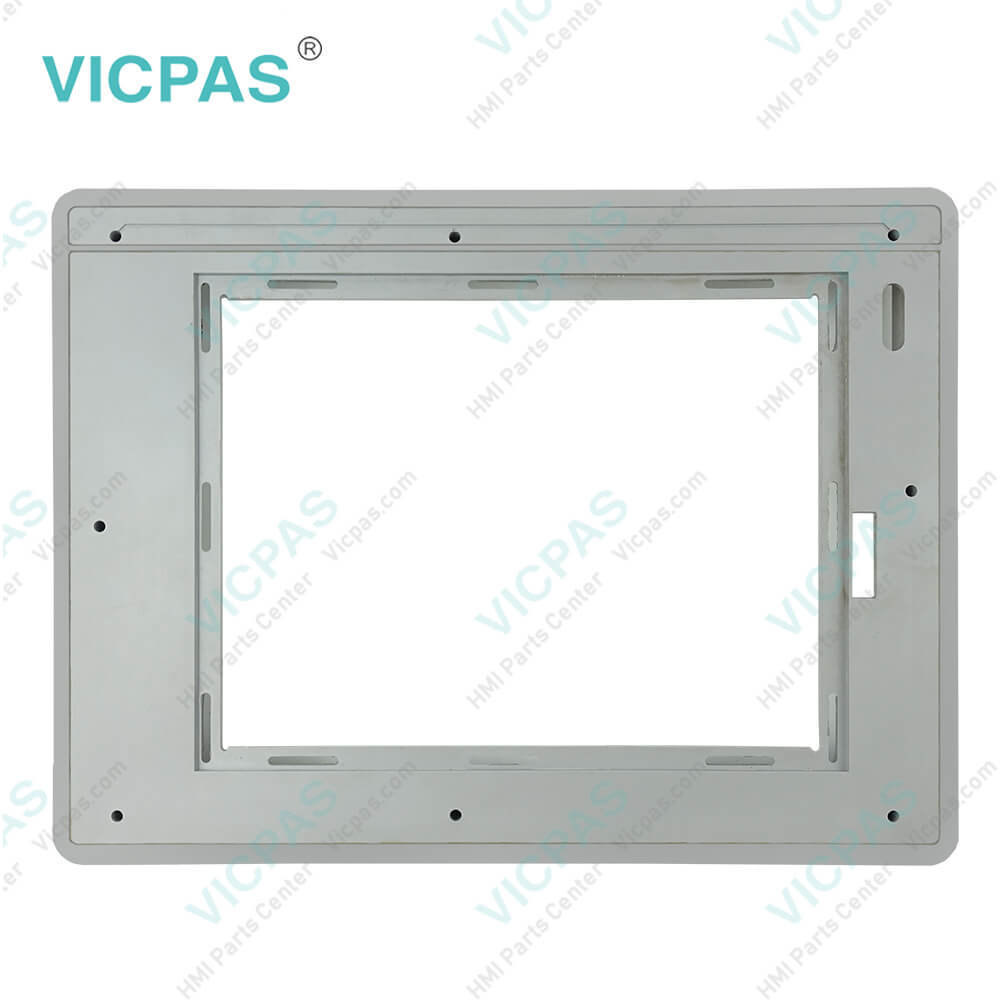
| categories | Panelview Plus 6 |
|---|---|
| Model | 2711P-T10C4A9 |
| Warranty | 365 Days |
| Product Line | Panelview Plus 6 |
| Supply | Panelview Plus 6 Touchscreen Film Front Case |
| Parts | Touch Screen Panel Glass Protective Film Case |
| FOB port | Guangzhou, Shenzhen, Hongkong |
| Terms of Payment | Western Union, MoneyGram, T/T, Paypal, PayPal, Credit Card |
| Update Time | 2026-02-09 16:37:33 |
Shipping
Specifications:
| Part Number : | 2711P-T10C4A9 |
| Display Size: | 10.4 inches |
| Display Color: | Amber |
| Warranty: | 180 Days Warranty |
| Product Line: | PanelView Plus 6 |
| Input Type: | Touch |
| Mounting position: | vertical |
| Communication: | Ethernet and RS-232 |
| Language: | Worldwide |
| Software: | Talk View Machine Edition |
Related BB Teach Pendant Part No.:
| 2711P-T10C4A9 | Description | Inventory status |
| 2711P-T7C4D8TP | PanelView Plus 6 HMI Panel Glass Protective Film LCD Display Housing Repair Kit | In Stock |
| 2711P-T7C4D9 | PanelView Plus 6 Front Overlay Touch Screen Panel Glass LCD Screen HMI Case | In Stock |
| 2711P-T10C4A8 | Panel View Plus 6 Protective Film HMI Panel Glass LCD Display Plastic Case Repair | In Stock |
| 2711P-T10C4A9 | Panel View Plus 6 Touchscreen Panel Front Overlay LCD Screen Housing | In Stock |
| 2711P-T10C4D8 | PanelView Plus 6 Touch Panel Glass LCD Display Protective Film Enclosure Repair | Available Now |
| 2711P-T10C4D9 | Panel Plus 6 Touchscreen Front Overlay LCD Screen Plastic Case Repair Kit | In Stock |
| 2711P-T12C4A8 | Panel View Plus 6 Touch Screen LCD Display Front Overlay HMI Case Repair | In Stock |
| 2711P-T12C4A9 | PanelView Plus 6 Touch Screen Panel Front Overlay LCD Screen Plastic Case | In Stock |
| 2711P-T12C4D8 | PanelView Plus 6 Touch Panel Protective Film LCD Display Plastic Cover Body | In Stock |
| 2711P-T12C4D8K | PanelView Plus 6 Touch Membrane Front Overlay LCD Screen Plastic Case Cover | Available Now |
| 2711P-T12C4D9 | PanelView Plus 6 HMI Touch Screen Front Overlay LCD Display Plastic Case Repair | In Stock |
| 2711P-T15C4A8 | PanelView Plus 6 Touchscreen Protective Film LCD Display HMI Case Replacement | Available Now |
| 2711P-T15C4A9 | Allen Bradley Panel View Plus 6 HMI Panel Glass Overlay LCD Screen Housing | In Stock |
| 2711P-T15C4D2TP | Panel View Plus 6 Touchscreen Protective Film LCD Display HMI Case Repair | In Stock |
| 2711P-T15C4D8 | PanelView Plus 6 Touch Glass Front Overlay LCD Screen Plastic Cover Body | In Stock |
| 2711P-T15C4D8TP | PanelView Plus 6 Touch Panel Glass LCD Display Protective Film Enclosure Repair | Available Now |
| 2711P-T15C4D9 | PanelView Plus 6 Touchscreen Overlay LCD Display HMI Case Repair Kit | Available Now |
2711P-T10C4A9 Touch Screen 2711P-T10C4A9 Touch Panel PDF Download:
FAQ:
Question: What tools are required for 2711P-T10C4A9 installation?
Answer: Panel cutout tools. Small, slotted screwdriver.Torque wrench (lb•in) for tightening the mounting clips on the PanelView Plus 700 to 1500 and PanelView Plus CE terminals.
Question: How to Reset Allen Bradley PanelView Plus 6 2711P-T10C4A9 Terminals?
Answer: Step 1Place the AB PanelView on a soft padded surface with the screen facing down towards the surface.Step 2Locate a small hole on the back side of the panel with a label marked "Reset."Step 3Insert a thin plastic probe inside the hole to press the tiny switch located beneath the hole. Keep the switch pressed for 10 seconds. Keeping the button pressed for 10 seconds will reset AB PanelView.
Question: What Firmware Version is my PanelView Plus 6 2711P-T10C4A9?
Answer: Step 1) Power on your PanelView Plus and return to the main configuration menu as shown below.Step 2) Now Select “Terminal Settings”.Step 3) Next, scroll down and select “System Information”.Step 4) Now select the Enter button.Step 5) Next select “About FactoryTalk View ME Station”.Step 6) Select the Enter button again.Step 7) Finally, you will now see the Firmware version of your terminal.
Common misspellings:
271P-T10C4A92711PT10C4A92711P--T10C4A92711-PT10C4A92711PT-10C4A92711P-T104CA92711P-T10C42A2711P-T10C4A27711P-T10C4A9271P-T10C4A92711-T10C4A92711P-T110C4A9

- Mobile Phone
- *Title
- *Content
 Fast Quote
 Fast Quote
 Worldwide Shipping
 12 Months Warranty
 Customize Service