




PanelView Plus 6 Compact 2711PC-T6M20D Touchscreen Glass
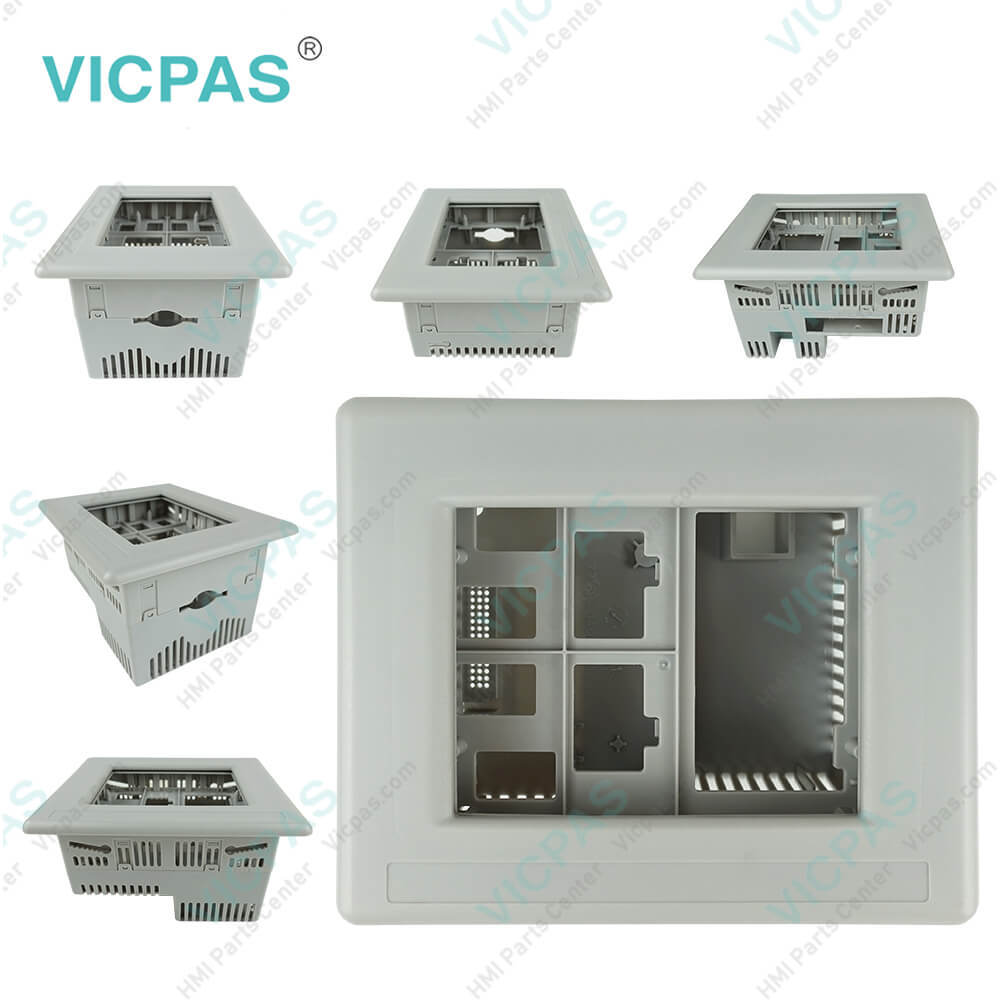
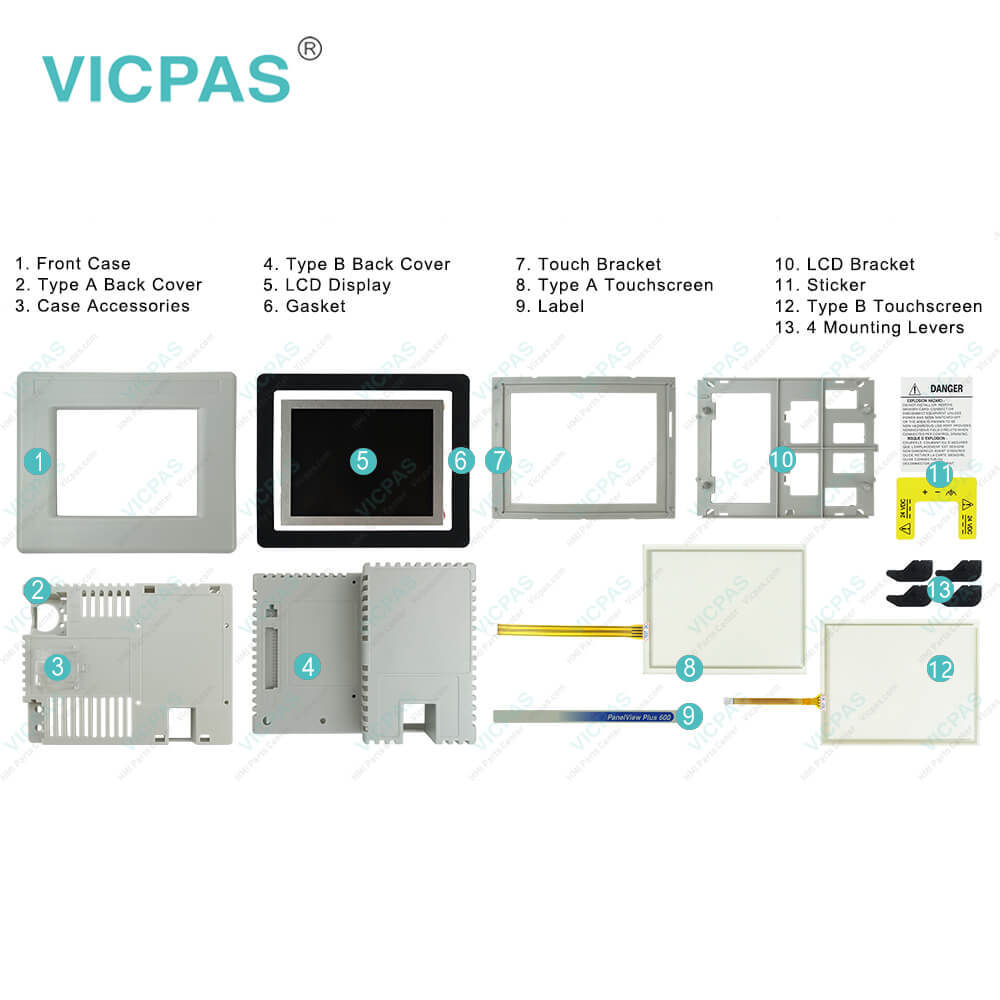
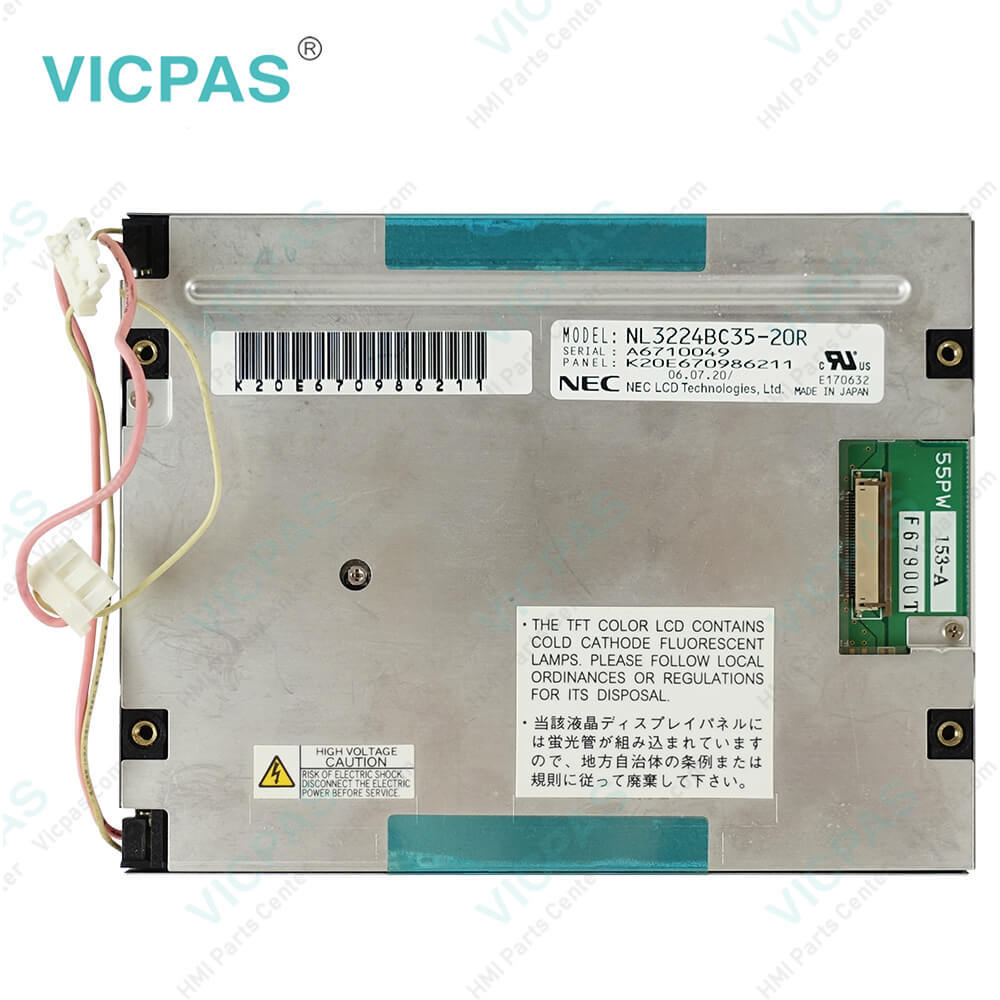
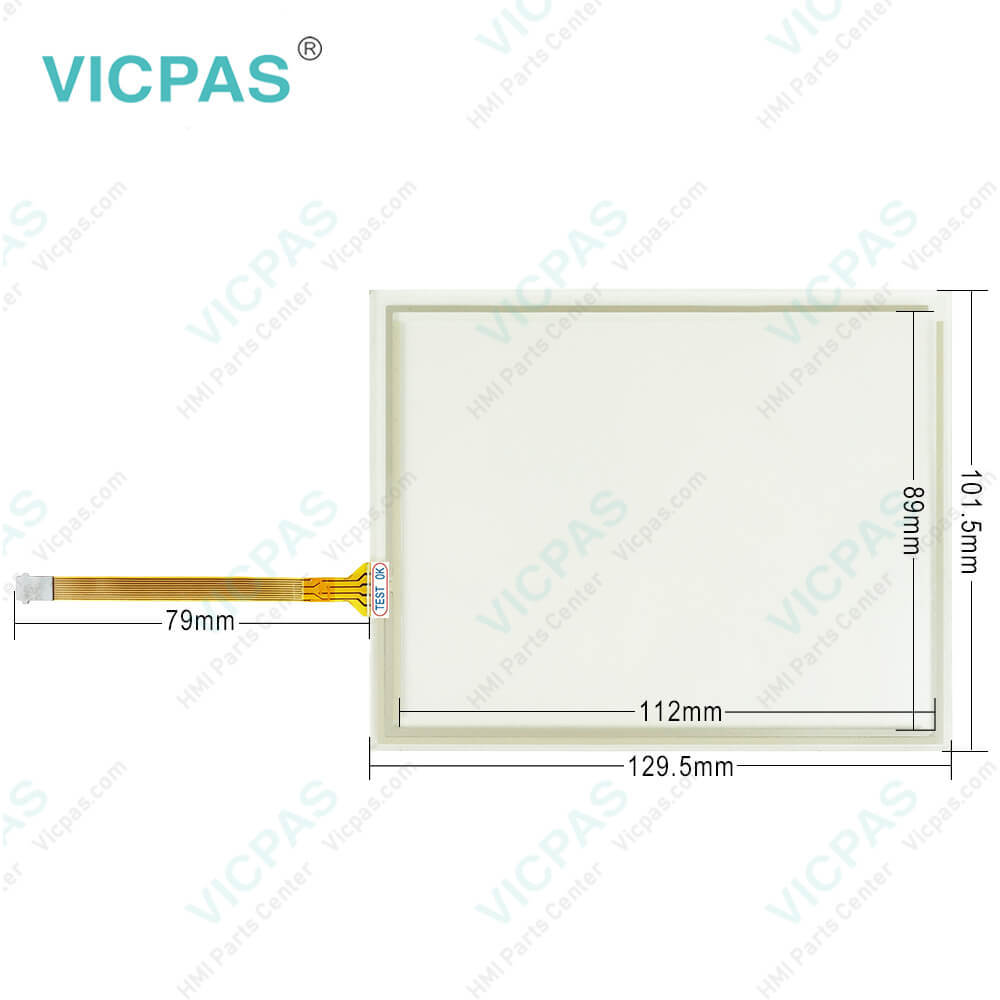
| categories | PanelView Plus 6 Compact |
|---|---|
| Model | 2711PC-T6M20D |
| Warranty | 365 Days |
| Product Line | PanelView Plus 6 Compact |
| Supply | PanelView Plus 6 Compact Touch Screen Panel Repair |
| Parts | 2711PC-T6M20D Touch Screen Panel Glass |
| FOB port | Guangzhou, Shenzhen, Hongkong |
| Terms of Payment | Western Union, MoneyGram, T/T, Paypal, PayPal, Credit Card |
| Update Time | 2026-02-09 16:38:55 |
Shipping
Specifications:
| Part Number : | 2711PC-T6M20D |
| Product Line: | PanelView Plus 6 Compact |
| Screen diagonal: | 5.7 in |
| Warranty: | 365 days Warranty |
| Input Power: | 24 VDC |
| Software: | Panelbuilder 32 |
| Mounting position: | vertical |
| Input Type: | Touchscreen |
| Communication: | Remote I/O and RS-232 Printer Port |
| Firmware: | 4.00-4.48 |
Related BB Teach Pendant Part No.:
| 2711PC-T6M20D | Description | Inventory status |
| 2711PC-B4C20D | PanelView Plus 6 Compact Membrane Keypad Touch Screen Panel Glass | In Stock |
| 2711PC-B4C20D8 | AB PanelView Plus 6 Compact Membrane Keyboard Touch Panel Glass | Available Now |
| 2711PC-B4C20D8-LR | Allen Bradley Panel Plus 6 Compact Keypad Touch Screen Panel | In Stock |
| 2711PC-K4M20D | Allen Bradley Panel View Plus 6 Compact Membrane Keypad Keyboard | In Stock |
| 2711PC-K4M20D8 | PanelView Plus 6 Compact HMI Terminals Keyboard Membrane | In Stock |
| 2711PC-T6C20D | PanelView Plus 6 Compact Touch Panel LCD Display Plastic Case | In Stock |
| 2711PC-T6C20D8 | PanelView Plus 6 Compact HMI Touch Screen LCD Display Plastic Shell | Available Now |
| 2711PC-T6M20D | Allen Bradley PanelView Plus 6 Compact Front Overlay Touch Screen Housing | In Stock |
| 2711PC-T6M20D8 | PanelView Plus 6 Compact Touch Panel LCD Screen Plastic Case | Available Now |
| 2711PC-T10C4D1 | PanelView Plus 6 Compact HMI Panel Glass Protective Film Housing | In Stock |
| 2711PC-T10C4D8 | PanelView Plus 6 Compact Touch Screen Front Overlay Plastic Shell | In Stock |
PanelView Plus 6 Compact 2711PC-T6M20D Touchscreen Glass PDF Download:
FAQ:
Question: How to restart the 2711PC-T6M20D system from the Windows desktop?
Answer: 1. From the Start menu, choose Programs>Restart System.You are asked to confirm the restart.2. Click Yes to restart or No to cancel.
Question: What is the 2711PC-T6M20D PanelView Plus 6 Compact touch screen panel price?
Answer: Submit a fast quote, send Kernfix an email for best price.
Question: How to connect the PanelView Plus 6 Compact terminal to DC power?
Answer: 1. Verify that the terminal is not connected to a power source.2. Strip 7 mm (0.28 in.) of insulation from the ends of the wires.3. Secure the DC power wires to the marked terminals (+ and –) on the power terminal block.4. Secure the earth/ground wire:• On 400 and 600 terminals, secure the earth/ground wire to the functional earth/ground terminal on the power terminal block.• On 1000 terminals, secure the earth/ground wire to the functional earth screw on the back of the display. 5. Apply power to the terminal.
Question: How to edit the address of a 2711PC-T6M20D device such as a logic controller?
Answer: 1. From the RSLinx Configuration dialog box, select a device node.2. Press Edit Device to view the device name and current address.3. Press Device Address to modify the address.The input panel opens with the current address.4. Use the input panel to modify the address then press Enter.You return to the previous dialog box with the new address.5. Press OK.
Question: What is the input type of PanelView Plus 6 Compact 2711PC-T6M20D?
Answer: The input type of 2711PC-T6M20D is a touchscreen. The touchscreen of PanelView Plus 6 Compact is a color display that offers an analog resistive touch screen for touch input.
Common misspellings:
2711PC-T620D
2711PC-TM20D
271PC-T6M20D
711PC-T6M20D

- Mobile Phone
- *Title
- *Content
 Fast Quote
 Fast Quote
 Worldwide Shipping
 12 Months Warranty
 Customize Service