




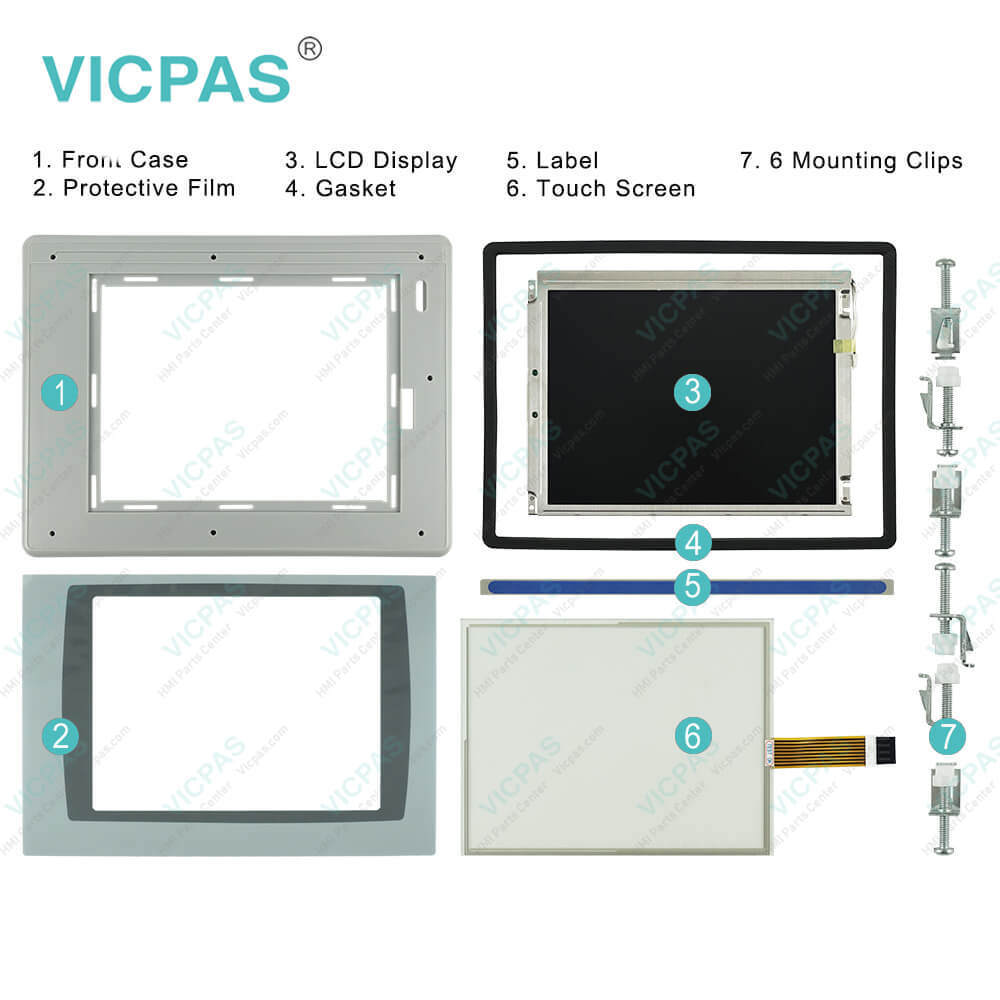
2711PC-T10C4D1 PanelView Plus 6 Compact Touch Screen
| categories | PanelView Plus 6 Compact |
|---|---|
| Model | 2711PC-T10C4D1 |
| Warranty | 365 Days |
| Product Line | PanelView Plus 6 Compact |
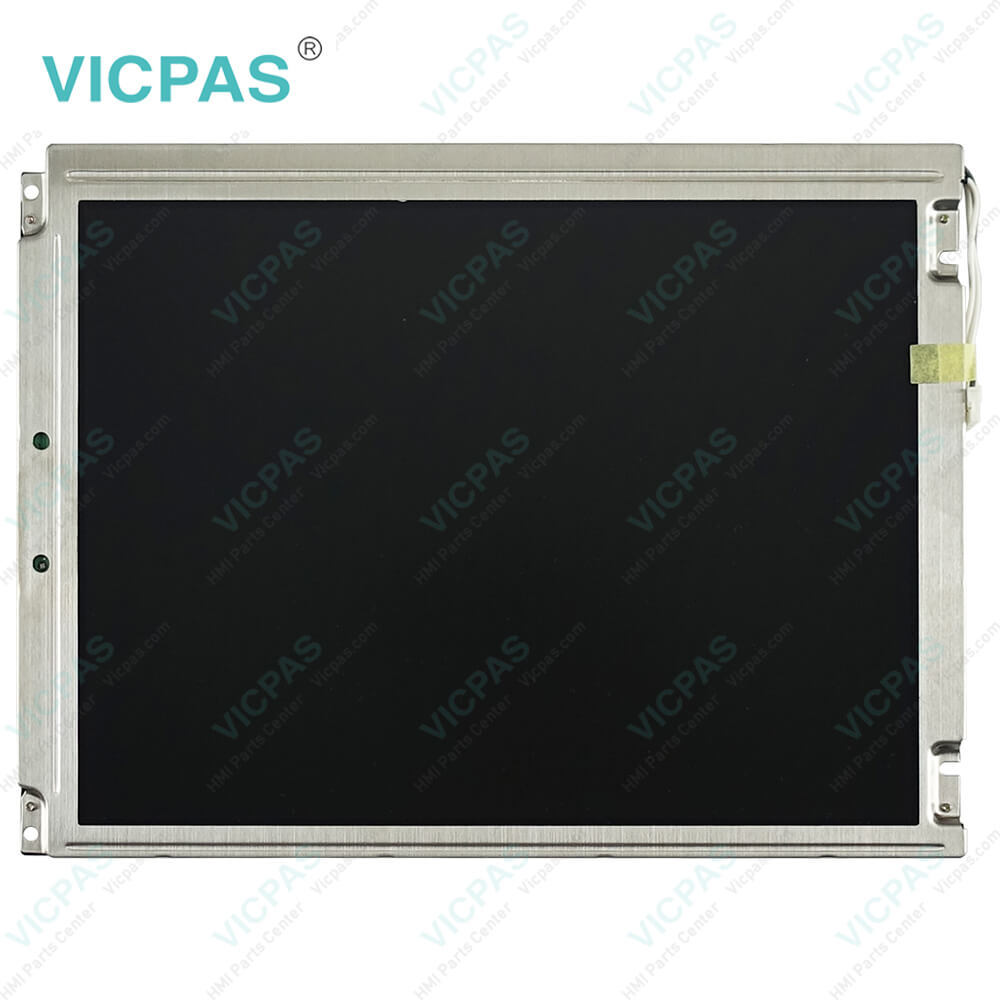
| Supply | PanelView Plus 6 Compact Touch Screen Panel Repair |
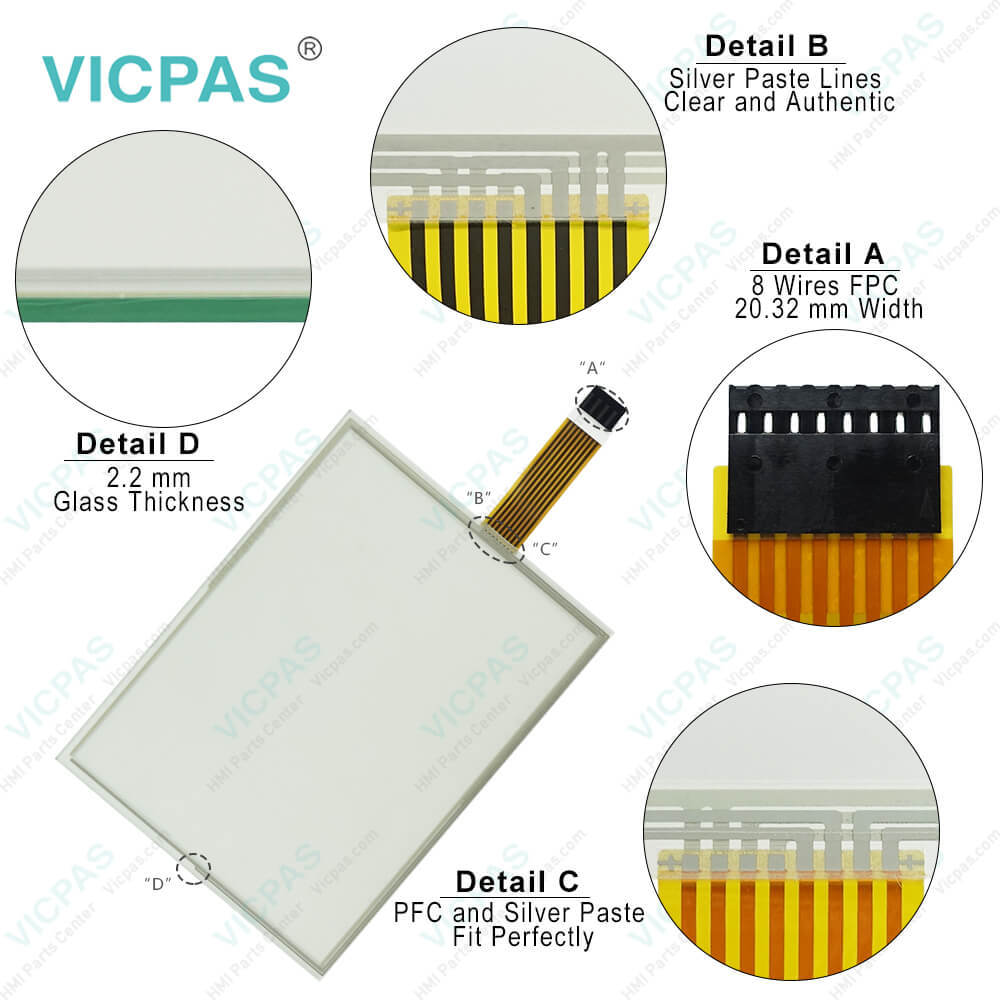
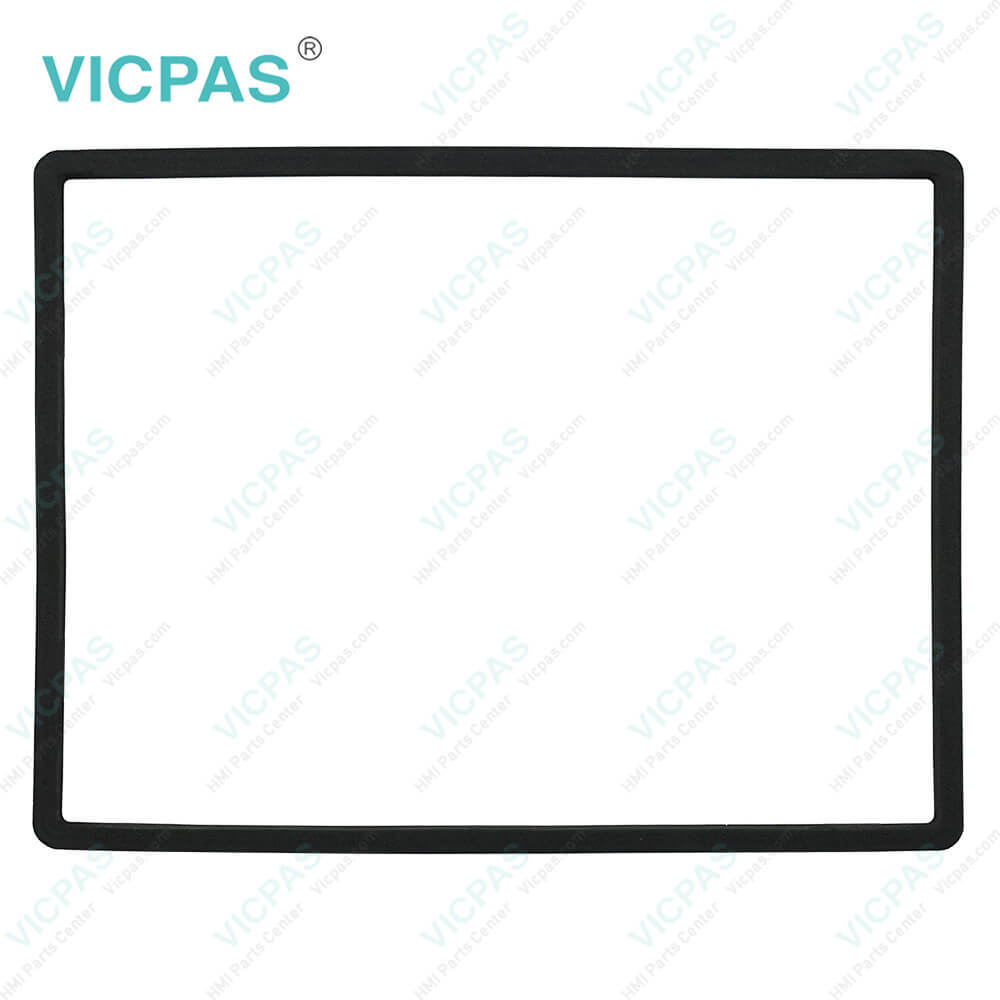
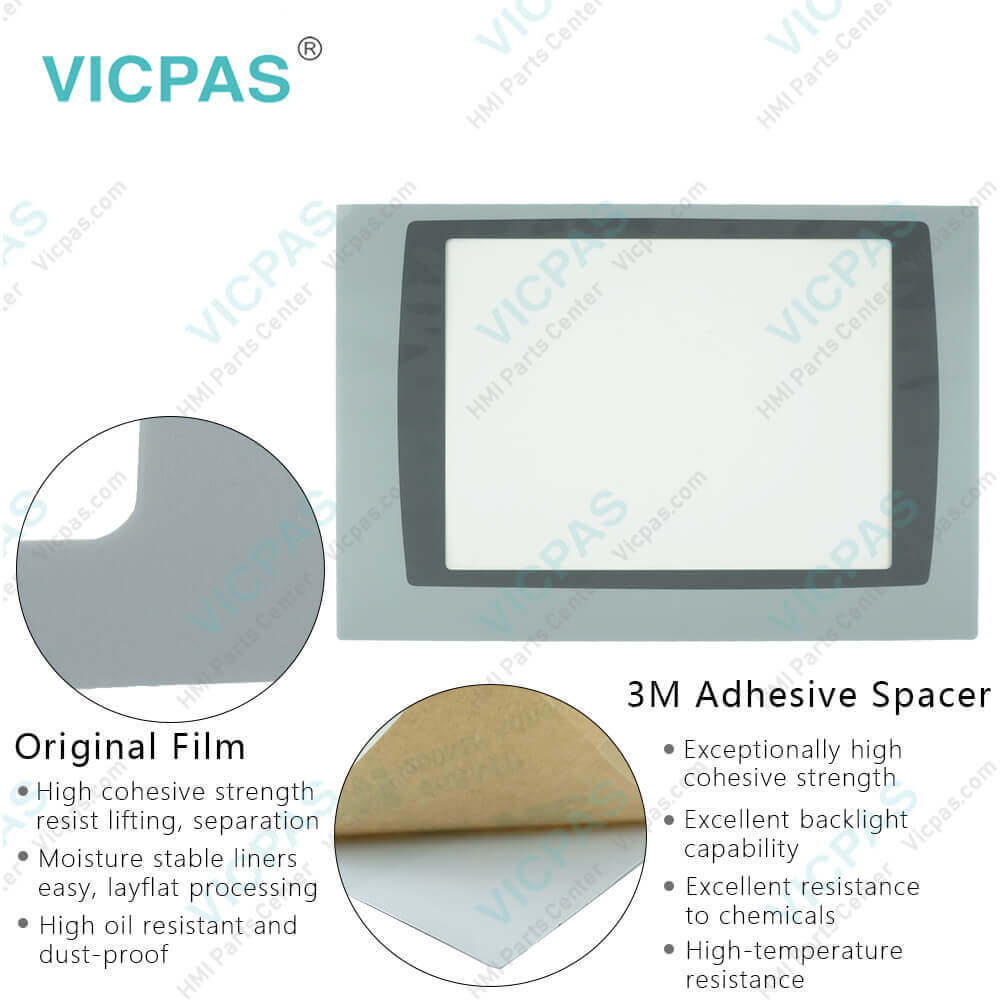
| Parts | 2711PC-T10C4D1 Touch Screen Film Housing |
| FOB port | Guangzhou, Shenzhen, Hongkong |
| Terms of Payment | Western Union, MoneyGram, T/T, Paypal, PayPal, Credit Card |
| Update Time | 2026-02-09 16:38:59 |
Shipping
Specifications:
| Part Number : | 2711PC-T10C4D1 |
| Product Line: | PanelView Plus 6 Compact |
| Screen diagonal: | 10.4 in |
| Warranty: | 365 days Warranty |
| Input Power: | 24 VDC |
| Software: | Panelbuilder 32 |
| Mounting position: | vertical |
| Input Type: | Touchscreen |
| Communication: | Remote I/O and RS-232 Printer Port |
| Firmware: | 4.00-4.48 |
Related BB Teach Pendant Part No.:
| 2711PC-T10C4D1 | Description | Inventory status |
| 2711PC-B4C20D | PanelView Plus 6 Compact Membrane Keypad Touch Screen LCD Display Housing | In Stock |
| 2711PC-B4C20D8 | AB PanelView Plus 6 Compact Membrane Keyboard Touch Glass LCD Screen Case | Available Now |
| 2711PC-B4C20D8-LR | Allen Bradley Panel Plus 6 Compact Keypad Touch Panel LCD Display Enclosure | In Stock |
| 2711PC-K4M20D | Allen Bradley Panel View Plus 6 Compact Membrane Keyboard LCD Screen Housing | In Stock |
| 2711PC-K4M20D8 | PanelView Plus 6 Compact Keyboard Membrane LCD Display Plastic Shell | In Stock |
| 2711PC-T6C20D | PanelView Plus 6 Compact Touch Panel LCD Display Plastic Case | In Stock |
| 2711PC-T6C20D8 | PanelView Plus 6 Compact HMI Touch Screen LCD Display Plastic Shell | Available Now |
| 2711PC-T6M20D | Allen Bradley PanelView Plus 6 Compact Front Overlay Touch Screen Housing | In Stock |
| 2711PC-T6M20D8 | PanelView Plus 6 Compact Touch Panel LCD Screen Plastic Case | Available Now |
| 2711PC-T10C4D1 | PanelView Plus 6 Compact HMI Panel Glass Protective Film Housing | In Stock |
| 2711PC-T10C4D8 | PanelView Plus 6 Compact Touch Screen Front Overlay Plastic Shell | In Stock |
2711PC-T10C4D1 PanelView Plus 6 Compact Touch Screen PDF Download:
FAQ:
Question: What type of display does the Allen Bradley Panelview Plus 6 Compact 2711PC-T10C4D1 have?
Answer: The 2711PC-T10C4D1 touchscreen has a multicolor LCD as its display type.
Question: What is the input type of PanelView Plus 6 Compact 2711PC-T10C4D1?
Answer: The input type of 2711PC-T10C4D1 is a touchscreen. The touchscreen of PanelView Plus 6 Compact is a color display that offers an analog resistive touch screen for touch input.
Question: What is the steps to view or enter the 2711PC-T10C4D1 IP address of your terminal?
Answer: 1. Press Terminal Settings>Networks then Communications>Network Connections>Network Adapters.2. Press IP Address to view or modify the IP address.3. Press Use DHCP to enable or disable DHCP assignment of addresses.• If DHCP is enabled or set to Yes, IP address are automatically assigned.• If DHCP is disabled, you can manually enter the IP address. Press IP address, Subnet Mask, and Gateway to enter IP formatted addresses.4. Press OK when done.If prompted, reset the device from the FactoryTalk View ME Station Configuration mode dialog box.5. Press Close.
Question: What is Authorize 2711PC-T10C4D1 Terminal to Access Network Resources?
Answer: The terminal can access network resources with proper identification. A user name, password, and domain must be provided by your network administrator.1. Press Terminal Settings>Network then Communications>Network Connections>Network Identification.2. Press user name, password, and domain to enter the information provided by your network administrator.3. Press OK when done.
Question: What is the 2711PC-T10C4D1 PanelView Plus 6 Compact touch screen panel price?
Answer: Submit a fast quote, send Kernfix an email for best price.
Common misspellings:
2711PC-T10CD1
2711PC-T0C4D1
271PC-T10C4D1
711PC-T10C4D1

- Mobile Phone
- *Title
- *Content
 Fast Quote
 Fast Quote
 Worldwide Shipping
 12 Months Warranty
 Customize Service