




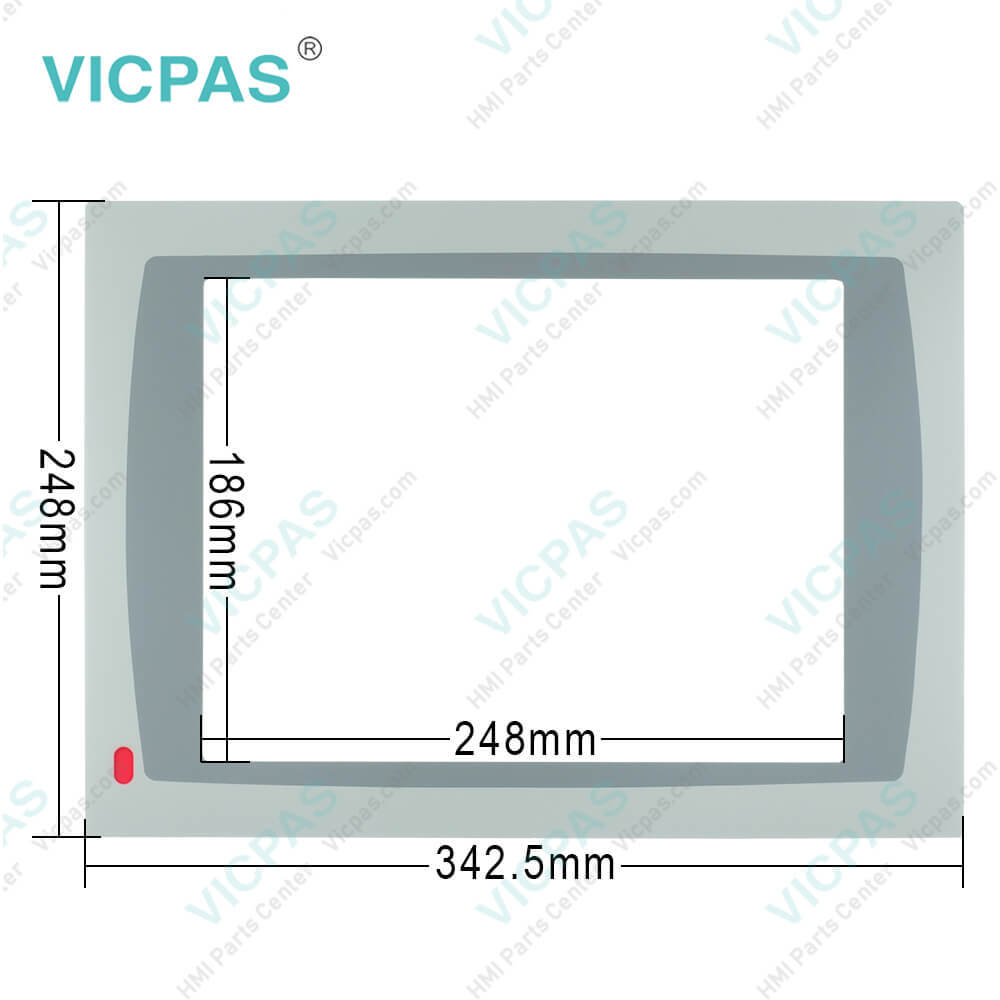
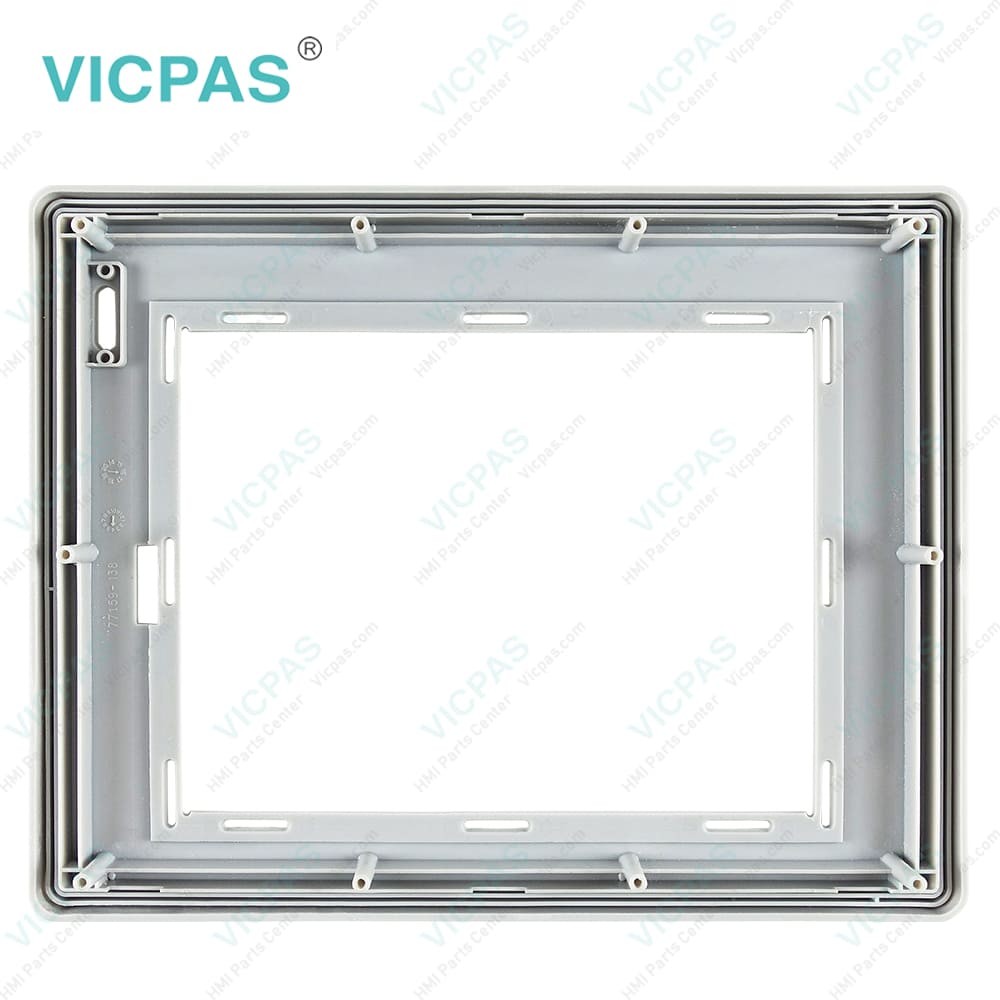
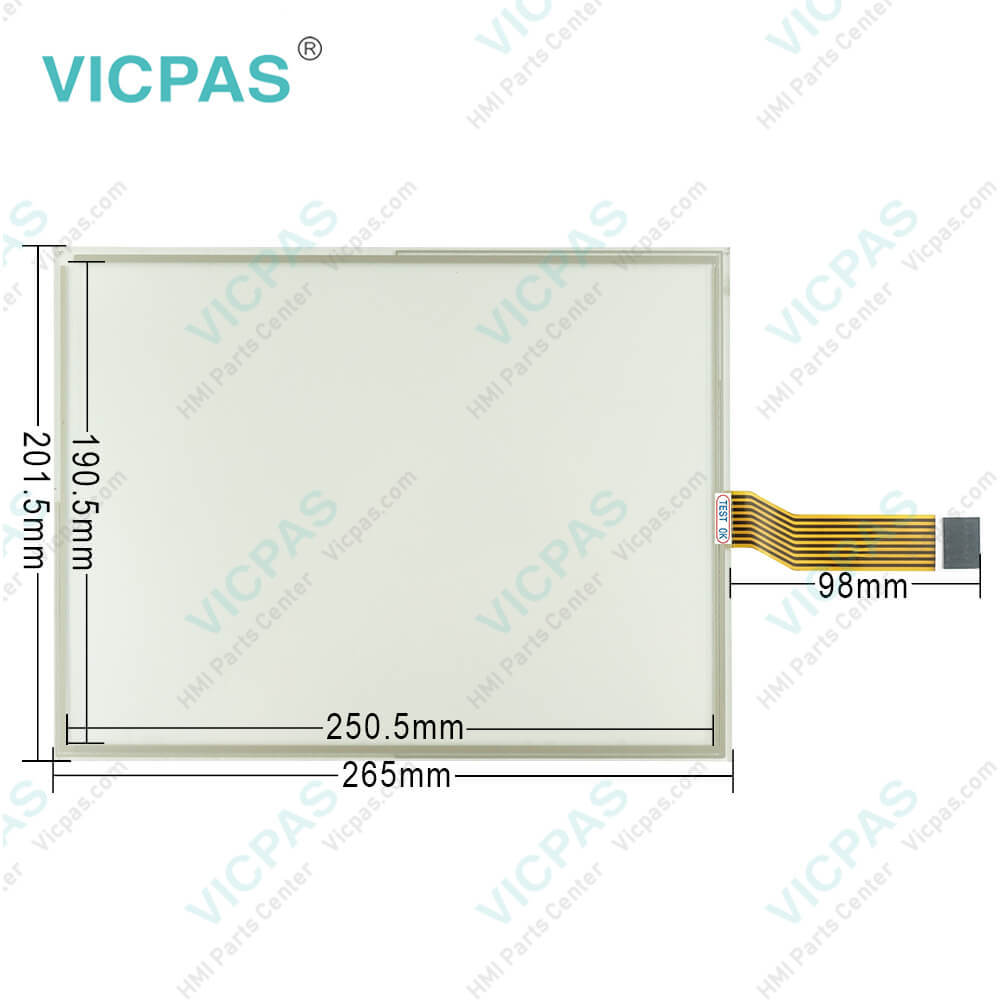
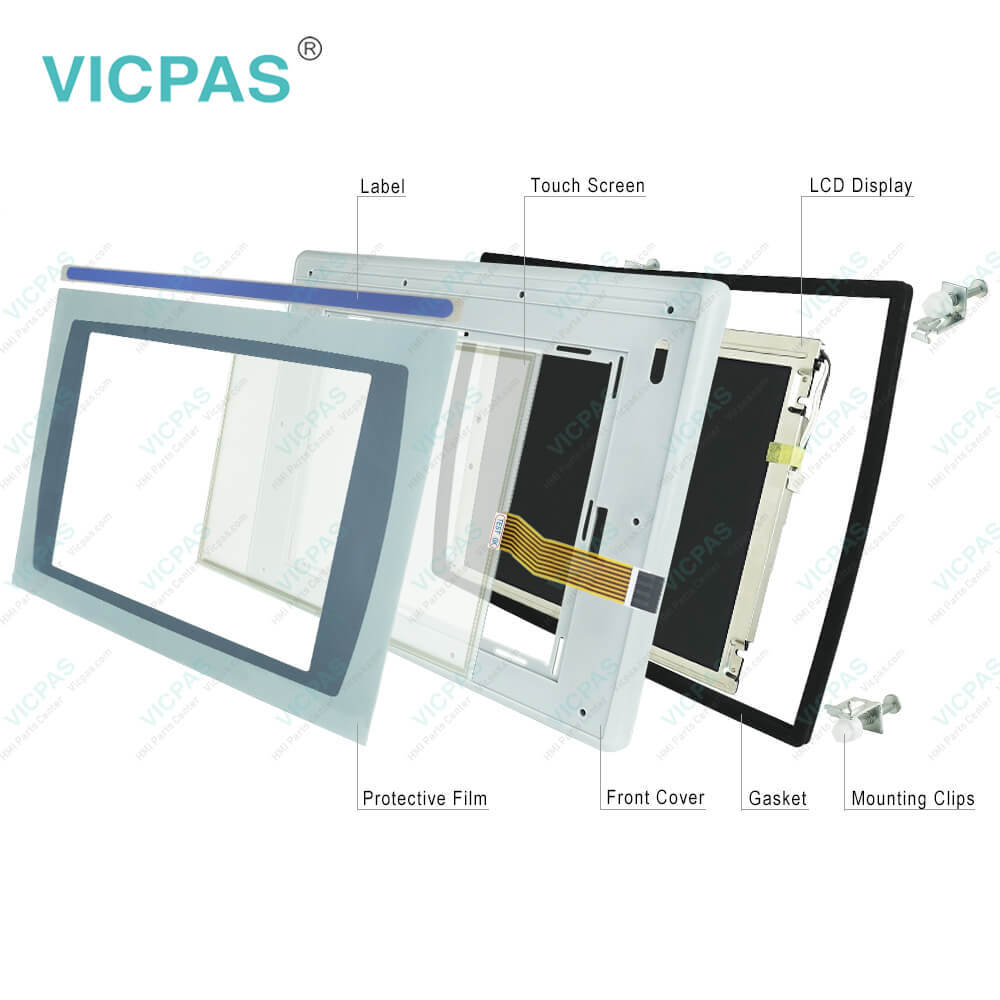
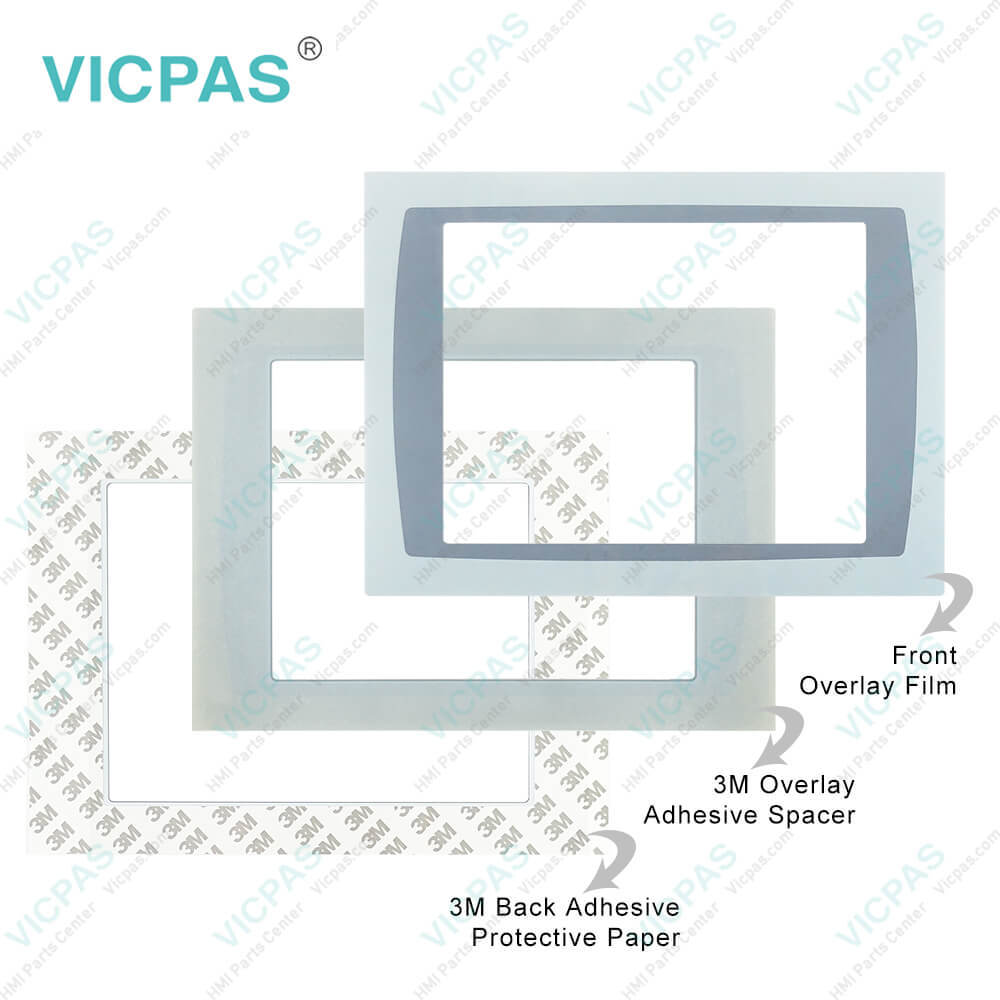
2711P-RDT12C Dispaly Module Touch Screen Protective film
| categories | Display Modules |
|---|---|
| Brand | ALLEN-BRADLEY |
| Model | 2711P-RDT12C |
| Warranty | 365 Days |
| Product Line | Dispaly Module |
| Supply | PanelView Plus Touch Screen Panel Repair |
| Parts | 2711P-RDT12C Touch Screen Protective Film |
| FOB port | Guangzhou, Shenzhen, Hongkong |
| Terms of Payment | Western Union, MoneyGram, T/T, Paypal, PayPal, Credit Card |
| Update Time | 2026-02-09 16:39:53 |
Shipping
Specifications:
| Part Number : | 2711P-RDT12C |
| Product Line: | Dispaly Module |
| Screen diagonal: | 12.1 in |
| Warranty: | 365 days Warranty |
| Input Power: | 24 VDC |
| Software: | Panelbuilder 32 |
| Mounting position: | vertical |
| Input Type: | Touchscreen |
| Communication: | Remote I/O and RS-232 Printer Port |
| Firmware: | 4.00-4.48 |
Related BB Teach Pendant Part No.:
| 2711P-RDT12C | Description | Inventory status |
| 2711P-RDT10CM | Display Module Touch Screen Glass Front Overlay Plastic Case Replacement | In Stock |
| 2711P-RDB10C | Allen Bradley Panel Plus Rockwell Membrane Keypad Touchscreen Panel Housing | Available Now |
| 2711P-RDB10CM | Allen Bradley Panel View Plus HMI Keypad Touch Screen Panel Plastic Case | Available Now |
| 2711P-RDK12C | Allen Bradley Rockwell PanelView Plus Membrane Keyboard Replacement | In Stock |
| 2711P-RDK12CK | Allen Bradley PanelView Plus Terminals Keypad Repair Replacement Kit | In Stock |
| 2711P-RDT12C | PanelView Plus Rockwell Protective Film HMI Touch Screen Panel | Available Now |
| 2711P-RDT12CK | Allen Bradley Display Module Front Overlay Touch Screen Replacement | In Stock |
| 2711P-RDT12H | PanelView Plus Touchscreen Membrane Protective Film Repair | Available Now |
| 2711P-RDT12AG | Allen Bradley Panel View Plus Rockwell HMI Terminal Touch Screen Front Overlay | In Stock |
| 2711P-RDB12C | AB Display Module Touch Screen Panel Glass Membrane Keypad Keyboard | Available Now |
2711P-RDT12C Dispaly Module Touch Screen Protective film PDF Download:
FAQ:
Question: Question:How to connect Allen Bradley PanelView Plus 2711P-RDT12C DC power?
Answer: Follow these steps to connect the terminal DC power.1. Verify that the terminal is not connected to a power source.2. Secure the DC power wires to the terminal block.Follow the markings on the terminal blocks and the terminal for proper connections.3. Secure the earth/ground wire to the earth/ground terminal screw at the bottom of the display.
Question: What is the 2711P-RDT12C PanelView Plus touch screen panel price?
Answer: Submit a fast quote, send Kernfix an email for best price.
Question: What type of display does the Allen Bradley Dispaly Module 2711P-RDT12C have?
Answer: The 2711P-RDT12C touchscreen has a multicolor LCD as its display type.
Question: What is the input type of PanelView Plus 2711P-RDT12C?
Answer: The input type of 2711P-RDT12C is a touchscreen. The touchscreen of PanelView Plus is a color display that offers an analog resistive touch screen for touch input.
Question: Does Allen Bradley 2711P-RDT12C have extended features?
Answer: This PanelView Plus 2711P-RDT12C does not have extended features.
Common misspellings:
2711PRDT12C
27l1P-RDT12C
271lP-RDT12C
2711P-RDTl2C

- Mobile Phone
- *Title
- *Content
 Fast Quote
 Fast Quote
 Worldwide Shipping
 12 Months Warranty
 Customize Service