




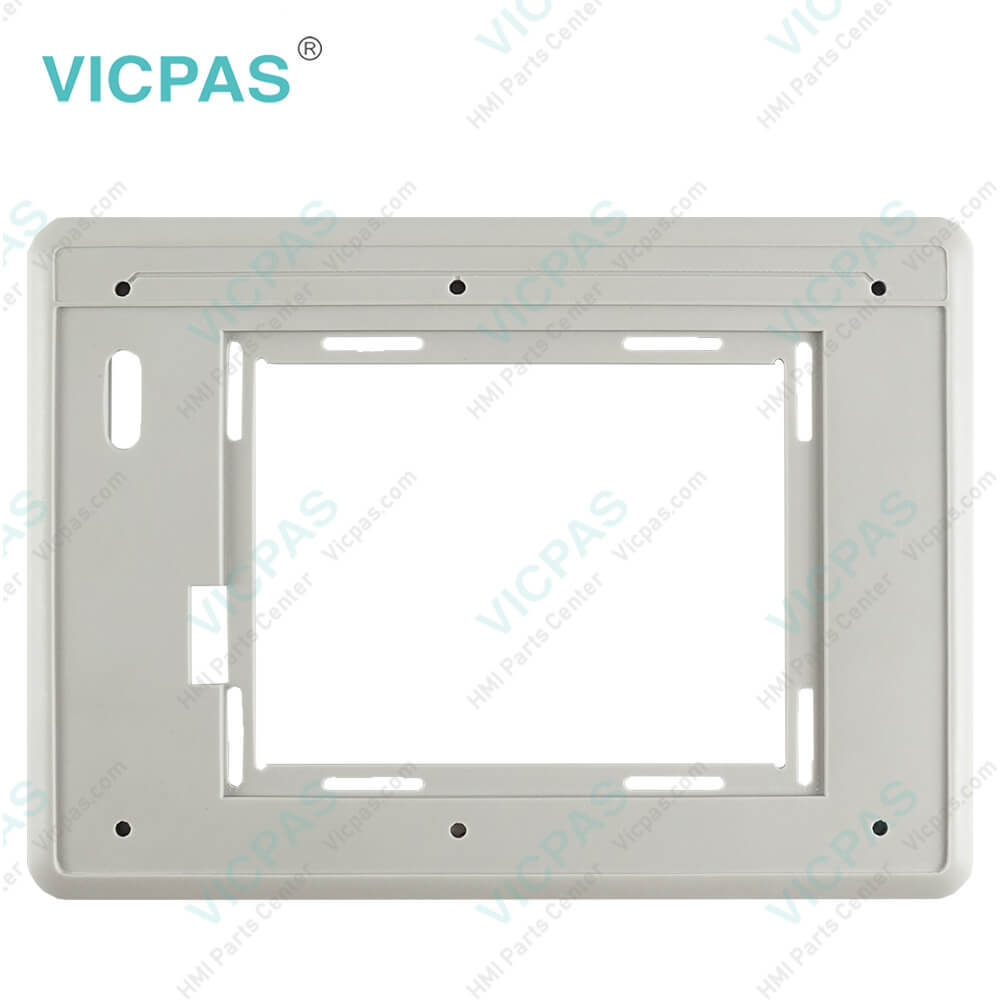
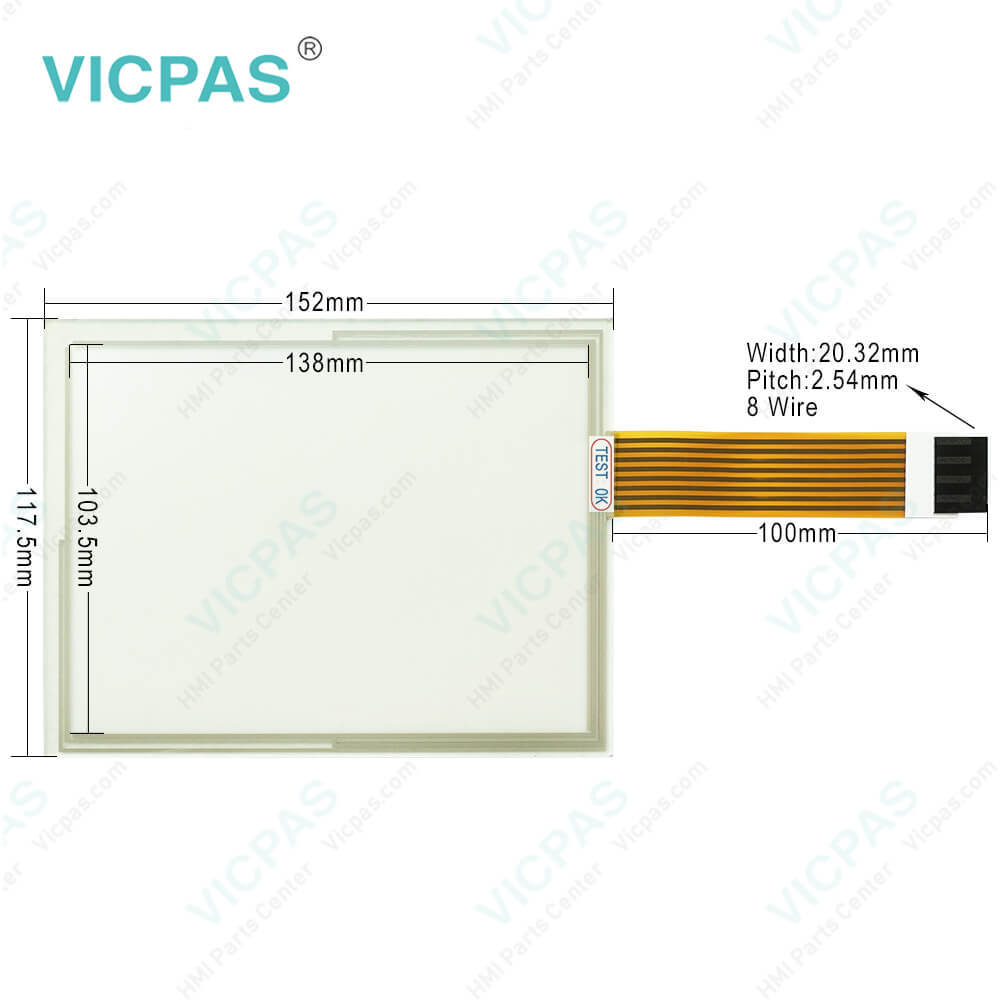
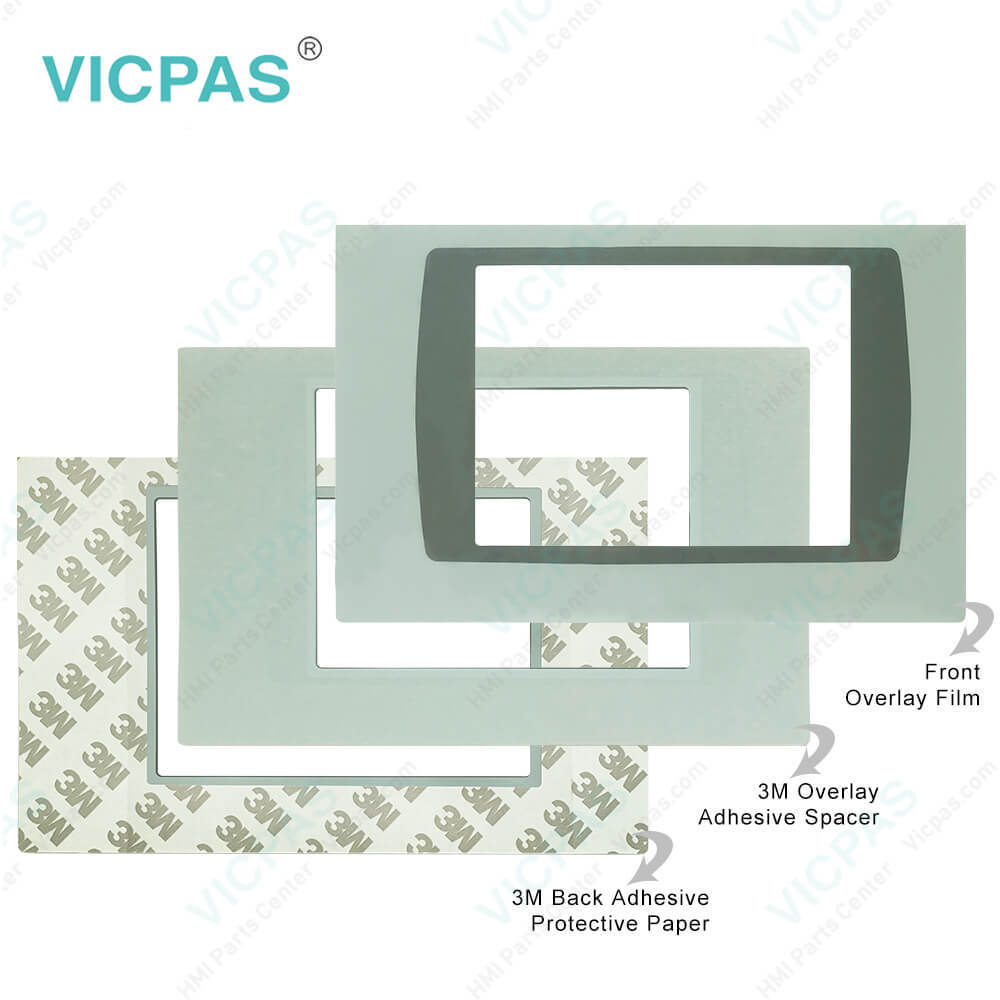
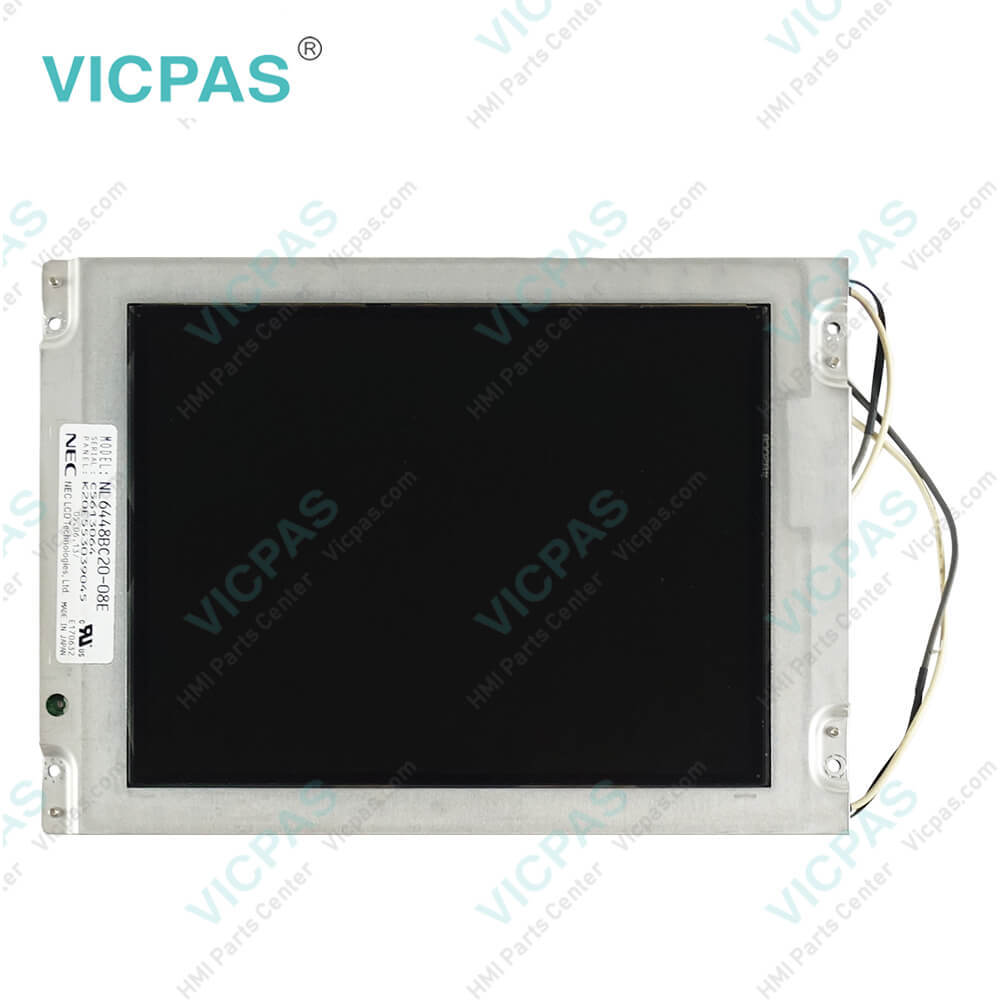
2711P-RBT7 Display Module Front Overlay Touch Panel LCD Enclosure
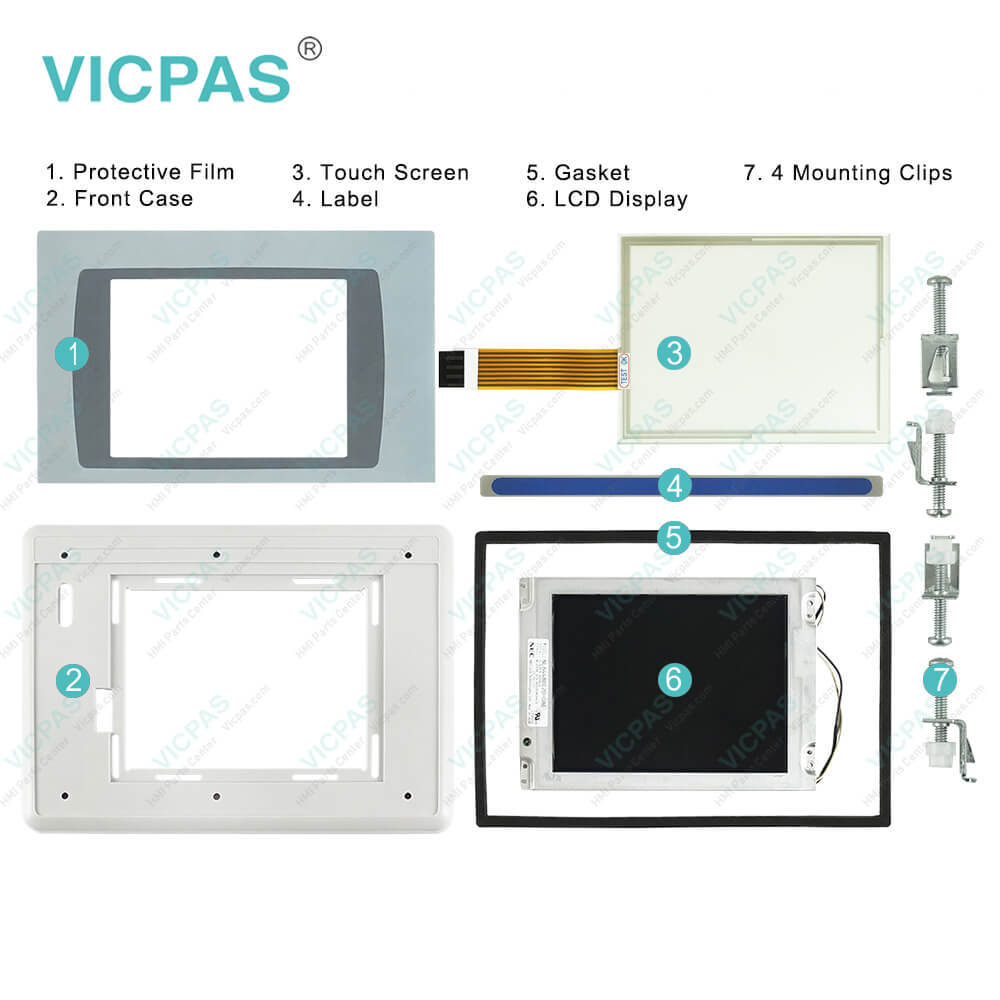
| categories | Display Modules |
|---|---|
| Model | 2711P-RBT7 |
| Warranty | 365 Days |
| Product Line | Display Module |
| Supply | PanelView Plus Touch Screen Panel Repair |
| Parts | 2711P-RBT7 Touch Screen Protective Film |
| FOB port | Guangzhou, Shenzhen, Hongkong |
| Terms of Payment | Western Union, MoneyGram, T/T, Paypal, PayPal, Credit Card |
| Update Time | 2026-02-09 16:40:55 |
Shipping
Specifications:
| Part Number : | 2711P-RBT7 |
| Product Line: | Display Module |
| Screen diagonal: | 7 in |
| Warranty: | 365 days Warranty |
| Input Power: | 24 VDC |
| Software: | Panelbuilder 32 |
| Mounting position: | vertical |
| Input Type: | Touchscreen |
| Communication: | Remote I/O and RS-232 Printer Port |
| Firmware: | 4.00-4.48 |
Related BB Teach Pendant Part No.:
| 2711P-RBT7 | Description | Inventory status |
| 2711P-RBB7 | Allen Bradley PanelView Plus Series Terminal Keypad Touch Panel LCD Display Plastic Case | In Stock |
| 2711P-RBB12 | Allen-Bradley PanelView Plus HMI Membrane Keyboard Touchscreen LCD Screen Plastic Shell | In Stock |
| 2711P-RBB15 | Allen Bradley PanelView Plus Touch Screen Glass Switch Membrane LCD Display HMI Case | Available Now |
| 2711P-RBK7 | Allen-Bradley PanelView Plus Keyboard Membrane LCD Display Screen Plastic Cover Body | In Stock |
| 2711P-RBK10 | Allen Bradley PanelView Plus Series Operator Panel Keypad LCD Display Panel Plastic Shell | In Stock |
| 2711P-RBK12 | Allen-Bradley PanelView Plus Membrane Switch Keypad LCD Display Plastic Cover Body | In Stock |
| 2711P-RBK15 | Allen-Bradley PanelView Plus Membrane Keyboard Keypad LCD Display Screen HMI Case | Available Now |
| 2711P-RBT7 | Allen-Bradley PanelView Plus Front Overlay Touch Screen Monitor LCD Screen Housing Repair | In Stock |
| 2711P-RBT10 | Allen Bradley PanelView Plus HMI Panel Glass Protective Film LCD Display Plastic Case | Available Now |
| 2711P-RBT12 | Allen-Bradley PanelView Plus Touch Digitizer Front Overlay LCD Display Panel Housing | In Stock |
| 2711P-RBT15 | Allen-Bradley PanelView Plus Touch Screen Panel Protective Film LCD Screen Enclosure | In Stock |
2711P-RBT7 Display Module Front Overlay Touch Panel LCD Enclosure PDF Download:
FAQ:
Question: Does Allen Bradley 2711P-RBT7 have extended features?
Answer: This PanelView Plus 2711P-RBT7 does not have extended features.
Question: What is the voltage rating of the 2711P-RBT7 Allen Bradley ?
Answer: The 2711P-RBT7 has a voltage rating of 85 to 264 Volts AC.
Question: What is the 2711P-RBT7 PanelView Plus Membrane Keypad Keyboard price?
Answer: Submit a fast quote, send Kernfix an email for best price.
Question: What are about Allen Bradley PanelView Plus Terminals?
Answer: PanelView Plus is ideal for applications with a need to observe, change, and display information graphically. This allows operators to quickly understand the status of their application. PanelView Plus is programmed with RSView Studio Machine Edition. It combines the most beneficial features from the well-known Allen-Bradley PanelView Standard and PanelView HMI products, as well as adding new functionality.
Question: If the terminal display is dim or unreadable, how to check the display?
Answer: • check the brightness setting of the display. From Configuration mode on the terminal, access Terminal Settings>Display Intensity.• check the Screen Saver settings. The backlight may be turning off or dimming the display unexpectedly. From Configuration mode on the terminal, access Terminal Settings>Display>Screen Saver.• check the display temperature. From the Configuration mode on the terminal, access Terminal Settings>Display>Display Temperature. The high-bright display module has a built-in temperature sensor that automatically reduces the backlight intensity if the temperature inside the cabinet exceeds 55 °C (131 °F).
Common misspellings:
2711P-RBT
2711-RBT7
2711PR-BT7
2711P-R8T7
2711P-RBTT7

- Mobile Phone
- *Title
- *Content
 Fast Quote
 Fast Quote
 Worldwide Shipping
 12 Months Warranty
 Customize Service