
 Fast Quote
Log in
Sign Up
Don't have an account? Sign Up
Already have an account? Log in




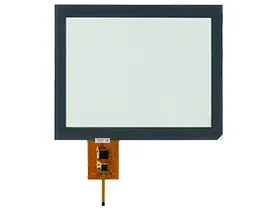
 Brand New In Stock
 Ships Today
 12 Months Kernfix Warranty
 Urgent Worldwide Shipping
Premium Materials: High-quality build ensures durability and reliability.
Responsive Touch Interface: Fast, accurate touch response in all conditions.
Easy Installation and Maintenance: Simple setup and low maintenance.
Stability and Reliability: Consistent performance in tough environments.
Common Issues and Solutions for Müller-Elektronik Monitor
1. Touch Calibration Drift or Misalignment:
Recalibrate the screen through system settings if available.
Avoid pressing the screen with sharp tools, which can distort alignment.
If recalibration fails, the touchscreen overlay may need replacement.
2. Monitor Not Powering On:
Check voltage levels at the power input terminals.
Inspect internal fuses or circuit protection components.
Try connecting the unit to an alternate power source or diagnostic port.
3. Touchscreen Not Responding or Lagging:
Inspect ribbon cables and connectors for loose contacts or damage.
Power cycle the terminal to restore normal touch sensitivity.
In case of persistent lag, check for firmware updates or recalibrate the screen if supported.
 Fast Quote
 Worldwide Shipping
 12 Months Warranty
 Customize Service