
 Fast Quote
Log in
Sign Up
Don't have an account? Sign Up
Already have an account? Log in




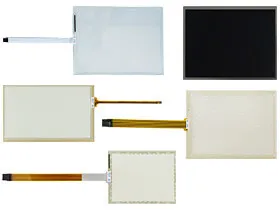
 Brand New In Stock
 Ships Today
 12 Months Kernfix Warranty
 Urgent Worldwide Shipping
Keep connector pins free from direct contact to reduce the risk of static damage.
Ground yourself to release any static charge before touching the product.
Excessive static buildup on the panel surface may harm the LCD.
The Beckhoff CP64XX CP66XX Touch Screen Issues:
Unresponsive Touch Screen
Inspect the panel for visible signs of damage, such as deep scratches, cracks, or worn-out areas. If such defects are present, replacing the touch screen glass is the most effective way to restore proper operation and avoid additional failures.
Multi-Tasking Limitation
Beckhoff CP64XX CP66XX is not designed to process multiple touch commands at the same time. Attempting to do so may cause irregular responses or disrupt normal system performance.
Calibration Errors
If touch points do not match the intended locations, the screen may require recalibration. Performing a proper calibration will realign the touch inputs, ensuring accuracy and reliable interaction.
 Fast Quote
 Worldwide Shipping
 12 Months Warranty
 Customize Service