
 Fast Quote
Log in
Sign Up
Don't have an account? Sign Up
Already have an account? Log in




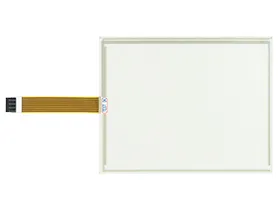
 Brand New In Stock
 Ships Today
 12 Months Kernfix Warranty
 Urgent Worldwide Shipping
High Durability: Made from robust materials for long-lasting use.
Perfect Fit: Designed specifically for the P3 series, ensuring seamless integration.
Enhanced Performance: Maintains or improves the functionality of your HMI.
Easy Installation: Simple to install, minimizing downtime.
Cost-Effective: Offers a budget-friendly solution for HMI maintenance.
How to Calibrate the HMI Parker P3 PowerStation Touch Screen Monitor?
To calibrate the Parker P3 PowerStation touch screen monitor:
1. Open Calibration:
Go to the main menu.
Select "Settings" or "System".
Choose "Touch Screen Calibration".
2. Calibrate:
Follow the on-screen instructions to touch the targets.
3. Save and Test:
Confirm the calibration.
Test the screen for accuracy.
 Fast Quote
 Worldwide Shipping
 12 Months Warranty
 Customize Service