




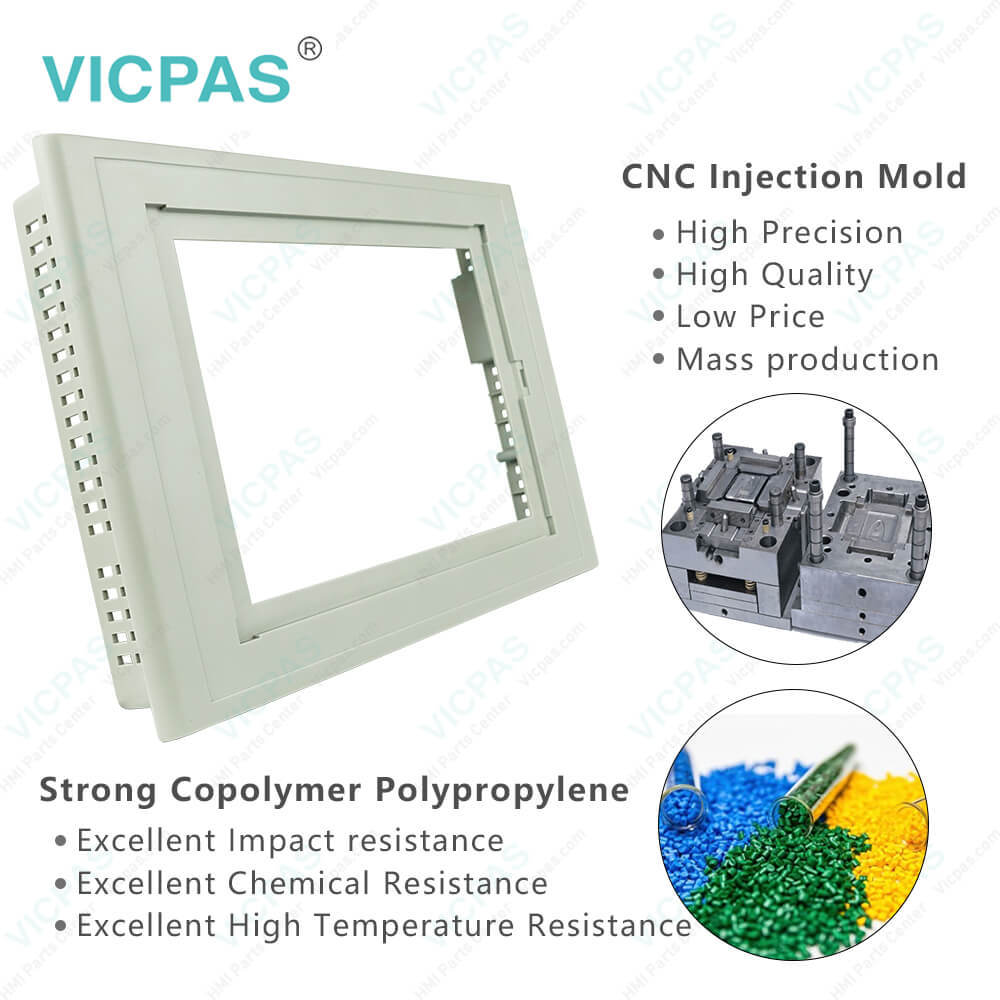
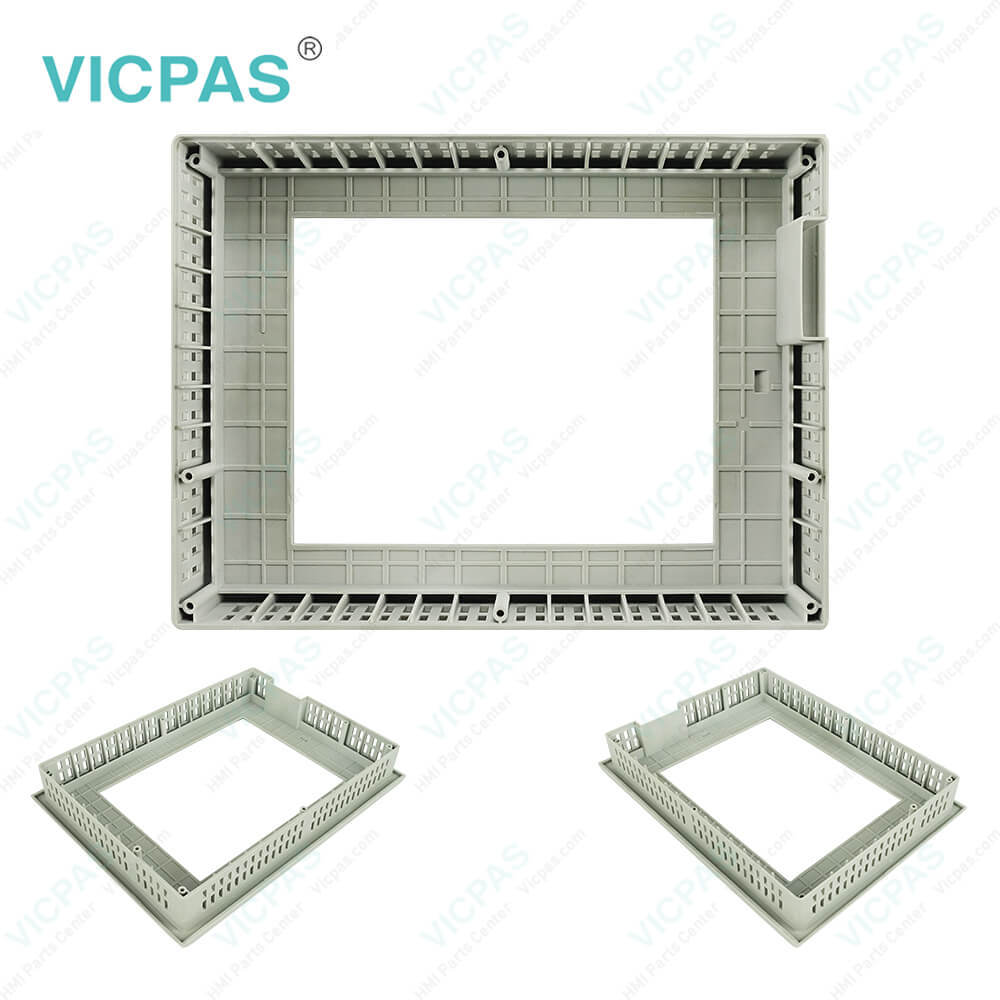
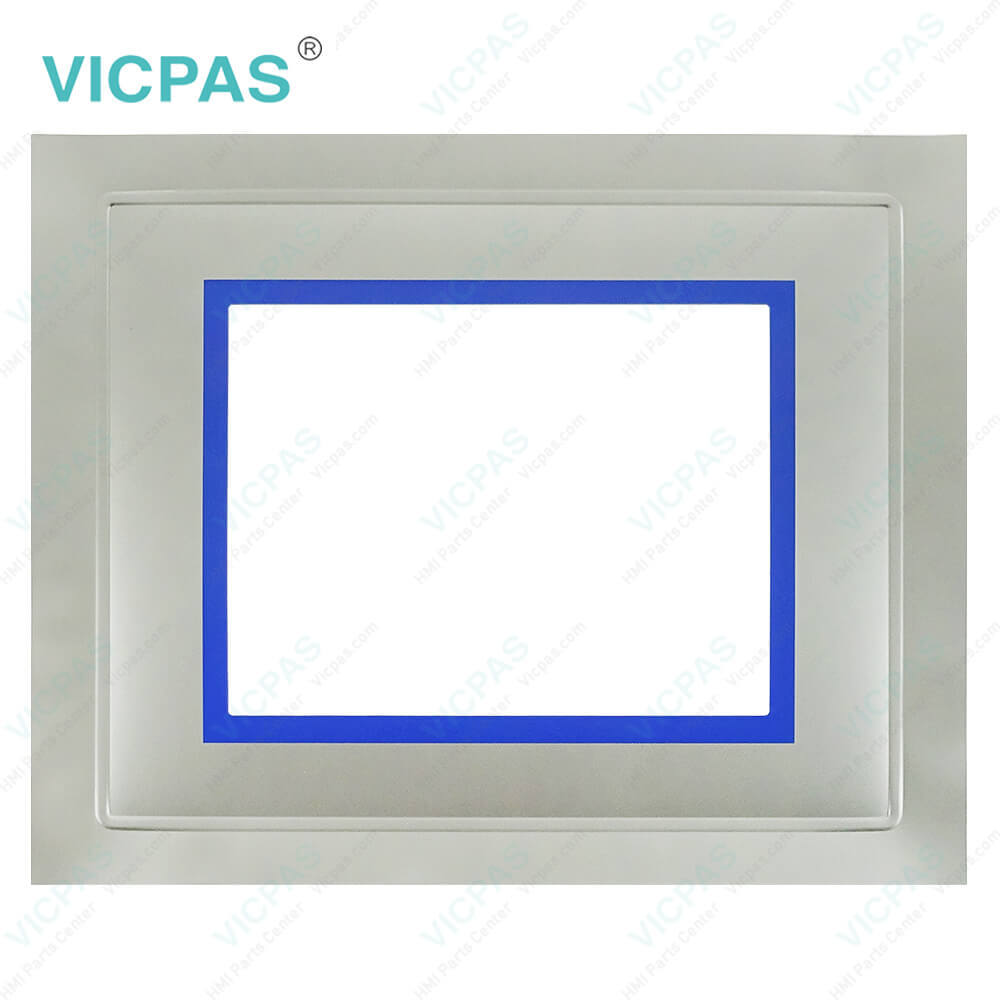
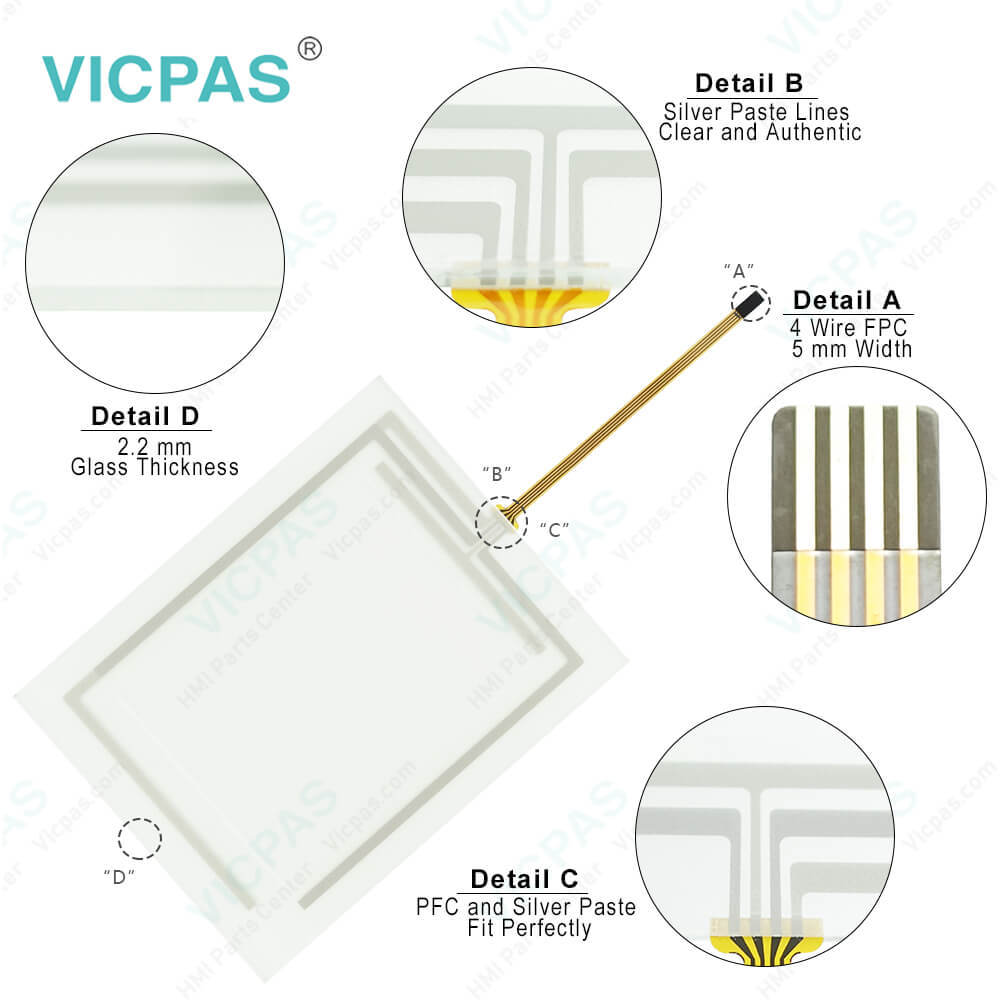
Simatic 6AV6643-5MA10-0ND2 Touch Screen Panel Glass
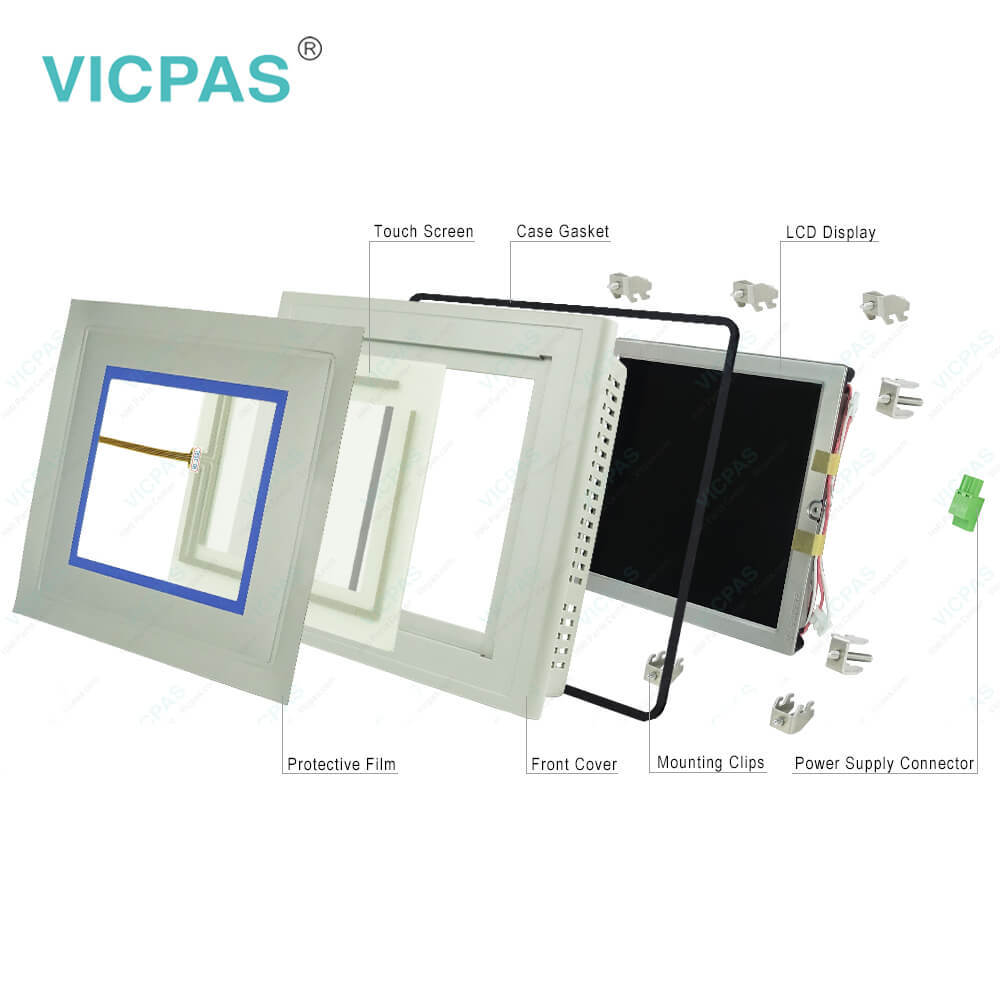
| categories | Simatic Multi Panel Series |
|---|---|
| Brand | SIEMENS |
| Model | 6AV6643-5MA10-0ND2 |
| Warranty | 365 days warranty |
| Terms of Payment | Western Union, MoneyGram, T/T, Paypal, PayPal, Credit Card |
| Update Time | 2026-01-30 20:30:41 |
Shipping
Specifications:
| Part Number : | 6AV6643-5MA10-0ND2 |
| Screen diagonal: | 8.4 in |
| Design of display: | TFT |
| Warranty: | 365 days Warranty |
| Product Line: | Siemens MP277T mono |
| Active power input, typ.: | 12 W |
| MTBF backlighting (at 25 °C): | 50 000 h |
| Number Of Colors: | 65 536 |
| Mounting position: | vertical |
| Type of Supply Voltage: | DC |
Related BB Teach Pendant Part No.:
| 6AV6643-5MA10-0ND2 | Description | Inventory status |
| 6AV6634-5MA10-0ND0 | Siemens Simatic MP277T mono | In Stock |
| 6AV6643-5MA10-0ND0 | MP277T mono 6" MOSCA | Available Now |
| 6AV6643-5MA10-0ND1 | SIMATIC MP277T Mono 6" | In Stock |
| 6AV6643-5MA10-0ND2 | MP 277 T transverse design 5.7" monochrome | In Stock |
| 6AV6643-6CB01-0GH0 | MP 277 T transverse design 5.7" monochrome | Available Now |
Simatic 6AV6643-5MA10-0ND2 Touch Screen Panel Glass PDF Download:
FAQ:
Question: How to use Siemens MP277T mono 6" 6AV6643-5MA10-0ND2 touch operating a project?
Answer: Configuration and process control phase:HMI devices can be used to operate and monitor tasks in process and production automation. The plant screens on the HMI devices are used to provide a clear overview of the active processes.The HMI device project, which includes the plant screens, is created during the configuration phase. The configuration engineer defines which tasks the HMI device has in the process and defines the following in detail:● Which process data is displayed on the individual HMI device● Which plant components are controlled by this HMI deviceThe configuration engineer stores this information in the project's screens. The project is transferred to the HMI device during commissioning.After transfer to the HMI device, current processes can be operated and monitored in the project's screens. The screens enable you to observe, for example, operational states, current process data and faults in a plant. Operating elements which are used to operate the process, for example buttons, I/O fields and alarm windows, are displayed in the screens.Operator control optionsThe hardware of the HMI device determines which of the following operator control optionsare available:● Touch screenThe operating elements shown in the dialogs are touch-sensitive. Touch objects arebasically operated in the same way as mechanical keys. You activate operating elementsby touching them with your finger. To double-click them, touch an operating elementtwice in succession.● HMI device keyboardThe operating elements shown in the screens are selected and operated using the keysof the HMI device.● External keyboard, connected via USB● External mouse, connected via USB
Question: What is the 6AV6643-5MA10-0ND2 Siemens MP277 HMI parts price?
Answer: Submit a fast quote, send Kernfix an email for best price.
Common misspellings:
6AV643-5MA10-0ND2
AV6643-5MA10-0ND2
6AV6643-M5A10-0ND2
6AV6643-5MA1O-0ND2
6AV6643-5MA10-00ND2
6AV6643-5MA110-0ND2

- Mobile Phone
- *Title
- *Content
 Fast Quote
 Fast Quote
 Worldwide Shipping
 12 Months Warranty
 Customize Service