




6AV6643-5MA10-0ND1 Siemen Touch Digitizer Glass Repair
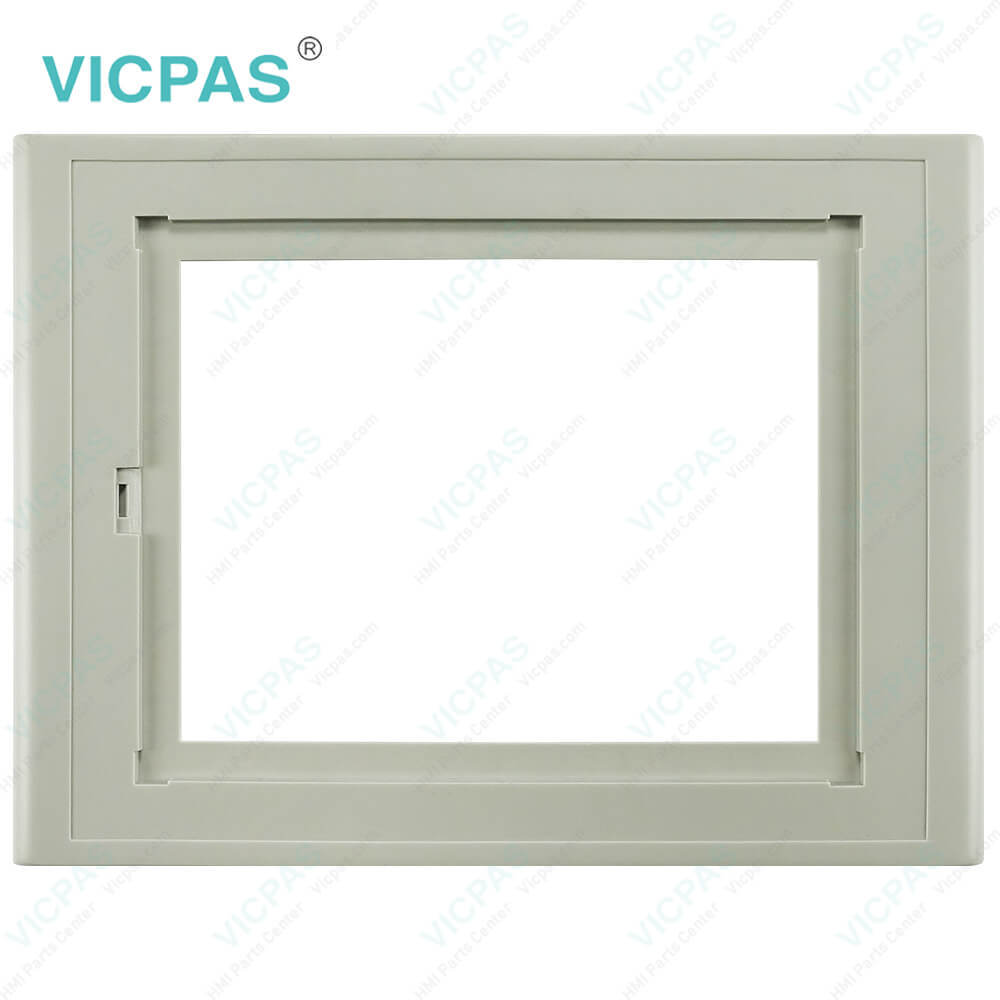
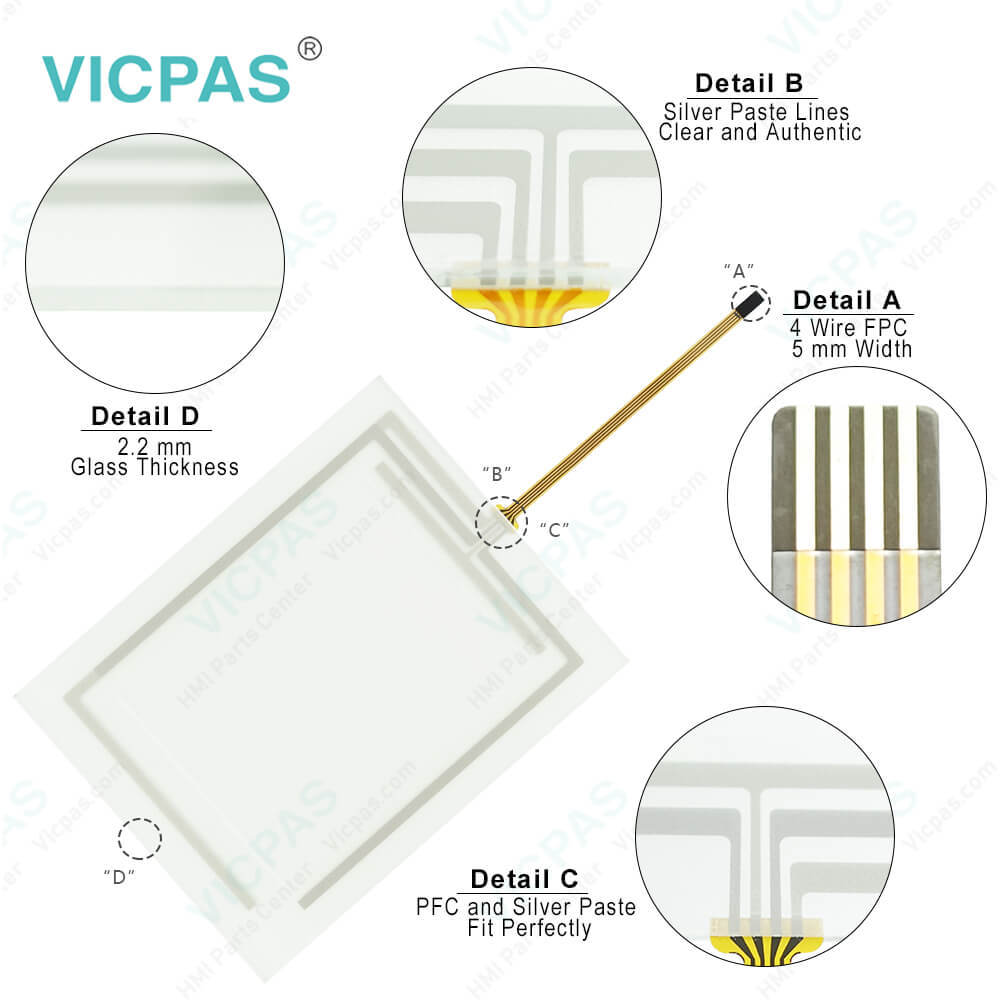
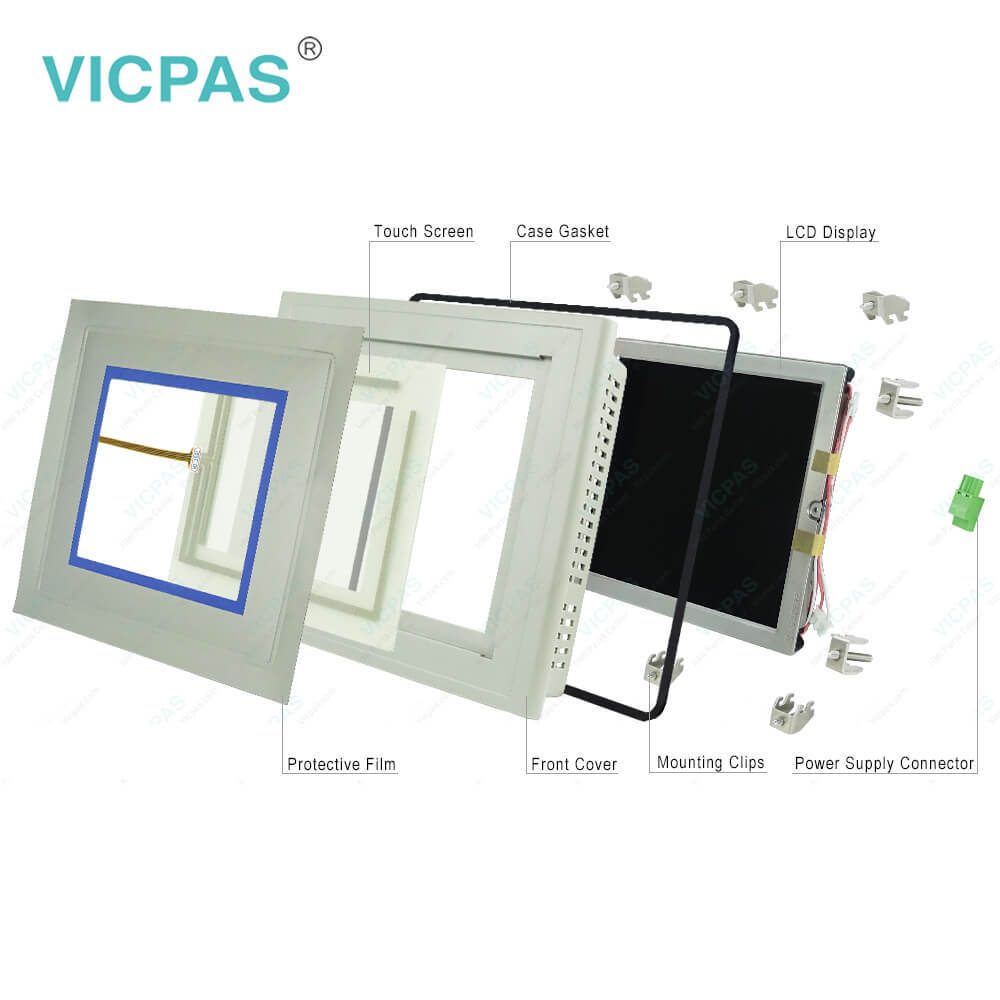
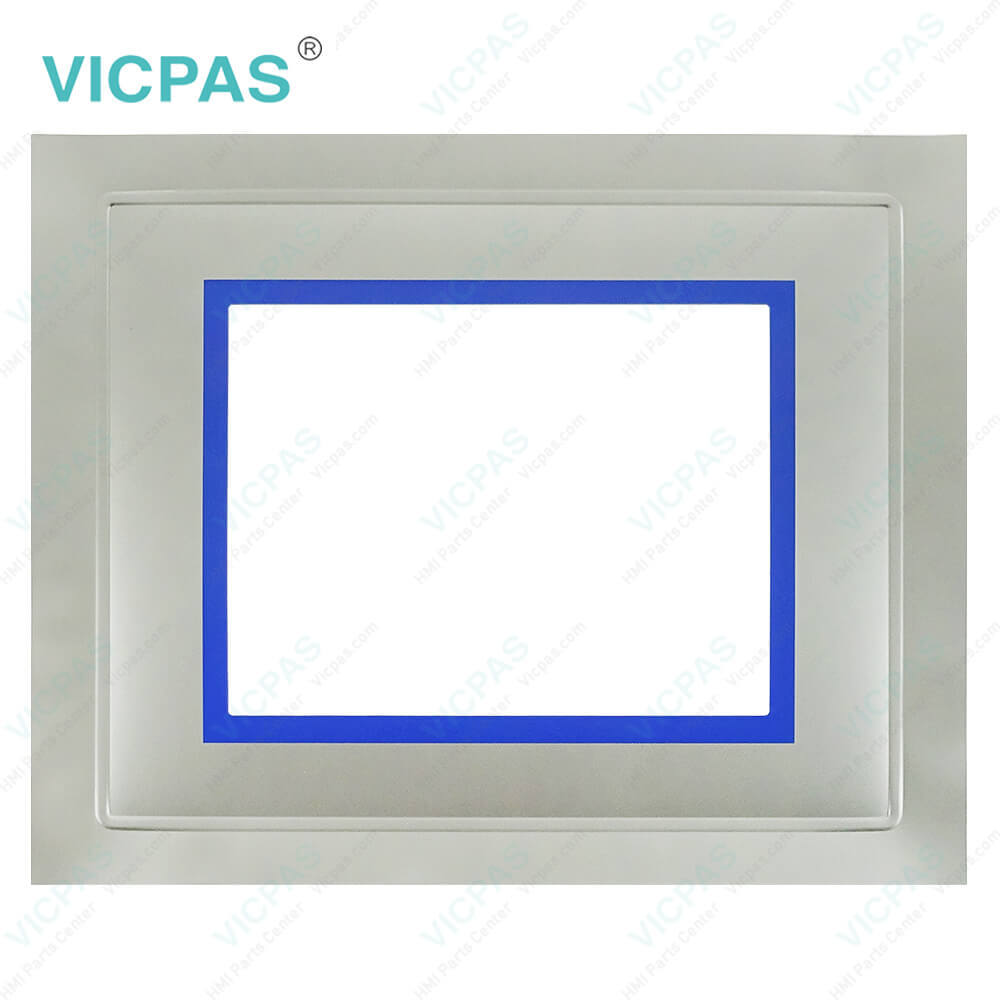
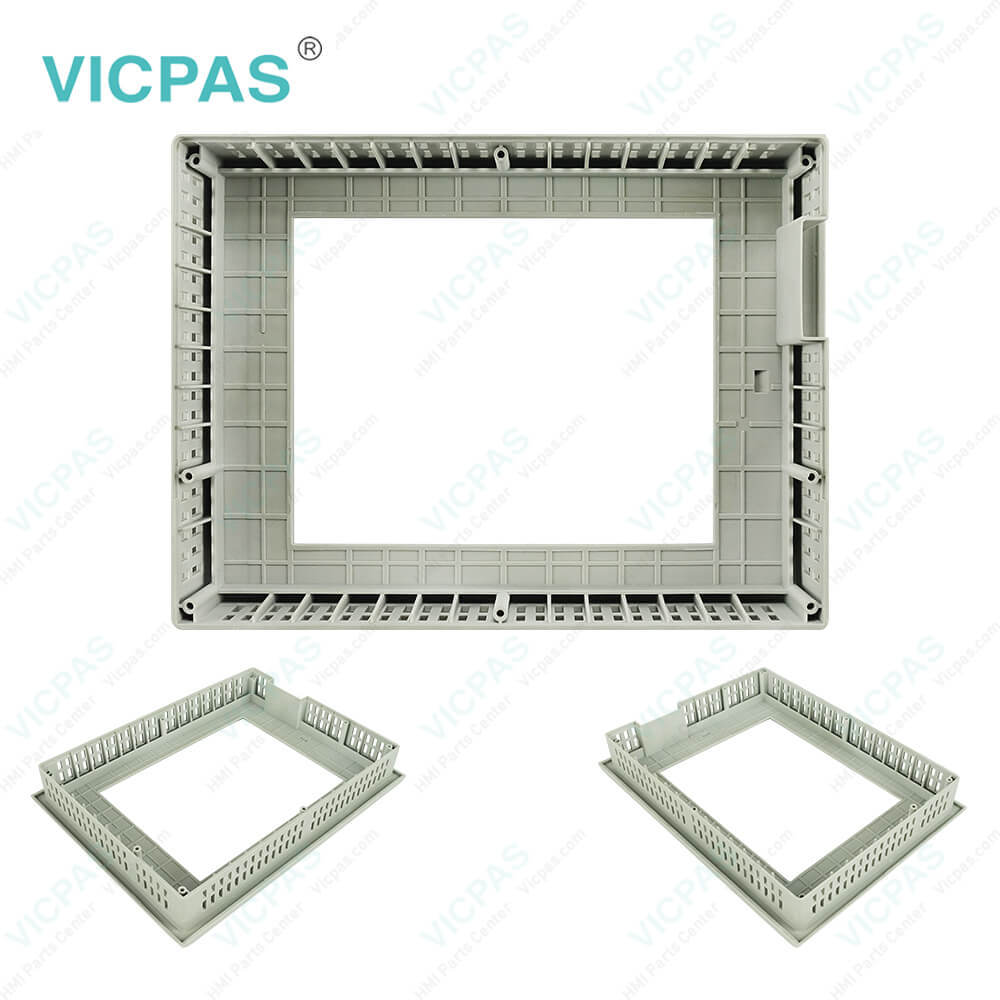
| categories | Simatic Multi Panel Series |
|---|---|
| Brand | SIEMENS |
| Model | 6AV6643-5MA10-0ND1 |
| Warranty | 365 Days |
| Product Line | MP277T Mono 6 |
| Supply | Siemens MP277T Mono 6 |
| Terms of Payment | Western Union, MoneyGram, T/T, Paypal, PayPal, Credit Card |
| Update Time | 2026-01-30 20:30:44 |
Shipping
Specifications:
| Part Number : | 6AV6643-5MA10-0ND1 |
| Screen diagonal: | 8.4 in |
| Design of display: | TFT |
| Warranty: | 365 days Warranty |
| Product Line: | Siemens MP277T Mono 6" |
| Active power input, typ.: | 36 W |
| MTBF backlighting (at 25 °C): | 50 000 h |
| Number Of Colors: | 65 536 |
| Mounting position: | vertical |
| Type of Supply Voltage: | DC |
Related BB Teach Pendant Part No.:
| 6AV6643-5MA10-0ND1 | Description | Inventory status |
| 6AV6634-5MA10-0ND0 | Siemens Simatic MP277T mono | In Stock |
| 6AV6643-5MA10-0ND0 | MP277T mono 6" MOSCA | Available Now |
| 6AV6643-5MA10-0ND1 | SIMATIC MP277T Mono 6" | In Stock |
| 6AV6643-5MA10-0ND2 | MP 277 T transverse design 5.7" monochrome | In Stock |
| 6AV6643-6CB01-0GH0 | MP 277 T transverse design 5.7" monochrome | Available Now |
6AV6643-5MA10-0ND1 Siemen Touch Digitizer Glass Repair PDF Download:
FAQ:
Question: How to set the MP277T Mono 6" 6AV6643-5MA10-0ND1 device name of the HMI device?
Answer: 1. Enter the device name for the HMI device in the "Device name" text box. 2. Enter a description for the HMI device in the "Device description" text box. 3. Confirm your entries. The dialog box and the screen keyboard are closed. The device name for the HMI device is now set.
Question: How to setting the Siemens MP277T Mono 6" HMI 6AV6643-5MA10-0ND1's Date and Time?
Answer: 1. Select the appropriate time zone for the HMI device in the "Time Zone" selection box.2. Touch the "Apply" button to confirm your entry.The time of day shown in the "Current Time" field is adjusted correspondingly to the selected time zone.3. Set the date in the selection box.4. Set the current time of day in the "Current Time" text box.5. If you want to switch from standard time to daylight saving time, select the "Daylight saving time currently in effect" check box.When you press the "Apply" button, the time is brought forward by one hour.6. If you want to switch from daylight saving time to standard time, deactivate the "Daylight saving time currently in effect" check box.When you press the "Apply" button, the time is brought back by one hour.7. Confirm your entries.The dialog box closes.The settings for the date and time of day have now been changed.
Question: What is the 6AV6643-5MA10-0ND1 Siemens MP277T Mono 6" HMI parts price?
Answer: Submit a fast quote, send Kernfix an email for best price.
Common misspellings:
6AV6643-MA10-0ND1
6AV6643-5M1A0-0ND1
6AV6643-5MA10-0NDl
6AV6643-5MA100-0ND1

- Mobile Phone
- *Title
- *Content
 Fast Quote
 Fast Quote
 Worldwide Shipping
 12 Months Warranty
 Customize Service