




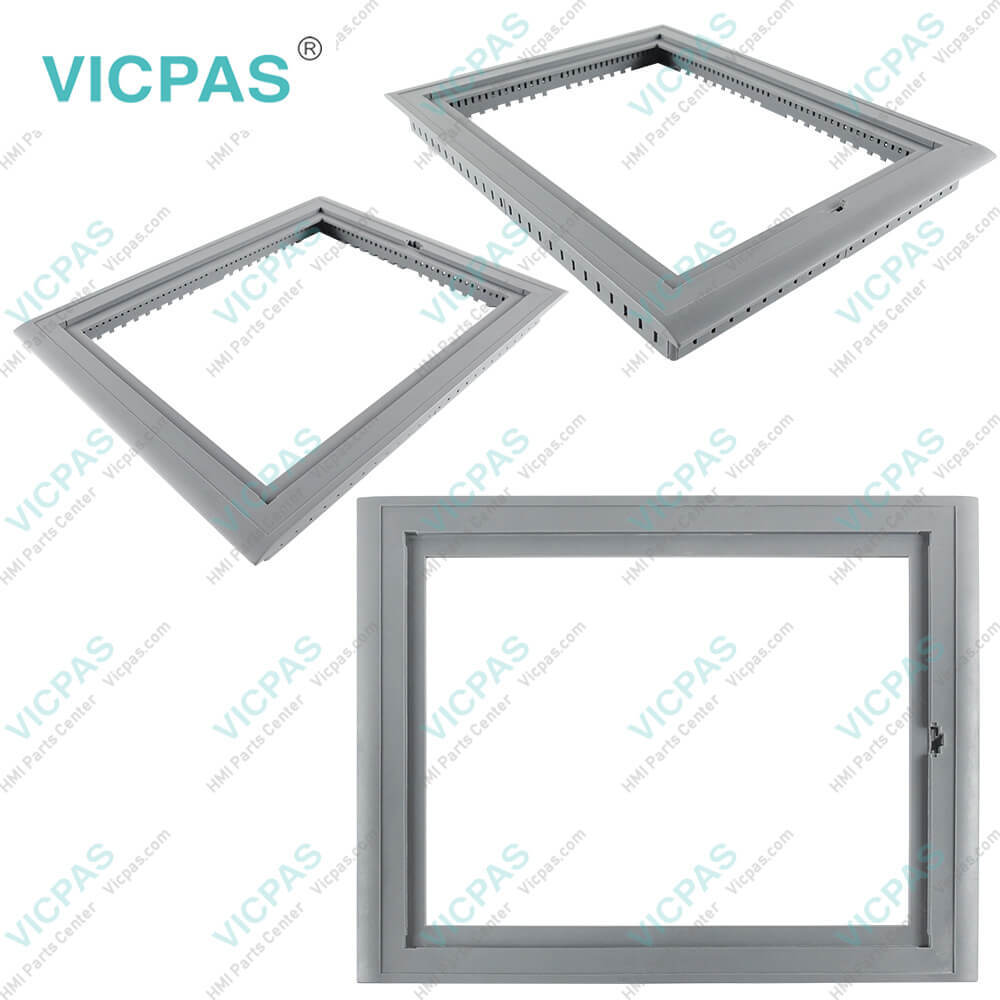
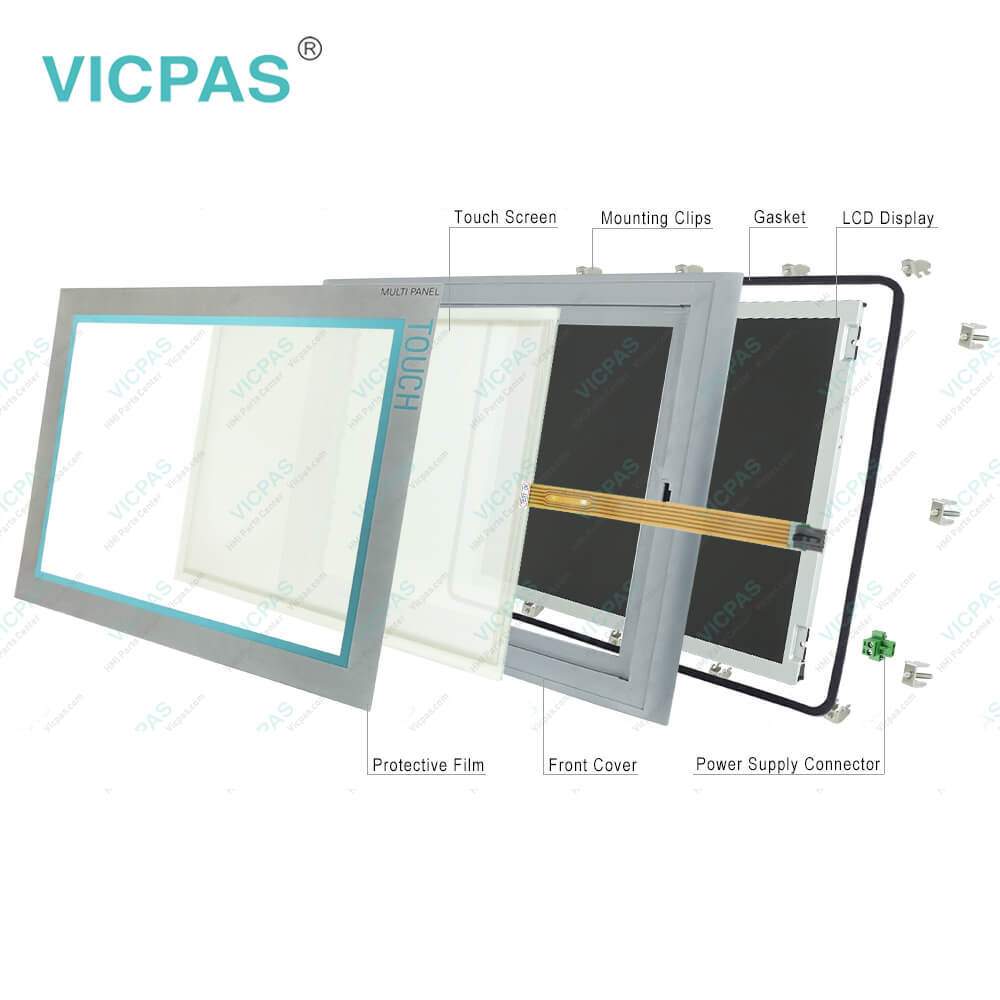
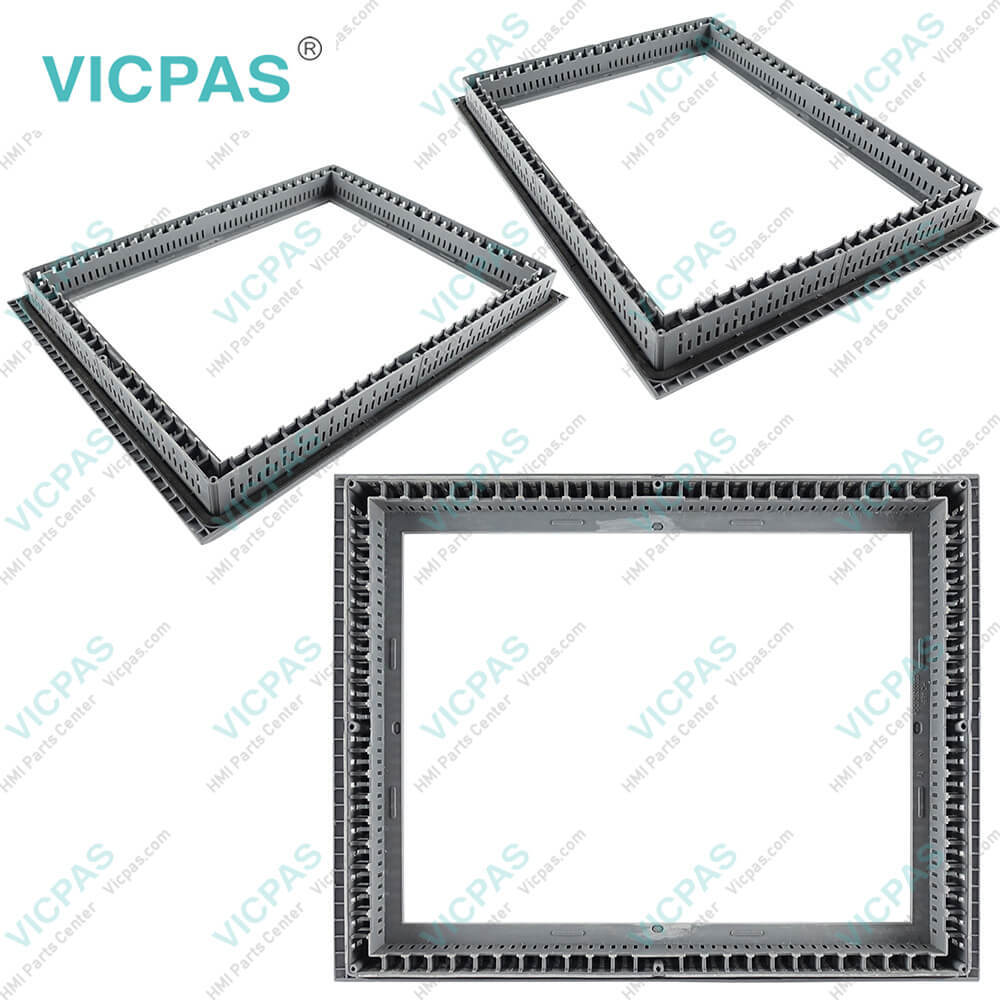
6AV6644-0AB01-2AX0 Siemens Touch Screen HMI Part Kit
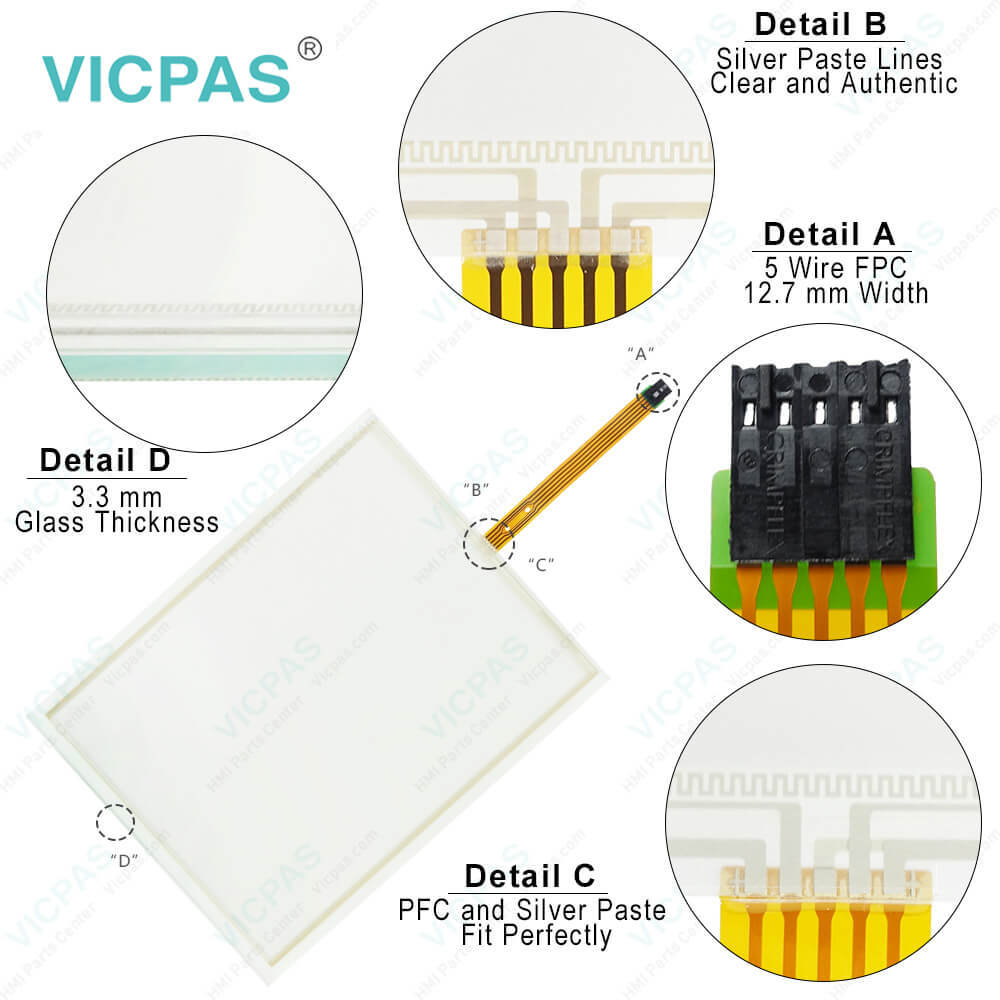
| categories | Simatic Multi Panel Series |
|---|---|
| Brand | SIEMENS |
| Model | 6AV6644-0AB01-2AX0 |
| Warranty | 365 Days |
| Product Line | MP377 15 |
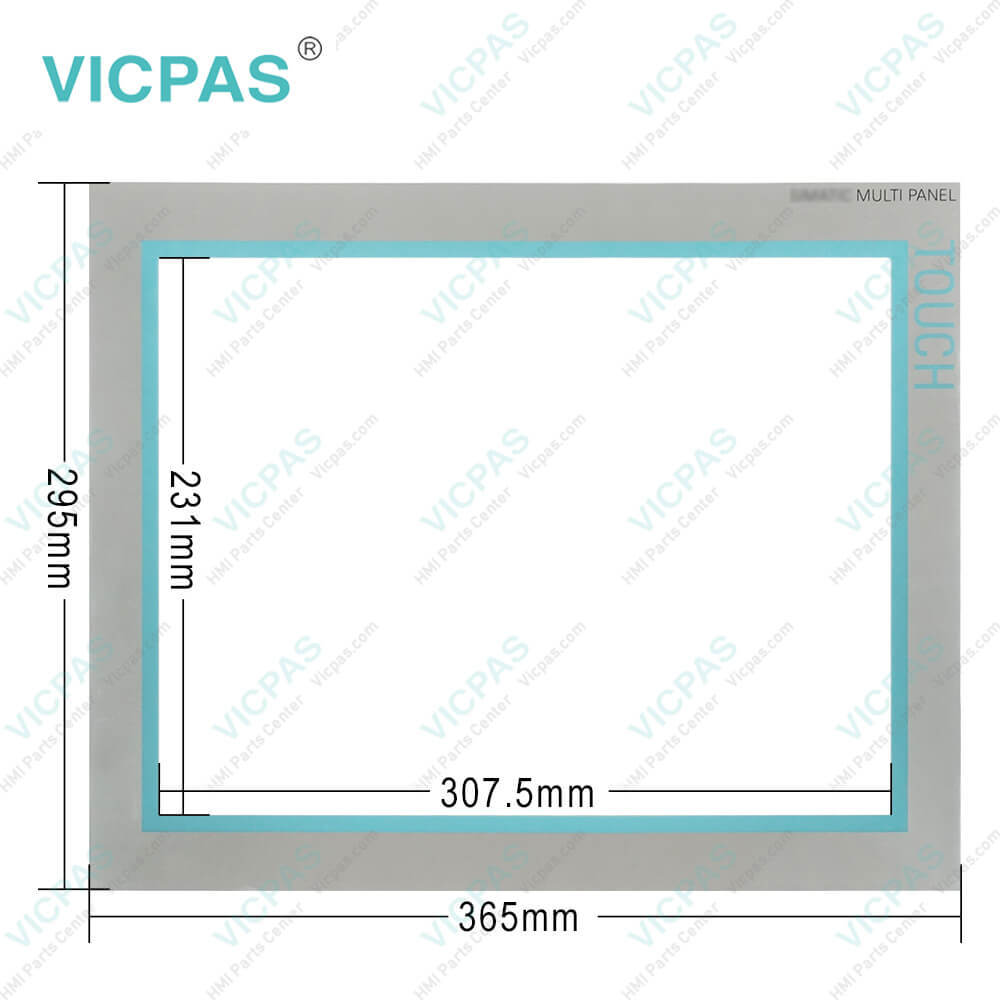
| Supply | Siemens MP377 15 HMI Touch Panel Protective Film |
| Terms of Payment | Western Union, MoneyGram, T/T, Paypal, PayPal, Credit Card |
| Update Time | 2026-01-30 20:33:43 |
Shipping
Specifications:
| Part Number : | 6AV6644-0AB01-2AX0 |
| Screen diagonal: | 15 in |
| Design of display: | TFT |
| Warranty: | 365 days Warranty |
| Product Line: | Siemens MP377 15 |
| Display Type: | TFT, 65536 colors |
| Resolution (WxH in pixel): | 1024 x 768 |
| Number Of Colors: | 65 536 |
| Touch Screen: | Analog, resistive |
| MTBF backlighting: | 50000 hours(at 25 °C) |
Related BB Teach Pendant Part No.:
| 6AV6644-0AB01-2AX0 | Description | Inventory status |
| 6AV6644-0CB01-2AX0 | MP377-15 | In Stock |
| 6AV6644-0AB01-2AX0 | SIMATIC MP 377 15" TOUCH | Available Now |
| 6AV6652-4GA01-0AA0 | MP377-15 | In Stock |
| 6AV6644-2AB01-2AX0 | SIMATIC MP 377 15" TOUCH | Available Now |
| 6AG1644-0AB01-4AX0 | SIPLUS_MP377_15"_Touch | Available Now |
| 6AV6644-8AB20-0AA1 | MP 377 DAYLIGHT | Available Now |
| 6AV6644-5AB10-0BJ0 | MP377-15 | In Stock |
| 6AV6644-5AB10-0BS0 | SIMATIC MP 377 15" TOUCH | In Stock |
| 6AV6644-5AB10-1BS0 | OEM MP 377 15" | Available Now |
6AV6644-0AB01-2AX0 Siemens Touch Screen HMI Part Kit PDF Download:
FAQ:
Question: How to clean Siemens 6AV6644-0AB01-2AX0 MP377 15 Touch HMI Touchscreen?
Answer: The HMI touch screen can be cleaned when it is switched on and a project is running. An operating element must be available in the project with which the clean screen can be called up. Once the clean screen is activated, touch screen operation is locked for a configuredperiod of time. The time the touch screen is locked can be set between 5 and 30 seconds.The time remaining for the lockout is indicated by a progress bar.NOTICEUnintentional responsesWhen cleaning the touch screen, an unintentional response in the controller can betriggered by touching keys.Always open the clean screen or switch off the HMI device before you clean the touchscreen while the system is running!Once the period for the clean screen has passed, operations are again possible. Avoid datainadvertent operations.Cannot be operated when the clean screen is activeWhen the clean screen is active, operations on the HMI device are not possible.Wait for the period for the clean screen to lapse. Then you can operate the plant again with the HMI device.
Question: How to make your Simatic MP377 15 HMI look new by protective foil ?
Answer: Protective foil is available for the Siemens Siamtic HMI device touch screens, make it look new one. The self-adhesive protective foil prevents the screen from being scratched and soiled. The matt surface of the protective foil reduces reflections where lighting is poor. The protective foil can be removed without leaving any adhesive residue on the screen.CAUTIONApplying and removing the protective foilAlways switch off the HMI device before applying the protective foil. Otherwise, there is a risk that functions are inadvertently activated. This also applies to remove the protective foil.Never use sharp or pointed objects such as a knife to remove the protective foil. You might otherwise damage the touch screen.
Question: What is the dimension of Siemens MP377 15 touch panel??
Answer: The Siemens MP377 TouchScreen is 15-inch.It is 332 millimeter long and 259 millimeters wide.
Question: What is the 6AV6644-0AB01-2AX0 Siemens MP377 HMI parts price?
Answer: Submit a fast quote, send Kernfix an email for best price.
Common misspellings:
AV6644-0AB01-2AX0
6V6644-0AB01-2AX0
6A6644-0AB01-2AX0
6AV644-0AB01-2AX0
6AV664-0AB01-2AX0

- Mobile Phone
- *Title
- *Content
 Fast Quote
 Fast Quote
 Worldwide Shipping
 12 Months Warranty
 Customize Service