




6AV6645-7CG30-2AA0 Membrane Keypad Touch Screen Panel
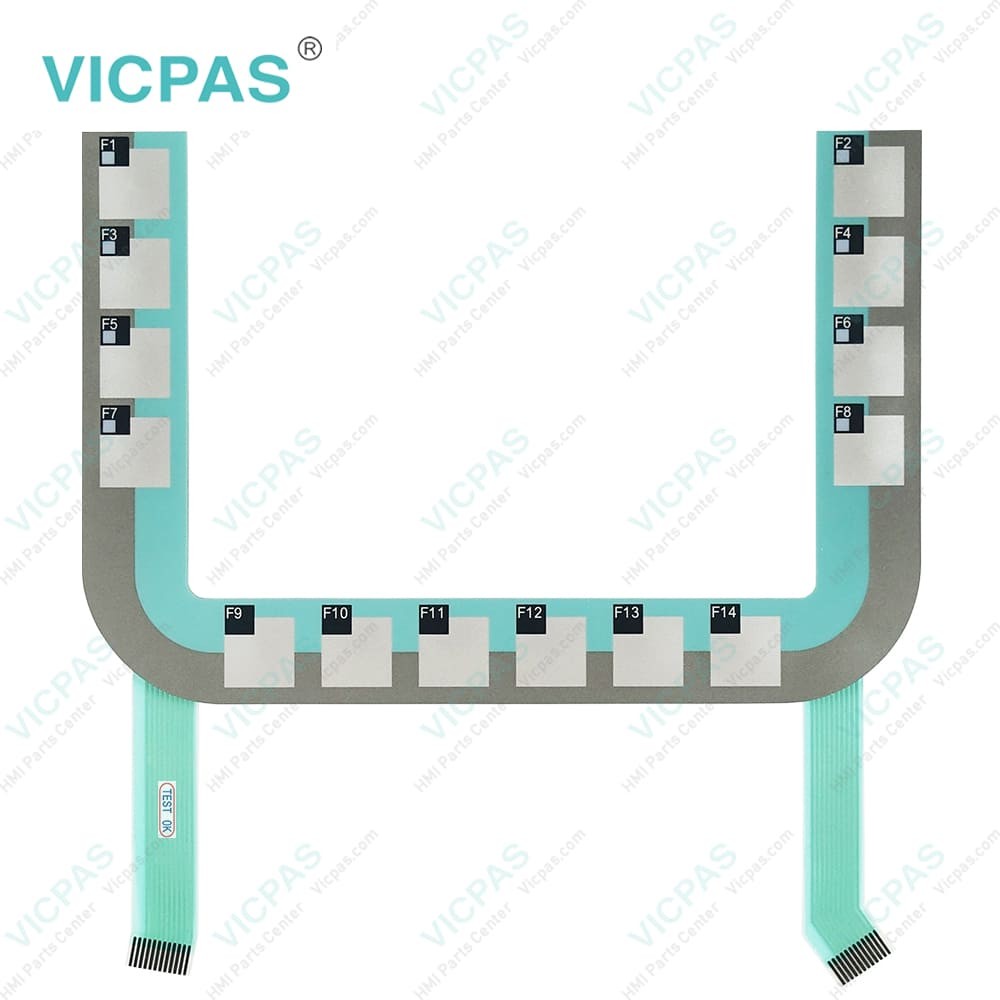
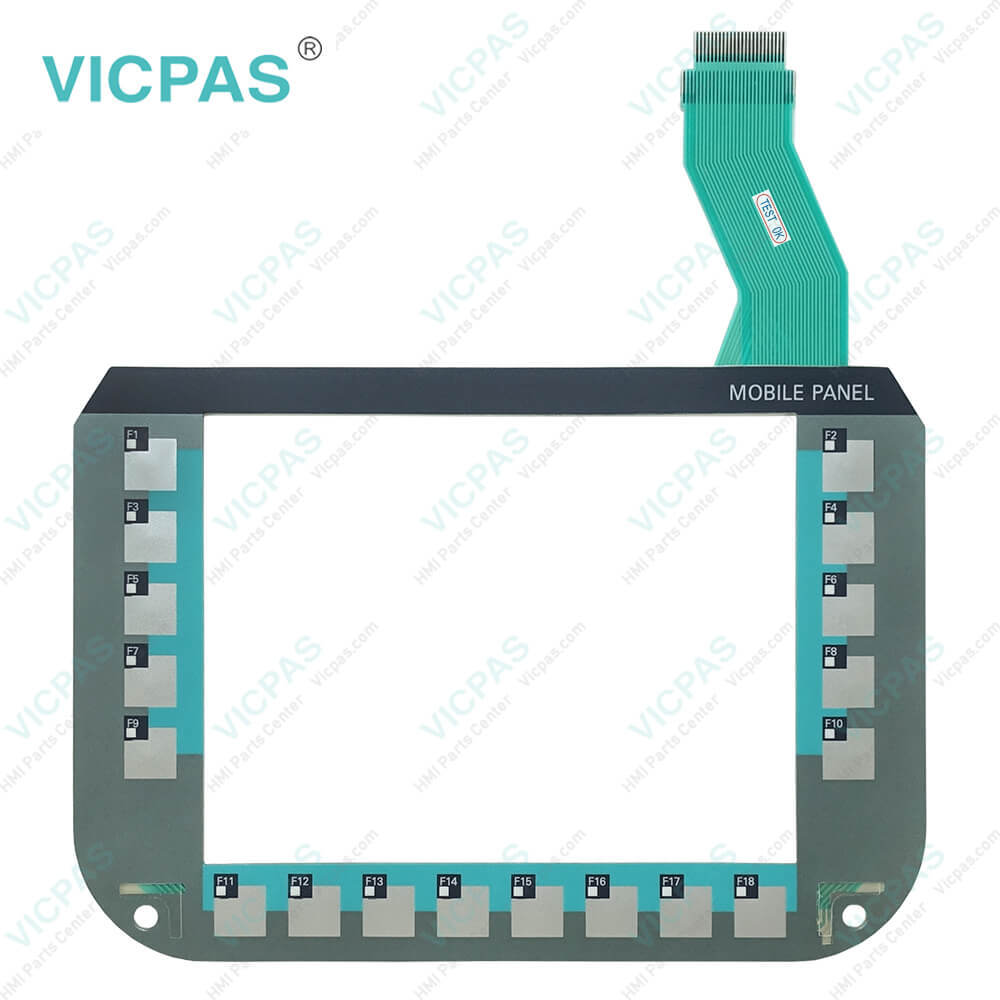
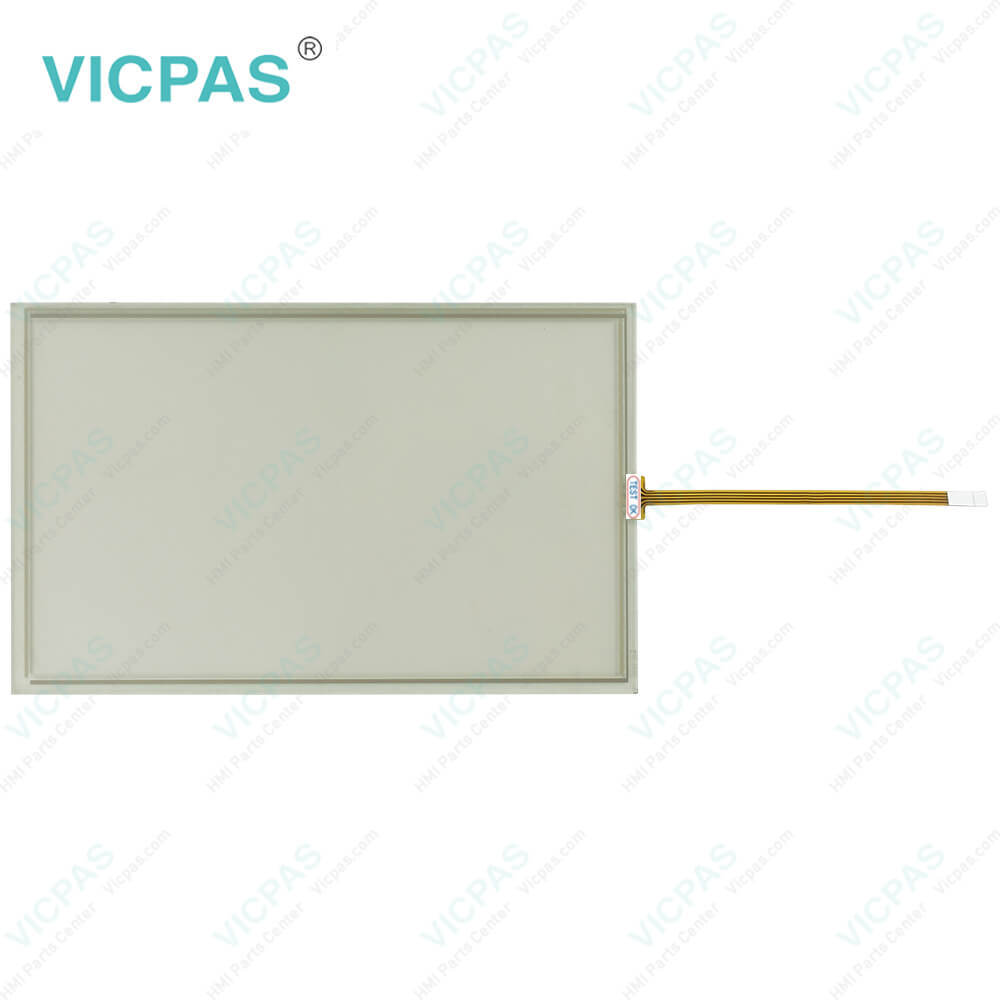
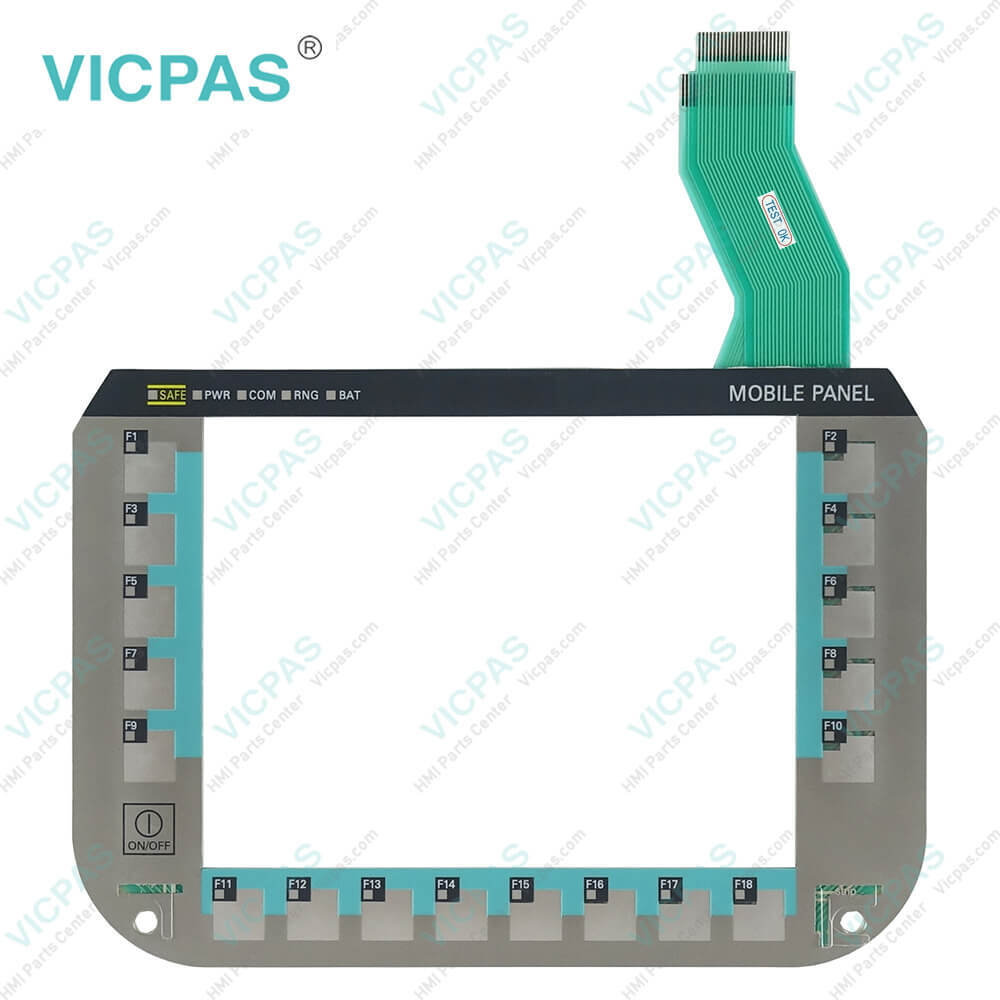
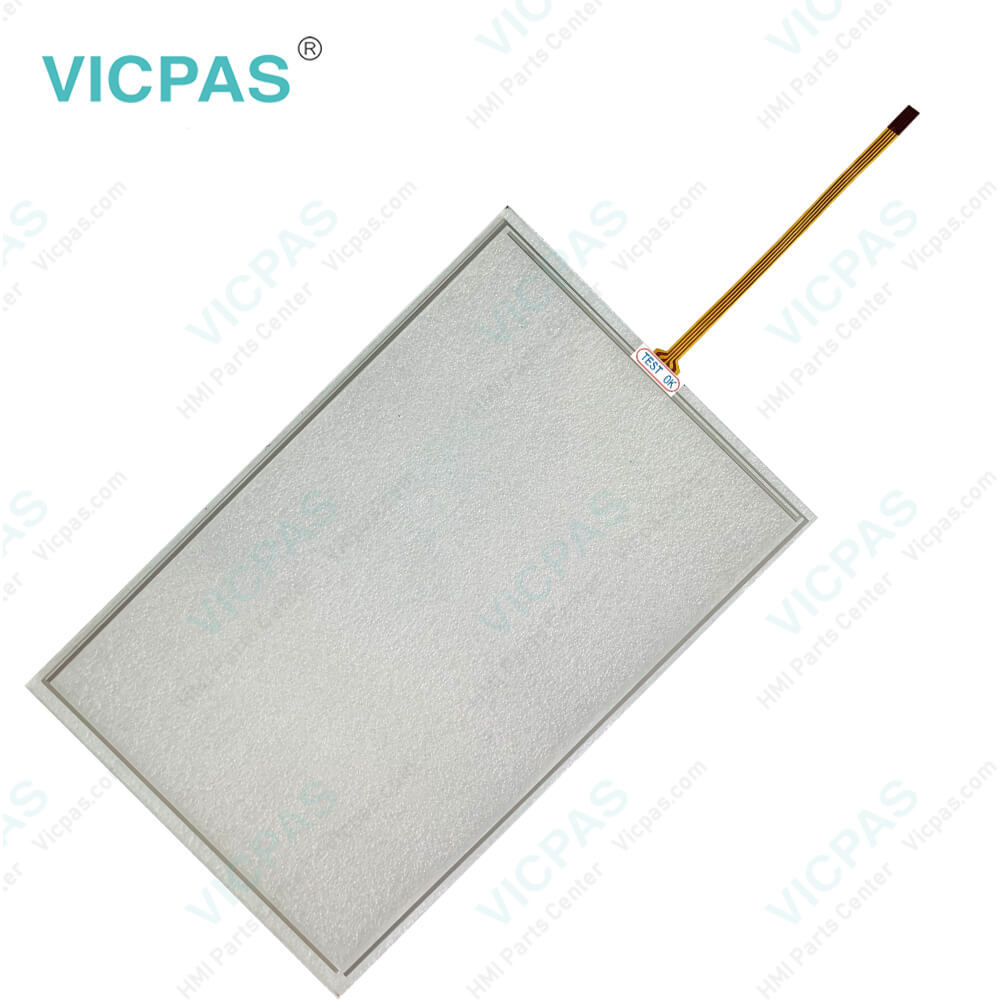
| categories | Simatic Mobile Panel |
|---|---|
| Brand | SIEMENS |
| Model | 6AV6645-7CG30-2AA0 |
| Warranty | 365 Days |
| Product Line | Mobile Client 900 |
| Touch Screen Panel Type | Resistive |
| Touch size | 9'' |
| Shipping | DHL/FedEx/UPS/TNT/EMS/Aramex /DPEX |
| FOB port | Guangzhou, Shenzhen, Hongkong |
| Terms of Payment | Western Union, MoneyGram, T/T, Paypal, PayPal, Credit Card |
| Update Time | 2026-01-30 20:34:58 |
Shipping
Specifications:
| Touch Size: | 9'' |
| Warranty: | 365 Days |
| Product Line: | Mobile Client 900 |
| Environment: | Free From Corrosive Gases |
| Brand: | Siemens |
| Part Number : | 6AV6645-7CG30-2AA0 |
| Mounting position: | vertical |
| MTBF backlighting (at 25 °C): | 50 000 h |
| Number of digital outputs: | 16 |
| Touch Type: | Resistive |
Related BB Teach Pendant Part No.:
| 6AV6645-7CG30-2AA0 | Description | Inventory status |
| 6AV6645-7CF00-2AA0 | SIMATIC Mobile Client 900 Touch Panel Membrane Keyboard Repair | Available Now |
| 6AV6645-7CF30-1WP1 | SIMATIC Mobile Client 900 Touchscreen Operator Keyboard Replacement | In Stock |
| 6AV6645-7CF30-2AA0 | SIMATIC Mobile Client 900 Touch Digitizer Glass Membrane Keypad Repair | Available Now |
| 6AV6645-7CG00-2AA0 | SIEMENS Mobile Client 900 HMI Panel Glass Terminal Keypad Replacement | In Stock |
| 6AV6645-7CG30-1WP1 | SIMATIC Mobile Client 900 Touch Screen Monitor Membrane Switch Repair | Available Now |
| 6AV6645-7CG30-2AA0 | SIEMENS Mobile Client 900 Touch Screen Membrane Keyboard Repair | In Stock |
| 6AV6645-7CJ00-2AA0 | SIMATIC Mobile Client 900 HMI Touch Glass Membrane Switch Repair | Available Now |
| 6AV6645-7CJ30-2AA0 | SIEMENS Mobile Client 900 Touch Membrane Terminal Keypad Repair | In Stock |
6AV6645-7CG30-2AA0 Membrane Keypad Touch Screen Panel PDF Download:
FAQ:
Question: What is the ambient conditions of 6AV6 645-7CG30-2AA0 MMI Panel Screen Terminal Keypad?
Answer: Indoor use protected from weather and its ambient temperature range 0 ... 45 °C. Never place 6AV66457CG302AA0 Touch Panel Membrane Keyboard on unsteady surfaces. It could fall down and be damaged. Make sure that it is sufficiently ventilated. Do not cover it. Never operate it with the protective cover on.
Question: How do I calibrate the Touchscreen on the Siemens Mobile Client 900 HMI?
Answer: To calibrate the touch screen, go to the calibration settings in the HMI menu. Follow the on-screen instructions to touch specific calibration points accurately. This process ensures accurate touch input across the screen.
Common misspellings:
6AV6456-7CG30-2AA0
6AV6645-CG30-7AA0
6AV6645-7CG30-A2A0
6AV6665-7CG30-2AA0
6AV6645-7CG130-2AA0

- Mobile Phone
- *Title
- *Content
 Fast Quote
 Fast Quote
 Worldwide Shipping
 12 Months Warranty
 Customize Service