




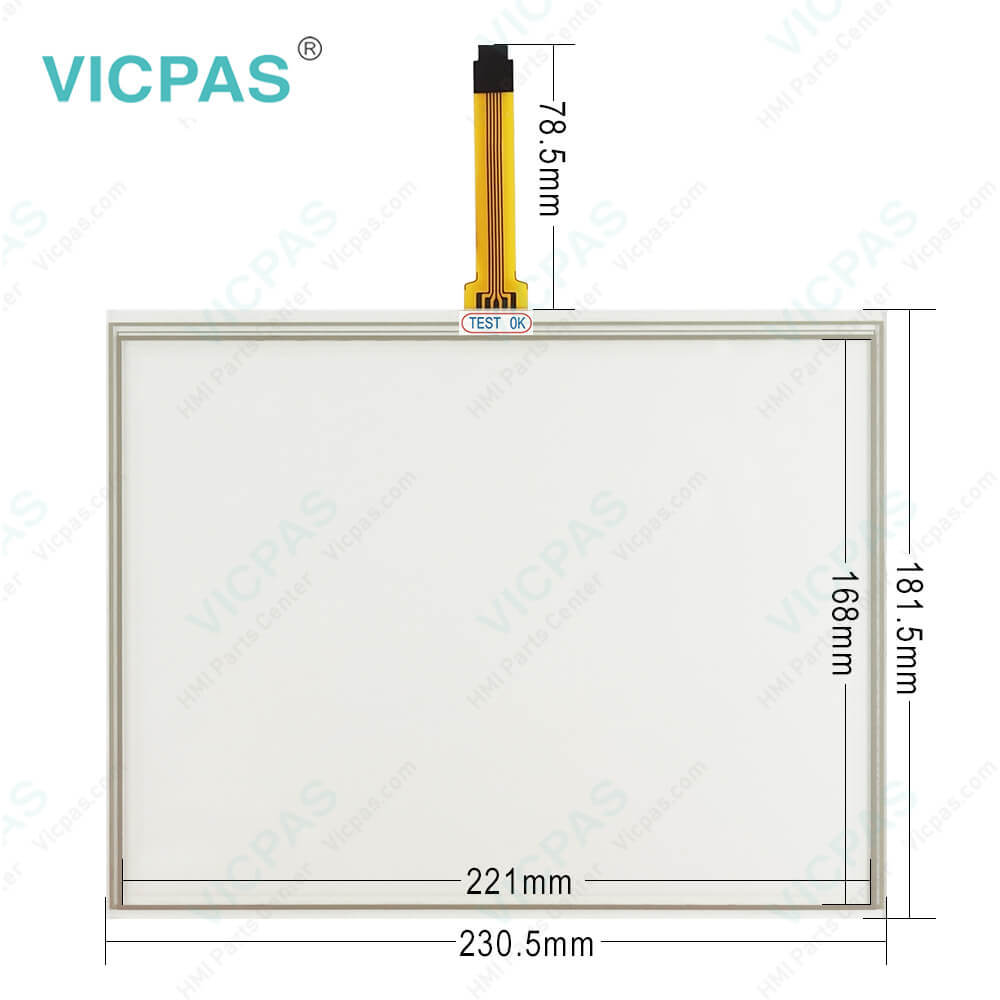
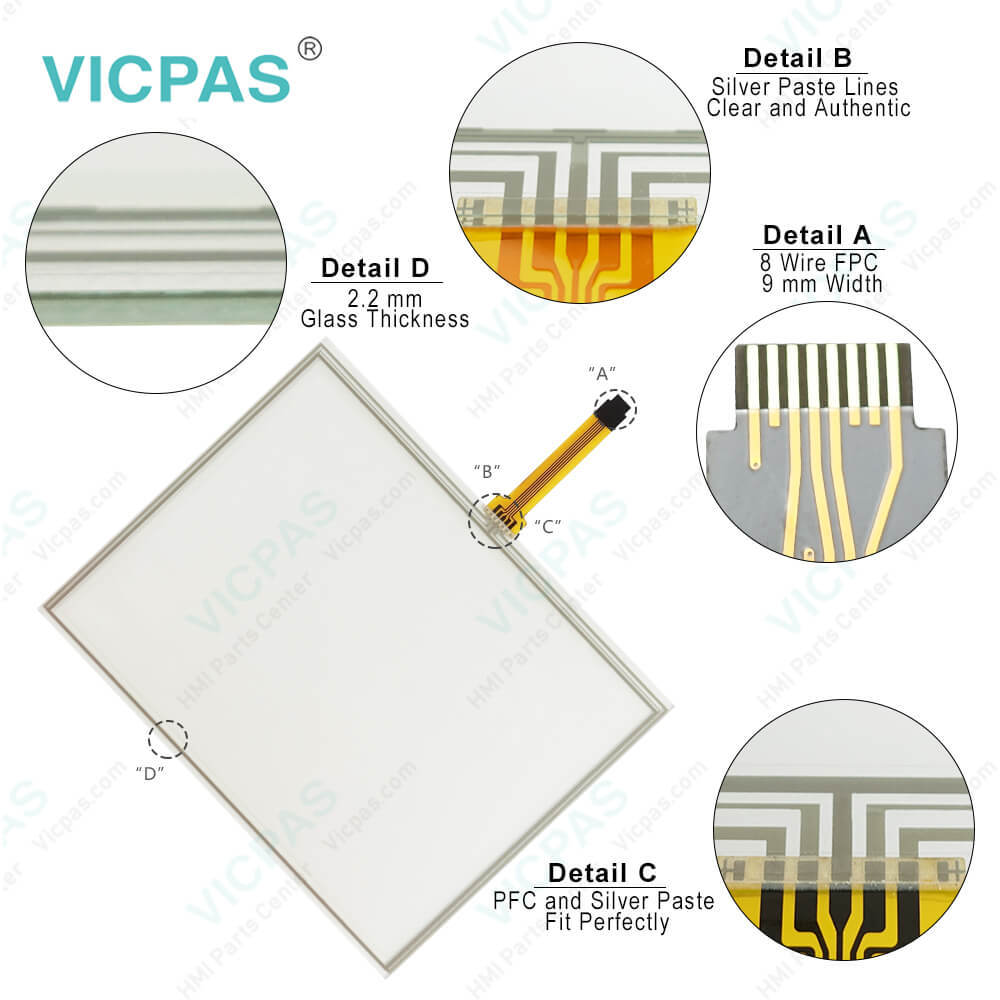
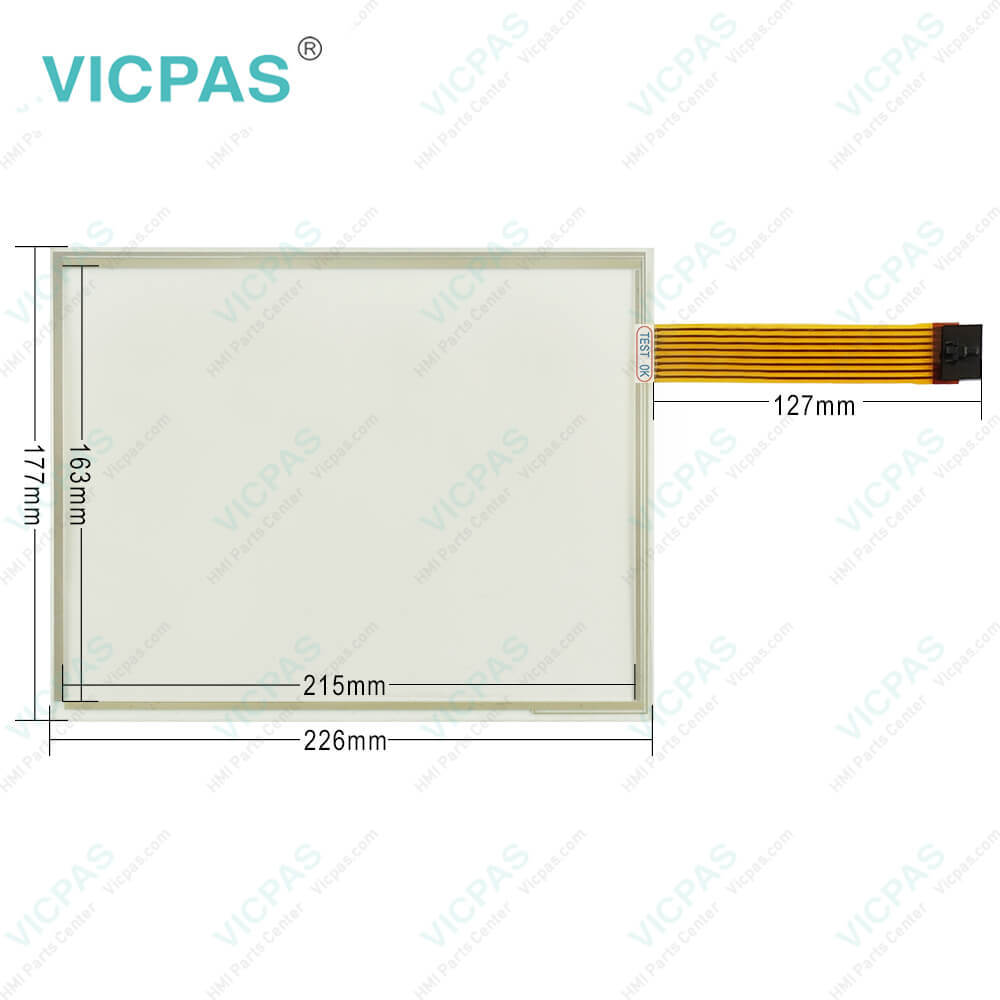
JOHN DEERE GS3 2630 PCGU2UA31586 PN-PF81431 MFG PN-90207968-01 Touch Screen
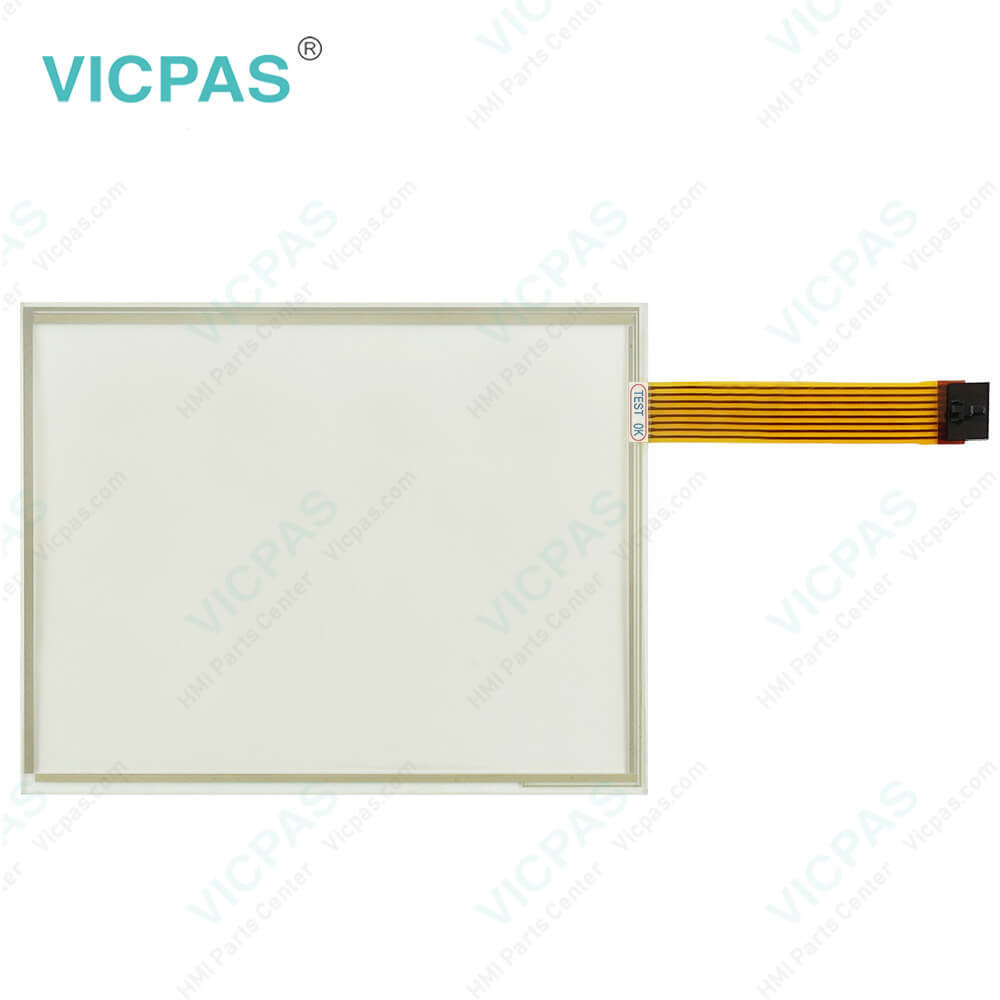
| categories | John Deere |
|---|---|
| Model | JOHN DEERE GS3 2630 PCGU2UA31586 PN-PF81431 MFG PN |
| Warranty | 365 Days |
| Shipping | DHL/FedEx/UPS/TNT/EMS/Aramex /DPEX |
| FOB port | Guangzhou, Shenzhen, Hongkong |
| Terms of Payment | Western Union, MoneyGram, T/T, Paypal, PayPal, Credit Card |
| Update Time | 2026-01-30 20:57:56 |
Shipping
Specifications:
| Part Number : | JOHN DEERE GS3 2630 PCGU2UA31586 PN-PF81431 MFG PN-90207968-01 |
| Product Line: | John Deere |
| Screen diagonal: | 7'' |
| Warranty: | 365 days Warranty |
| Input Power: | 24 VDC |
| Operating Temperature Range: | -20° to 70° C (-4° to 158° F) |
| Storage Temperature Range: | -40° to 85° C (-40° to 185° F) |
| Input Type: | Touchscreen |
| Format: | Windows FAT or FAT32. |
| Connectivity: | USB 2.0 |
FAQ:
Question: How to Turning The JOHN DEERE GS3 2630 PCGU2UA31586 PN-PF81431 MFG PN-90207968-01 Display On/Off Monitor
Answer: The display will turn on and off with the vehicle key switch.There is no on/off switch on the GS2 1800 because it must remain powered to display vehicle or implement system alarm messages whenever required. The display can be put into dim mode for transport by selecting the Home button for 4 seconds. Selecting any button will bring the display out of transport mode.The display saves some settings and data automatically; the rest are saved during PROPER SHUTDOWN and data transfer to a USB drive. Proper shutdown is accomplished by turning off the vehicle key switch. The Status LED remains orange until the display is shut down.Unplugging the harness before the LED light is black may result in data loss and settings.• Warm boot - occurs when the display has been operated in the last 21 days and has NOT lost unswitched power anytime during the last 6 hours. Warm boot is indicated by a yellow progress bar with a green outline.• Cold boot - may take longer for the display to power up (around 30 seconds). Cold boot is indicated by a green progress bar with a yellow outline.
Question: How to use Screen Protector in JJOHN DEERE GS3 2630 PCGU2UA31586 PN-PF81431 MFG PN-90207968-01 PH41180581 Rev.A?
Answer: The use of a screen protector is recommended to prevent wear to the touchscreen surface. Screen protector kits, made specifically for GS2 displays, can be purchased through your local John Deere dealer.Screen protector has been preinstalled on the touch panel of your display. Removing the protector reduces the sunlight readability of the display. Please see the instructions for replacement when necessary.
Question: What is the JOHN DEERE GS3 2630 PCGU2UA31586 PN-PF81431 MFG PN-90207968-01 PH41180581 Rev.A Monitor touchscreen keypad price?
Answer: Submit a fast quote, send Kernfix an email for best price.

- Mobile Phone
- *Title
- *Content
 Fast Quote
 Fast Quote
 Worldwide Shipping
 12 Months Warranty
 Customize Service