




TPI#1405-001 Rev D Trimble Touch Screen Monitor
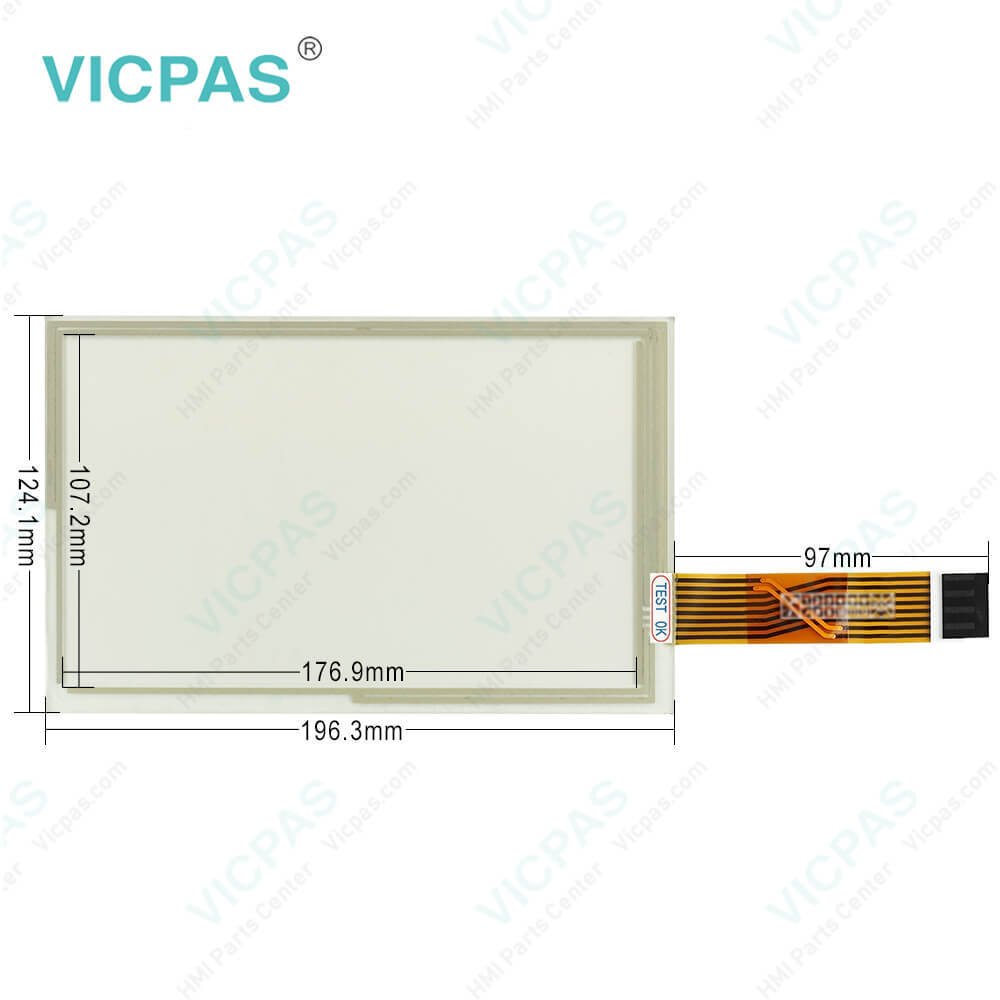
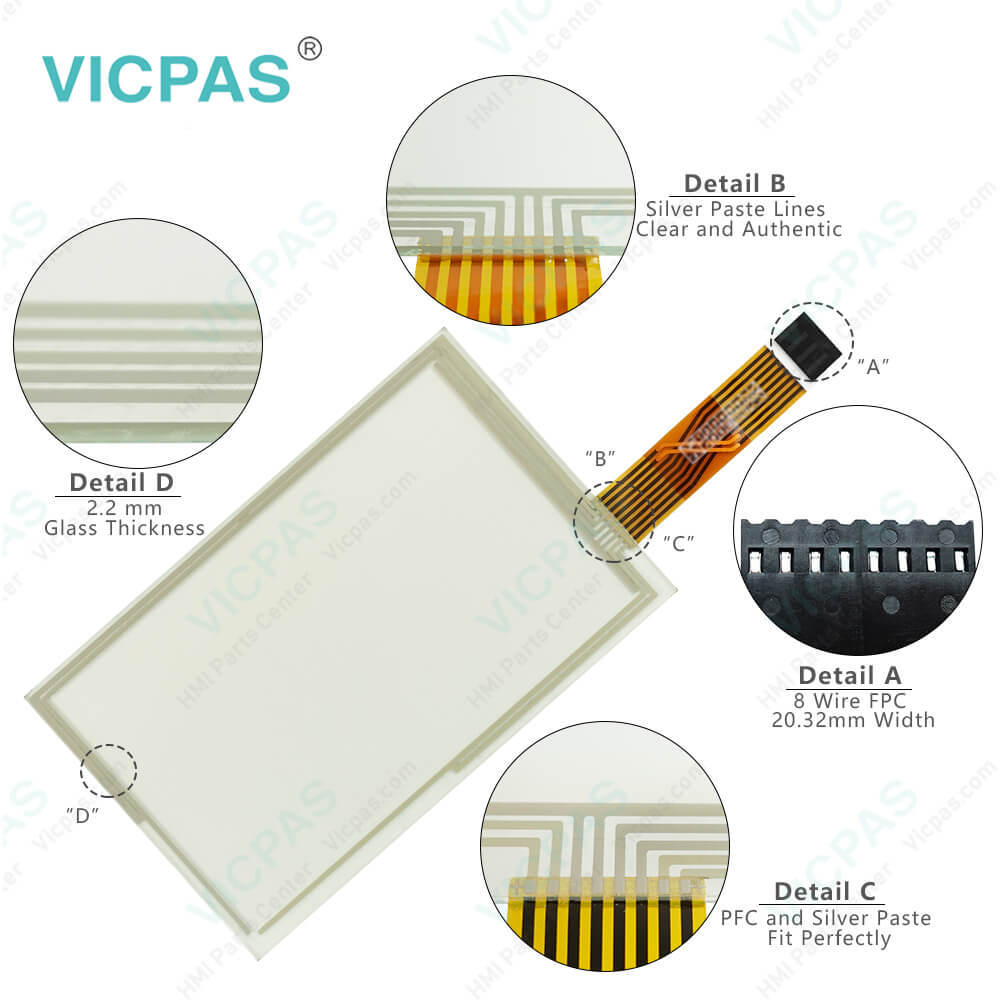
| categories | Trimble |
|---|---|
| Model | TPI#1405-001 Rev D |
| Warranty | 365 Days |
| Product Line | Trimble series |
| Supply | TPI#1405-001 Rev D Touch Screen Panel Repair part |
| FOB port | Guangzhou, Shenzhen, Hongkong |
| Terms of Payment | Western Union, MoneyGram, T/T, Paypal, PayPal, Credit Card |
| Update Time | 2026-01-30 20:58:36 |
Shipping
Specifications:
| Part Number : | TPI#1405-001 Rev D |
| Screen diagonal: | 8 in |
| Warranty: | 365 Days |
| Product Line: | Trimble Series |
| Input Power: | +24 VDC +/-20% |
| Resolution: | 1280 x 800 dot |
| Storage Temperature: | -20°C to 60°C |
| Display Size: | STN |
Related BB Teach Pendant Part No.:
| TPI#1405-001 Rev D | Description | Inventory status |
| TPI#1389-001 Rev C | Trimble HMI Touch Screen Monitor | In Stock |
| TPI#1389-002 Rev C | Touch Screen Glass Trimble HMI Series | Available Now |
| TPI#1395-001 Rev C | Trimble Touch Digitizer Glass Repair | In Stock |
| TPI#1405-001 Rev D | Trimble Touch Screen Panel Replacement | In Stock |
TPI#1405-001 Rev D Trimble Touch Screen Monitor PDF Download:
FAQ:
Question: How to install the Trimble TPI#1405-001 Rev D display?
Answer: 1. Use the supplied screws to firmly attach the diamond-shaped mounting plate to the display:2. Attach the RAM mount to the ball on the diamond-shaped mounting plate:3. Select a position in the cab for the display. Hold the display in the selected location and check that it is easily accessible form the driver’s seat.4. Use the provided bolts to attach the bar mount to the cab.5. Attach the other end of the RAM mount to the ball on the bar mount and then tighten the screw.6. Connect the display to a power source.
Question: What is the dimension of TPI#1405-001 Rev D Trimble Touch Panel Glass?
Answer: The dimension of TPI#1405-001 Rev D Trimble HMI touch membrane is 8 inch.
Common misspellings:
TPI#1405-01
TP#1405-001
TPI#1405-010
TPI#l405-001
TPI#1405-0011

- Mobile Phone
- *Title
- *Content
 Fast Quote
 Fast Quote
 Worldwide Shipping
 12 Months Warranty
 Customize Service