




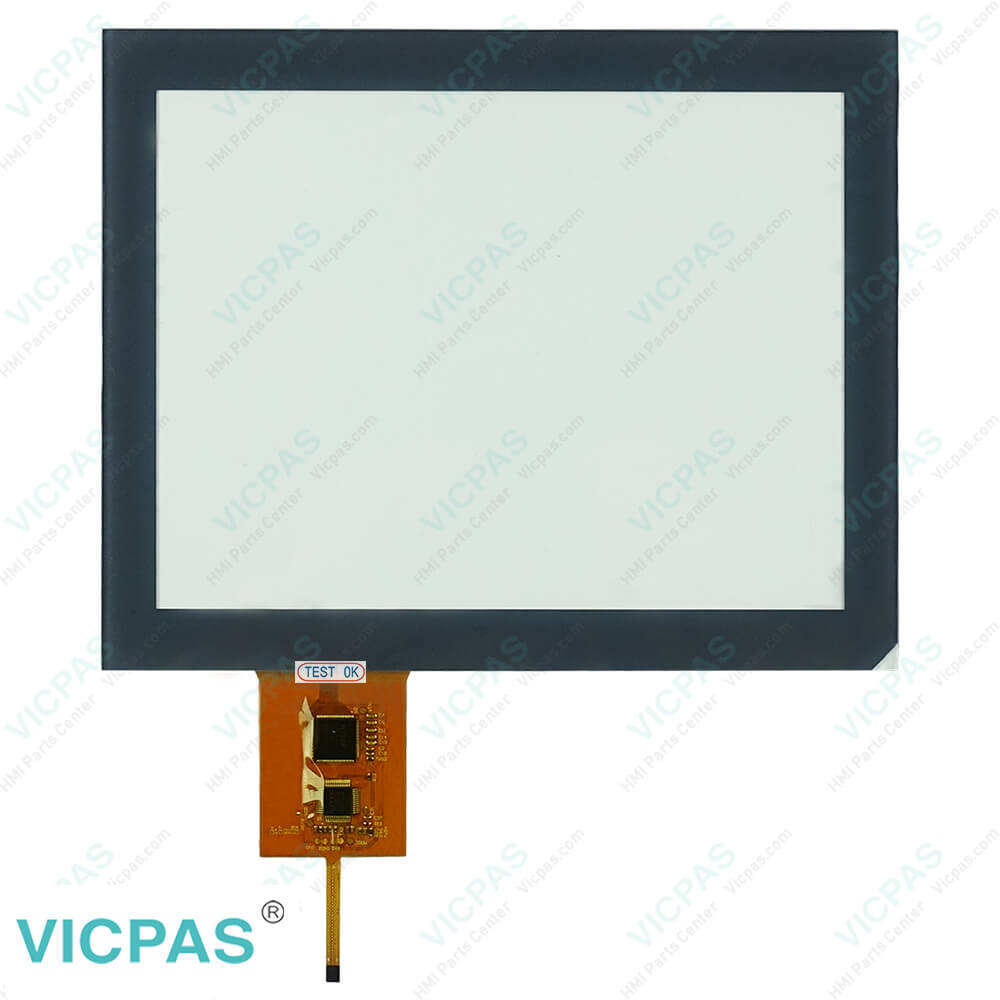
Muller Elektronic ME SMART570 Trimble Touch Screen Monitor Repair
| categories | Muller Elektronik Monitor |
|---|---|
| Model | Trimble SMART570 |
| Warranty | 365 Days |
| Supply | SMART570 Touch Screen Panel |
| FOB port | Guangzhou, Shenzhen, Hongkong |
| Terms of Payment | Western Union, MoneyGram, T/T, Paypal, PayPal, Credit Card |
| Update Time | 2026-01-30 21:05:32 |
Leading Time{{selectedConditionObj.leading}}
{{item.value}}
{{nameObj.name}}{{nameObj.selectedValue}}
{{valueObj.name}}
Shipping
Detail Information
Specifications:
| Brand: | Muller Elektronik |
| Screen Size: | 5.7 inches |
| Warranty: | 365 Days |
| Touch Screen: | Capacitive dual touch |
| Resolution: | 640 × 480 |
| Operation Temperature: | -20 °C to +55 °C |
Related BB Teach Pendant Part No.:
| Trimble SMART570 | Description | Inventory status |
| HORSCH Touch 1200 Terminal | HORSCH HMI Touch Screen Monitor | In Stock |
| MULLER ELEKTRONIK Monitor HORSCH Touch 1200 Tecnoma 7348411 NAV 900 AG 200 | Touch Screen Glass MULLER-ELEKTRONIK HMI | Available Now |
| Horsch Basic Terminal Colored ISOBUS UT Muller Elektronic | Horsch Touch Digitizer Glass Repair | In Stock |
| Trimble SMART570 | Trimble HMI Touch Screen Panel Repair | In Stock |
| Muller Elektronic ME SMART570 | Muller-Elektronic Touchscreen Replacement | Available Now |
| HORSCH Terminal Touch 800 | HORSCH HMI Touch Screen LCD Display | In Stock |
| AMPIRE 800600PF-T | Touch Digitizer AMPIRE HMI Repair | Available Now |
| AM800600P4TMQW06H-A TM080SFH03 | Vicpas Touch Membrane Replacement | Available Now |
| AMPIRE 800600PA-T | AMPIRE Touch Screen Tablet HMI Repair | In Stock |
FAQ:
Question: What tractor models are compatible with the SMART570 Display?
Answer: The SMART570 can be used with any tractor that supports ISOBUS (ISO 11783), particularly if it has:
Question: How do I install the SMART570 HMI Touch Glass?
Answer: When installing, ensure the device is powered off and follow the installation manual provided by the equipment manufacturer to ensure proper connection and mounting.
Question: What is the operating temperature range for the SMART570 Touch Membrane?
Answer: The operating temperature range is typically -20°C to 55°C.
Common misspellings:
SMART577
SMRT570
SMART5570
SNART570
SMART750

Please send your message to us
- Mobile Phone
- *Title
- *Content
 Fast Quote
 Fast Quote
 Worldwide Shipping
 12 Months Warranty
 Customize Service