




B&R PP65 4PP065.0571-K28 Touch Screen Front Overlay
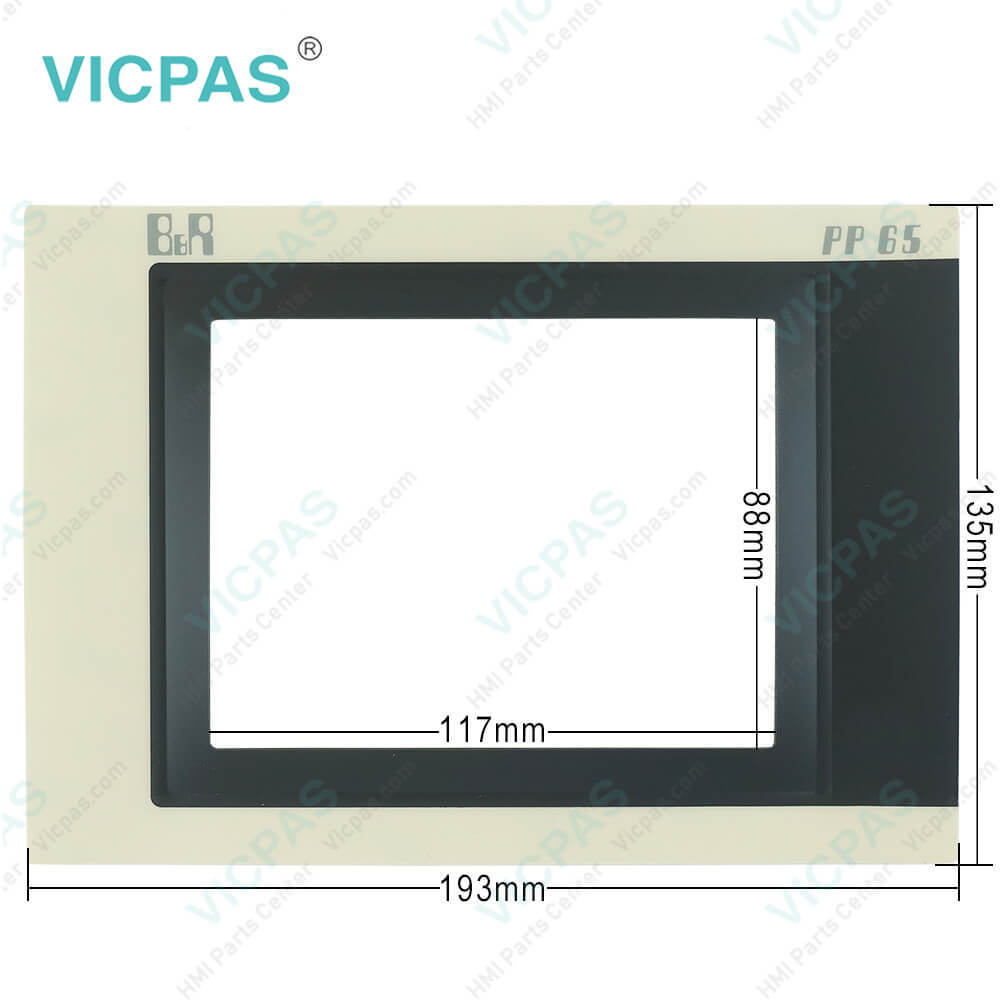
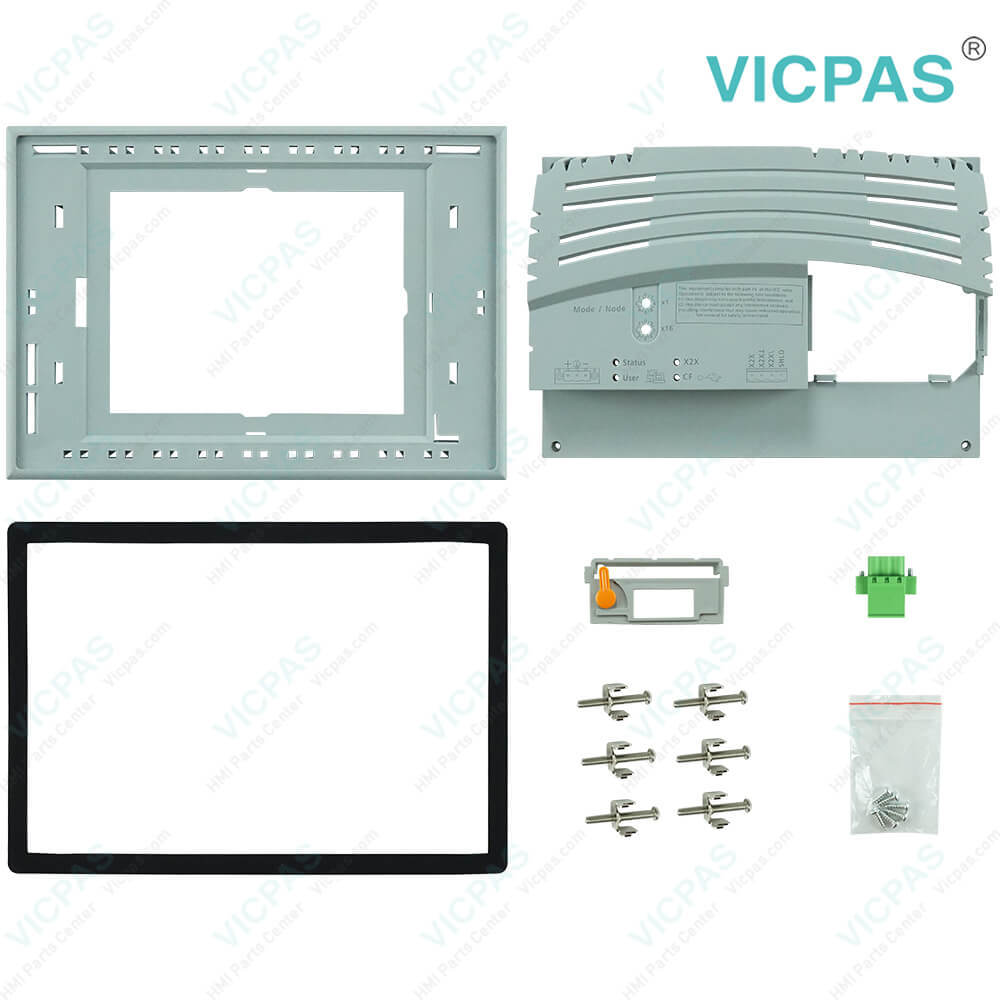
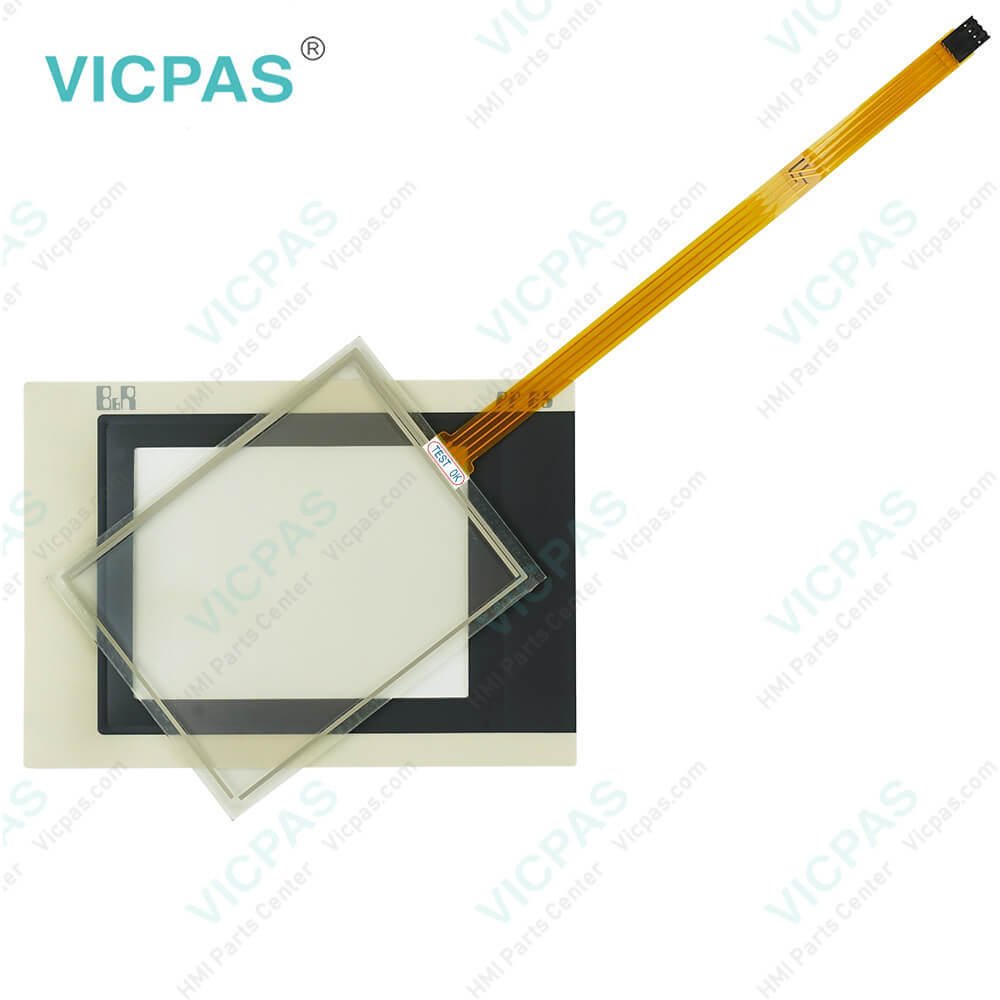
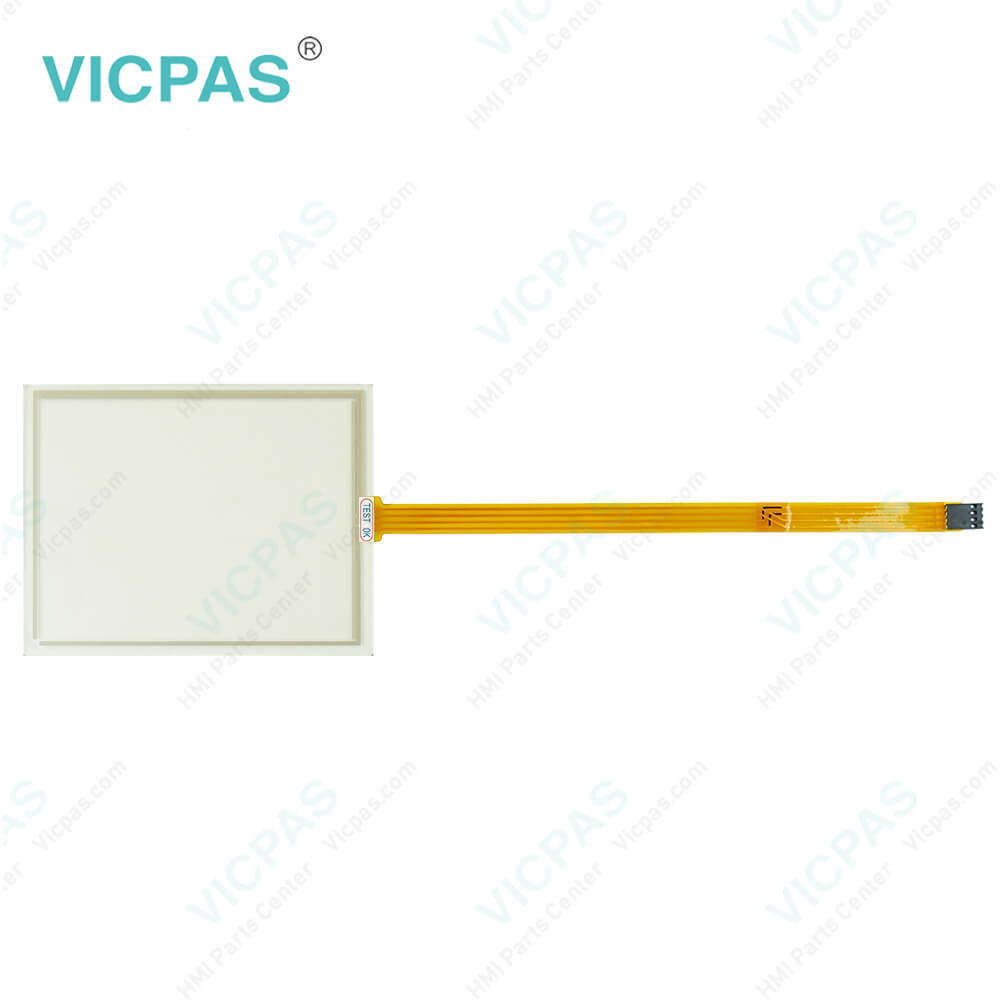
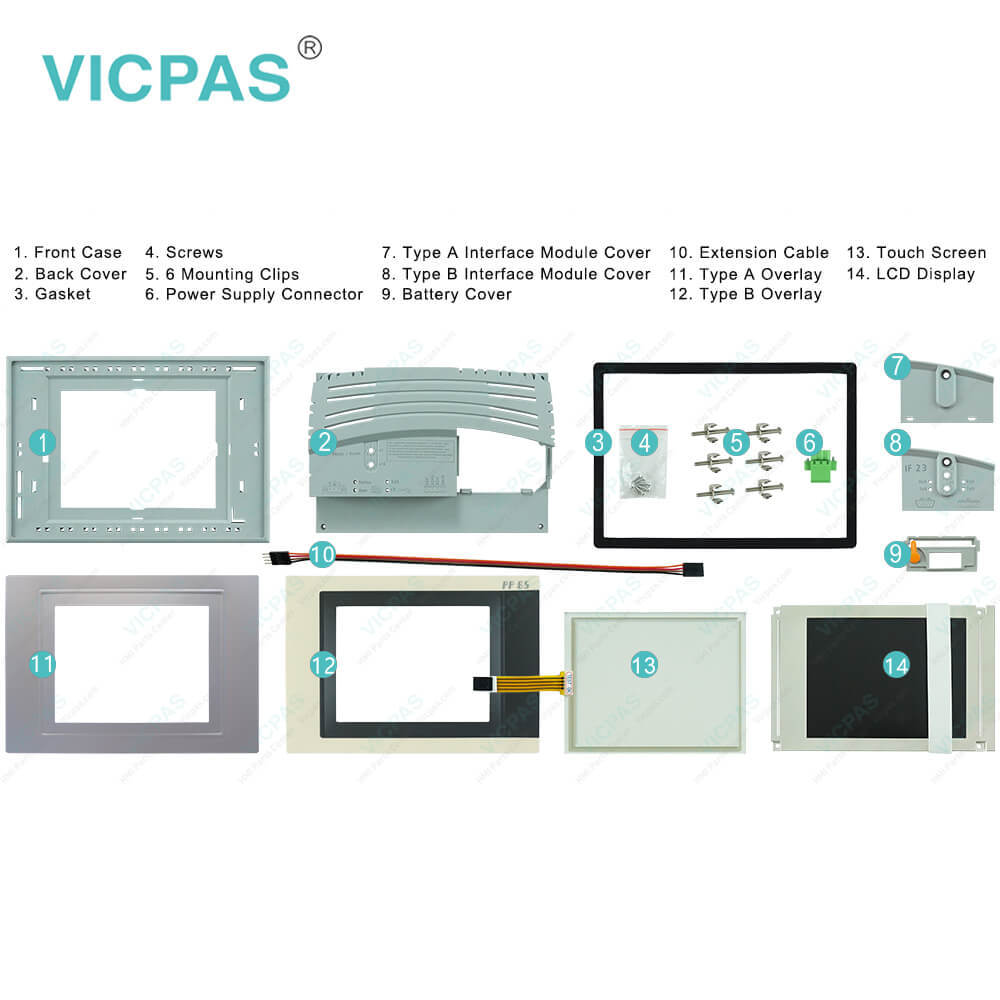
| categories | Power Panel PP65 |
|---|---|
| Brand | B&R |
| Model | B&R Power Panel 65 4PP065.0571-K28 |
| Warranty | 1 Year VICPAS Warranty |
| Shipping | DHL/FedEx/UPS/TNT/EMS/Aramex /DPEX |
| FOB port | Guangzhou, Shenzhen, Hongkong |
| Terms of Payment | Western Union, T/T, PayPal, Credit Card |
| Update Time | 2026-02-09 17:35:02 |
Shipping
Specifications:
| Part Number : | 4PP065.0571-K28 |
| Product Line: | Power Panel 65 |
| Screen diagonal: | 5.7 in |
| Warranty: | 365 days Warranty |
| Input Power: | 24 VDC |
| Display Type: | TFT color |
| Mounting position: | vertical |
| Input Type: | Touchscreen |
| Remanent Variables: | 32 kB |
| Storage: | -20 to 70°C |
B&R PP65 4PP065.0571-K28 Touch Screen Front Overlay PDF Download:
FAQ:
Question: How can Power Panel 65 4PP065.0571-K28 screen burn-in be avoided?
Answer: There is no perfect solution. There are ways to significantly reduce this effect, however:• Avoid static images or screen content.• Use screensavers (animated) if the display is not in use.• Frequent picture change• Turn off the display when not in use.Turning off the backlight does not help prevent screen burn-in.
Question: How to inserting the PP65 4PP065.0571-K28 CompactFlash card?
Answer: Insert the CompactFlash card by hand (contact side first) into the CompactFlash slot until it is flush with the front of the device (1). This will push the ejection lever out to the same level (2). The CompactFlash slot is mechanically designed to prevent the card from being inserted incorrectly. If inserted incorrectly, the CompactFlash card will not go in all the way and the ejection lever will not extend out. Finally, rotate the safety latch over the CompactFlash slot (3) to secure the CompactFlash card (4).
Question: How to clean B&R Power Panel 65 4PP065.0571-K28 devices?
Answer: Power Panel devices should be cleaned with a moist cloth. The cloth should be moistened with water and detergent, a screen cleaning agent or alcohol (ethanol). The cleaning agent should be applied to the cloth beforehand, not sprayed directly on the Power Panel! Never use aggressive solvents, chemicals, scouring agents, pressurized air or steam-jet air ejectors.
Common misspellings:
4PP065.571-K28
4P065.0571-K28
4PPO65.0571-K28
4PP065.0571-K2B
4PP065.057l-K28
- Mobile Phone
- *Title
- *Content
 Fast Quote
 Fast Quote
 Worldwide Shipping
 12 Months Warranty
 Customize Service