




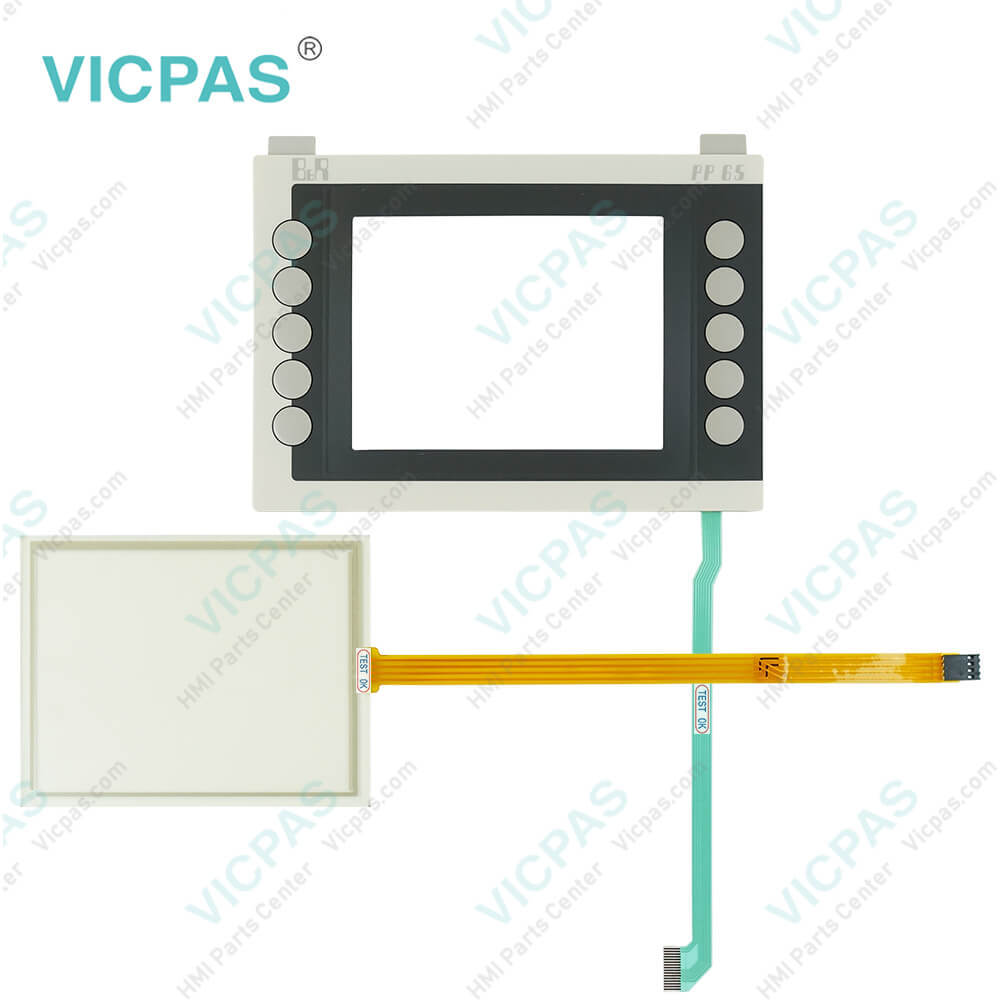
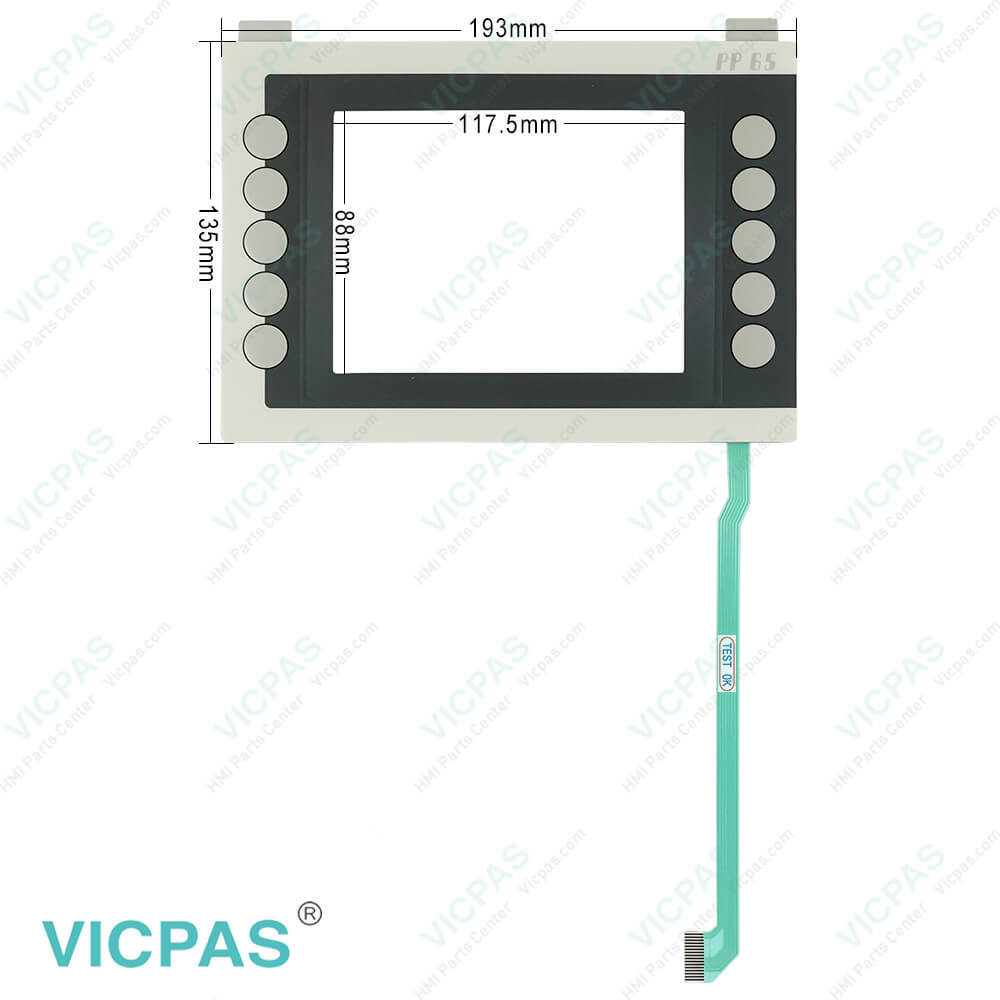
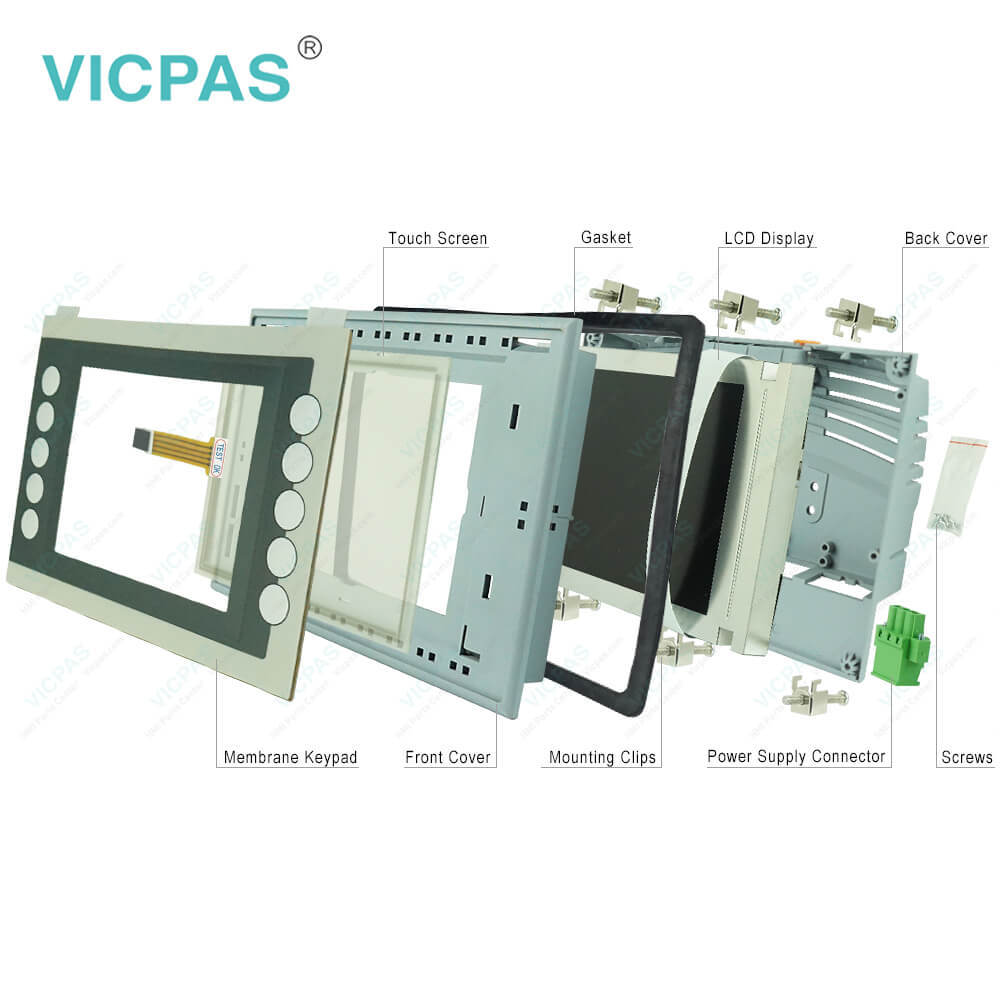
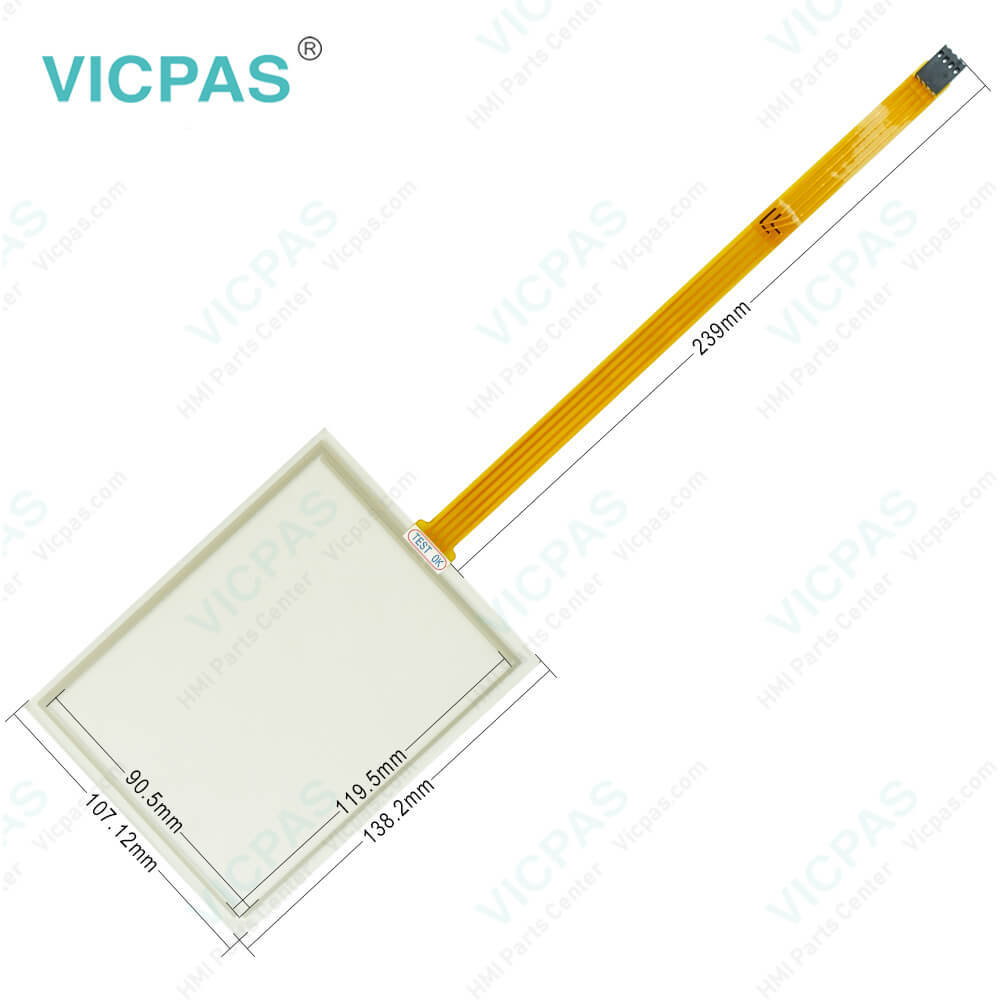
B&R 4PP065.0571-X74F Keyboard Membrane Touch Panel Repair
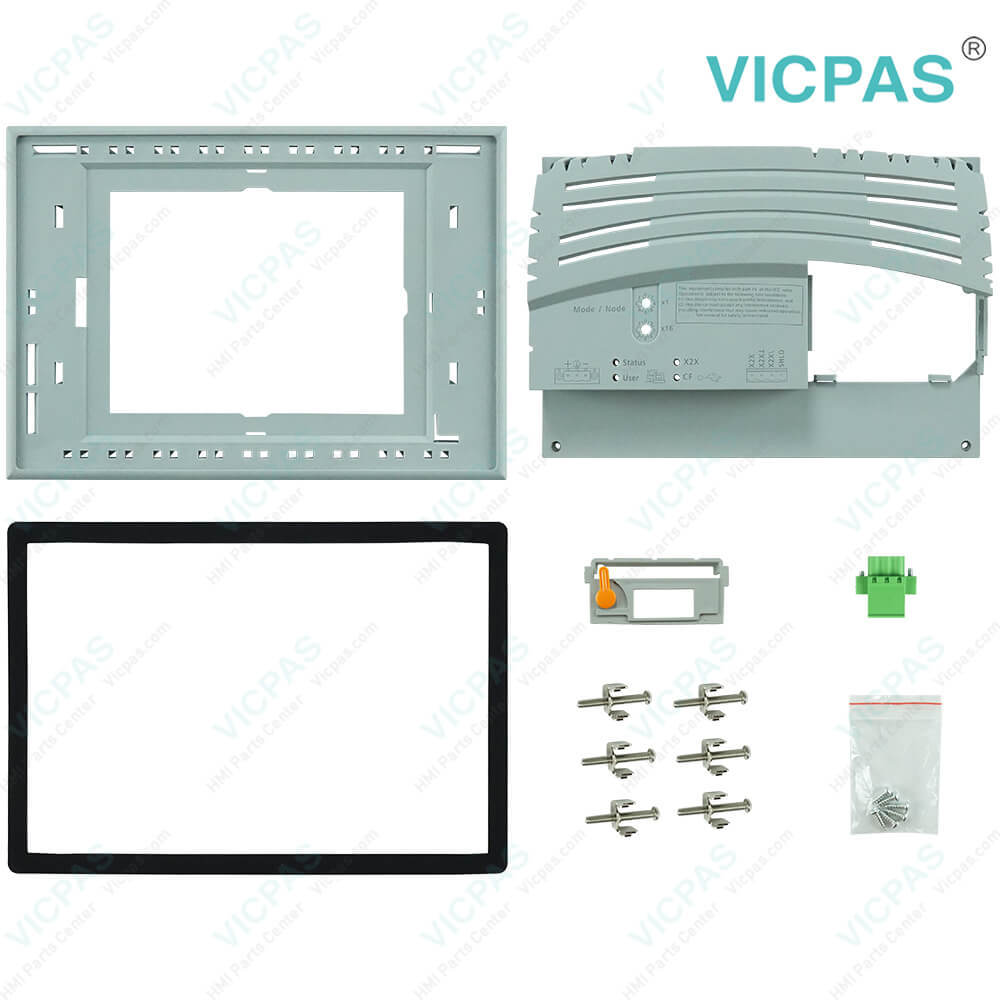
| categories | Power Panel PP65 |
|---|---|
| Brand | B&R |
| Model | B&R Power Panel 65 4PP065.0571-X74F |
| Warranty | 1 Year VICPAS Warranty |
| Shipping | DHL/FedEx/UPS/TNT/EMS/Aramex /DPEX |
| FOB port | Guangzhou, Shenzhen, Hongkong |
| Terms of Payment | Western Union, T/T, PayPal, Credit Card |
| Update Time | 2026-02-09 17:35:36 |
Shipping
Specifications:
| Part Number : | 4PP065.0571-X74F |
| Product Line: | Power Panel 65 |
| Screen diagonal: | 5.7 in |
| Warranty: | 365 days Warranty |
| Input Power: | 24 VDC |
| Display Type: | TFT color |
| Mounting position: | vertical |
| Input Type: | Touchscreen/Keypad |
| Storage: | -20 to 70°C |
| Environment: | Free From Corrosive Gases |
B&R 4PP065.0571-X74F Keyboard Membrane Touch Panel Repair PDF Download:
FAQ:
Question: What is the procedure for replacing the B&R Power Panel 65 4PP065.0571-X74F battery?
Answer: • Disconnect the power supply to the Power Panel.• Touch the housing or ground connection in order to discharge any electrostatic charge from your body.• Remove the battery cover from the top of the Power Panel device using a screwdriver (1).• Carefully remove the used battery from its fitting by pulling the removal strip (2).• In order to prevent a short circuit, do not touch the new battery with pliers or uninsulated tweezers. The battery should not be held by its edges.• Insert the new battery with the correct polarity. To make the next battery change easier, be sure the removal strip is in place when inserting the battery.• Replace the battery cover.• Reconnect the power supply to the Power Panel.• Reset the date and time (using B&R Automation Studio).
Question: How to clean B&R Power Panel 4PP065.0571-X74F devices?
Answer: Power Panel devices should be cleaned with a moist cloth. The cloth should be moistened with water and detergent, a screen cleaning agent or alcohol (ethanol). The cleaning agent should be applied to the cloth beforehand, not sprayed directly on the Power Panel! Never use aggressive solvents, chemicals, scouring agents, pressurized air or steam-jet air ejectors.
Question: What is the 4PP065.0571-X74F B&R PP65 Housing Membrane Keyboard LCD Display Touch Panel price?
Answer: Submit a fast quote, send Kernfix an email for best price.
Common misspellings:
4PPO65.0571-X74F
4PPo65.0571-X74F
4PP065.057l-X74F
4PP065.0571-74F
4PP065.0371--X74F
- Mobile Phone
- *Title
- *Content
 Fast Quote
 Fast Quote
 Worldwide Shipping
 12 Months Warranty
 Customize Service