




5MP050.0653-K04 Touch Screen Terminal Keypad Replacement
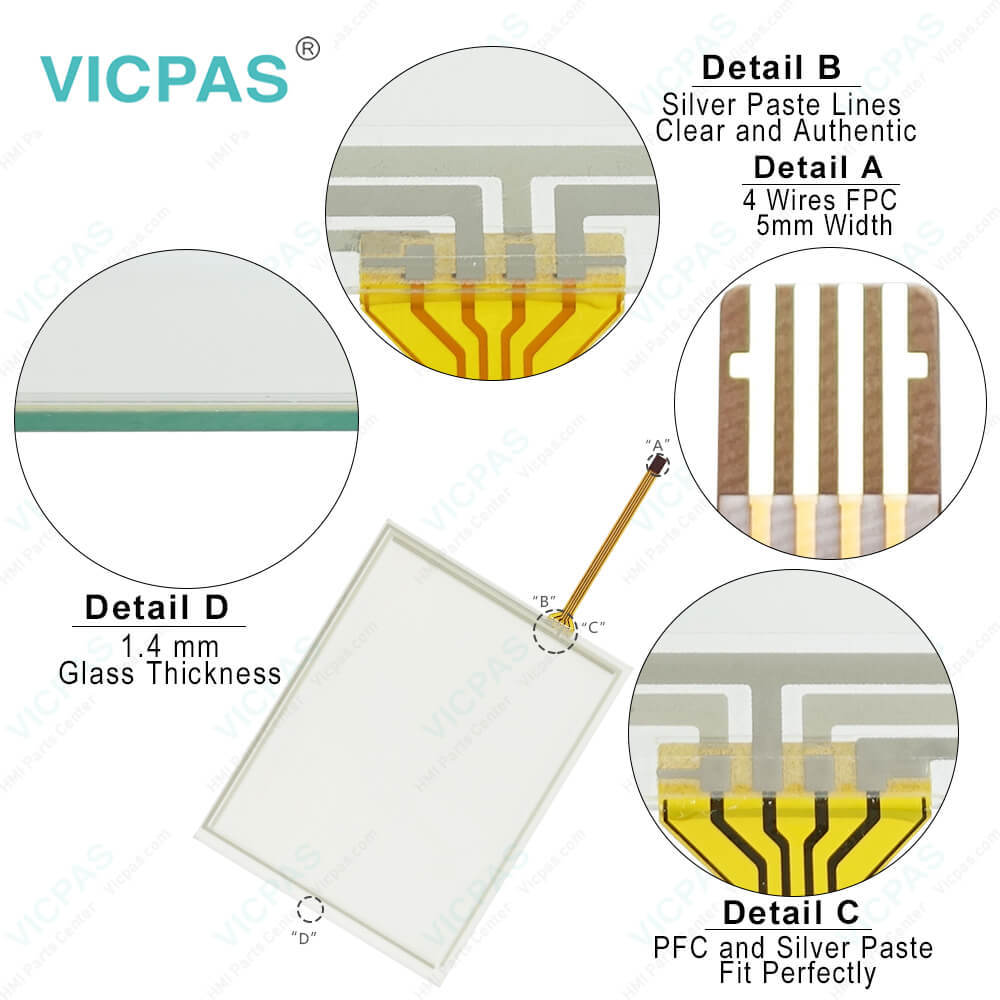
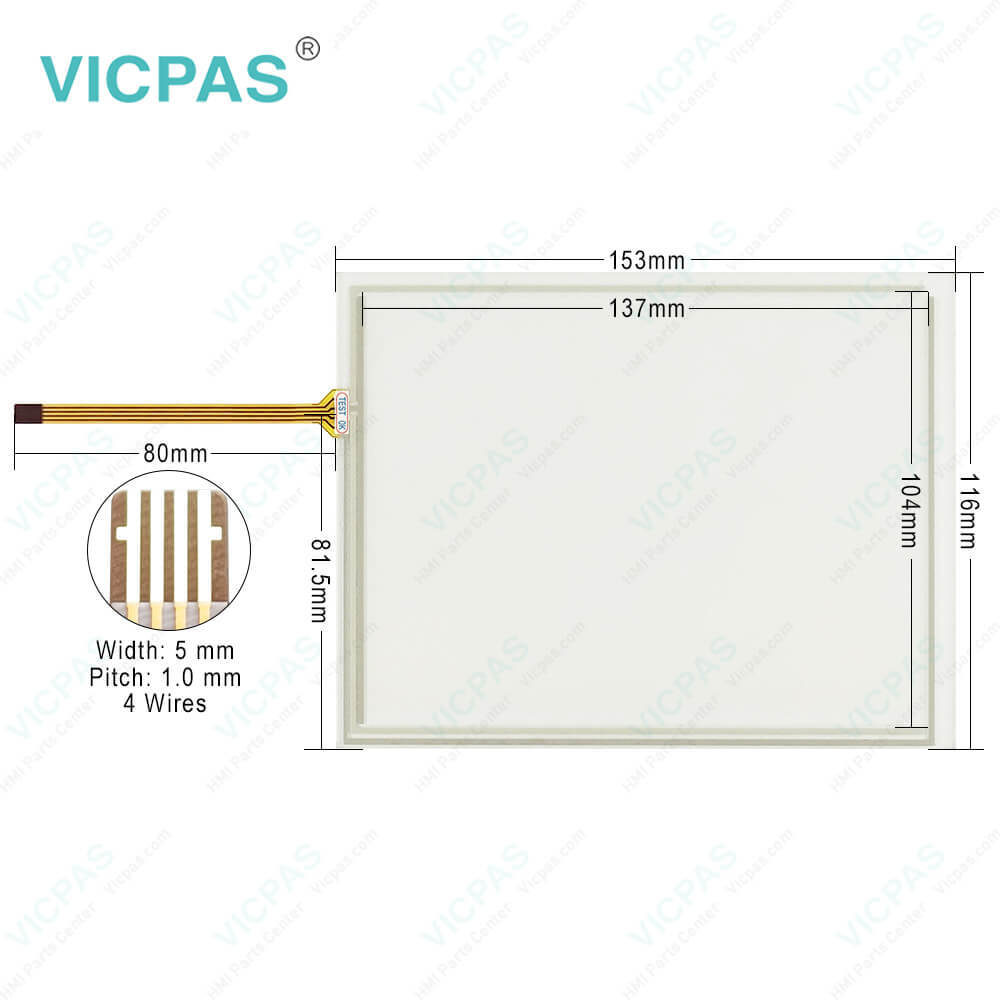
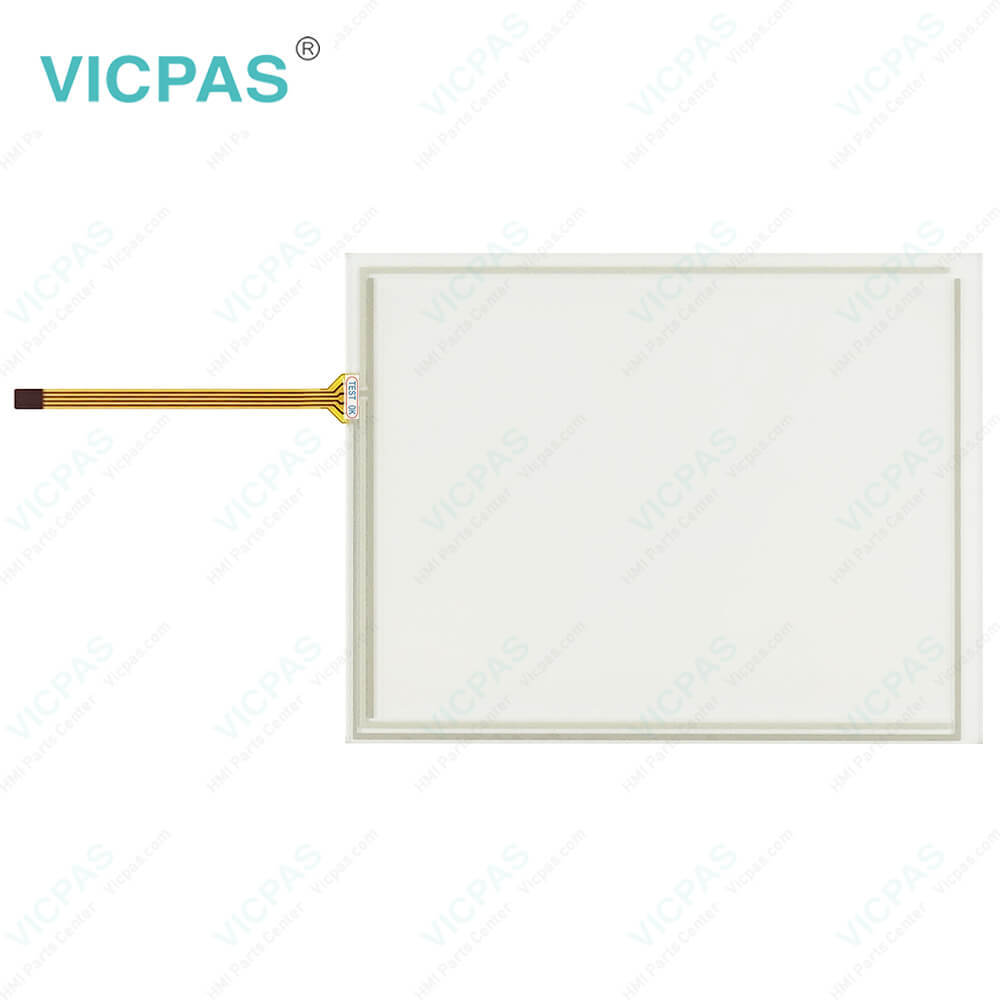
| categories | Mobile Panel |
|---|---|
| Brand | B&R |
| Model | B&R Mobile Panel 50 5MP050.0653-K04 |
| Warranty | 1 Year VICPAS Warranty |
| Shipping | DHL/FedEx/UPS/TNT/EMS/Aramex /DPEX |
| Terms of Payment | Western Union, T/T, PayPal, T/T ,Credit Card, Western Union |
| Update Time | 2026-01-30 23:47:30 |
Shipping
Specifications:
| Part Number : | 5MP050.0653-K04 |
| Product Line: | Mobile Panel 50 |
| Screen diagonal: | 6.5 in |
| Warranty: | 365 days Warranty |
| Input Power: | 24 VDC |
| Display Type: | TFT color |
| Mounting position: | vertical |
| Input Type: | Keypad |
| Serial interface Type: | RS232 |
| Storage: | -20 to 60°C |
Related BB Teach Pendant Part No.:
| B&R Mobile Panel 50 5MP050.0653-K04 | Description | Inventory status |
| 5MP050.0653-01 | B&R Mobile Panel 50 Touch Screen Panel Glass Operator Keyboard | In Stock |
| 5MP050.0653-02 | Mobile Panel 50 Touch Panel Glass Keyboard Membrane Replacement | Available Now |
| 5MP050.0653-03 | B&R Mobile Panel 50 Touch Screen Panel Switch Membrane Repair | In Stock |
| 5MP050.0653-04 | B and R Mobile Panel 50 Touch Digitizer Membrane Switch Replacement | Available Now |
| 5MP050.0653-K01 | Mobile Panel 50 HMI Touch Screen Organizer Switch Membrane | Available Now |
| 5MP050.0653-K03 | Mobile Panel 50 Touch Panel Membrane Switch Keypad Repair | In Stock |
| 5MP050.0653-K04 | Mobile Panel 50 HMI Touch Screen Monitor Keypad Membrane | Available Now |
| 5MP050.0653-K05 REV.E0 | Mobile Panel 50 HMI Touch Glass Membrane Keypad Overlay | In Stock |
5MP050.0653-K04 Touch Screen Terminal Keypad Replacement PDF Download:
FAQ:
Question: How to upgrade B&R Mobile Panel 50 5MP050.0653-K04 MTCX Firmware (MTCX FPGA, MTCX PX32)?
Answer: A current MTCX Firmware (MTCX FPGA and MTCX PX32) upgrade can be downloaded directly from the service portal on the B&R homepage (www.br-automation.com). To carry out a firmware upgrade, the following steps should be taken: • Create bootable media. • Copy the contents of the *.zip file to the bootable media. If the B&R upgrade was already added when the bootable media was created using the B&R Embedded OS Installer, then this step is not necessary. • Connect the bootable media to the Power Panel and reboot the device. • A boot menu with the following options is displayed after booting:Concerning item 1: The MTCX Firmware FPGA and PX32 is automatically updated (default after 5 sec).Concerning item 2: Returns to the shell (MS-DOS). • Select the desired action. • Remove the bootable media and reboot the device (only after a successful update!).
Question: How can Mobile Panel 50 5MP050.0653-K04 B&R image persistence be reduced?
Answer: • Switch continuously between static and dynamic images. • Prevent excessive differences in brightness between foreground and background elements. • Use colors with similar brightness. • Use complementary colors for subsequent images. • Use screensavers.
Common misspellings:
5MP050.0653-04
5MP050.063-K04
5MP0500.653-K04
5MP050.0b53-K04
5MP050.0653-K004

- Mobile Phone
- *Title
- *Content
 Fast Quote
 Fast Quote
 Worldwide Shipping
 12 Months Warranty
 Customize Service