




B&R 5MP7151.101E-000 Keypad Membrane Repair
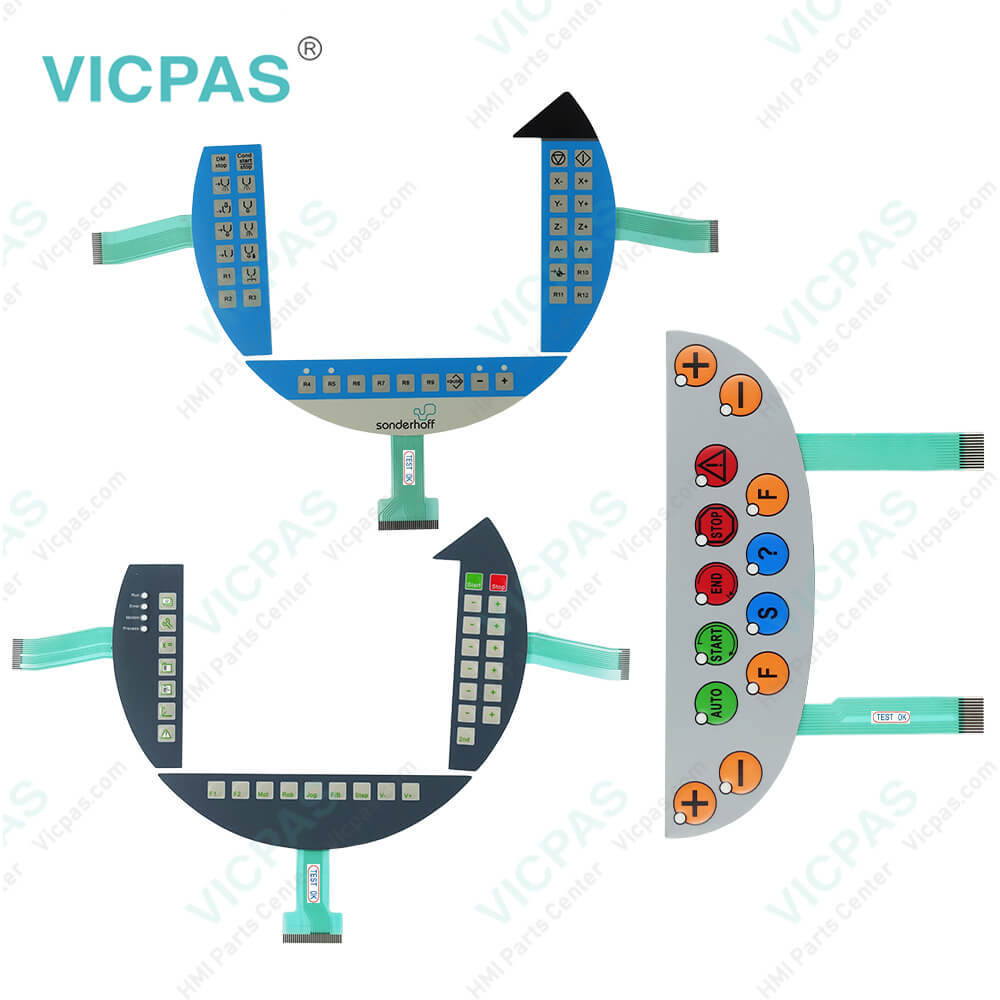
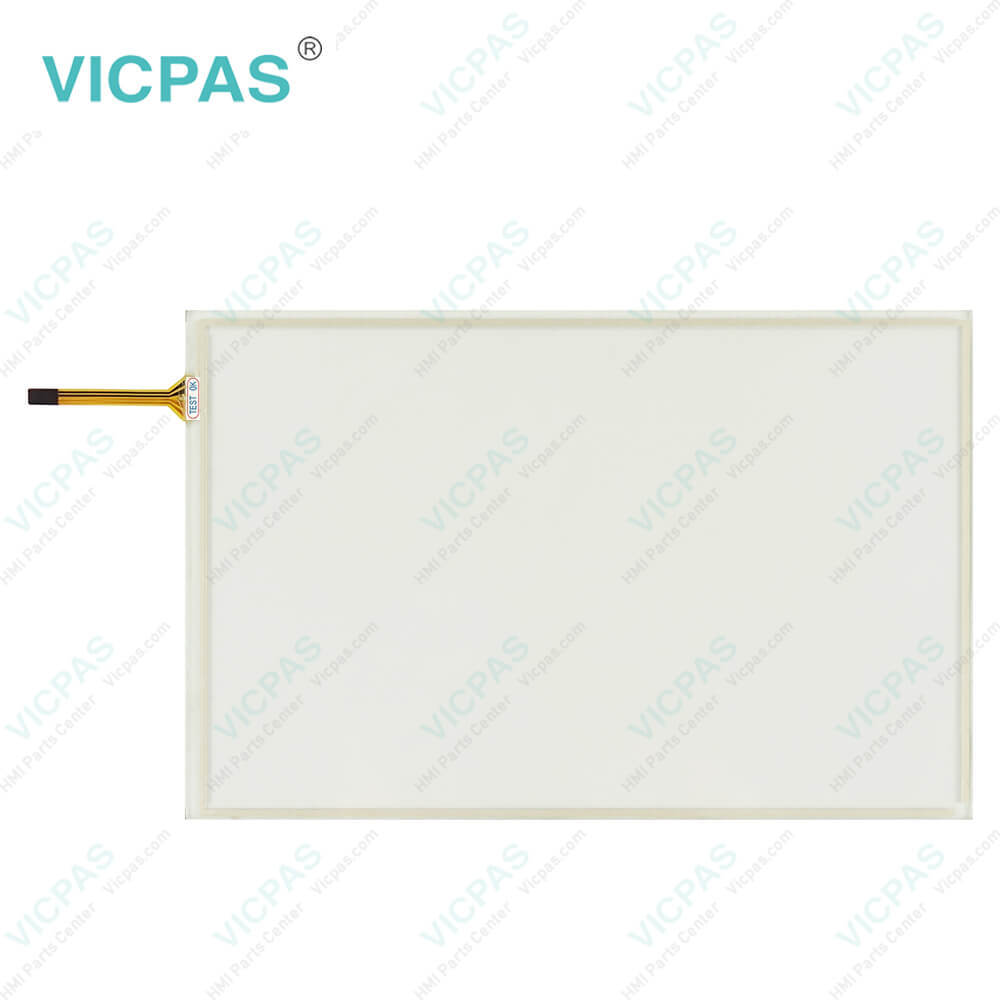
| categories | Mobile Panel |
|---|---|
| Brand | B&R |
| Model | B&R Mobile Panel 7100 5MP7151.101E-000 |
| Warranty | 1 Year VICPAS Warranty |
| Shipping | DHL/FedEx/UPS/TNT/EMS/Aramex /DPEX |
| FOB port | Guangzhou, Shenzhen, Hongkong |
| Terms of Payment | Western Union, T/T, PayPal, Credit Card |
| Update Time | 2026-01-30 23:49:23 |
Shipping
Specifications:
| Part Number : | 5MP7151.101E-000 |
| Product Line: | Mobile Panel 7100 |
| Screen diagonal: | 10.1 in |
| Warranty: | 365 days Warranty |
| Input Power: | 24 VDC |
| Display Type: | TFT color |
| Mounting position: | vertical |
| Input Type: | Keypad |
| Serial interface Type: | RS232 |
| Storage: | -20 to 70°C |
Related BB Teach Pendant Part No.:
| B&R Mobile Panel 7100 5MP7151.101E-000 | Description | Inventory status |
| 5MP7120.034F-000 | B&R Mobile Panel 7100 Operator Keyboard HMI Panel Glass | In Stock |
| 5MP7121.034F-000 | Mobile Panel 7100 Keyboard Membrane Touch Screen Monitor Repair | Available Now |
| 5MP7140.070N-000 | B&R Mobile Panel 7100 MMI Touch Screen Switch Membrane Replacement | In Stock |
| 5MP7150.101E-000 | Mobile Panel 7100 B and R HMI Terminal Keypad Touch Digitizer | Available Now |
| 5MP7151.101E-000 | Mobile Panel 7100 Touch Screen Keyboard Membrane Repair | In Stock |
| 5MP7151.101E-001 | B&R Mobile Panel 7100 Touch Panel Membrane Keypad Keyboard | In Stock |
B&R 5MP7151.101E-000 Keypad Membrane Repair PDF Download:
FAQ:
Question: How to creating a B&R Mobile Panel 7100 DOS boot diskette in 5MP7151.101E-000 Windows XP?
Answer: • Place an empty 1.44 MB HD diskette in the disk drive. • Open Windows Explorer. • Right-click on the 3?" floppy icon and select "Format...". • Then select the checkbox "Create an MS-DOS startup disk", press "Start" and acknowledge the warning message with "OK".After creating the startup disk, some of the files must be deleted because of the size of the update. When doing this, all files (hidden, system files, etc.) must be shown on the diskette. In Explorer, go to the Tools menu, select Folder Options... and open the View tab. Now deactivate the option Hide protected operating system files (Recommended) (activated by default) and activate the option Show hidden files and folders. Now all files (marked) except Command.com, IO.sys and MSDOS.sys can be deleted.
Question: How can the Mobile Panel 7100 5MP7151.101E-000 service life of backlights be extended?
Answer: • Set the display brightness to the lowest value comfortable for the eyes.• Use dark images.• Reducing the brightness by 50% can increase the half-brightness time by approximately 50%.
Common misspellings:
5M7151.101E-000
5MP7151.101-000
5MP715l.101E-000
5MP7151.1O1E-000
5MP7151.1010E-000

- Mobile Phone
- *Title
- *Content
 Fast Quote
 Fast Quote
 Worldwide Shipping
 12 Months Warranty
 Customize Service