




ETOP512U2P1 Protective Film HMI Touch Panel Repair
| categories | UniOP 500 Series |
|---|---|
| Brand | UNIOP |
| Model | ETOP512U2P1 |
| Warranty | 365 Days |
| Product Line | UniOP eTOP512 series |
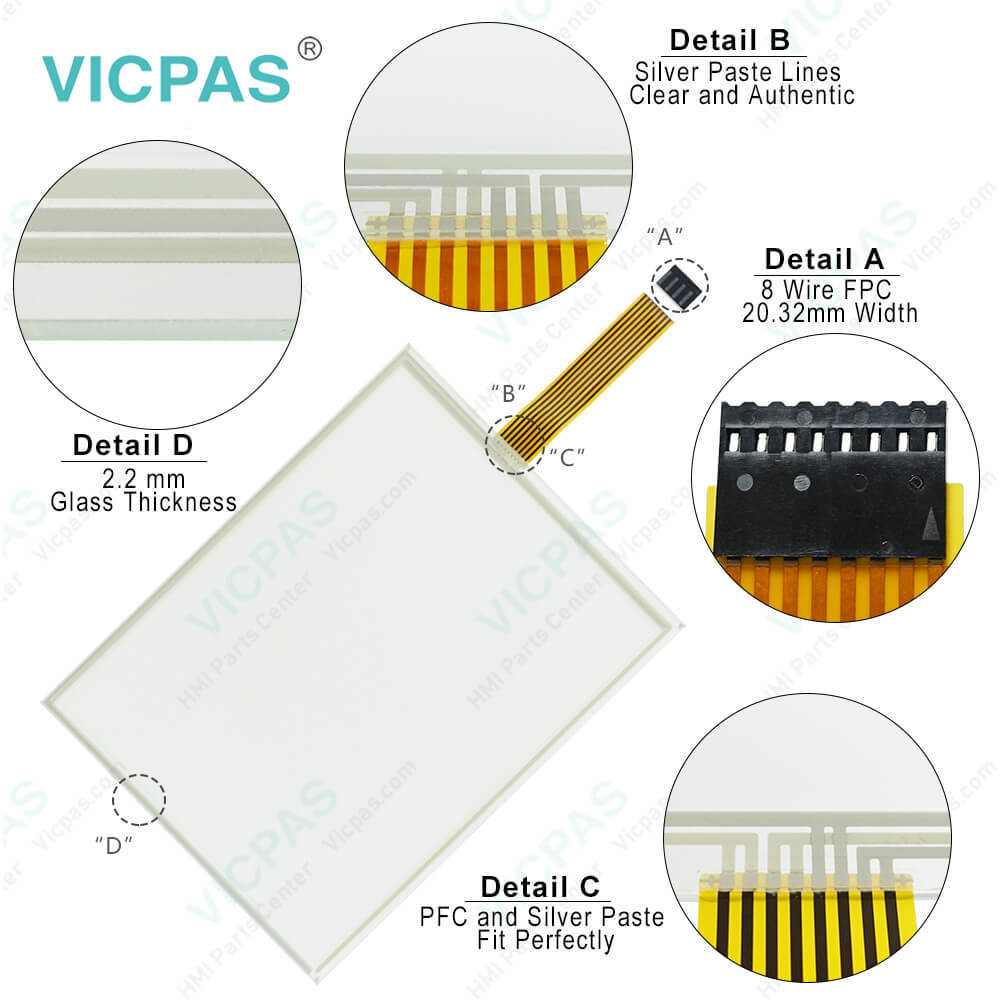
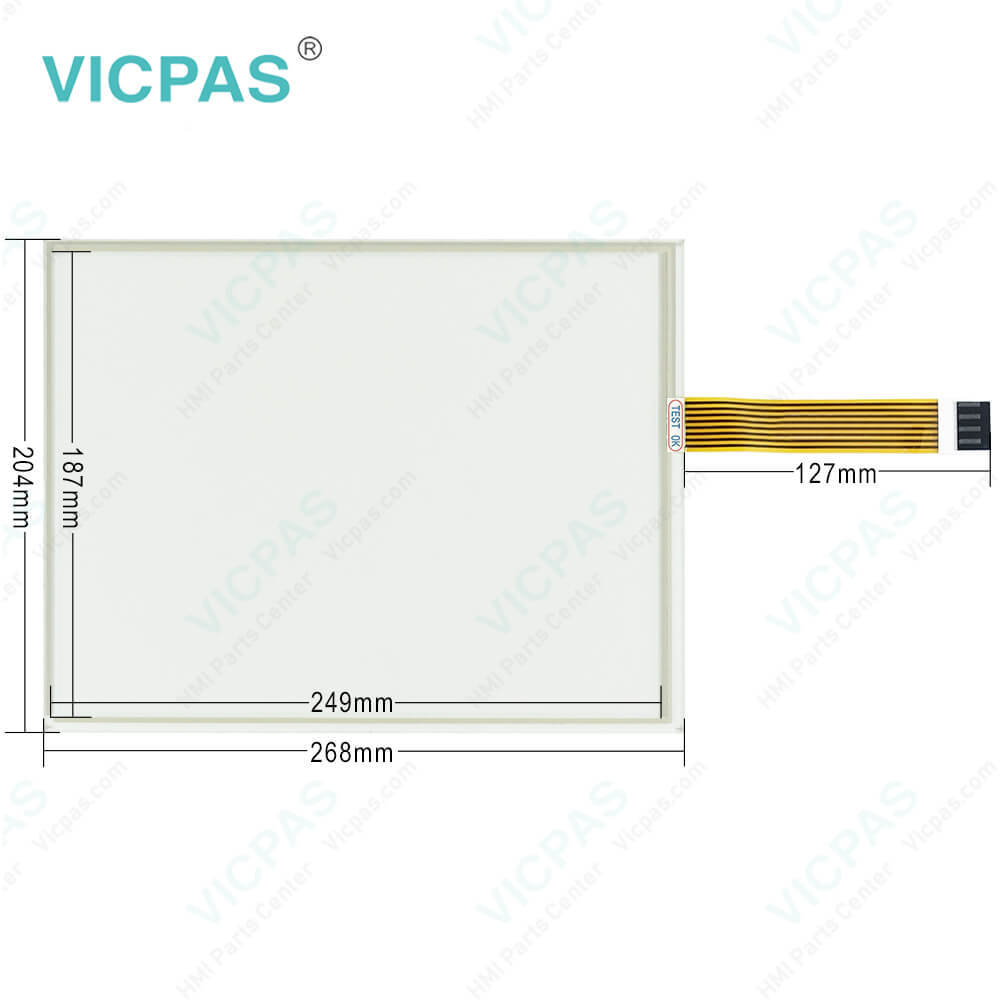
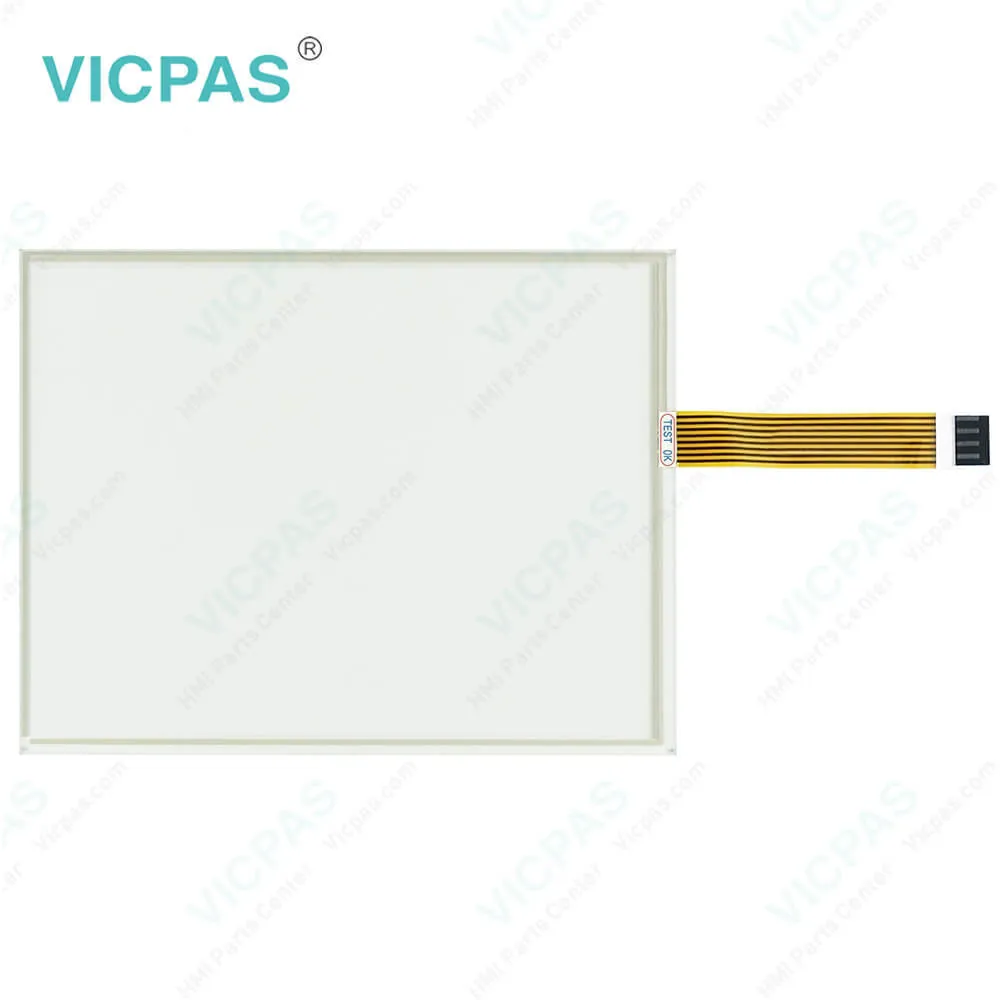
| Supply | ETOP512U2P1 Front Overlay HMI Touch Glass |
| FOB port | Guangzhou, Shenzhen, Hongkong |
| Terms of Payment | Western Union, MoneyGram, T/T, Paypal, PayPal, Credit Card |
| Update Time | 2026-01-31 01:31:40 |
Leading Time{{selectedConditionObj.leading}}
{{item.value}}
{{nameObj.name}}{{nameObj.selectedValue}}
{{valueObj.name}}
Shipping
Detail Information
Specifications:
| Part Number : | ETOP512U2P1 |
| Display Type: | TFT LCD |
| Resolution: | 800x600 pixel |
| Backlight: | LED |
| Warranty: | 365 Days |
| Input Power: | 24VDC (+10%, -15%) |
| Operating Temperature: | 0 to 50 °C |
| Display Size: | 12.1 in |
| Touch Screen: | Resistive |
| Product Line: | UniOP eTOP512 series |
Related BB Teach Pendant Part No.:
| ETOP512U2P1 | Description | Inventory status |
| ETOP510U1P1 | UniOP eTOP Touch Screen Monitor Overlay Repair | In Stock |
| ETOP510U2P1 | Touch Screen Protective Film UniOP eTOP eTOP510 | Available Now |
| ETOP510U3P1 | UniOP eTOP510 Touch Screen Glass Front Overlay | In Stock |
| ETOP512U1P1 | UniOP eTOP512 Touch Panel Protective Film | In Stock |
| ETOP512U2P1 | UniOP eTOP512 Touch Screen Overlay Replacement | In Stock |
| ETOP512U3P1 | HMI Panel Glass Front Overlay eTOP512 Repair | Available Now |
| ETOP513U1P1 | UniOP eTOP513 Front Overlay Touch Panel Glass | In Stock |
| ETOP513U2P1 | UniOP eTOP Touch Screen Protective Film Repair | Available Now |
| ETOP513U3P1 | UniOP eTOP513 Touch Digitizer Protective Film | In Stock |
| ETOP515U1P1 | HMI Panel Glass Overlay eTOP eTOP515 Repair | Available Now |
| ETOP515U2P1 | UniOP eTOP515 HMI Panel Glass Front Overlay | In Stock |
| ETOP515U3P1 | UniOP eTOP515 Touch Screen Panel Protective Film | In Stock |
ETOP512U2P1 Protective Film HMI Touch Panel Repair PDF Download:
FAQ:
Question: What are the ETOP512U2P1 Touch Panel Protective Film HMI installation procedures?
Answer: Place the four fixing brackets on the longer side near the corners, as shown in figure . Screw each fixing screw until the plastic or aluminium bezel corner get in contact with the panel.
Question: How to cleaning ETOP512U2P1 IHM faceplates?
Answer: The equipment must be cleaned only with a soft cloth and neutral soap product. Do not use solvents.
Common misspellings:
ETOP512UP1
ETP512U2P1
ETOP5122UP1
ETOP5l2U2P1
ETOP5112U2P1

Please send your message to us
- Mobile Phone
- *Title
- *Content
 Fast Quote
 Fast Quote
 Worldwide Shipping
 12 Months Warranty
 Customize Service