




FUJI UG330H-VS4 Touch Screen Panel Plastic Case Cover
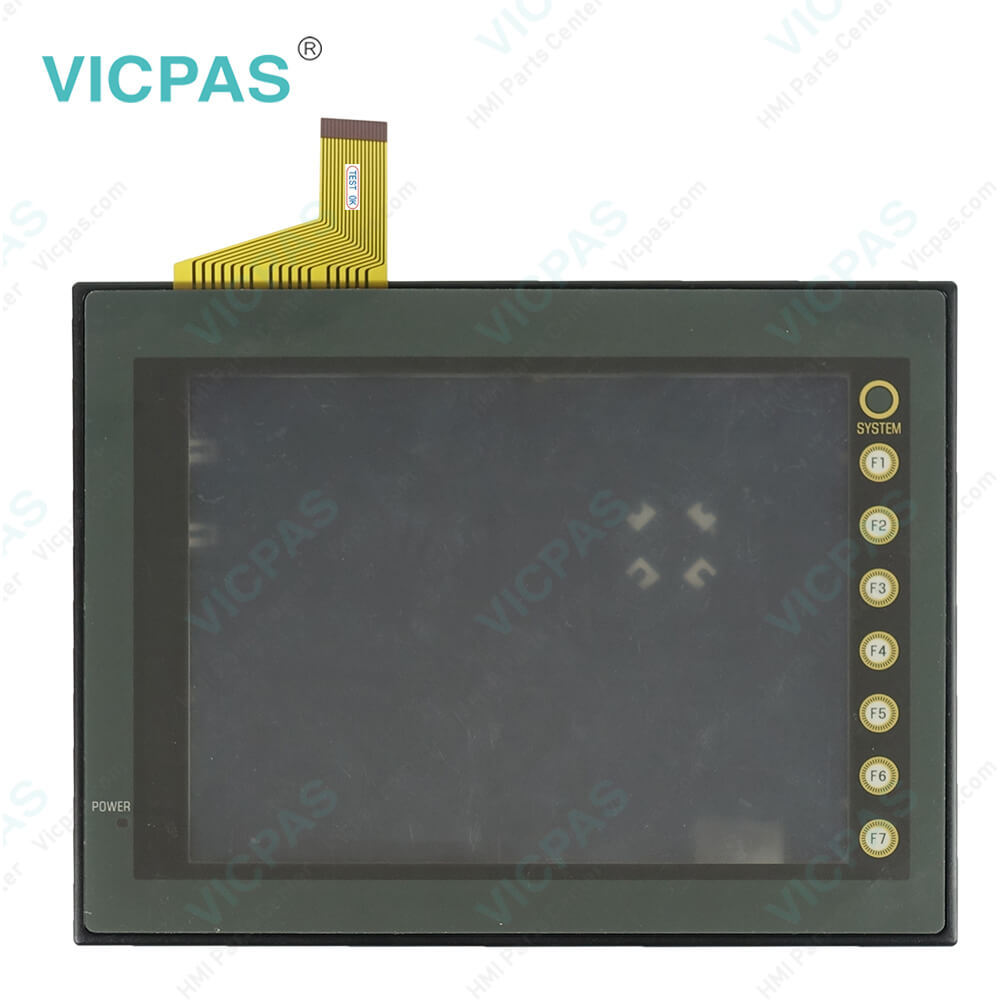
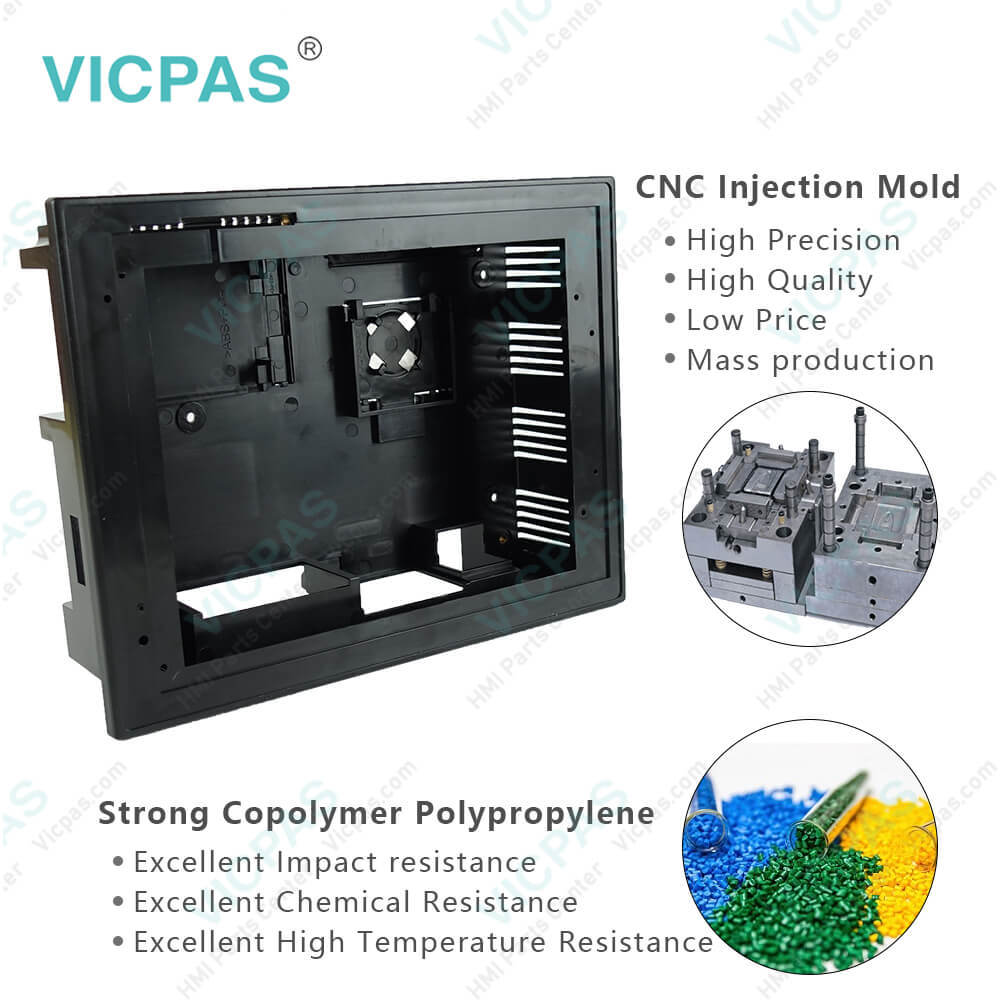
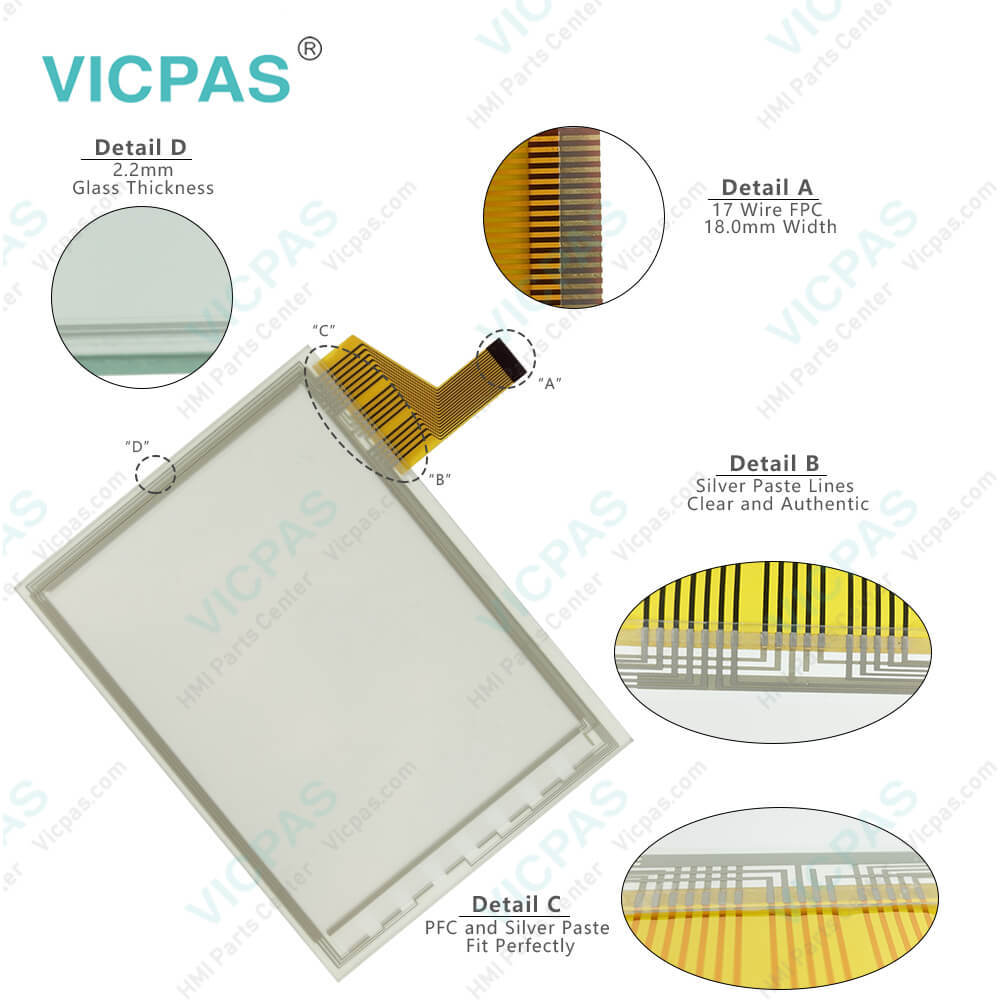
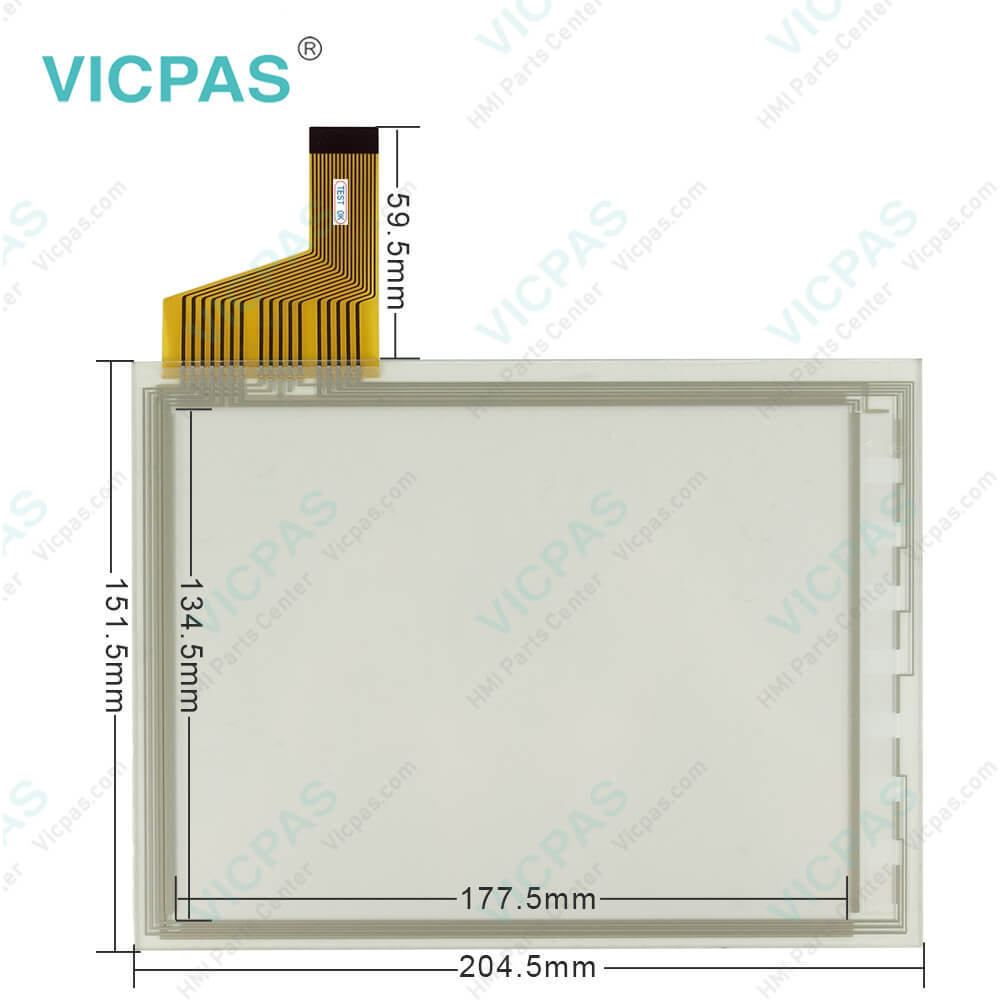
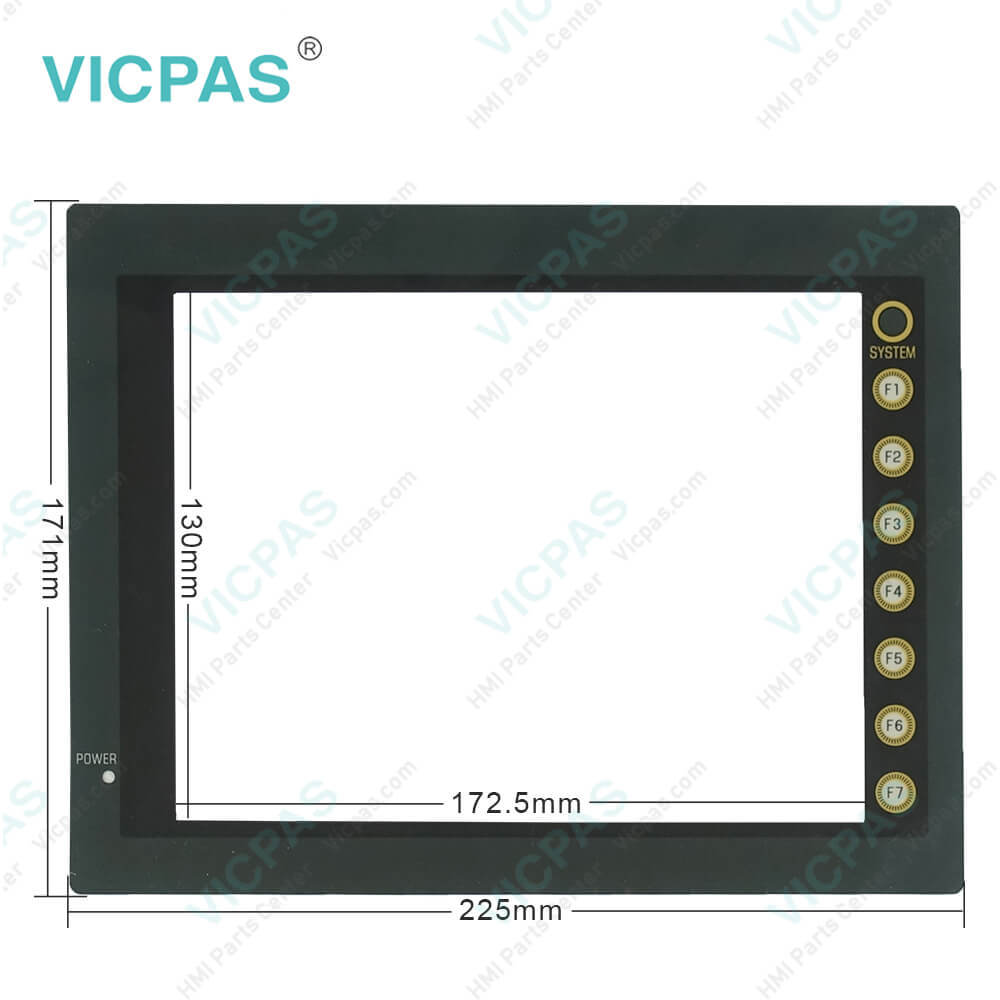
| categories | FUJI UG Series |
|---|---|
| Brand | FUJI |
| Model | UG330H-VS4 |
| Warranty | 365 Days |
| Product Line | UG Series |
| Supply | UG330H-VS4 Touch Screen Glass Repair |
| Parts | Touchscreen Panel Protective Film Plastic Case |
| Terms of Payment | Western Union, MoneyGram, T/T, Paypal, PayPal, Credit Card |
| Update Time | 2026-01-31 01:41:13 |
Leading Time{{selectedConditionObj.leading}}
{{item.value}}
{{nameObj.name}}{{nameObj.selectedValue}}
{{valueObj.name}}
Shipping
Detail Information
Specifications:
| Part Number : | UG330H-VS4 |
| Display Size: | 8 inches |
| Display Color: | Amber |
| Warranty: | 365 days Warranty |
| Product Line: | UG Series |
| Input Type: | Touchscreen Glass |
| Inrush Current: | 25A, 0.7ms |
| Communication: | ControlNet |
| Average Backlight Life: | Approx. 40,000h |
Related BB Teach Pendant Part No.:
| UG330H-VS4 | Description | Inventory status |
| UG330H-VS4 | FUJI UG330H Touch Screen Panel Glass Overlay Plastic Case | In Stock |
| UG330H-VH4 | FUJI UG330H Touch Panel Glass Front Overlay Housing | Available Now |
| UG330H-SC4 | FUJI UG330H Touch Digitizer Protective Film Plastic Enclosure | In Stock |
| UG330H-SS4 | FUJI UG330H Touchscreen Protective Film Plastic Shell | In Stock |
FUJI UG330H-VS4 Touch Screen Panel Plastic Case Cover PDF Download:
FAQ:
Question: How to repalced FUJI UG330H-VS4 Pandl Battery?
Answer: 1. Replace the battery “UG30P-BT” within three minutes after the POD unit is turned off. If it is not possible to replace within three minutes, use the UG00S-CW editor (cable: UG00C-T) or a CF card and make a backup copy of data in the SRAM cassette.• When using the UG00S-CW editor:
Question: How to Transferring UG330H-VS4 Touch Screen Data?
Answer:
Question: What is the FUJI UG330H-VS4 Repair Kit price?
Answer: Submit a fast quote, send Kernfix an email for best price.
Common misspellings:
G330H-VS4U330H-VS4UG30H-VS4UG30H-VS4UG33H-VS4UG330-VS4UG330HVS4UG330H-S4

Please send your message to us
- Mobile Phone
- *Title
- *Content
 Fast Quote
 Fast Quote
 Worldwide Shipping
 12 Months Warranty
 Customize Service