




UG320H-SC4 UG320H-SC4ZE UG320H-SS4 UG320H-VS4 Touch Digitizer Film
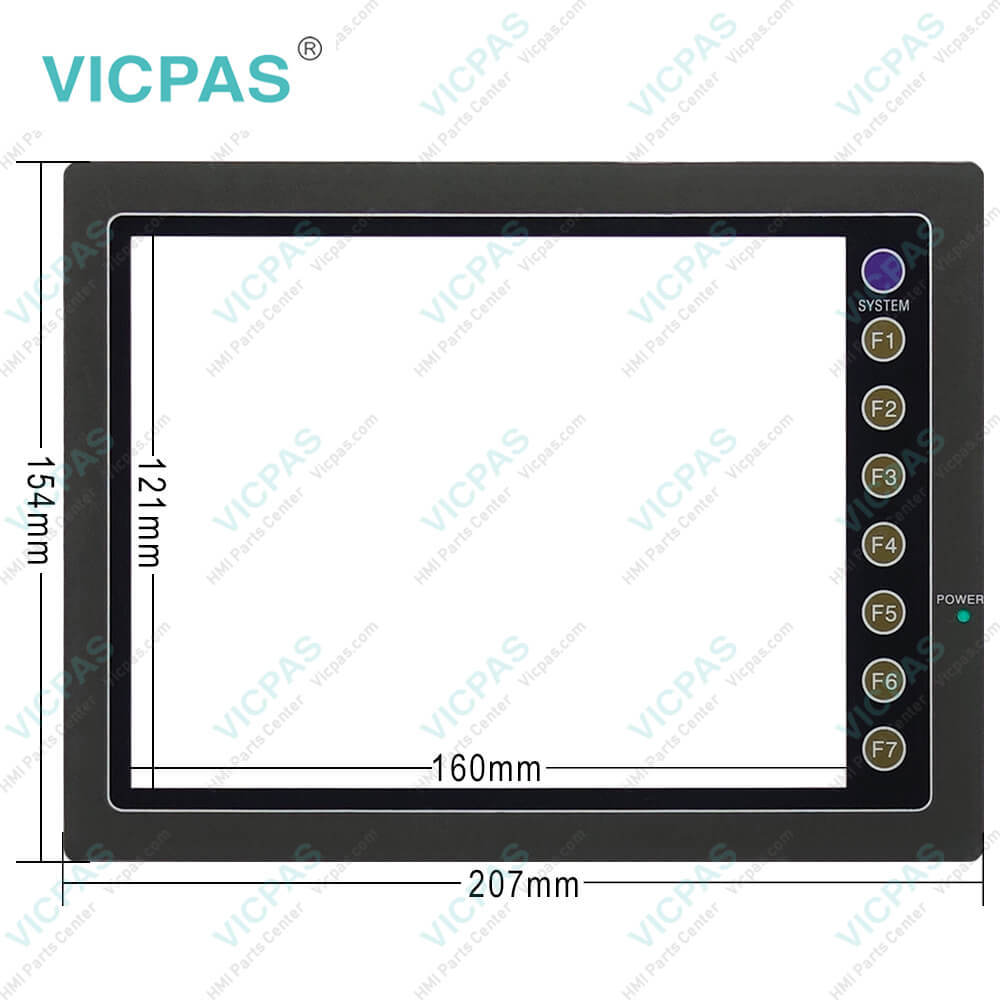
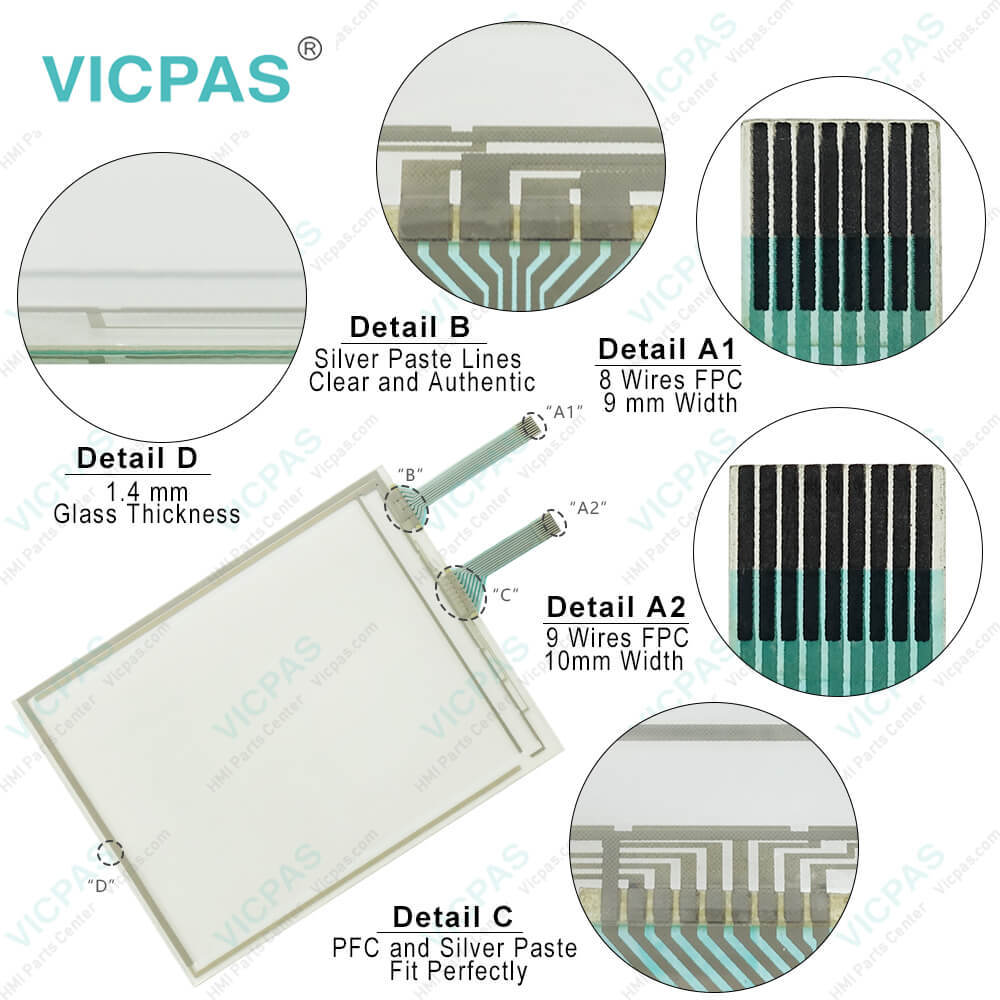
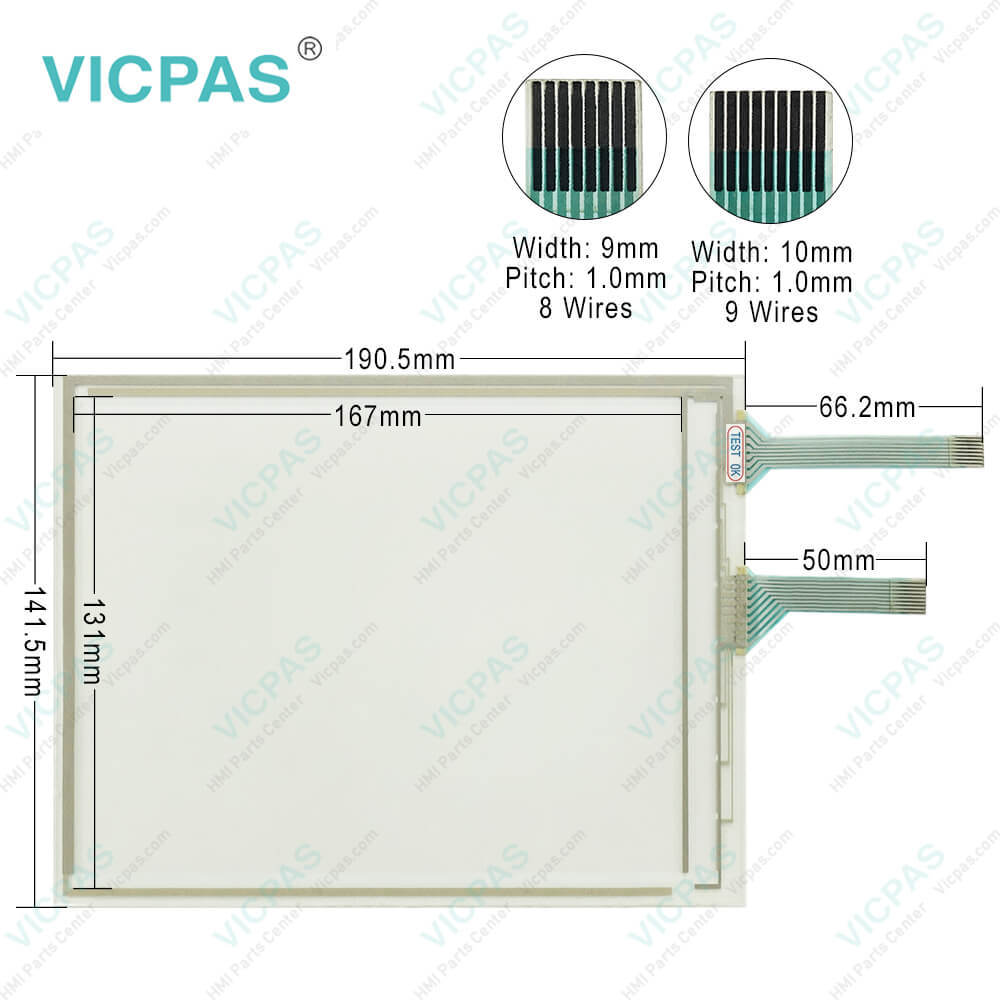
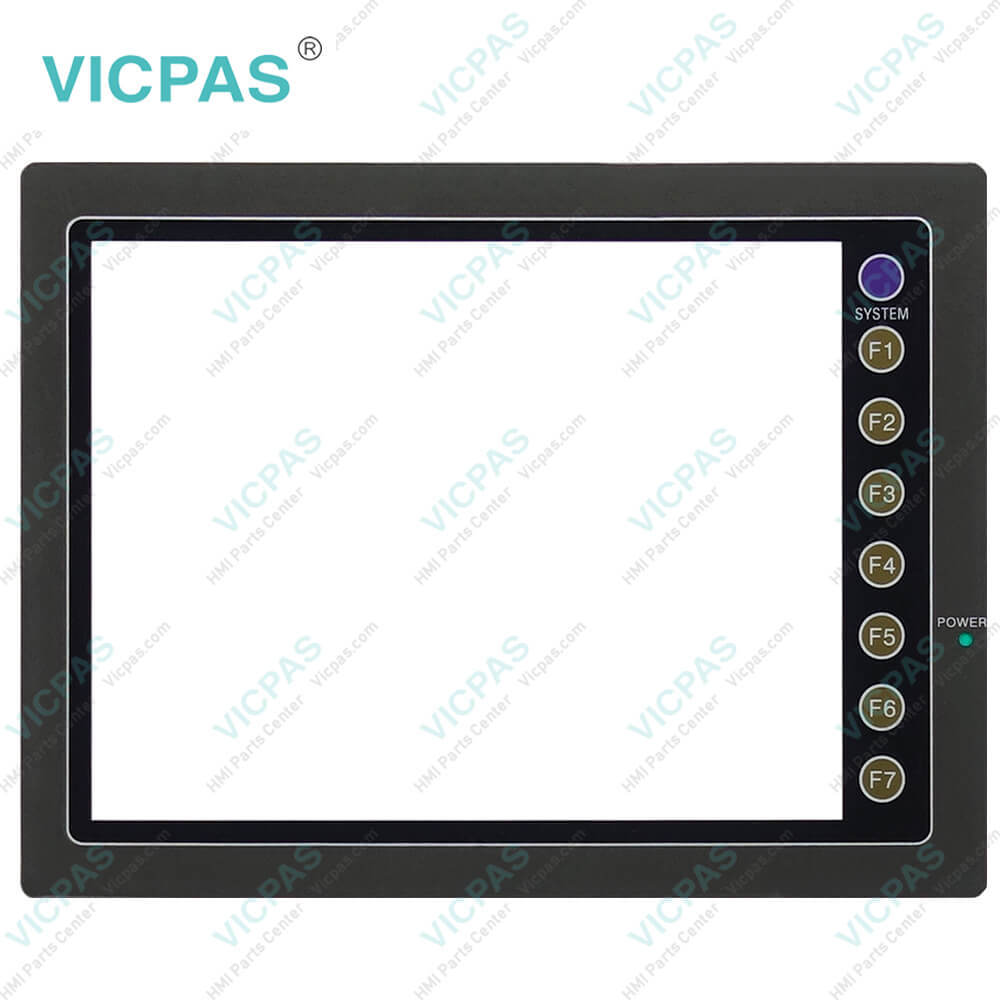
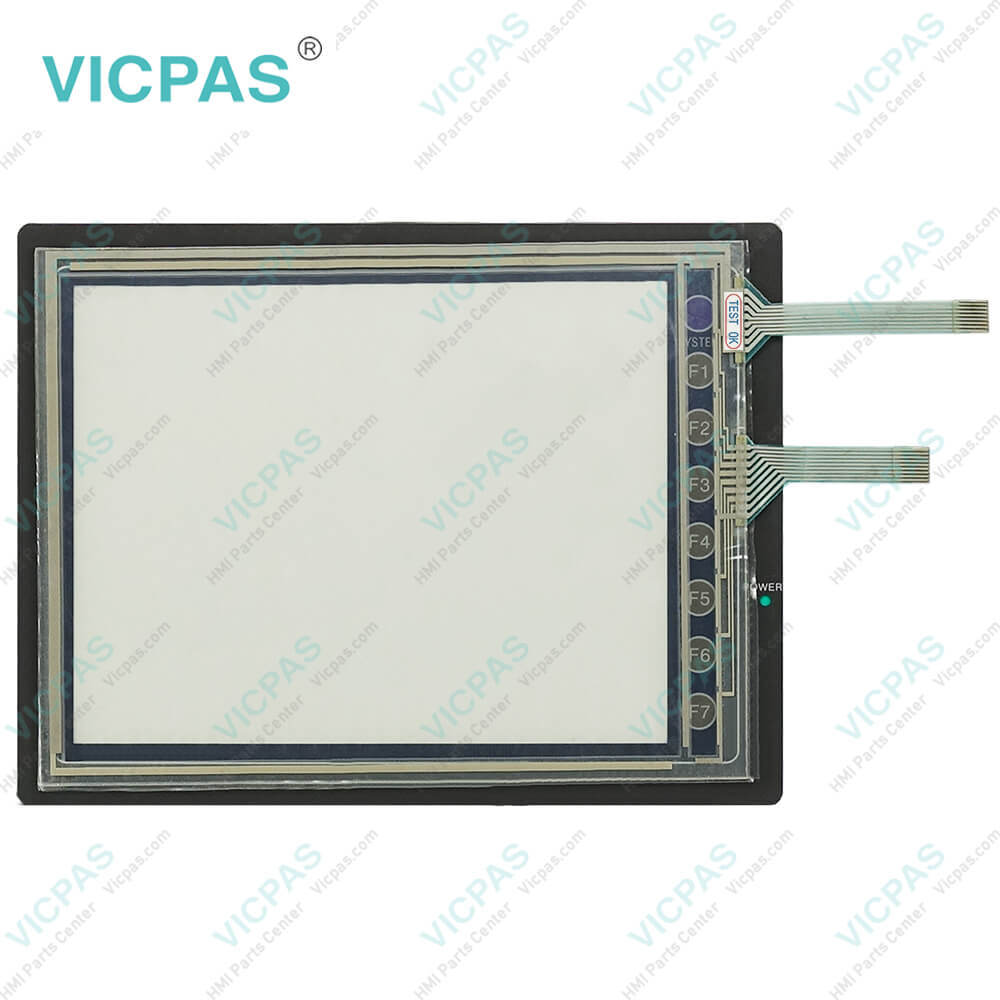
| categories | FUJI UG Series |
|---|---|
| Model | UG320H-SC4 UG320H-SC4ZE UG320H-SS4 UG320H-VS4 |
| Warranty | 365 Days |
| Product Line | Fuji Hakko UG20 Series |
| Shipping | 2-3 workdays |
| FOB port | Guangzhou, Shenzhen, Hongkong |
| Terms of Payment | Western Union, MoneyGram, T/T, Paypal, PayPal, Credit Card |
| Update Time | 2026-01-31 01:41:41 |
Shipping
Specifications:
| Cooling System: | Cooling naturally |
| Display Device: | STN color LCD |
| Display Resolution: | 640 x 480 Pixels |
| Product Line: | UG20 Series |
| Touch Switch: | Analog resistance film |
| Brand: | Fuji Hakko |
| Display Size: | 7.7 inch |
| Power Supply: | 24 VDC±10 % |
| Storage Temperature: | -10 °C ~ +60 °C |
| Warranty: | 365 Days |
Related BB Teach Pendant Part No.:
| UG320H-SC4 UG320H-SC4ZE UG320H-SS4 UG320H-VS4 | Description | Inventory status |
| UG320H-SC4 | Fuji Hakko UG20 Series Touch Screen Glass Protective Film Repair | Available Now |
| UG320H-SC4ZE | Fuji Electric UG20 Series Front Overlay Touch Screen Panel Repair | In Stock |
| UG320H-SS4 | Fuji Hakko UG20 Series HMI Protective Film Touch Panel Replacement | In Stock |
| UG320H-VS4 | Fuji Electric UG20 Series MMI Front Overlay Touch Glass Replacement | In Stock |
| UG420H-C4x2 | Fuji Electric UG20 Series Touch Digitizer Glass Front Overlay Repair | Available Now |
| UG420H-EC1D | Fuji Electric UG20 Series Front Overlay Touch Screen Monitor Repair | In Stock |
| UG420H-EC4D | Fuji Hakko UG20 Series HMI Panel Glass Protective Film Repair | Available Now |
| UG420H-SC1x | Fuji Electric UG20 Series Touch Digitizer Protective Film Replacement | In Stock |
| UG420H-SC1xD | Fuji Electric UG20 Series MMI Touch Membrane Front Overlay Repair | In Stock |
| UG420H-SC4 | Fuji Electric UG20 Series Protective Film HMI Touch Glass Repair | Available Now |
| UG420H-SC4MZE | Fuji Hakko UG20 Series Touch Screen Protective Film Replacement Repair | Available Now |
| UG420H-SC4MZU | Fuji Electric UG20 Series Front Overlay MMI Touch Screen Replacement | In Stock |
| UG420H-SC4x | Fuji Hakko UG20 Series Protective Film Touch Panel Replacement | In Stock |
| UG420H-SC4xD | Fuji Electric UG20 Series HMI Front Overlay Touchscreen Replacement | In Stock |
| UG420H-SC4ZE | Fuji Hakko UG20 Series Touch Screen Glass Protective Film Repair | Available Now |
| UG420H-SC4ZU | Fuji Electric UG20 Series Touch Digitizer Front Overlay Replacement | In Stock |
UG320H-SC4 UG320H-SC4ZE UG320H-SS4 UG320H-VS4 Touch Digitizer Film PDF Download:
FAQ:
Question: I want to learn more about the security and protection measures of Fuji UG20 Series UG320H-SC4 UG320H-SC4ZE UG320H-SS4 UG320H-VS4 Touchscreen Front Overlay HMI devices. What measures can protect the device from potential threats?
Answer: Fuji UG20 Series UG320H-SC4 UG320H-SC4ZE UG320H-SS4 UG320H-VS4 Protective Film Touch Panel HMI devices come with various security features and protection measures, such as access control, data encryption, and remote monitoring. You can also take additional measures such as regularly updating device software, setting strong passwords, and restricting network access to enhance device security.
Question: I'm experiencing network connectivity issues with my Fuji UG20 Series UG320H-SC4 UG320H-SC4ZE UG320H-SS4 UG320H-VS4 Front Overlay Touch Screen Monitor HMI device, unable to communicate with other devices. Any suggestions?
Answer: Network connectivity issues may arise from incorrect network settings, network failures, or device configuration problems. You can try reconfiguring network settings, checking if the network connection is functioning properly, and ensuring device configurations are correct. If the issue persists, please contact our technical support team for assistance.
Question: My Fuji UG20 Series HMI device UG320H-SC4 UG320H-SC4ZE UG320H-SS4 UG320H-VS4 won't power on, and the UG320H-SC4 UG320H-SC4ZE UG320H-SS4 UG320H-VS4 screen shows no response. What could be the reason?
Answer: The UG320H-SC4 UG320H-SC4ZE UG320H-SS4 UG320H-VS4 Touch Glass Protective Film device not powering on could be due to power issues, connection problems, or device malfunctions. You can try checking if the power supply is functioning properly and ensure the device is correctly connected. If the issue persists, please contact our technical support team for further diagnosis and resolution.
Common misspellings:
UG320H-SC4
UG320H-SC4ZE
UG320H-SS4
UG320H-VS
UG320H-S4
UG320H-VS4
UG320H-S4CZE
UG32oH-SC4ZE
UG320HH-SC4

- Mobile Phone
- *Title
- *Content
 Fast Quote
 Fast Quote
 Worldwide Shipping
 12 Months Warranty
 Customize Service