




UG520H-VC1 UG520H-VC1M UG520H-VC1MZU UG520H-VC1ZU Touchscreen Front Overlay
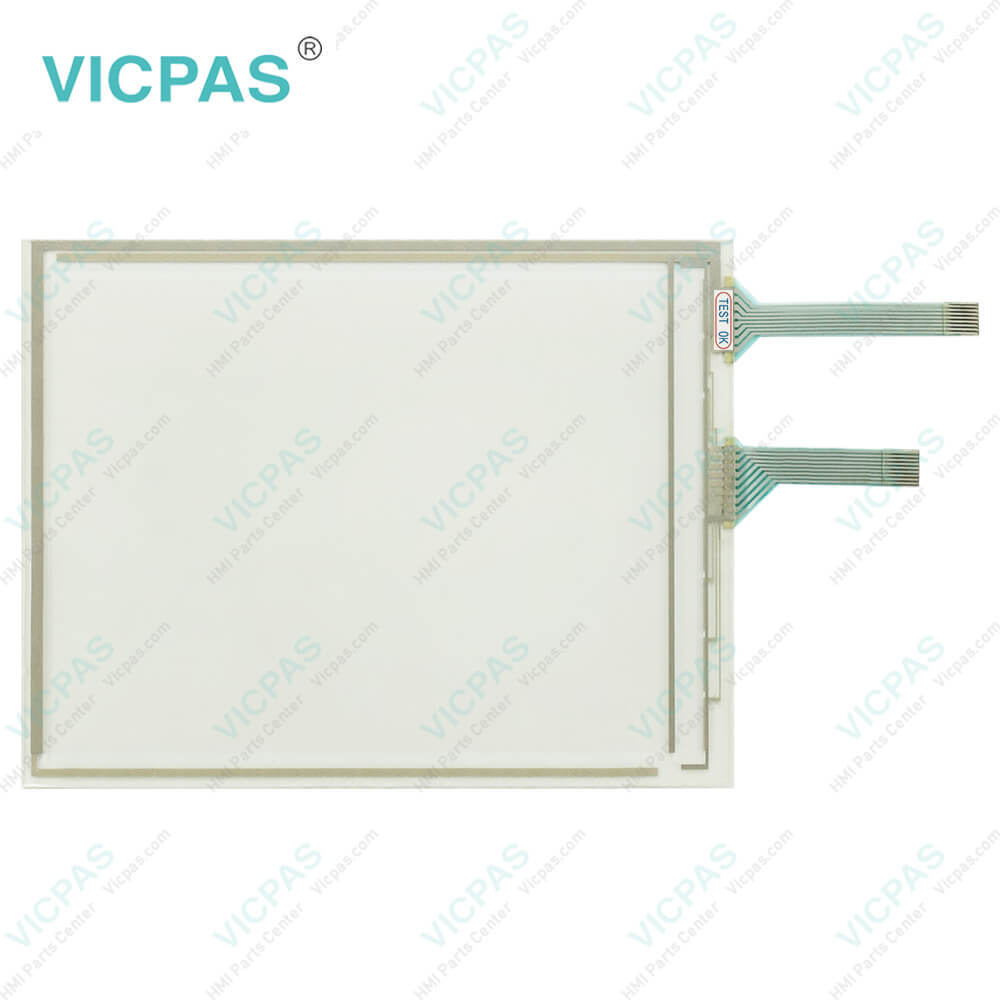
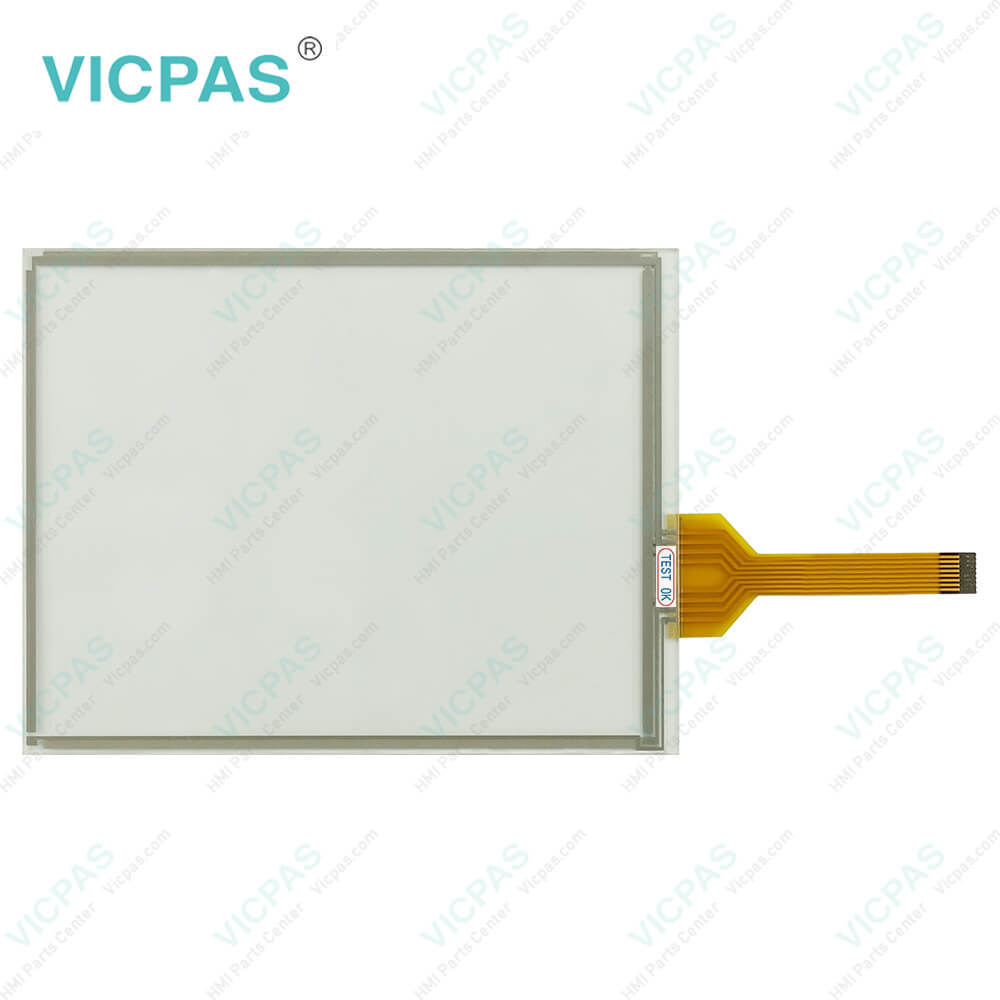
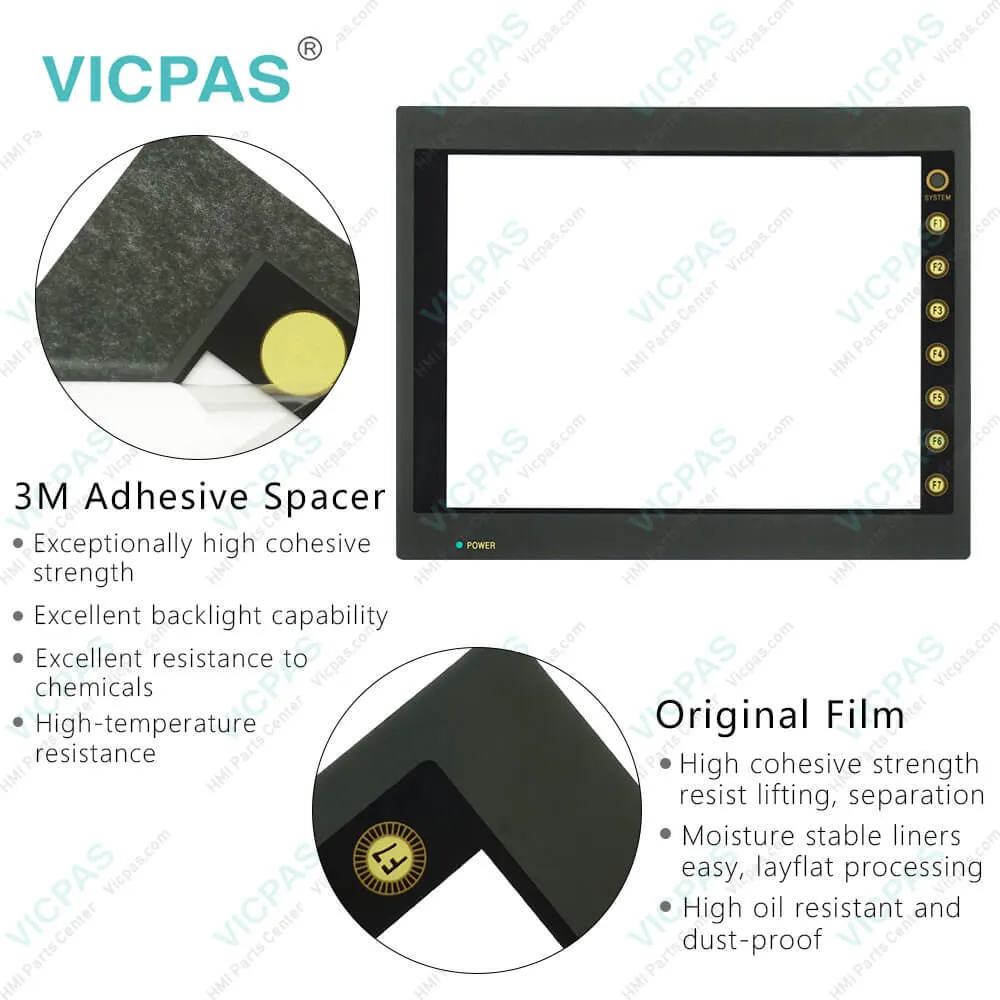
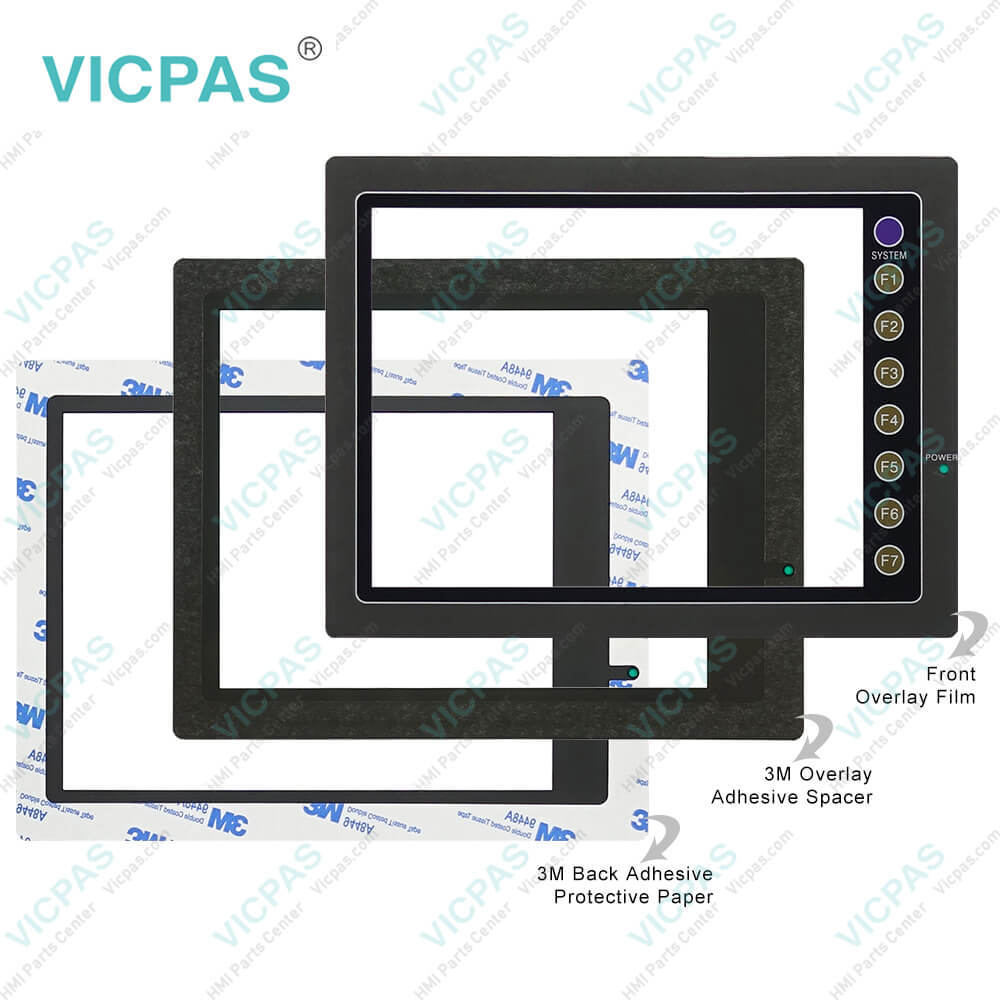
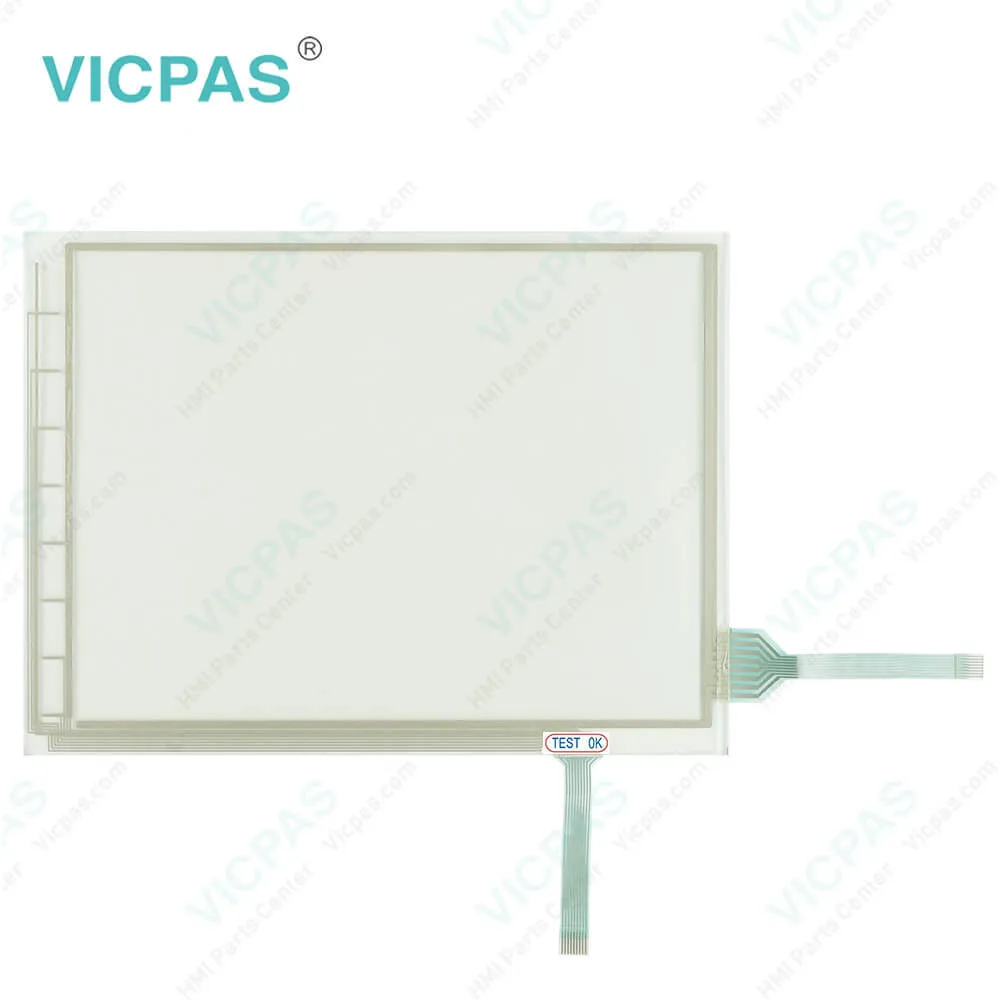
| categories | FUJI UG Series |
|---|---|
| Model | UG520H-VC1 UG520H-VC1M UG520H-VC1MZU UG520H-VC1ZU |
| Warranty | 365 Days |
| Shipping | DHL/FedEx/UPS/TNT/EMS/Aramex /DPEX |
| FOB port | Guangzhou, Shenzhen, Hongkong |
| Terms of Payment | Western Union, MoneyGram, T/T, Paypal, PayPal, Credit Card |
| Update Time | 2026-01-31 01:42:21 |
Shipping
Specifications:
| Backlight: | LED |
| Display Resolution: | 800 x 600 Pixels |
| Display Size: | 12.1 inch |
| Product Line: | UG520H series |
| Touch Screen: | Analog |
| Brand: | VICPAS |
| Power Consumption: | 24V DC |
| Storage Device: | Dedicated memory card |
| Storage Temperature: | -10 °C ~ +60 °C |
| Warranty: | 365 Days |
Related BB Teach Pendant Part No.:
| UG520H-VC1 UG520H-VC1M UG520H-VC1MZU UG520H-VC1ZU | Description | Inventory status |
| UG520H-SC4 | Fuji Hakko UG20 Series Touch Screen Glass Protective Film Repair | Available Now |
| UG520H-SC4M | Fuji Electric UG20 Series Front Overlay Touch Screen Panel Repair | In Stock |
| UG520H-SC4MZE | Fuji Hakko UG20 Series HMI Protective Film Touch Panel Replacement | In Stock |
| UG520H-SC4MZU | Fuji Electric UG20 Series MMI Front Overlay Touch Glass Replacement | In Stock |
| UG520H-SC4x | Fuji Electric UG20 Series Touch Digitizer Glass Front Overlay Repair | Available Now |
| UG520H-SC4x1 | Fuji Electric UG20 Series Front Overlay Touch Screen Monitor Repair | In Stock |
| UG520H-SC4x1D | Fuji Hakko UG20 Series HMI Panel Glass Protective Film Repair | Available Now |
| UG520H-SC4xD | Fuji Electric UG20 Series Touch Digitizer Protective Film Replacement | In Stock |
| UG520H-SC4ZE | Fuji Electric UG20 Series MMI Touch Membrane Front Overlay Repair | In Stock |
| UG520H-SC4ZU | Fuji Electric UG20 Series Protective Film HMI Touch Glass Repair | Available Now |
| UG520H-VC1 | Fuji Hakko UG20 Series Touch Screen Protective Film Replacement Repair | Available Now |
| UG520H-VC1M | Fuji Electric UG20 Series Front Overlay MMI Touch Screen Replacement | In Stock |
| UG520H-VC1MZU | Fuji Hakko UG20 Series Protective Film Touch Panel Replacement | In Stock |
| UG520H-VC1x | Fuji Electric UG20 Series HMI Front Overlay Touchscreen Replacement | In Stock |
| UG520H-VC1x1 | Fuji Hakko UG20 Series Touch Screen Glass Protective Film Repair | Available Now |
| UG520H-VC1x1D | Fuji Electric UG20 Series Touch Digitizer Front Overlay Replacement | In Stock |
UG520H-VC1 UG520H-VC1M UG520H-VC1MZU UG520H-VC1ZU Touchscreen Front Overlay PDF Download:
FAQ:
Question: I'd like to learn more about maintenance and upkeep for Fuji UG20 Series HMI devices. Any maintenance tips to prolong the device's lifespan?
Answer: Regularly cleaning the device surface, maintaining good ventilation, and preventing dust and liquids from entering the device's interior are key to extending device lifespan. You should also routinely check device connections and power supplies, and promptly repair and replace damaged components.
Question: I noticed the screen display on my Fuji UG20 Series HMI device is unclear or has color distortion. What could be the reason?
Answer: Unclear screen display or color distortion may be caused by screen damage, connection issues, or incorrect device settings. You can try re-connecting the device, adjusting display settings, or replacing the screen to resolve the issue. If the problem persists, please contact our technical support team for further diagnosis and resolution.
Question: I recently purchased a Fuji UG20 Series UG520H-VC1 UG520H-VC1M UG520H-VC1MZU UG520H-VC1ZU Front Overlay Touchscreen but unsure how to properly set up and configure the device. Any suggestions?
Answer: You can first refer to the device's user manual, which provides detailed setup and configuration guides. Additionally, you can contact our customer service team for further assistance and support, and they'll be happy to provide guidance and advice.
Common misspellings:
UG520H-VC1
UG520H-VC1M
UG520H-VC1MZU
UG520H-VC1Z
UG520H-VCMZU
UG520H-VC1ZU
GU520H-VC1MZU
UG52oH-VC1M
UG520HH-VC1

- Mobile Phone
- *Title
- *Content
 Fast Quote
 Fast Quote
 Worldwide Shipping
 12 Months Warranty
 Customize Service